BUYING GUIDE
Gaming
Hall Effect Keyboard Terms: Actuation and Rapid Trigger
Hall Effect Keyboard Terms describe different controls, including actuation point and Rapid Trigger, that are easier to choose when each function is.
AS
AX Store
Hall Effect Keyboard Terms: the essentials
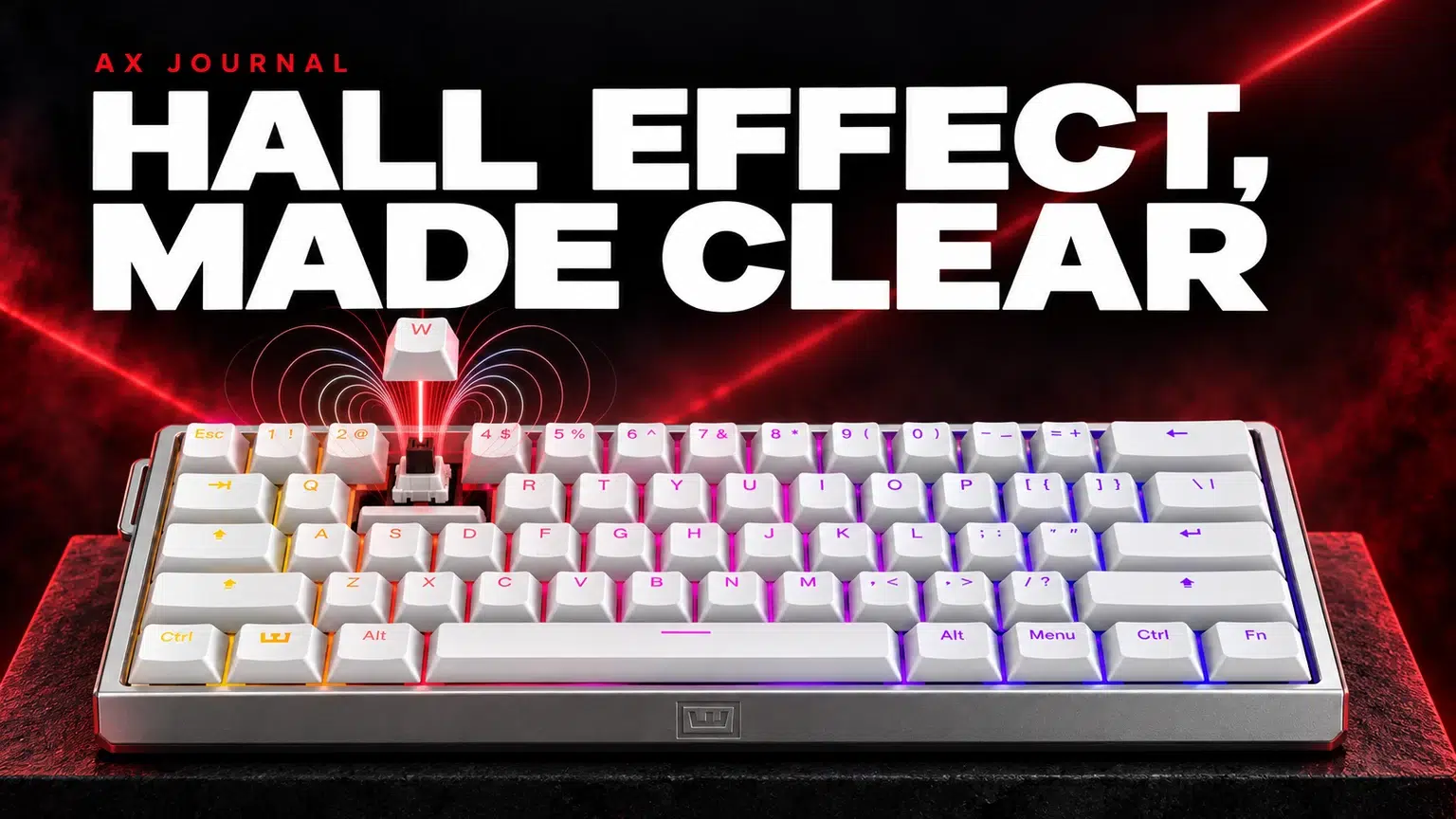
Hall Effect Keyboard Terms describe different controls, including actuation point and Rapid Trigger, that are easier to choose when each function is understood separately.
Hall Effect and analog sensing
A Hall Effect keyboard uses magnetic sensing to read key movement in its supported design. Analog information can describe more than a simple pressed / released state, allowing compatible firmware to provide adjustable behaviour.
That sensing principle does not make every keyboard or magnetic switch interchangeable. The complete switch, sensor, firmware and calibration design still matters. Check the exact model’s supported replacement switches rather than assuming every Hall Effect switch fits every board.
Actuation point: when a key becomes an input
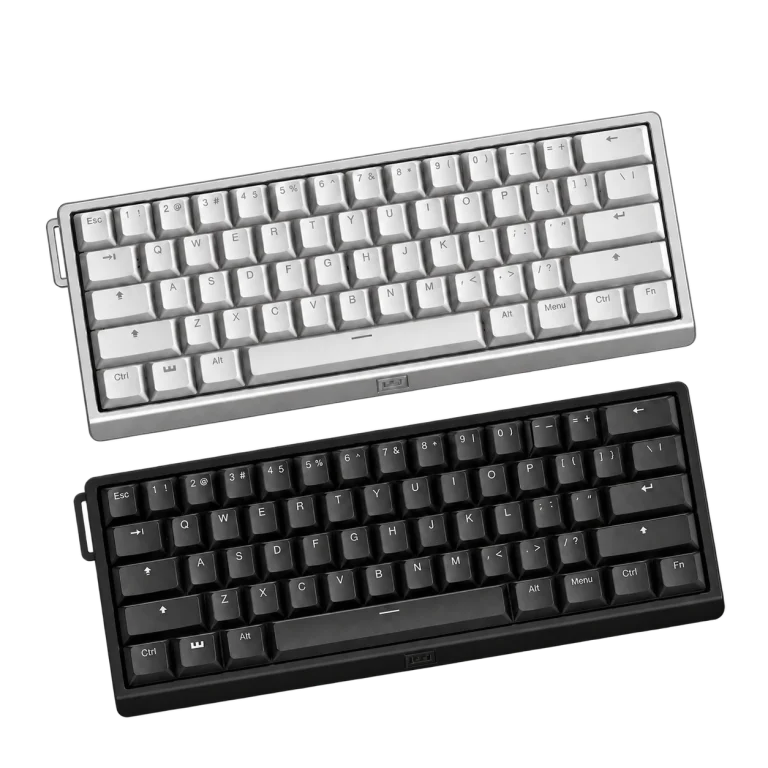
Actuation is the point at which the system registers the assigned input. On a supported keyboard such as Wooting 60HE v2, it can be configured per key within the documented range.
A shallow setting reduces required movement but can also register unintended presses from resting fingers. Choose it around control, not just the smallest available number. A typing profile and a gaming profile can use different choices for sensible reasons.
Rapid Trigger: how a key resets
Rapid Trigger makes reset and reactivation respond to movement instead of relying only on one fixed reset point. It is a different control from the initial actuation setting. Wooting’s setup guide explains its activation and supported behaviour.
Begin with a small set of movement keys and a deliberate setting. Practise normal stops and releases before making the whole keyboard more sensitive. If unexpected inputs appear, inspect the setting and physical key movement rather than assuming more sensitivity is always beneficial.
Polling, scan rate and the complete input path
| Term | Question it answers | What it does not establish alone |
|---|---|---|
| Scan behaviour | How the keyboard reads keys | The full delay of a game action |
| USB polling / report rate | How frequently reports reach the host | The game’s frame rate |
| Actuation configuration | How much movement registers an input | The correct setting for every player |
| End-to-end response | How the whole system reacts | A value obtained from one isolated headline specification |
When a manufacturer describes synchronised scanning and reporting, read the exact mode requirements. A headline report rate is not a substitute for the rest of the keyboard, computer and game path. Keep performance settings stable while comparing key behaviour.
SOCD and input priority are separate from Rapid Trigger
Simultaneous opposite-direction input handling decides what happens when opposing keys are held together. Wooting’s Snappy Tappy and Rappy Snappy features provide specific supported behaviours; they should not be treated as another name for Rapid Trigger.
Game and event rules can restrict input-priority or automation features. Check the current rules before enabling them for a particular title or competition. A feature appearing in the configuration software is not proof that it is permitted in every environment.
DKS, Mod Tap and function layers
Dynamic Keystroke assigns actions to stages of key travel in the supported implementation. Mod Tap distinguishes a tap from a hold. A function layer gives keys alternative assignments when the relevant layer is active. These are different ways to organise controls.
Use advanced assignments to solve a defined problem, such as reaching a command on a compact layout. Test a simple assignment first and keep a note of it. A complicated profile that you cannot explain is harder to troubleshoot during a game or a normal work task.
Onboard profiles and software
An onboard profile stores supported settings on the keyboard. Configuration software provides the controls used to create and manage those settings. Check the exact model’s documentation for what is stored and what functions still depend on software.
Name profiles by purpose, such as typing or a particular game, and keep a dependable general profile available. After a change, test the keyboard in the intended application. A setting that behaves well in a configuration tester may need a different assignment in the game.
Use the glossary to choose the keyboard size
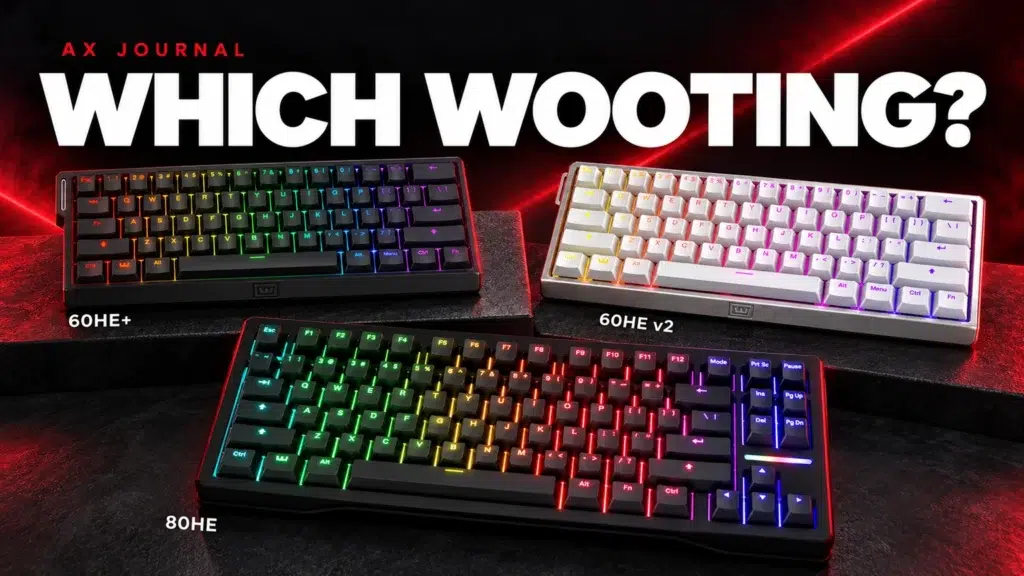
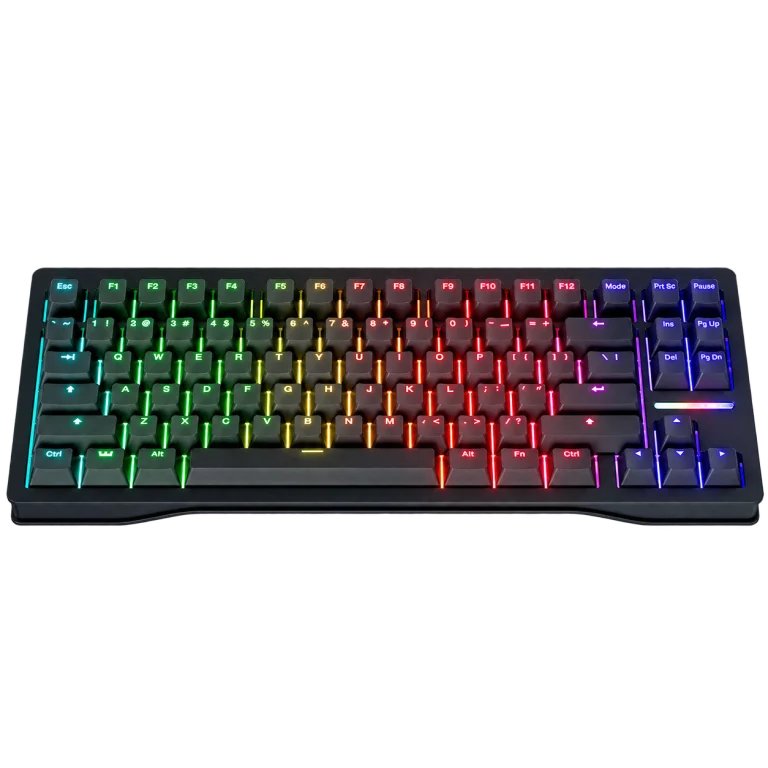
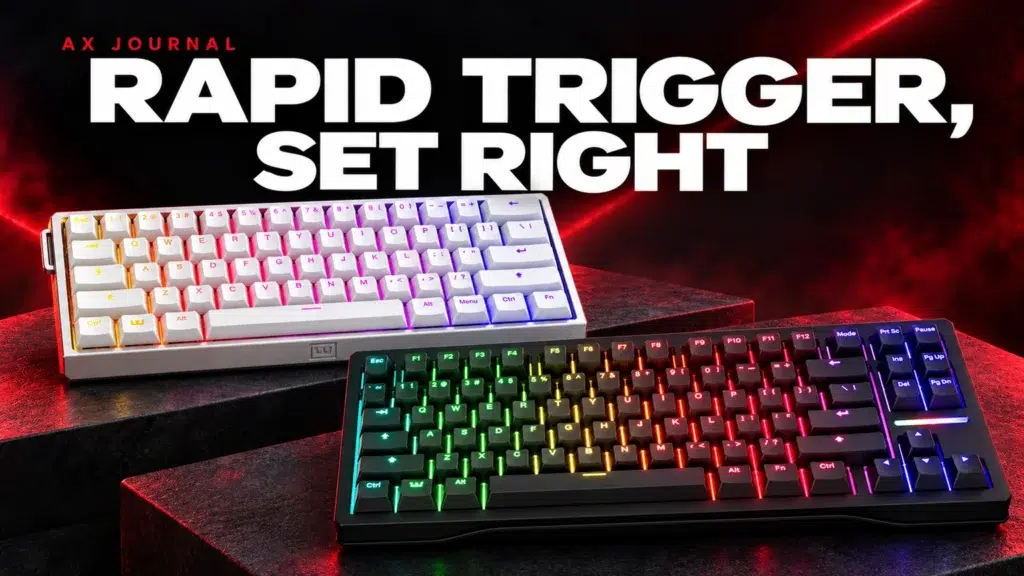
The 60HE v2 and 80HE illustrate that input features and physical layout are separate choices. Decide how much mouse space you need and which physical keys you use regularly, then compare the exact model’s supported features.
Use the Rapid Trigger setup guide for a practical baseline and the existing Wooting buying guide for layout selection. For the other hand, the mouse sensitivity guide explains a similarly useful approach: understand the controls, establish a baseline and change one variable at a time.
Frequently asked questions
Are Rapid Trigger and SOCD the same?
No. Rapid Trigger concerns key reset and reactivation; SOCD handling concerns simultaneous opposing-direction inputs.
Is the lowest actuation setting always best?
No. A very shallow point can create unintended presses. Match the setting to your control and purpose.
Can every magnetic switch be used in every Hall Effect keyboard?
No. Check the exact keyboard’s supported switches and requirements. The sensing principle alone does not establish compatibility.
Continue planning your setup
- Wooting Rapid Trigger Settings: Build a Reliable FPS Profile
- Modern Warfare 4 PC Setup in Kuwait: SUPERSTRIKE X3, Wooting and Desktop Audio
- DPI, eDPI and cm/360: Set Your Mouse Sensitivity
Related guide: Wooting keyboard buying guide.
Shop the equipment in Kuwait
AX price check, 26 October 2026: Wooting 60HE v2 60% Gaming Keyboard, Aluminium — KWD 99.900 (in stock); Wooting 80HE Rapid Trigger Gaming Keyboard, PCR Black — KWD 97.900 (out of stock). The product cards show the current price and availability when you shop.
Explore Wooting at AX Kuwait for the rest of the range.
AS


Build a setup that fits how you use it
Tell AX your exact models and what you want to do. We can help match the equipment and connections.