Wooting
Wooting 60HE+ 60% Rapid Trigger Gaming Keyboard, Black
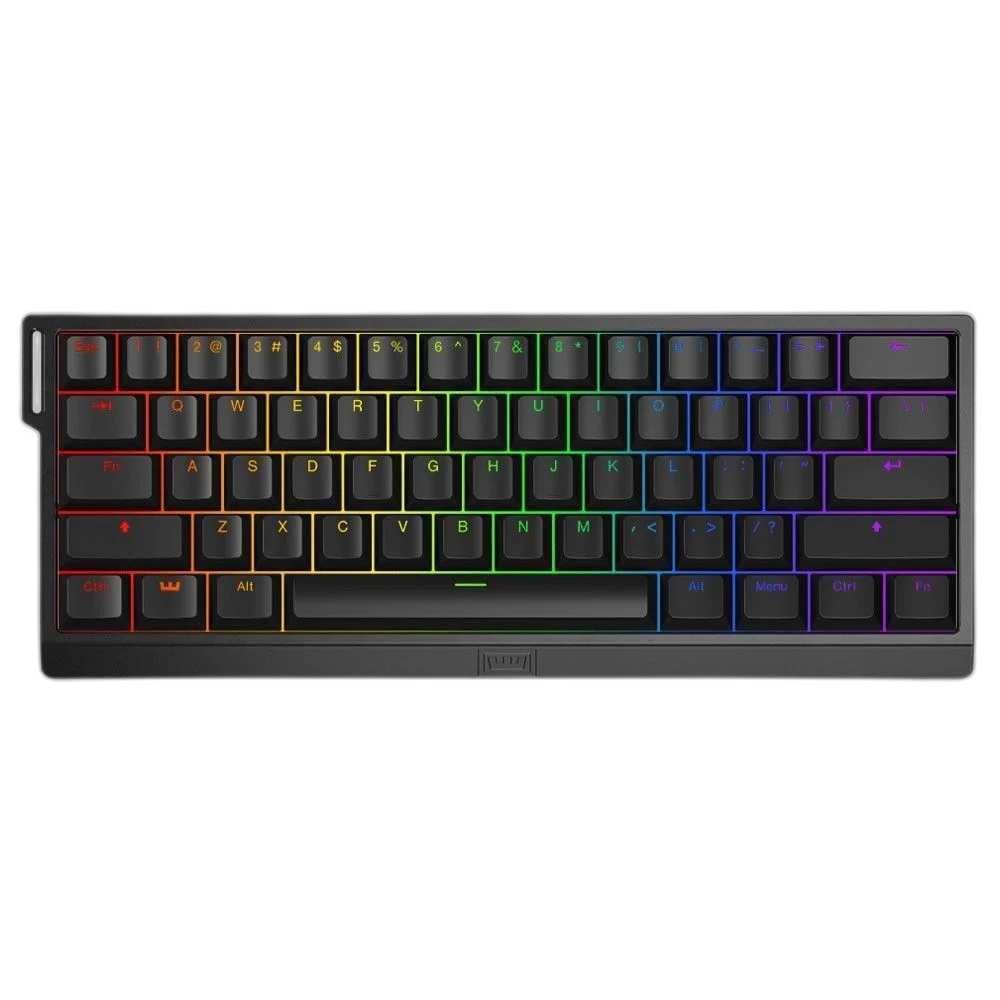
Wooting 60HE+ combines a compact 60% layout with Lekker L60 Hall Effect switches, adjustable actuation and Rapid Trigger. Its wired USB-C connection and Wootility configuration support a keyboard setup built around how deeply each key is pressed.
Regular price
84.000 KWD
or 4 payments of 21.000 KWD with
Pay with card & save


79.900 KWD
Save 4.100 KWD
Overview
WOOTING 60HE+ — BLACK
Wooting 60HE+ — Black
Wooting 60HE+ — Black: Wooting 60HE+ combines a compact 60% layout with Lekker L60 Hall Effect switches, adjustable actuation and Rapid Trigger. Its wired USB-C connection and Wootility configuration support a keyboard setup built around how deeply each key is pressed. Explore this model at AX Store in Kuwait.
60%
Keyboard layout
L60
Lekker magnetic switches
0.1 mm
Actuation adjustment step
USB-C
Wired connection
A Compact 60% Keyboard
The sixty-percent layout removes the separate function row, number pad and navigation cluster to create a compact typing and gaming area. Additional functions are accessed through the keyboard’s configured layers. Choose the layout around the shortcuts used every day and the mouse space needed beside the keyboard.
Lekker L60 Hall Effect Switches
The prebuilt 60HE+ uses Lekker L60 magnetic switches. Hall Effect sensing tracks switch movement rather than using a conventional metal-contact actuation mechanism. Match replacement switches to the keyboard’s actual supported magnetic-switch system; conventional mechanical, optical and other Hall Effect switches are not automatically interchangeable just because their housings look similar.
Adjust Actuation in 0.1 mm Steps
The supported actuation settings can be adjusted in steps of one tenth of a millimetre through the key travel, with the documented range extending to four millimetres. Set individual keys around the way they are used. A more sensitive setting needs less movement, so check for unintended key presses when changing a profile.
Rapid Trigger and Analogue Movement
Rapid Trigger lets the key reset around its movement rather than relying on a single fixed reset position. The analogue sensing also supports the keyboard’s available analogue functions in appropriate games and applications. Choose features that fit the software being used and check the resulting controls in that application.
Configure Profiles in Wootility
Wootility provides the supported configuration route for actuation, key behaviour and available profiles. Keep a configuration suited to the current game or work task, then check the key mappings and function layers after editing. Confirm that the intended profile is active before checking the controls in the application.
A Wired USB-C Desk Connection
The prebuilt keyboard uses a wired USB Type-C connection, with a two-metre USB-C to USB-A cable in the manufacturer’s package description. Route the lead with clearance at both sockets and leave enough slack to move the keyboard. The detachable lead helps arrange the connection around a laptop or desktop setup.
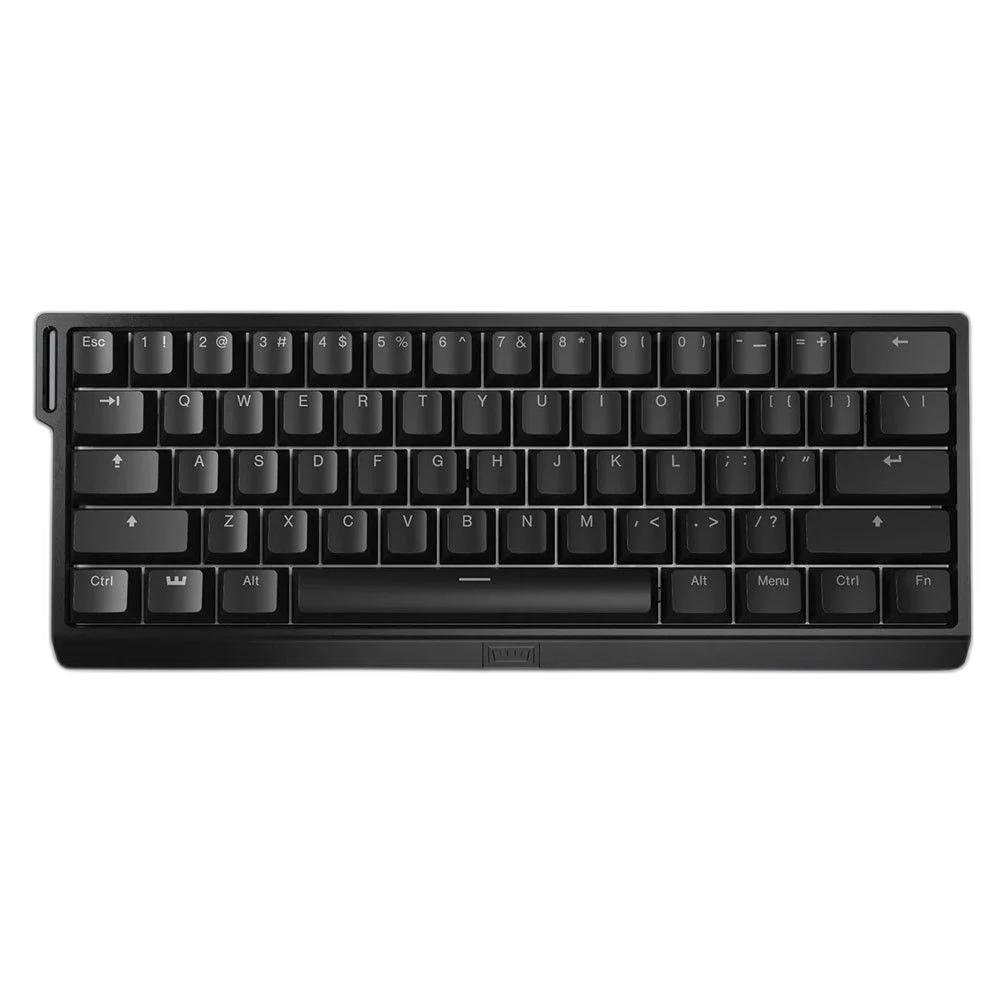
Choose Your Keyboard and Mouse Arrangement
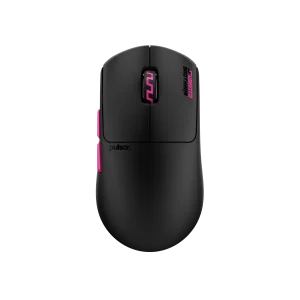
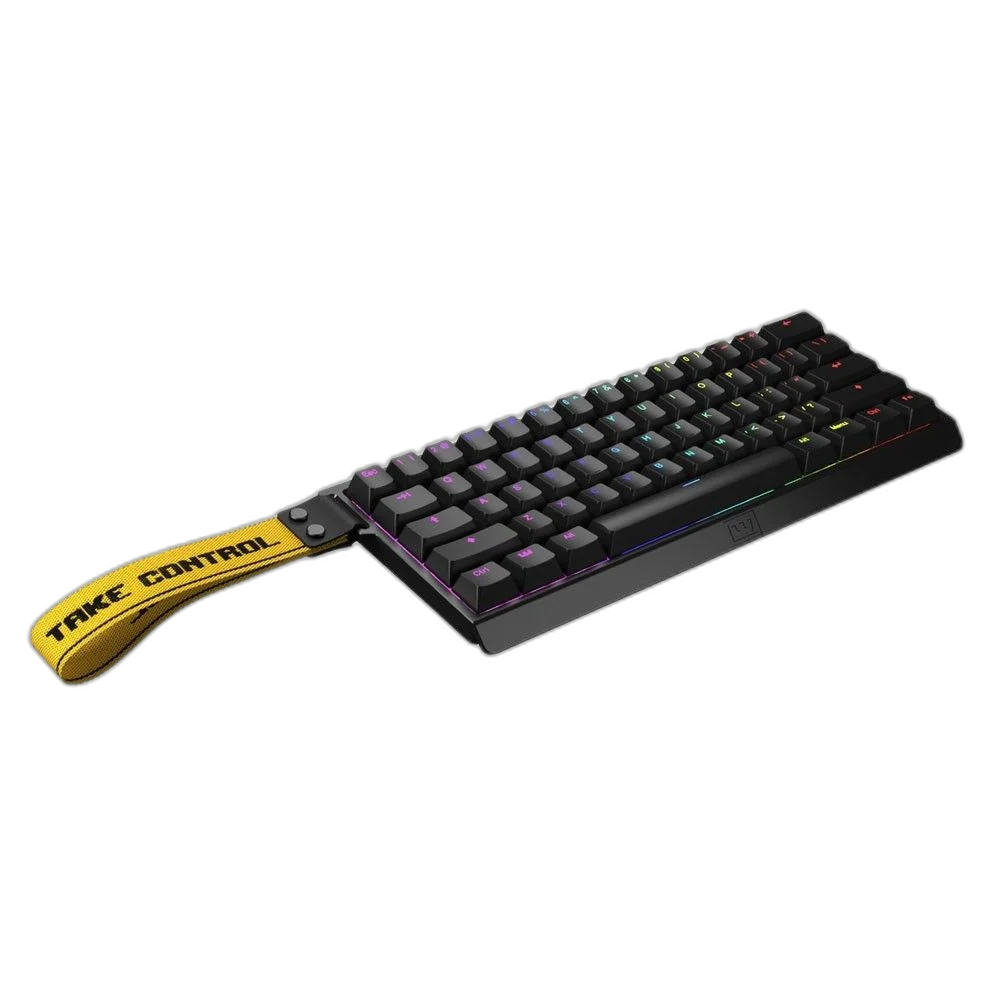
Choose the layout, switch type, key language and connection that suit your work and games. Measure the space left for mouse movement; a different keyboard format changes the desk arrangement as well as the keys available. Compare related options such as GravaStar Mercury V75 Pro 75% Hall Effect Gaming Keyboard, Neon Graffiti or Razer BlackWidow V4 Pro Wired Mechanical Gaming Keyboard, Black, keeping the exact model and configuration in the decision. For the wider setup, explore Ninjutso Sora Wireless Gaming Mouse, 43 g and check the connection, size or mounting requirements before pairing accessories. Browse the Wooting range at AX for more choices.
Wooting 60HE+ — Black Setup Choices
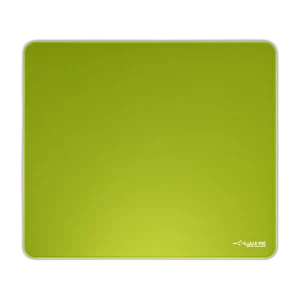
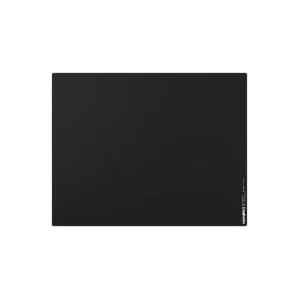
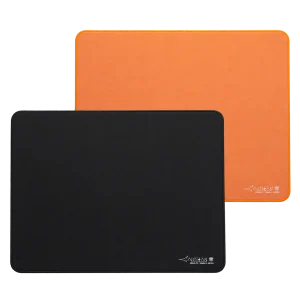
Choose the layout, switch type, key language and connection that suit your work and games. Measure the space left for mouse movement; a different keyboard format changes the desk arrangement as well as the keys available. Explore ARTISAN NINJA FX ZERO Gaming Mousepad – SOFT/XSOFT, XL/XXL, ARTISAN NINJA FX TYPE-99 SOFT XL Mousepad – Matcha, Pulsar Superglide V3 Glass Mousepad - Type S.
Frequently Asked Questions
Is this the 60HE v2?
No. It is the original 60HE+ platform.
Which switches are specified?
Lekker L60 magnetic Hall Effect switches.
How is actuation adjusted?
Use Wootility and the supported 0.1 mm adjustment steps.
Does every game use analogue input?
No. Game and application support determine how analogue functions can be used.
Can ordinary mechanical switches be fitted as direct replacements?
No. Follow the keyboard’s supported magnetic-switch compatibility requirements.
Build Your Setup with AX Store
Explore computers, displays and accessories for your workspace at AX Store. For help choosing the right model or checking an accessory, contact AX Store.
Complete Your Setup
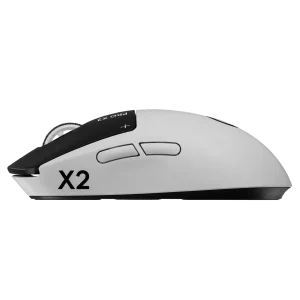
Explore equipment for your workspace: Logitech G PRO X2 SUPERSTRIKE Wireless Gaming Mouse, ARTISAN NINJA FX HIEN SOFT XL Gaming Mouse Pad, Finalmouse UltralightX Lion Wireless Gaming Mouse – Medium.
THE DETAILS
Technical specifications
Product Specifications
Wooting 60HE+ — Black
60HE+
60%
Lekker L60
Hall Effect magnetic
Adjustable actuation; Rapid Trigger
0.1 mm
Through travel up to 4 mm
Wootility
Wired USB-C
USB-C to USB-A 2.0; 2 m
Black
Prebuilt keyboard, not standalone PCB module
Product identification
Wooting
WK3C-USSP1-TIK-BK2
COMPLETE YOUR SETUP
Pairs well with