ASUS
ASUS ROG Swift PG27UCDM 27 inch 4K QD-OLED 240Hz Monitor
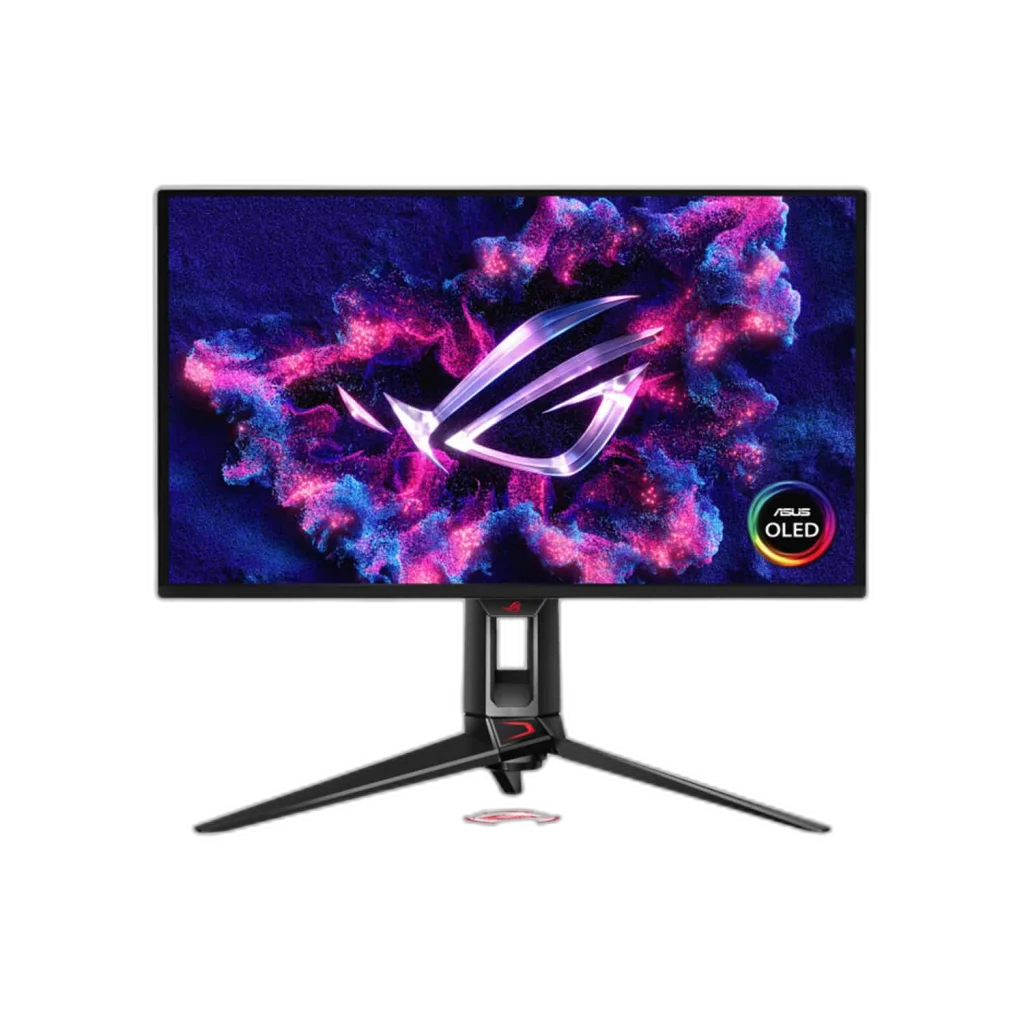
The ASUS ROG Swift OLED PG27UCDM is a 27-inch-class 4K QD-OLED monitor with 240Hz refresh and 0.03ms GtG response. It adds DisplayPort 2.1, HDMI 2.1, USB-C 90W, a KVM switch and a fully adjustable stand.
Regular price
379.000 KWD
or 4 payments of 94.750 KWD with
Overview
ASUS ROG SWIFT PG27UCDM 27 INCH 4K QD-OLED 240HZ MONITOR
ASUS ROG Swift OLED PG27UCDM
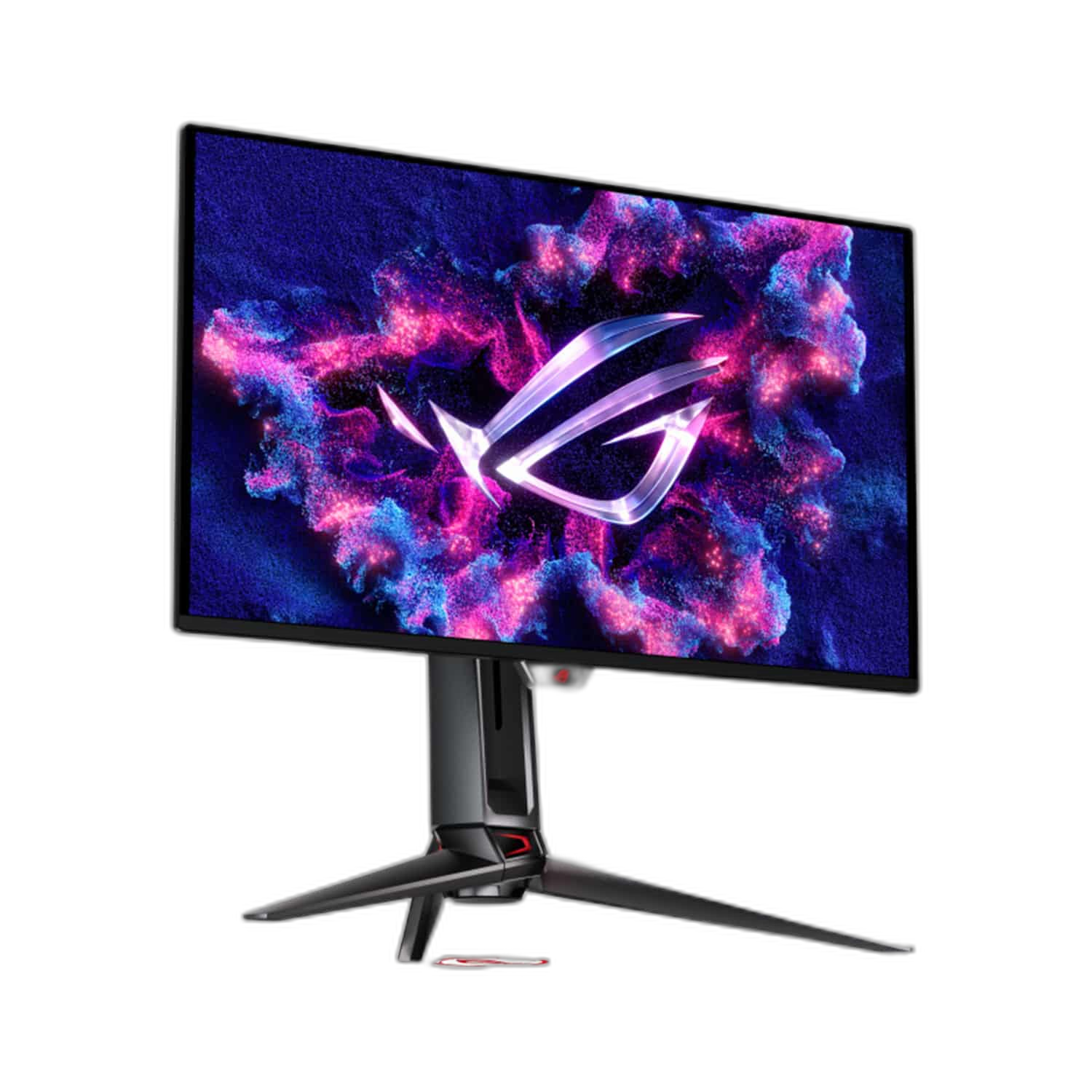
ASUS ROG Swift OLED PG27UCDM: The PG27UCDM brings 3840 × 2160 resolution to a compact 27-inch-class QD-OLED display. A 240Hz refresh rate and 0.03ms GtG response combine sharp detail with responsive gaming motion. Explore this model at AX Store in Kuwait.
26.5 inch
Viewable Display Diagonal
3840 × 2160
Native Resolution
240Hz
Listed Refresh and Input Conditions
QD-OLED
Panel Technology
QD-OLED colour and HDR
Enjoy 99% DCI-P3 coverage, 10-bit colour and a 1,500,000:1 typical contrast ratio. HDR10, Dolby Vision and DisplayHDR True Black 400 support provide flexible HDR options. ASUS OLED Care and the Neo Proximity Sensor add panel-care features.
Modern connections and full adjustment
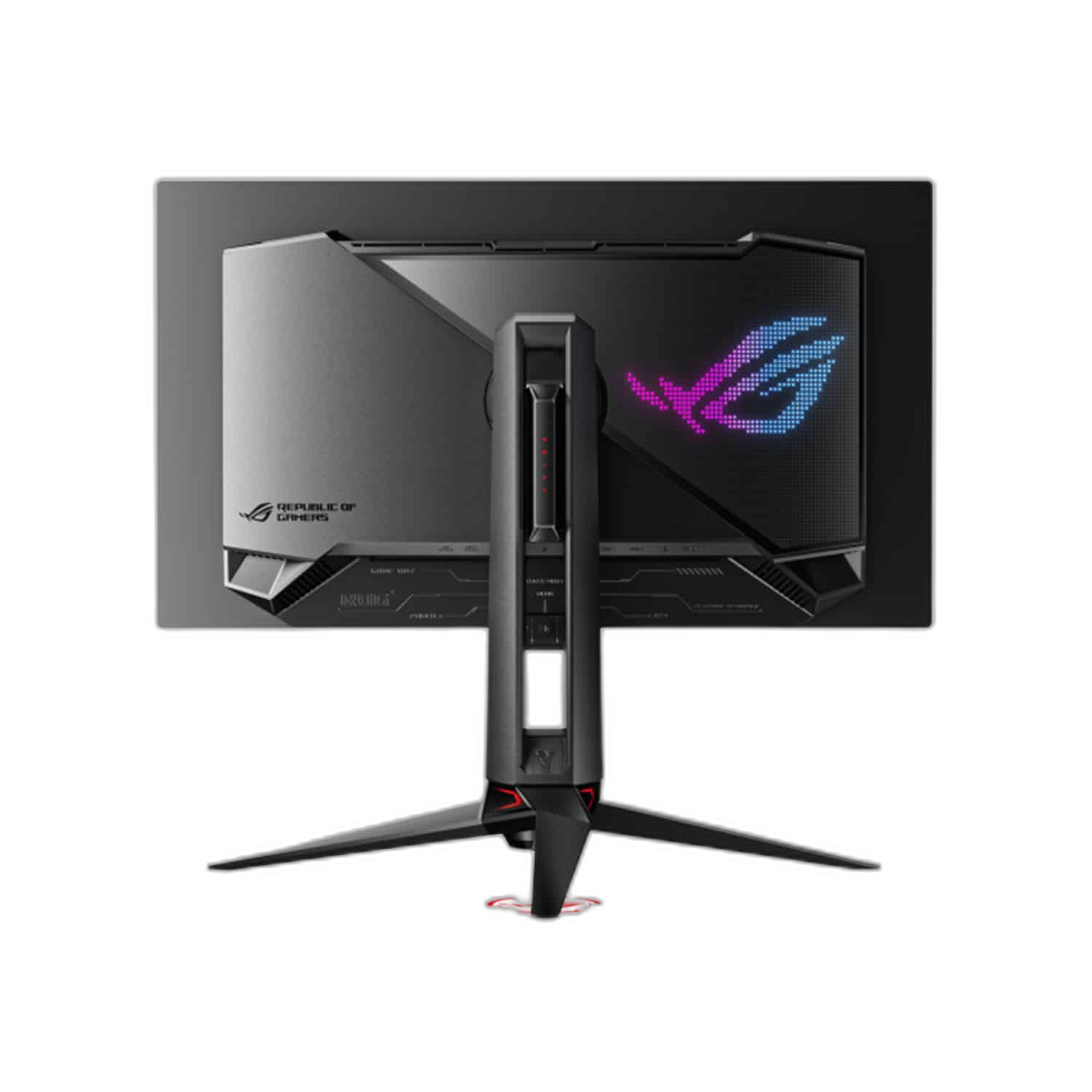
DisplayPort 2.1, dual HDMI 2.1 inputs and USB-C with up to 90W power delivery connect your devices. A KVM switch and three USB Type-A ports support shared peripherals. The stand adjusts in height, tilt, swivel and pivot.
Plan Your Screen Area
The display specification is 26.5 inches (27-inch class), with 3840 × 2160 resolution. Compare the screen area and aspect ratio with your usual games and desktop work, leaving room on the desk for a comfortable viewing position.
Use Supported Variable-Refresh Settings
The listed adaptive-refresh support is G-SYNC Compatible; FreeSync Premium Pro. Check your graphics source, input and driver settings for the supported feature you want to use, keeping variable refresh separate from the monitor’s maximum fixed refresh specification.
Read Response Time with Its Measurement
The stated response-time reference is 0.03ms GtG. Keep the measurement and any minimum or mode qualification attached to that figure when comparing monitors; response time and refresh rate describe different parts of how a display behaves.
Use the Included Panel-Care Tools
The listed panel-management features are ASUS OLED Care; Neo Proximity Sensor. Follow the manufacturer’s operating and care instructions for this display, and use its supported maintenance functions as part of your normal setup rather than assuming every panel uses the same routine.
Plan the Display and the Rest of Your Desk
Compare resolution, refresh rate, screen size and the input you will actually use. Match the computer or console output to the chosen display mode, and leave room for the monitor stand and mouse movement. Compare related options such as ASUS ROG Swift OLED PG27AQWP-W 27 inch 540Hz Gaming Monitor or ASUS ROG Strix XG27ACDMS 27 inch QHD 280Hz Gaming Monitor, keeping the exact model and configuration in the decision. For the wider setup, explore ASUS ROG HARPE ACE EXTREME Wireless Gaming Mouse and check the connection, size or mounting requirements before pairing accessories. Browse the ASUS range at AX for more choices.
ASUS ROG Swift OLED PG27UCDM Setup Choices
Compare resolution, refresh rate, screen size and the input you will actually use. Match the computer or console output to the chosen display mode, and leave room for the monitor stand and mouse movement.
Frequently Asked Questions
What size, panel and resolution does this display use?
26.5 inches (27-inch class). QD-OLED panel technology. Native resolution: 3840 × 2160.
What refresh modes and input limits apply?
Refresh rate: 240Hz. Available modes also depend on your source, input, cable and supported settings.
Which video and USB connections are listed?
Inputs: 1 × DisplayPort 2.1; 2 × HDMI 2.1 FRL; 1 × USB-C DP Alt Mode. USB-C power delivery: 90W. USB hub: 3 × USB 3.2 Gen 1 Type-A. KVM: Supported.
What stand adjustment and mounting options are specified?
Stand: Tilt −5° to +20°; swivel ±30°; pivot ±90°; height 110mm. VESA mount: 100 × 100 mm.
How is response time specified?
0.03ms GtG.
What HDR support is listed?
HDR10; Dolby Vision; DisplayHDR True Black 400.
Build Your Setup with AX Store
Explore computers, displays and accessories for your workspace at AX Store. For help choosing the right model or checking an accessory, contact AX Store.
THE DETAILS
Technical specifications
Display specifications
ASUS ROG
Swift OLED PG27UCDM
26.5 inches (27-inch class)
QD-OLED; anti-reflection
3840 × 2160
16:9
240Hz
0.03ms GtG
DCI-P3 99%; sRGB 145% colour-space volume
10-bit; 1.0737 billion colours
Up to 1000 cd/m²; varies with calibration and conditions
1,500,000:1 typical
HDR10; Dolby Vision; DisplayHDR True Black 400
G-SYNC Compatible; FreeSync Premium Pro
1 × DisplayPort 2.1; 2 × HDMI 2.1 FRL; 1 × USB-C DP Alt Mode
90W
3 × USB 3.2 Gen 1 Type-A
Supported
ASUS OLED Care; Neo Proximity Sensor
Headphone jack; no built-in speakers
Tilt −5° to +20°; swivel ±30°; pivot ±90°; height 110mm
100 × 100 mm
610.3 × 549.5 × 218.8 mm
Approximately 7.62 kg
COMPLETE YOUR SETUP
Pairs well with