ASUS
ASUS ROG Swift OLED PG27AQWP-G Edition 20 27" Gaming Monitor - QHD 540Hz / HD 720Hz
ASUS ROG Swift OLED PG27AQWP-G EDITION 20 with a 26.5-inch viewable Tandem WOLED panel, 2560 × 1440 resolution and 2560 × 1440 at 540 Hz; HD mode at 720 Hz. Features a TrueBlack Glossy surface, video inputs and a height-adjustable stand with 100 × 100 mm VESA mounting.
Overview
ASUS ROG SWIFT OLED PG27AQWP-G EDITION 20
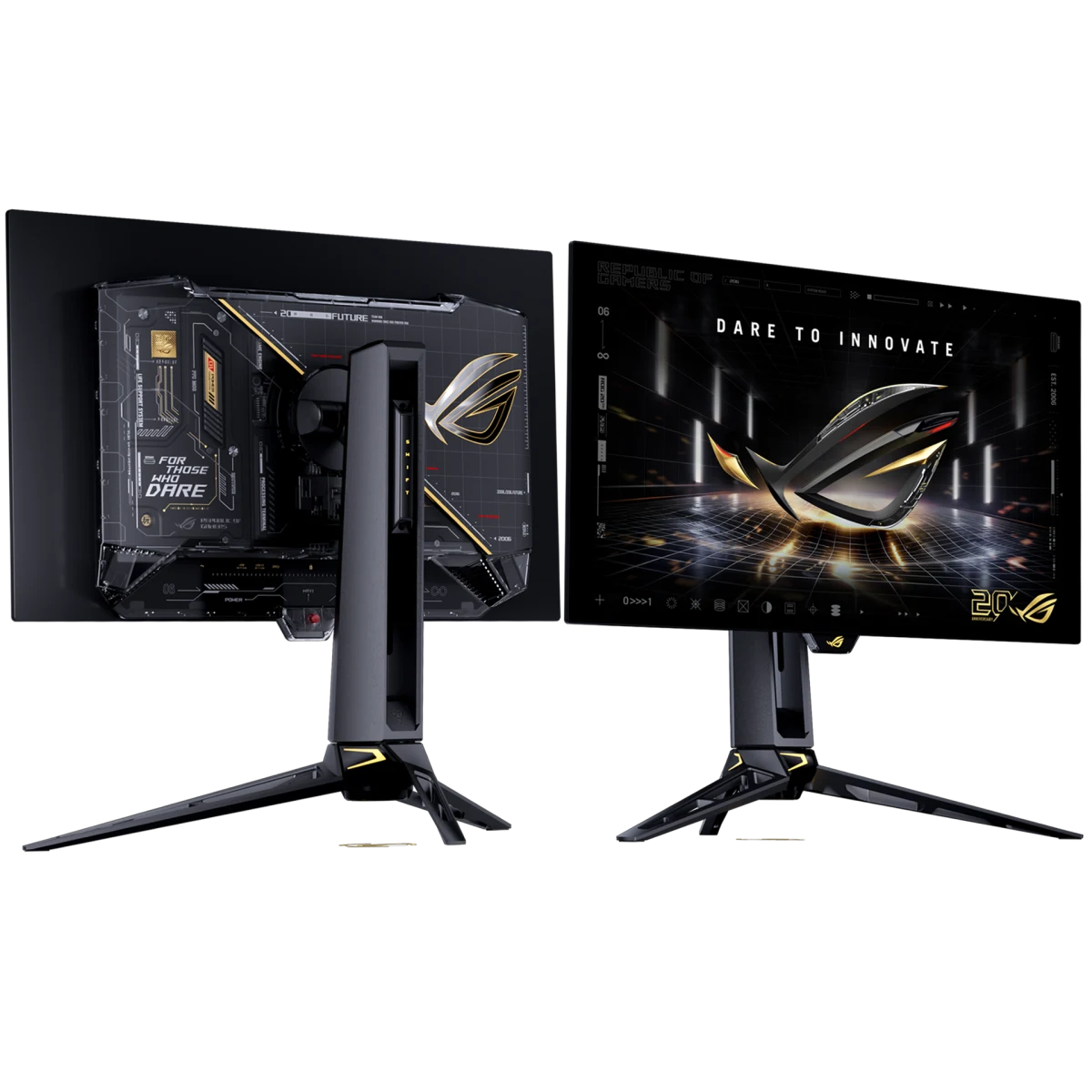
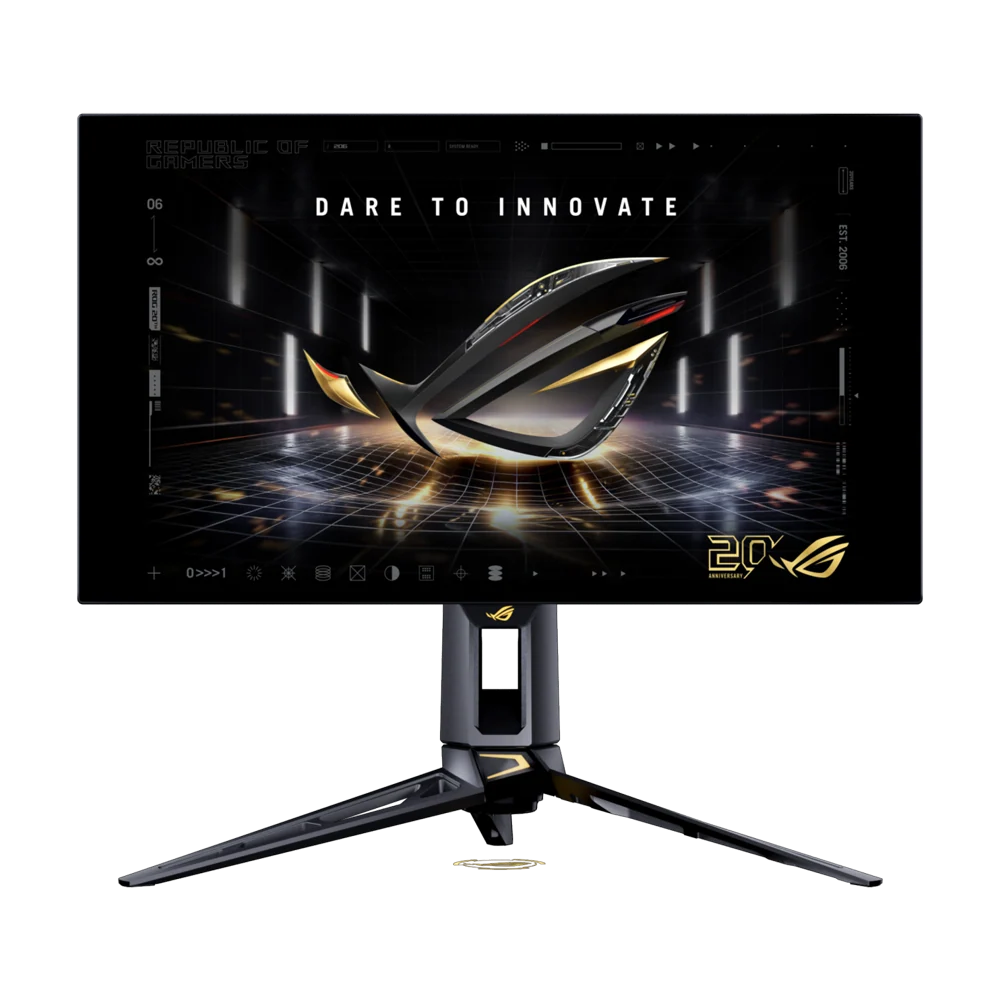
ASUS PG27AQWP-G Edition 20
ASUS PG27AQWP-G Edition 20: ASUS ROG Swift OLED PG27AQWP-G EDITION 20 combines a 26.5-inch viewable Tandem WOLED screen with a 2560 × 1440 resolution and a TrueBlack Glossy surface. Its display modes, video inputs and adjustable stand give you concrete choices when arranging a gaming desk. Compare the exact resolution, refresh combinations and connection requirements below, then configure the monitor around your compatible computer and the way you prefer to play. Available from AX Store in Kuwait.
26.5 inch
Display Diagonal
2560 × 1440
Resolution
540Hz
Listed Maximum Refresh
WOLED
Panel Technology
Panel, Resolution and Surface
The 26.5-inch viewable Tandem WOLED panel uses a TrueBlack Glossy surface in the special Edition 20 design. Its native 2560 × 1440 resolution is paired with a 16:9 format. ASUS lists 99.5% DCI-P3 color space, 10-bit display colors and VESA DisplayHDR 500 True Black certification among the screen’s color and HDR specifications.
Refresh Modes and Response Time
Dual Mode offers QHD at up to 540 Hz or HD visuals at up to 720 Hz. The higher-refresh option changes the resolution, giving you two distinct operating choices. A specified 0.02 ms gray-to-gray response complements the OLED design. Select the resolution and refresh combination supported by your connected system rather than treating the two mode limits as simultaneous specifications.
Motion Settings for Compatible Systems
Variable-refresh support works with compatible graphics hardware to adapt the display timing to the signal. Extreme Low Motion Blur is also listed among the gaming features. Treat the available motion settings as options to configure for your chosen mode, then compare their effect in the games you normally use before settling on your preferred display setup.
Connections for Your Desk
One DisplayPort 2.1 input and two HDMI 2.1 inputs provide the video connections, with a three-port USB 3.2 Gen 1 Type-A hub and an earphone output also listed. Check the source, cable and supported timing together when configuring a high-refresh mode. The complete signal-frequency specifications provide the appropriate reference for planning the connection to your own gaming system.
Position the Screen Around You
The stand offers up to 110 mm of height adjustment, tilt and swivel up to 30° in each direction. Pivot adjustment is also listed for changing the screen orientation. A 100 × 100 mm VESA mounting pattern provides an alternative when using a suitable mount. Check the published dimensions and weight when planning the screen position and available desk space.
Display Controls and Daily Setup
ASUS OLED Care Pro and the Neo Proximity Sensor form part of the model’s panel-care features. DisplayWidget Center provides software access to supported monitor settings, while GamePlus and Shadow Boost add gaming adjustments. Keep the available care functions configured for your use, and use the on-screen controls or supported software to tune the display for different activities.
Plan the Display and the Rest of Your Desk
Compare resolution, refresh rate, screen size and the input you will actually use. Match the computer or console output to the chosen display mode, and leave room for the monitor stand and mouse movement. Compare related options such as ASUS ROG Strix OLED XG27AQDNG 27" QHD QD-OLED Gaming Monitor - 360Hz / 0.03ms or ASUS ROG Strix OLED XG27AQDMGR 27 inch QHD OLED 240Hz Gaming Monitor, keeping the exact model and configuration in the decision. For the wider setup, explore ASUS ROG Strix Impact III Wireless Gaming Mouse, 57g and check the connection, size or mounting requirements before pairing accessories. Browse the ASUS range at AX for more choices.
ASUS PG27AQWP-G Edition 20 Setup Choices
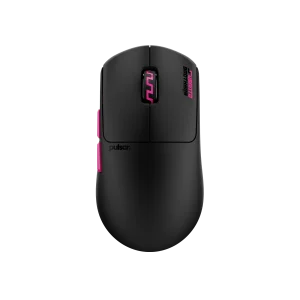
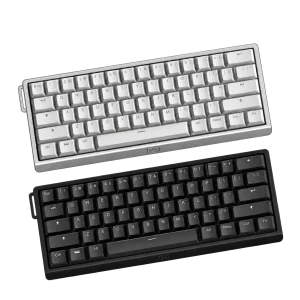
Compare resolution, refresh rate, screen size and the input you will actually use. Match the computer or console output to the chosen display mode, and leave room for the monitor stand and mouse movement. Explore Wooting 60HE v2 60% Gaming Keyboard, Aluminium, Pulsar Pro Series Susanto-X Wireless Gaming Mouse Size 2, 50g, ARTISAN NINJA FX ZERO Gaming Mousepad – SOFT/XSOFT, XL/XXL.
Frequently Asked Questions
What size, panel and resolution does it use?
The display measures 26.5 inches diagonally and uses WOLED panel technology. Resolution: 2560x1440.
What refresh modes and input limits should I check?
Listed maximum refresh: 540Hz. Dual Mode resolution / refresh combinations: 2560 × 1440 at 540 Hz; HD mode at 720 Hz. Digital Signal Frequency: DP:30KHz to 850KHz(H)/48Hz to 540Hz(V) HDMI:30KHz to 850KHz(H)/48Hz to 540Hz(V).
How is the response time specified?
Response Time: 0.02ms(GTG).
Which display inputs and USB connections are listed?
DisplayPort 2.1: x 1. HDMI(v2.1): x 2 (FRL). USB Hub: 3x USB 3.2 Gen 1 Type-A.
What stand adjustment and mounting details are specified?
Tilt: Yes (+20° ~ -5°). Swivel: Yes (+30° ~ -30°). Pivot: Yes (+90° ~ -90°). Height Adjustment: 0~110mm. VESA Wall Mounting: 100x100mm.
What brightness and HDR support are specified?
Brightness (HDR, Peak): 1,500 cd/㎡. HDR (High Dynamic Range) Support: HDR10.
Build Your Setup with AX Store
Explore computers, displays and accessories for your workspace at AX Store. For help choosing the right model or checking an accessory, contact AX Store.
Complete Your Setup
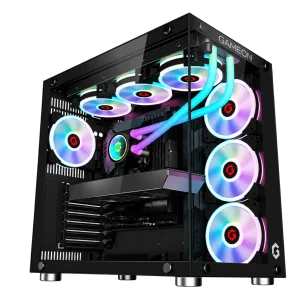
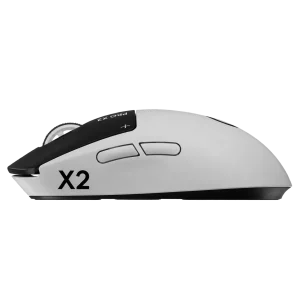
Explore equipment for your workspace: RX 9060 XT 16GB Gaming PC – Ryzen 7 9700X – Emperor Arctic II Black, Logitech G PRO X2 SUPERSTRIKE Wireless Gaming Mouse, beyerdynamic DT 990 PRO 80 Ohm Open-Back Studio Headphones.
THE DETAILS
Technical specifications
Display
26.5
16:9
586.75 x 330.05 mm
Glossy (TrueBlack Glossy)
OLED
WOLED
178°/ 178°
0.229mm
2560x1440
135%
99.5%
1,500 cd/㎡
1,500,000:1
1073.7M (10 bit)
0.02ms(GTG)
540Hz
Yes
HDR10
Yes
Yes
2560 × 1440 at 540 Hz; HD mode at 720 Hz
Features
Yes
Yes
Yes (8 modes)
6-axis adjustment (R,G,B,C,M,Y)
Yes (Support Gamma 1.8/2.0/2.2/2.4/2.6)
△E< 2
Yes
Yes, 2.3
Yes
FreeSync™ Premium Pro & G-SYNC ® Compatible
Yes
Yes
Yes, DisplayWidget Center
Yes
Yes
AI Visual
Dynamic Crosshair
Dynamic Shadow Boost
Audio
No
I/O Ports
x 1
x 2 (FRL)
3x USB 3.2 Gen 1 Type-A
Yes
Signal Frequency
DP:30KHz to 850KHz(H)/48Hz to 540Hz(V) HDMI:30KHz to 850KHz(H)/48Hz to 540Hz(V)
Power Consumption
<55W
<0.5W
<0.3W
100-240V, 50/60Hz
Mechanical Design
Yes (+20° ~ -5°)
Yes (+30° ~ -30°)
Yes (+90° ~ -90°)
0~110mm
Aura Sync
100x100mm
Yes
Yes
Dimensions (Esti.)(vary by regions)
60.56 x 54.78 x 27.36 cm (23.84" x 21.57" x 10.77")
60.56 x 36.94 x 6.31 cm (23.84" x 14.54" x 2.48")
89.60 x 49.00 x 18.80 cm (35.28" x 19.29" x 7.40")
Weight (Esti.)(vary by regions)
7.04 kg (15.52 lbs)
4.54 kg (10.01 lbs)
11.6 kg (25.57 lbs)
Accessories (vary by regions)
Color pre-calibration report
DisplayPort 2.1 (DP80) cable
HDMI Ultra High Speed Cable
Microfiber cloth
Power cord
Quick start guide
ROG pouch
ROG sticker
USB 3.2 cable
VESA mount kit
Warranty Card
Certificate
TÜV Flicker-free
TÜV Low Blue Light (Hardware Solution)
VESA AdaptiveSync Display 540Hz
VESA DisplayHDR 500 True Black
AMD FreeSync Premium Pro
G-SYNC Compatible
FSC MIX
Product identification
ASUS
90LM0CF0-B02971
COMPLETE YOUR SETUP
Pairs well with