Acer
Acer Nitro EDO ED320Q Xbiipx 31.5 Inch FHD VA 240Hz Curved Monitor
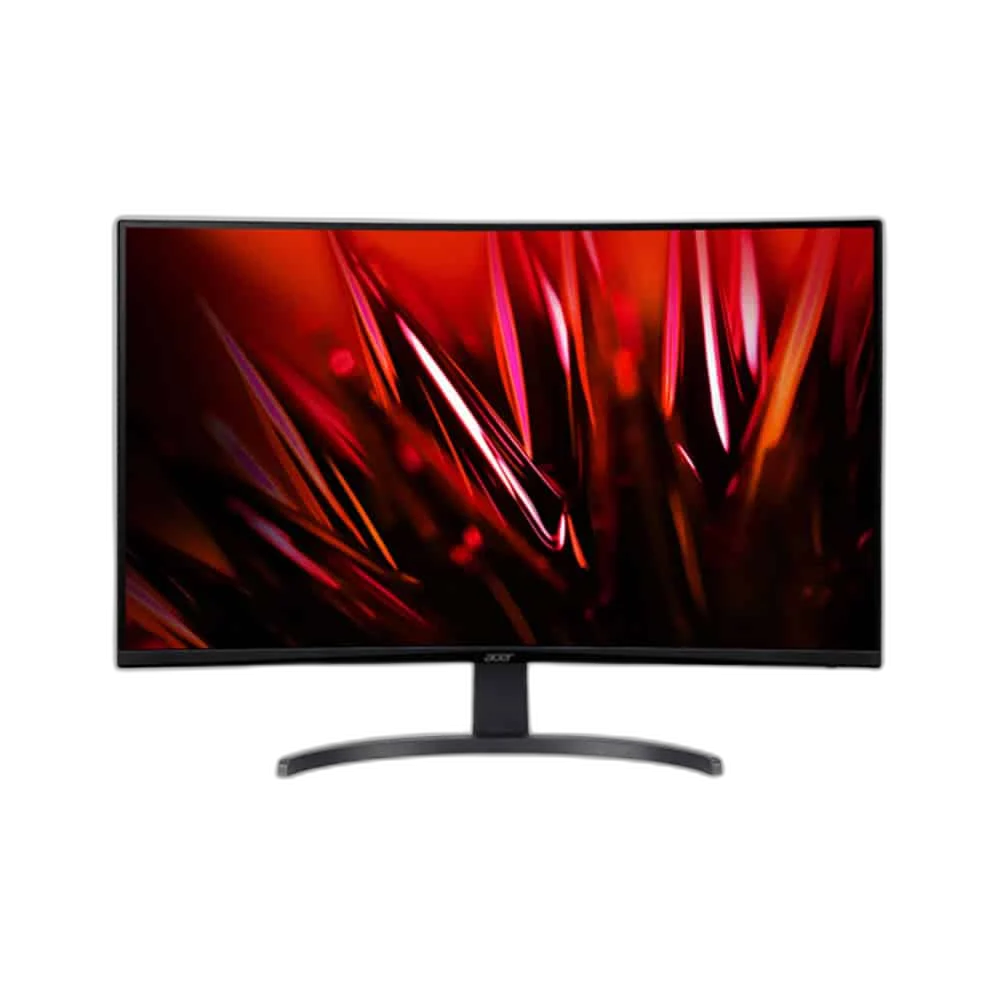
Acer Nitro ED320Q X UM.JE0EE.X02: 31.5-inch FHD VA monitor with1500R curvature, up to240Hz via HDMI/DisplayPort, AMD FreeSync Premium and1ms VRB response rating. Features300-nit brightness,4000:1 native contrast, two HDMI2.0 inputs, DisplayPort1.2 and VESA100x100 mounting. No built-in speakers.
Regular price
93.500 KWD
or 4 payments of 23.375 KWD with
Pay with card & save


89.000 KWD
Save 4.500 KWD
Overview
ACER NITRO ED320Q X · UM.JE0EE.X02
Acer Nitro ED320Q X
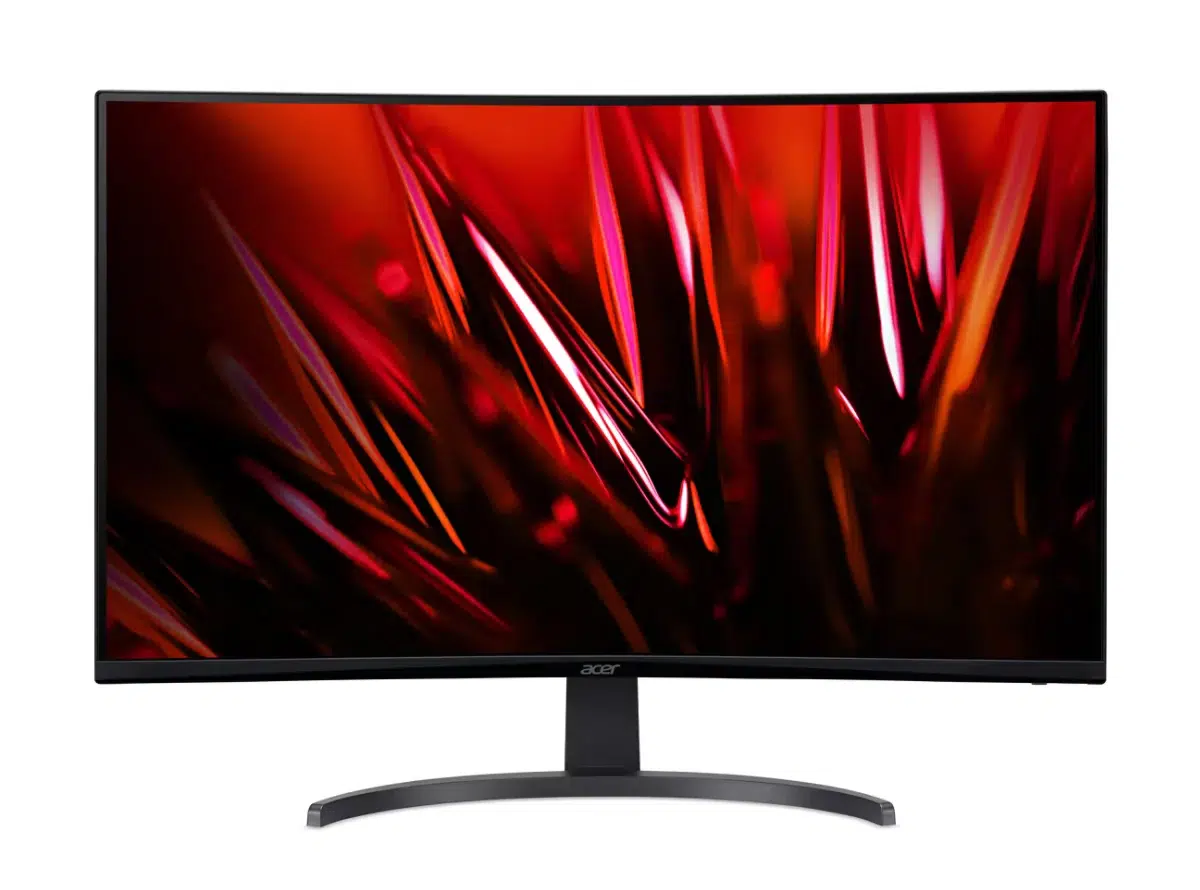
The Acer Nitro ED320Q X puts a 31.5-inch Full HD VA panel at the centre of your gaming setup. Its 1500R curve, 240Hz capability and AMD FreeSync Premium support combine a large image with high-refresh motion. This UM.JE0EE.X02 model includes two HDMI inputs, DisplayPort and a tilt-adjustable stand, with a clear specification for planning your desk. Explore this model at AX Store in Kuwait.
31.5 inch
Display Diagonal
FHD
Resolution
240 Hz
Maximum Refresh
VA
Panel Type
31.5 Inches of Curved VA Display
The large 1920 x 1080 panel uses a 16:9 aspect ratio and a 1500R curve. VA technology provides a listed native contrast ratio of 4000:1, while Acer specifies 300cd/m² brightness and 178-degree viewing angles. The curve brings the sides of the wide screen toward your viewing position, creating a display shape suited to a single central seat.
240Hz Through HDMI and DisplayPort
The ED320Q X quick-start guide confirms Full HD operation up to 240Hz through both HDMI and DisplayPort, with a listed vertical frequency range of 48–240Hz. Use a compatible graphics output and display settings to select the intended refresh rate. Actual game frame rates still depend on the connected computer and the graphics settings you choose.
Adaptive Sync and a Defined VRB Rating
AMD FreeSync Premium is listed for this exact model through DisplayPort and HDMI, supporting adaptive refresh with compatible hardware. Acer also specifies a 1ms VRB response rating. That figure belongs to the monitor’s Visual Response Boost mode rather than an unconditional grey-to-grey response claim, so compare it with equivalent motion-response measurements when evaluating other screens.
Connections for Your Gaming Sources
Two HDMI2.0 inputs and one DisplayPort1.2 connection provide options for connecting your computer and other compatible video sources. An audio output/headphone connection is available for external sound. This exact SKU has no built-in speakers, even though the family quick-start guide describes speakers as an optional feature on some versions, so plan the audio part of your setup separately.
Tilt Adjustment or a Compatible Mount
The supplied stand tilts from -5° to +20° to help set the screen angle. This model has no height adjustment or pivot function. A 100 x 100mm VESA mounting pattern allows an alternative compatible arm or bracket when you need different positioning. Check its supported load against the monitor’s listed 4.2kg weight without the original stand.
Dimensions and Power for Desk Planning
With its stand attached, the monitor measures 709.4mm wide, 513.9mm high and 199.1mm deep, with a listed approximate weight of 4.9kg. Acer’s exact product page specifies 32W operating consumption and 48W maximum consumption. These dimensions and ratings give you a practical basis for checking desk space, arranging nearby equipment and choosing the display connections for your setup.
Plan the Display and the Rest of Your Desk
Compare resolution, refresh rate, screen size and the input you will actually use. Match the computer or console output to the chosen display mode, and leave room for the monitor stand and mouse movement. Compare related options such as ASUS ROG Swift OLED PG27AQWP-W 27 inch 540Hz Gaming Monitor or AOC CQ27G3Z 27 Inch 240Hz QHD Curved Gaming Monitor, keeping the exact model and configuration in the decision. For the wider setup, explore Logitech G PRO X Superlight Wireless Gaming Mouse, Ultra-light and check the connection, size or mounting requirements before pairing accessories. Browse the Acer range at AX for more choices.
Acer Nitro ED320Q X Setup Choices
Compare resolution, refresh rate, screen size and the input you will actually use. Match the computer or console output to the chosen display mode, and leave room for the monitor stand and mouse movement.
Frequently Asked Questions
Which display size, panel and resolution does it use?
This configuration has a 31.5-inch VA display with FHD resolution and a curved screen. The exact viewable diagonal and native pixel resolution are listed in the specifications below.
What refresh rate does this model support?
Maximum HDMI Resolution/Refresh: 1920x1080 at240Hz. Maximum DisplayPort Resolution/Refresh: 1920x1080 at240Hz.
How is its response time specified?
Response Time: 1ms. Response Time Details: 1ms VRB.
Can it be attached to a compatible monitor arm?
VESA Mount Compatible: Yes. VESA Mount Standard: 100x100mm. Check the mounting pattern, monitor weight and the arm’s supported load before choosing a mount.
Build Your Setup with AX Store
Explore computers, displays and accessories for your workspace at AX Store. For help choosing the right model or checking an accessory, contact AX Store.
Compare Acer Nitro E03 ED343CUR 34 Inch WQHD 120Hz Curved Monitor. Match the exact model, connection and configuration to your setup.
THE DETAILS
Technical specifications
Product Identity
Acer
Nitro ED320Q X
UM.JE0EE.X02
Technical Information
1
31.5-inch /80cm
Full HD
VA
1ms
1ms VRB
16:9
0.36300x0.36300mm
178°
178°
LED
Wall mountable
OSD; Navigation Key; VisionCare1.0; Display Widget; Security Lock
Curved
No
-5°to+20°
No
No
1500R
698x393mm
Audio
No
Physical Characteristics
Yes
100x100mm
Black
420.80mm
709.40mm
95.80mm
513.90mm
709.40mm
199.10mm
4.20kg
4.90kg
Video
1920x1080
16.7 million colours
8-bit
100000000:1
300cd/m²
AMD FreeSync Premium (DisplayPort/HDMI)
72%NTSC
4000:1
Miscellaneous
732135
ED320Q X monitor;HDMI cable;UK power cord
Interfaces/Ports
Yes
2.0
2
Yes
Yes
Yes
1.2
1
Power
300mW
300mW
48W
32W
F
Supported Timing, Model Quick-Start Guide
1920x1080 at240Hz
1920x1080 at240Hz
48–240Hz,HDMI andDisplayPort
COMPLETE YOUR SETUP
Pairs well with
