
Acer
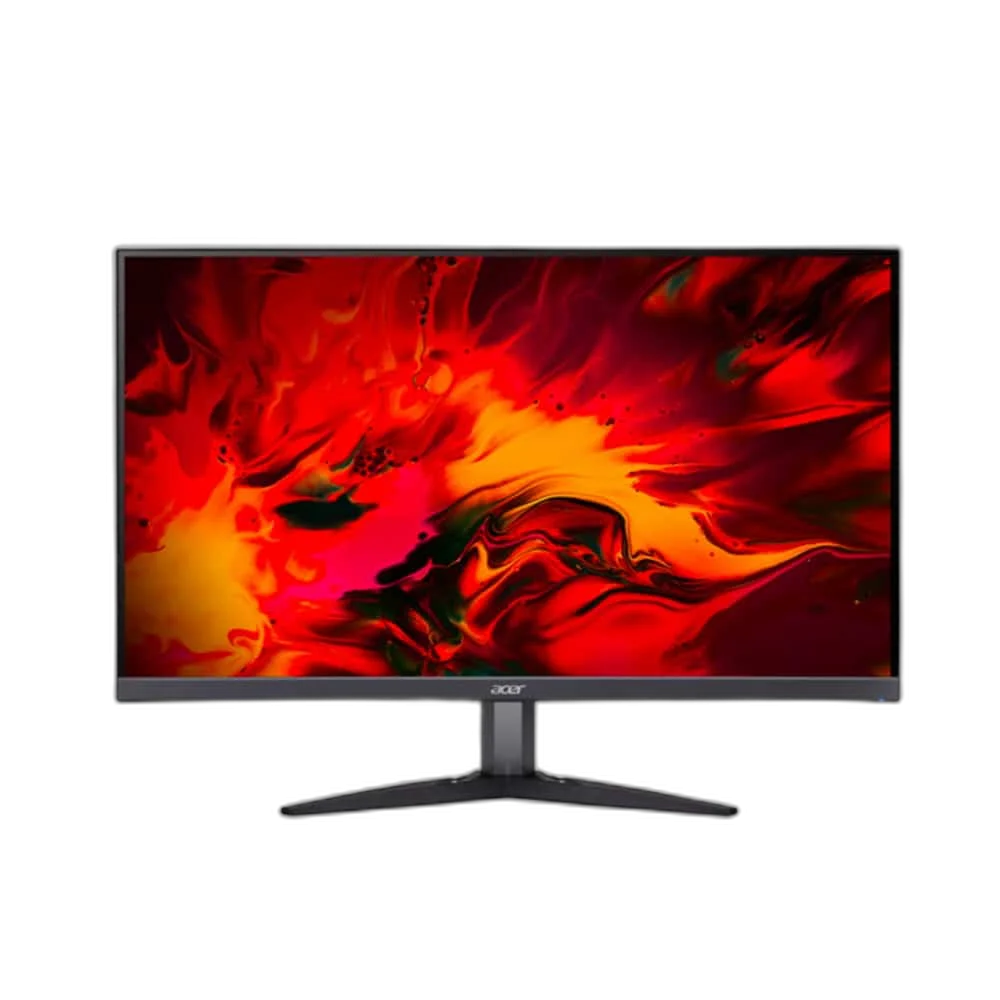
Acer Nitro KG2 KG282K 28 Inch UHD IPS 60Hz Gaming Monitor
Acer Nitro KG282K UM.PX2EE.002 with 28-inch 4K UHD IPS display, 60Hz refresh, 4ms GTG response, HDR10, AMD FreeSync and 90% DCI-P3 colour coverage. Includes two HDMI inputs, DisplayPort, speakers, tilt adjustment and VESA 100 x 100mm mounting.
Regular price
93.500 KWD
or 4 payments of 23.375 KWD with
Pay with card & save


89.000 KWD
Save 4.500 KWD
Overview
ACER NITRO KG282K · UM.PX2EE.002
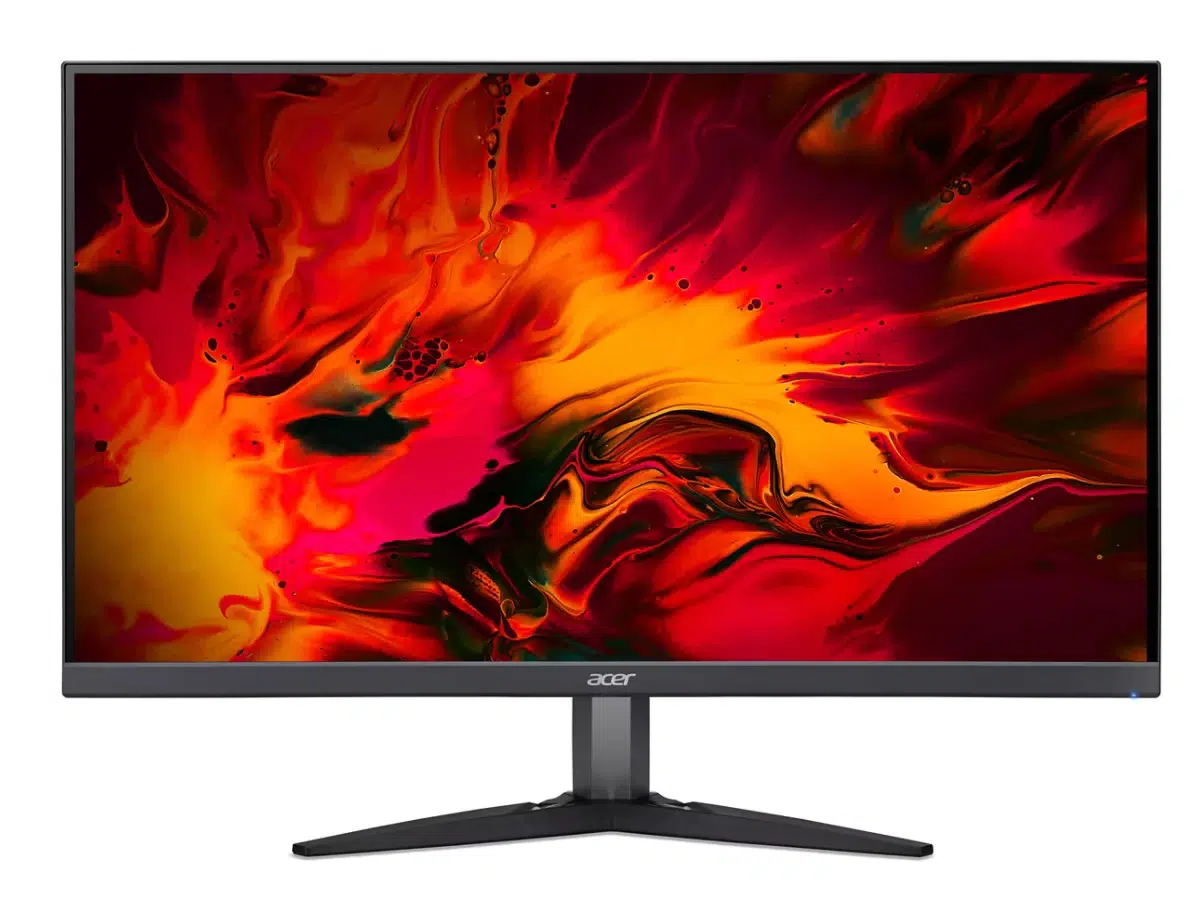
Acer Nitro KG282K
Bring a sharper desktop image to your setup with the Acer Nitro KG282K. This UM.PX2EE.002 monitor combines a 28-inch IPS panel with 3840 x 2160 resolution and a 60Hz refresh rate. Its wide colour gamut, HDR10 support and choice of HDMI or DisplayPort connections make it a practical display for detailed everyday work, entertainment and compatible gaming systems. Explore this model at AX Store in Kuwait.
28 inch
Display Diagonal
4K
Resolution
60 Hz
Maximum Refresh
IPS
Panel Type
Four Times the Pixels of Full HD
The 3840 x 2160 resolution provides four times the pixel count of a 1920 x 1080 display. On the 28-inch panel, that creates a detailed canvas for text, photographs, video and application windows. Choose suitable desktop scaling to make the extra resolution work for your preferred balance of text size and the amount of content on screen.
IPS Technology and Wide Colour Coverage
The IPS panel supports a listed 90% DCI-P3 colour gamut, with 178-degree horizontal and vertical viewing-angle specifications. Acer lists 1.07 billion colours using eight-bit colour plus FRC, alongside a 1000:1 native contrast ratio. Those characteristics give you a clear specification for comparing colour-capable screens when the same display will handle work, entertainment and casual creative tasks.
60Hz Refresh and a 4ms GTG Rating
This exact KG282K model runs at a standard 60Hz refresh rate and carries a 4ms grey-to-grey response rating. AMD FreeSync is listed through DisplayPort and HDMI for compatible hardware. The combination suits a setup that prioritises a detailed 4K image, with the connected system and application settings determining the output mode and frame rate available to the monitor.
HDR10 and 300-Nit Brightness
HDR10 support allows the display to receive compatible HDR content, while Acer specifies a brightness of 300cd/m² for the panel. Use the HDR setting that best suits the content and source device you connect. Pair the monitor with a compatible HDR source and adjust the picture settings for the material you plan to watch.
Display Inputs and Built-In Audio
Two HDMI inputs and one DisplayPort input let you connect compatible computers and other video sources. The monitor includes speakers, with Acer listing a 2W speaker output specification, plus headphone and audio line-in connections. Those options provide flexibility for everyday playback and external audio arrangements without requiring a separate speaker setup for basic sound.
Position It on the Stand or a VESA Mount
The stand tilts from -5° to +15°, while a 100 x 100mm VESA pattern supports a compatible alternative mount. With the stand fitted, the monitor measures 637 x 455 x 232mm and weighs approximately 5.66kg. Acer lists 31W operating consumption and 55W maximum consumption, providing useful dimensions and power figures when planning your desk.
Plan the Display and the Rest of Your Desk
Compare resolution, refresh rate, screen size and the input you will actually use. Match the computer or console output to the chosen display mode, and leave room for the monitor stand and mouse movement. Compare related options such as ASUS ROG Strix XG27ACDNG 27 inch QD-OLED 360Hz Gaming Monitor or ASUS ProArt PA328QV 31.5 Inch 75Hz WQHD IPS Monitor, keeping the exact model and configuration in the decision. For the wider setup, explore Ninjutso Sora Wireless Gaming Mouse, 43 g and check the connection, size or mounting requirements before pairing accessories. Browse the Acer range at AX for more choices.
Acer Nitro KG282K Setup Choices
Compare resolution, refresh rate, screen size and the input you will actually use. Match the computer or console output to the chosen display mode, and leave room for the monitor stand and mouse movement.
Frequently Asked Questions
Which display size, panel and resolution does it use?
This configuration has a 28-inch IPS display with 4K resolution and a flat screen. The exact viewable diagonal and native pixel resolution are listed in the specifications below.
What refresh rate does this model support?
Standard Refresh Rate: 60 Hz.
How is its response time specified?
Response Time: 4 ms. Response Time Details: 4 ms GTG.
Can it be attached to a compatible monitor arm?
VESA Compatible: Yes. VESA Pattern: 100 x 100 mm. Check the mounting pattern, monitor weight and the arm’s supported load before choosing a mount.
Build Your Setup with AX Store
Explore computers, displays and accessories for your workspace at AX Store. For help choosing the right model or checking an accessory, contact AX Store.
THE DETAILS
Technical specifications
Product Identity
Acer
KG282K
UM.PX2EE.002
Technical Information
1
28-inch /71.1 cm
28-inch
4K UHD
IPS
4 ms
4 ms GTG
16:9
0.16000 x 0.16000 mm
178°
178°
LED
Wall mountable
HDR10
No
-5° to +15°
No
No
Audio
Yes
2 W
Physical Characteristics
Yes
100 x 100 mm
Black
637 mm
68 mm
455 mm
637 mm
232 mm
5.20 kg
5.66 kg
Video
3840 x 2160
60 Hz
1.07 billion
8-bit+FRC
100000000:1
300 cd/m²
AMD FreeSync (DisplayPort/HDMI)
90% DCI-P3
1000:1
Miscellaneous
390551
KG282K monitor;HDMI cable;UK power cord
Interfaces
Yes
2
Yes
Yes
Yes
1
Power
G
350 mW
350 mW
55 W
31 W
110VAC /220VAC
F
COMPLETE YOUR SETUP
Pairs well with
EVE Spectrum