AOC
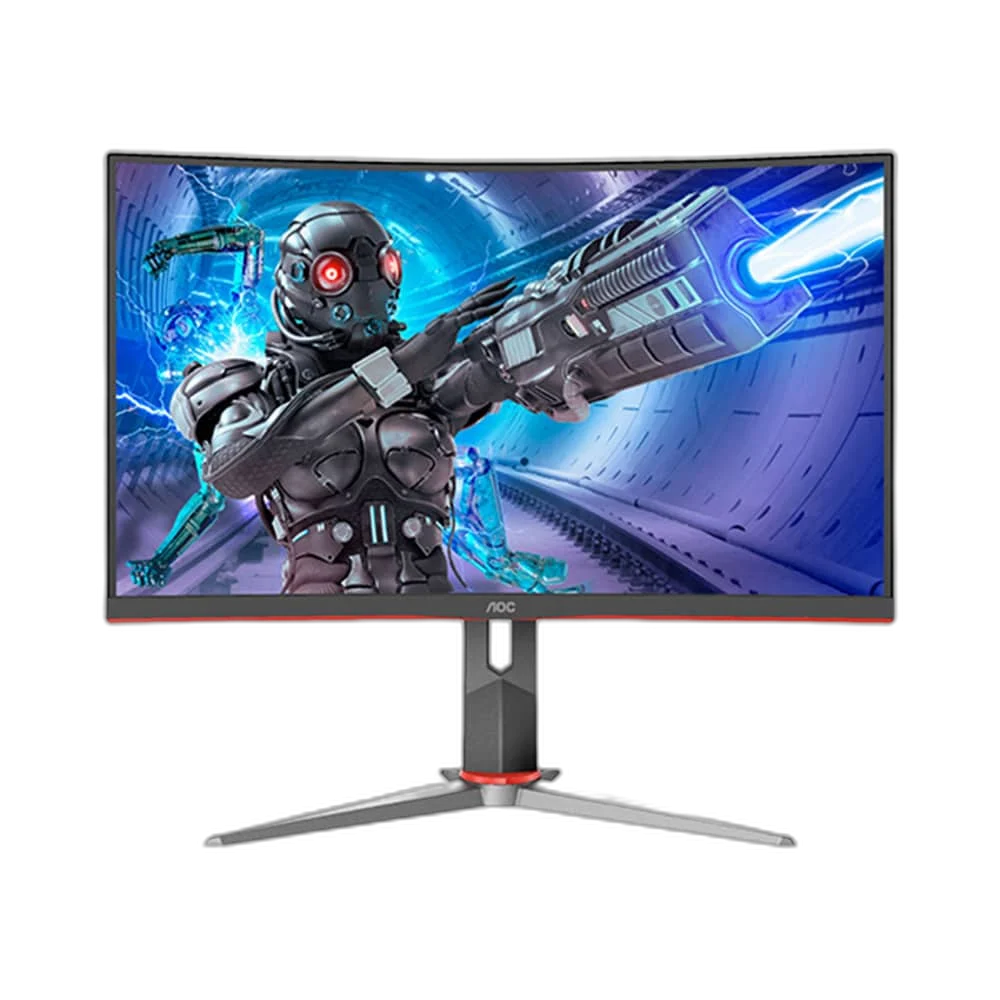
AOC C24G2 24 Inch 165Hz Curved FHD Gaming Monitor
AOC C24G2 combines a 23.6-inch curved VA screen with 1920 ×1080 resolution and a refresh rate of up to 165 Hz. Its display format provides a dedicated view for games, media and everyday computer work.
Regular price
83.000 KWD
or 4 payments of 20.750 KWD with
Pay with card & save


79.000 KWD
Save 4.000 KWD
Overview
AOC C24G2
A 165 Hz Curved Full HD Gaming View
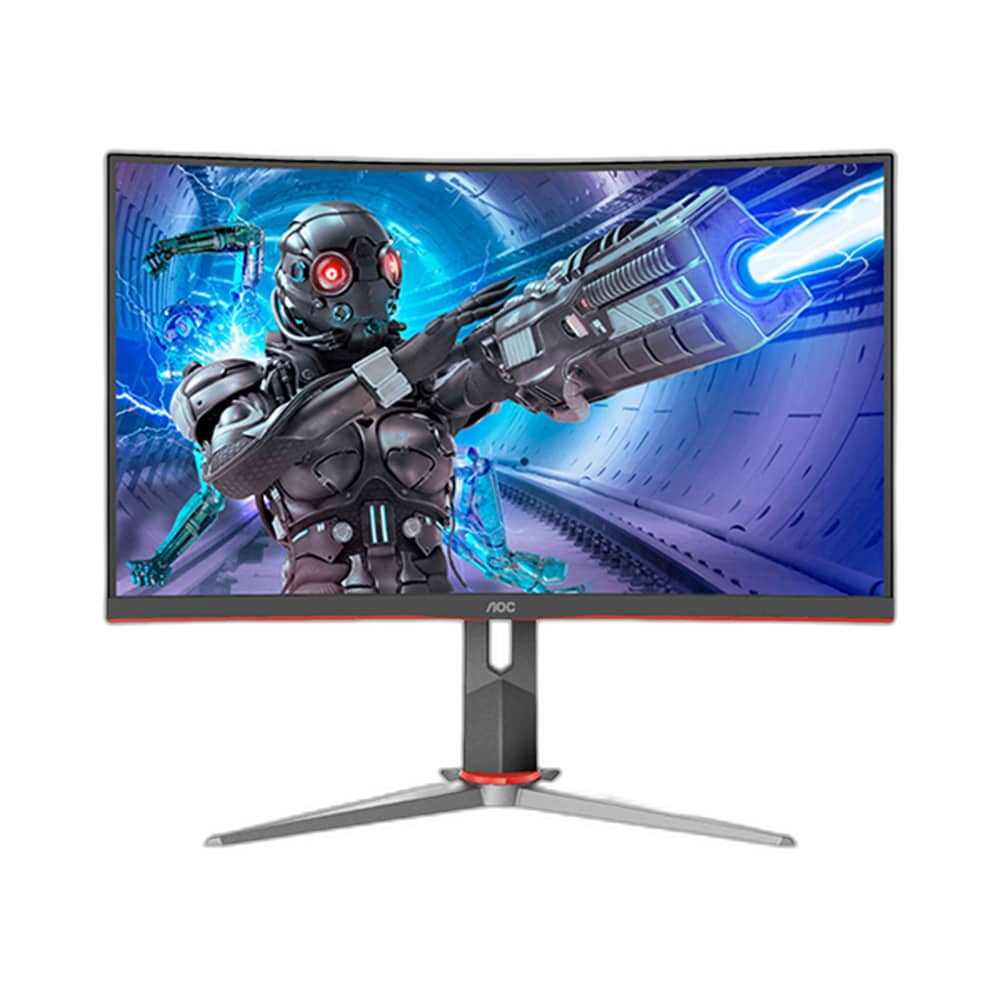
AOC C24G2 combines a 23.6-inch curved VA screen with 1920 ×1080 resolution and a refresh rate of up to 165 Hz. Its display format provides a dedicated view for games, media and everyday computer work.
23.6 inch
Viewable diagonal
165 Hz
Maximum refresh rate
Full HD
1920 ×1080 resolution
VA
Panel technology
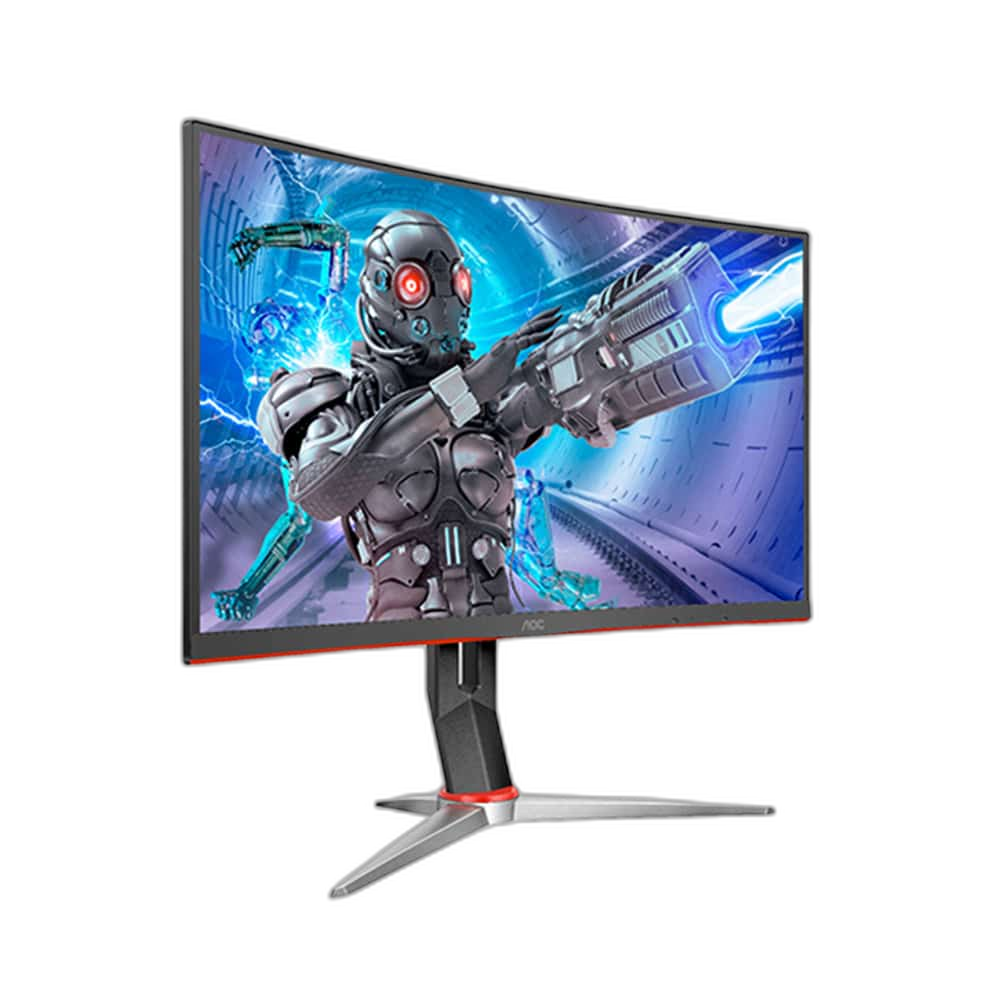
A 24-Class Full HD Screen
The C24G2 uses a 23.6-inch viewable panel in the 24-inch monitor class. Its 1920 ×1080 Full HD resolution provides the familiar 16:9 format used by common desktop applications and games. Position the monitor around the available desk depth and the intended working distance.
165 Hz over DisplayPort
The original C24G2 manual specifies Full HD at up to 165 Hz over DisplayPort and up to 144 Hz over HDMI. Match the input and source settings to the desired operating mode. A high-refresh panel works with the frames delivered by the connected computer and the selected game settings.
A 1500R Curved VA Panel
The VA panel uses a 1500R curve, giving the screen a shaped viewing area around the desk position. Choose the arrangement around the monitor’s viewable size and the surrounding equipment. The curved format is part of the display’s visual character for games and everyday media.
Response Figures with Their Conditions
The C24G2 identifies a 1 ms MPRT motion-response figure alongside a 4 ms grey-to-grey specification. These describe different measurement conditions and should be considered with the monitor’s available operating modes. Check the picture settings to choose the balance preferred for the game or other moving content.
A Familiar Widescreen Colour Format
The original specification identifies 16.7 million display colours in the Full HD widescreen format. Arrange application windows and game settings around the available screen space. Check brightness and image preferences for the room lighting and the content being viewed during an ordinary desk session.
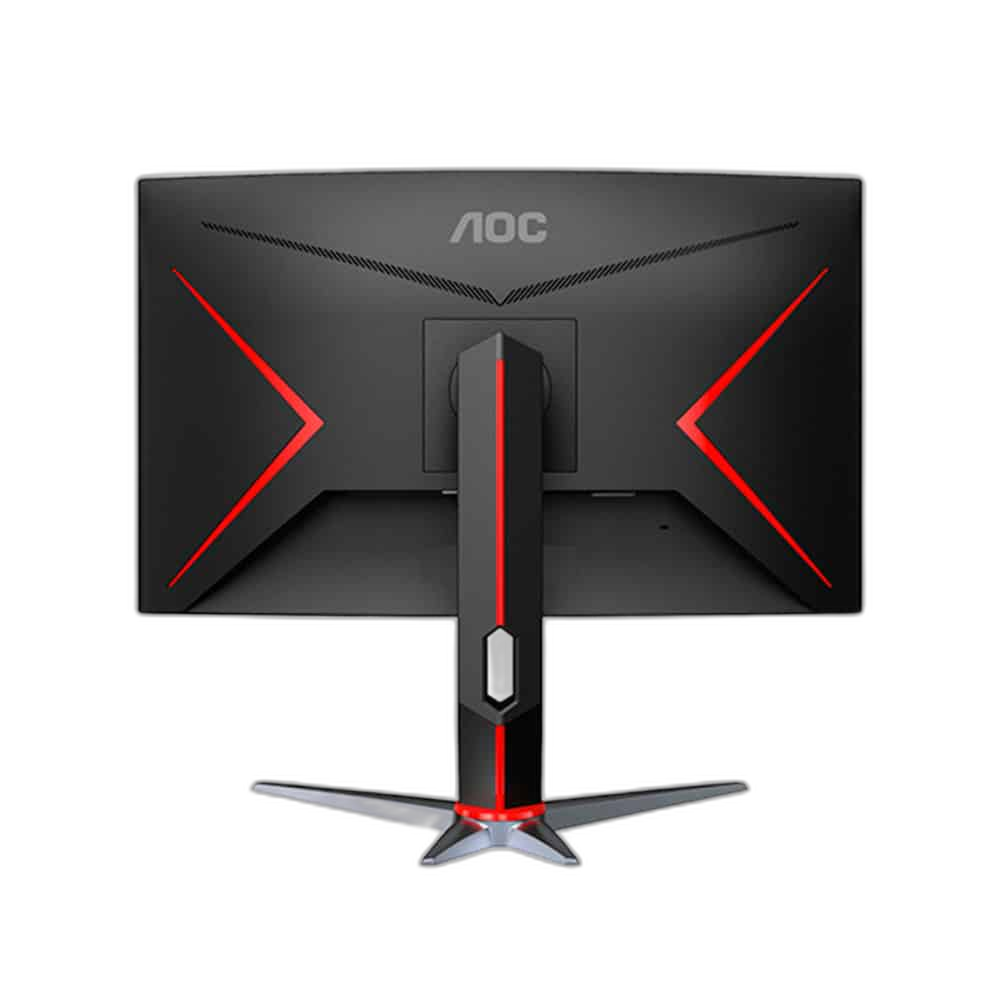
Model
AOC C24G2
Viewable diagonal
23.6 inch
Resolution
1920 ×1080
Set the Input and Display Mode
Use the appropriate HDMI or DisplayPort connection for the selected source and refresh rate. After connecting the monitor, check the resolution and refresh settings on the computer. Leave practical cable clearance behind the screen and place the surrounding equipment around the final viewing position.
Complete Your Workspace
Explore Monitors to compare suitable options and complete your setup.
Frequently Asked Questions
What screen size and resolution are used?
23.6 inch with 1920 ×1080 resolution.
What is the maximum refresh rate?
Up to 165 Hz with a suitable source, connection and selected display mode.
What panel type does it use?
VA.
Is the screen curved?
Yes, it has a curved display.
Build Your Setup with AX Store Kuwait
Explore computers, displays and accessories for your workspace at AX Store Kuwait. For help choosing the right model or checking an accessory, contact AX Store.
Compare AOC Q32G3S 31.5 Inch QHD 165Hz IPS Gaming Monitor. Match the exact model, connection and configuration to your setup.
THE DETAILS
Technical specifications
Display
AOC C24G2
23.6 inch
1920 ×1080
165 Hz
VA
Curved
16:9
1500R
1 ms MPRT
4 ms
1920 ×1080 at 165 Hz
1920 ×1080 at 144 Hz
16.7 million
100–240 V AC;50/60 Hz
COMPLETE YOUR SETUP