ASUS
ASUS ProArt PA32QCV 32" 6K Thunderbolt 4 Monitor
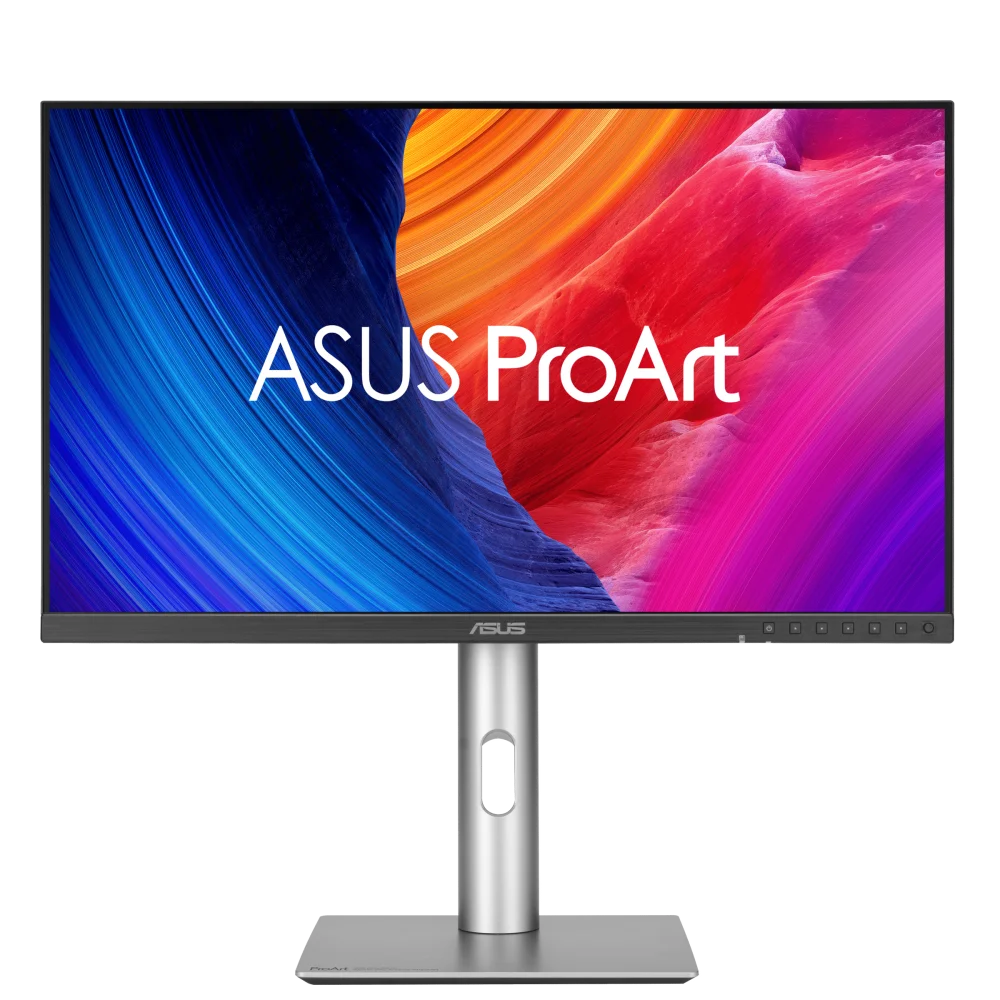
ASUS ProArt PA32QCV 32" 6K Thunderbolt 4 Monitor with 6016 × 3384 31.5-inch 6K IPS, 218 PPI Pixel density, 96W Thunderbolt 4 charging. Full specifications and ASUS display features detailed below.
Overview
ASUS PROART PA32QCV 32" 6K THUNDERBOLT 4 MONITOR
6K precision with a Thunderbolt 4 creative workflow.
The ASUS ProArt PA32QCV combines a 31.5-inch 6K IPS panel with 218ppi detail, 98% DCI-P3 coverage and Calman-verified factory calibration. Thunderbolt 4 connectivity supports daisy-chaining and up to 96W laptop charging, while a built-in KVM helps share peripherals between computers. LuxPixel display treatment, an ambient light sensor and the ergonomic stand support a demanding studio workspace.
6016 × 3384
31.5-inch 6K IPS
218 PPI
Pixel density
96W
Thunderbolt 4 charging
98%
DCI-P3 coverage
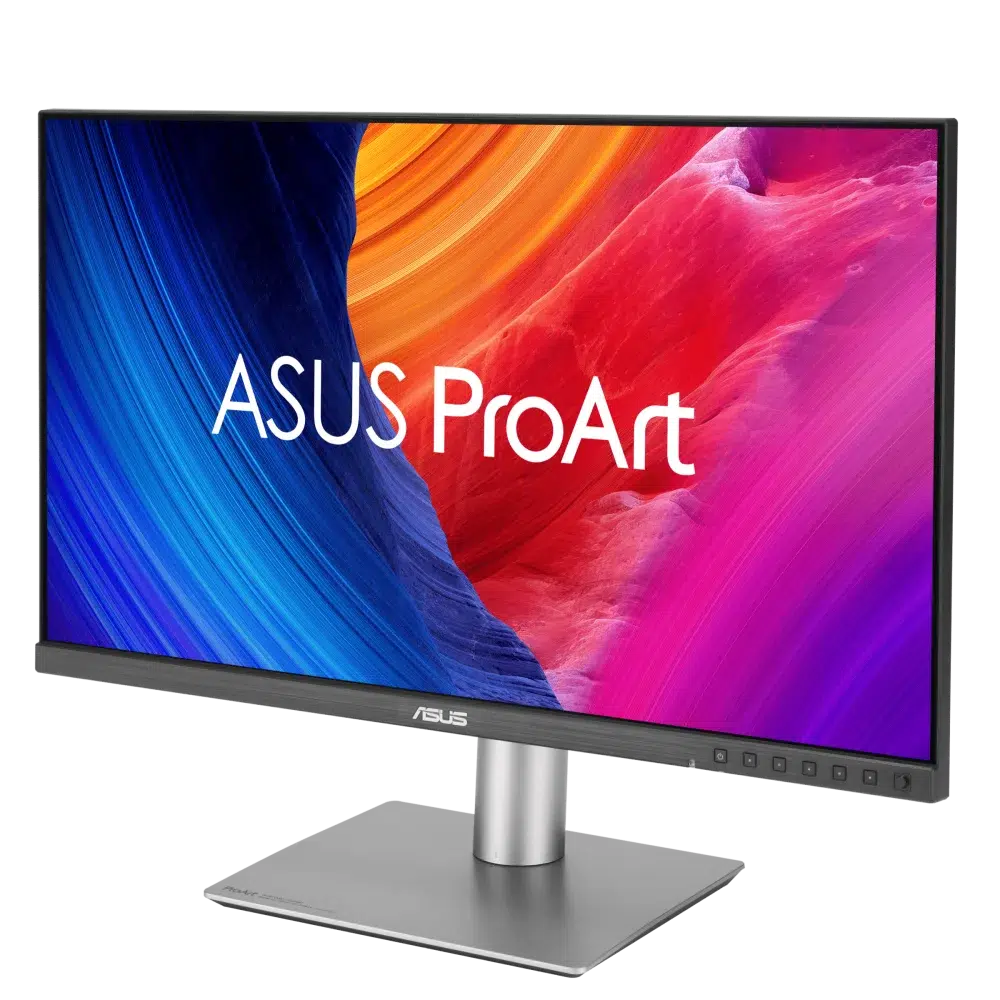
6K density and calibrated wide-gamut color
The native 6016 × 3384 resolution provides exceptionally fine detail and a large working canvas for high-resolution photography, graphics and video editing. ASUS specifies 218ppi pixel density, 98% DCI-P3 and 100% sRGB coverage, with Delta E below 2 factory accuracy. LuxPixel anti-glare, low-reflection technology helps reduce reflections while preserving image detail. HDR10, multiple HDR modes and VESA DisplayHDR 600 support compatible HDR content, with a specified peak HDR brightness of 600cd/m².
ProArt workflow controls
ProArt Preset provides project-oriented image modes, while ProArt Palette and RGB gain and offset controls allow finer adjustment where supported. QuickFit Plus assists on-screen alignment. The complete specifications below list every preset, gamma option and image feature for this exact model.
Position the display for the task
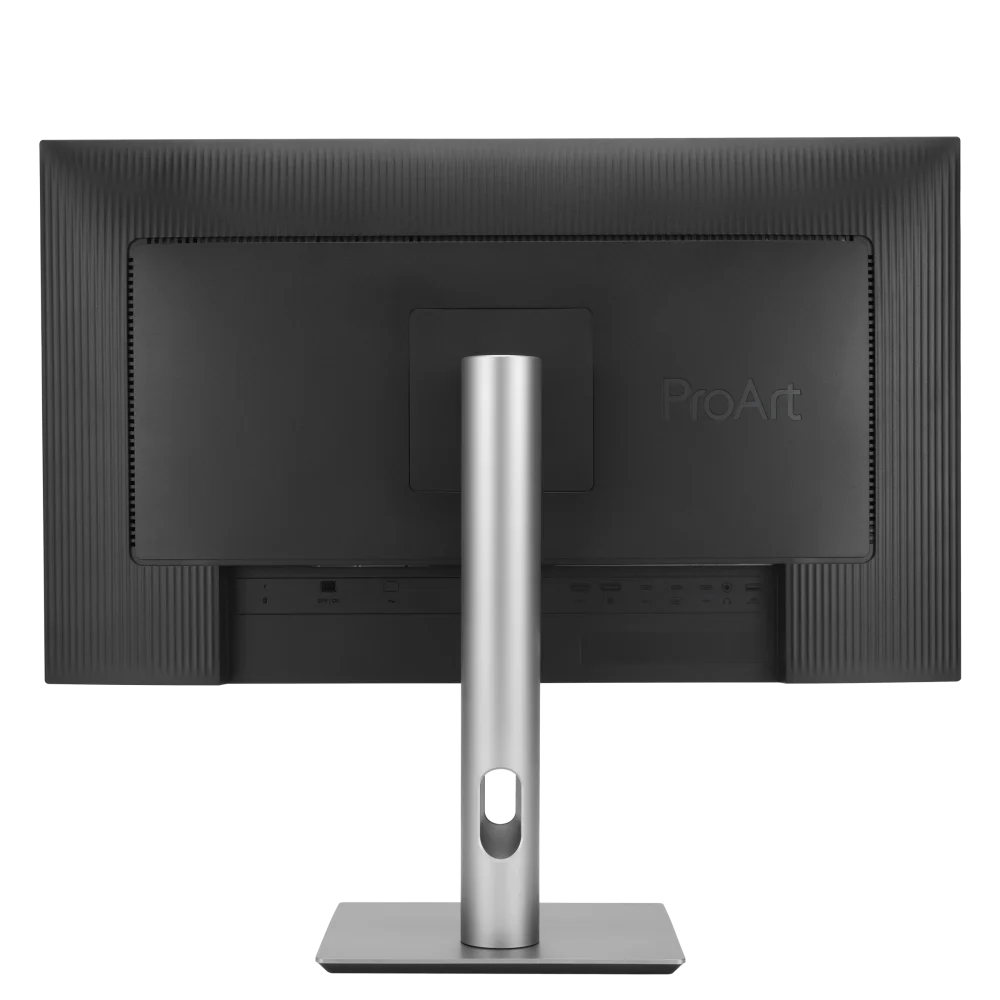
The supplied stand combines height, tilt, swivel and portrait pivot adjustments. This helps place the screen at a useful height for editing and rotate it for taller documents. A 100 × 100mm VESA mount supports a suitable external arm.
Image control and viewing comfort
Low Blue Light and flicker-free technologies provide viewing-comfort controls. Color temperature and gamma settings help adapt the image to the workflow. Choose the appropriate color preset for the content and application; a selectable preset name does not mean the panel covers that entire color space.
Thunderbolt 4 daisy-chaining and KVM switching
Two Thunderbolt 4 ports support a compatible daisy-chain workflow, with up to 96W Power Delivery available to a laptop. DisplayPort 1.4 with DSC and HDMI 2.1 FRL provide additional video inputs. A USB-C upstream connection serves the KVM switch, and the downstream hub provides one Type-C and two Type-A ports. KVM switching allows compatible computers to share connected peripherals. Picture-in-picture and picture-by-picture, DisplayWidget Center, ProArt Chroma Tune, ASUS Power Sync and the ambient light sensor add workflow controls; available 6K modes depend on host capability and connection bandwidth.
In the box
Manufacturer-listed accessories (contents vary by region): Welcome Card; Warranty Card; Thunderbolt™ 4 Cable; Quick start guide; Power cord; Microfiber cloth; HDMI Ultra High Speed Cable; Color pre-calibration report
Complete Your Desk Setup
Build a comfortable workspace with the Keychron K10 HE keyboard and ASUS ROG Sheath II XXL desk pad. For compatible desk mounting, consider the SADES Cobra Single Monitor Arm; check the VESA pattern, screen weight and desk fitting. Browse more monitors or explore the ASUS range at AX Store.
Frequently Asked Questions
What is the exact 6K resolution?
The native panel resolution is 6016 × 3384 at up to 60Hz, with a pixel density of 218ppi.
Does it charge a laptop through Thunderbolt 4?
Yes. The monitor supports up to 96W Power Delivery through its compatible Thunderbolt 4 connection.
Does PA32QCV include a KVM switch?
Yes. It includes KVM switching and a dedicated USB Type-C upstream signal connection for sharing connected peripherals between compatible computers.
How can the display be positioned?
The stand supports 130mm height adjustment, ±90° pivot, ±30° swivel and -5° to +23° tilt. It also supports 100 × 100mm VESA mounting.
Build Your Setup with AX Store Kuwait
Need help choosing the right model or a compatible accessory? Contact AX Store and our team will help you build the right setup.
THE DETAILS
Technical specifications
Product identification
ASUS
90LM0BD0-B01K71
Black/Silver
Model
ProArt Display 6K PA32QCV
Display
31.5
218
16:9
697.19 x 392.17 mm
AGLR (Anti-Glare, Low-Reflection)
LED
IPS
178°/ 178°
0.116mm
6016x3384
100%
98%
600 cd/㎡
400cd/㎡
3000:1
1500:1
1073.7M (10 bit)
5ms(GTG)
60Hz
HDR10
Yes
1 Year
Features
Yes
User mode2; User mode1; HDR; Rec.709; DICOM; BT.2020; P3; Adobe RGB; sRGB; Native
Yes (6 modes)
Yes (Support Gamma 1.8/2.0/2.2/2.4/2.6)
△E< 2
Yes
Yes
Yes
Yes, 2.2
Yes (Adaptive-Sync)
Yes
Yes, DisplayWidget Center
Yes
Yes
Yes
Yes
Audio
Yes(2Wx2)
I/O Ports
Thunderbolt 4 x 2 (Daisy Chain)
DisplayPort 1.4 DSC x 1
HDMI(v2.1) x 1 (FRL)
1x USB 3.2 Gen 1 Type-C; 2x USB 3.2 Gen 1 Type-A
Yes
96W
x 1 USB Type-C (For KVM Switch)
Signal Frequency
15~135 KHz (H) / 48~60 Hz (V)
Power Consumption
<49.49W
<0.5W
0W (hard switch)
100-240V, 50/60Hz
Mechanical Design
Yes (+23° ~ -5°)
Yes (+30° ~ -30°)
Yes (+90° ~ -90°)
0~130mm
Yes
100x100mm
Yes
Dimensions (Esti.)(vary by regions)
71.42 x 61.79 x 24.01 cm (28.12" x 24.33" x 9.45")
71.42 x 41.97 x 4.69 cm (28.12" x 16.52" x 1.85")
82.8 x 50.9 x 14.2 cm (32.60" x 20.04" x 5.59")
Weight (Esti.)(vary by regions)
9.3 kg (20.50 lbs)
6.3 kg (13.89 lbs)
13.4 kg (29.54 lbs)
Accessories (vary by regions)
Welcome Card; Warranty Card; Thunderbolt™ 4 Cable; Quick start guide; Power cord; Microfiber cloth; HDMI Ultra High Speed Cable; Color pre-calibration report
Certificate
Mac Compliance; FSC MIX; Calman Verified; VESA MediaSync Display; VESA DisplayHDR 600; TÜV Low Blue Light; TÜV Flicker-free; TCO Certified; EPEAT Gold; Energy Star
COMPLETE YOUR SETUP
Pairs well with