
ASUS
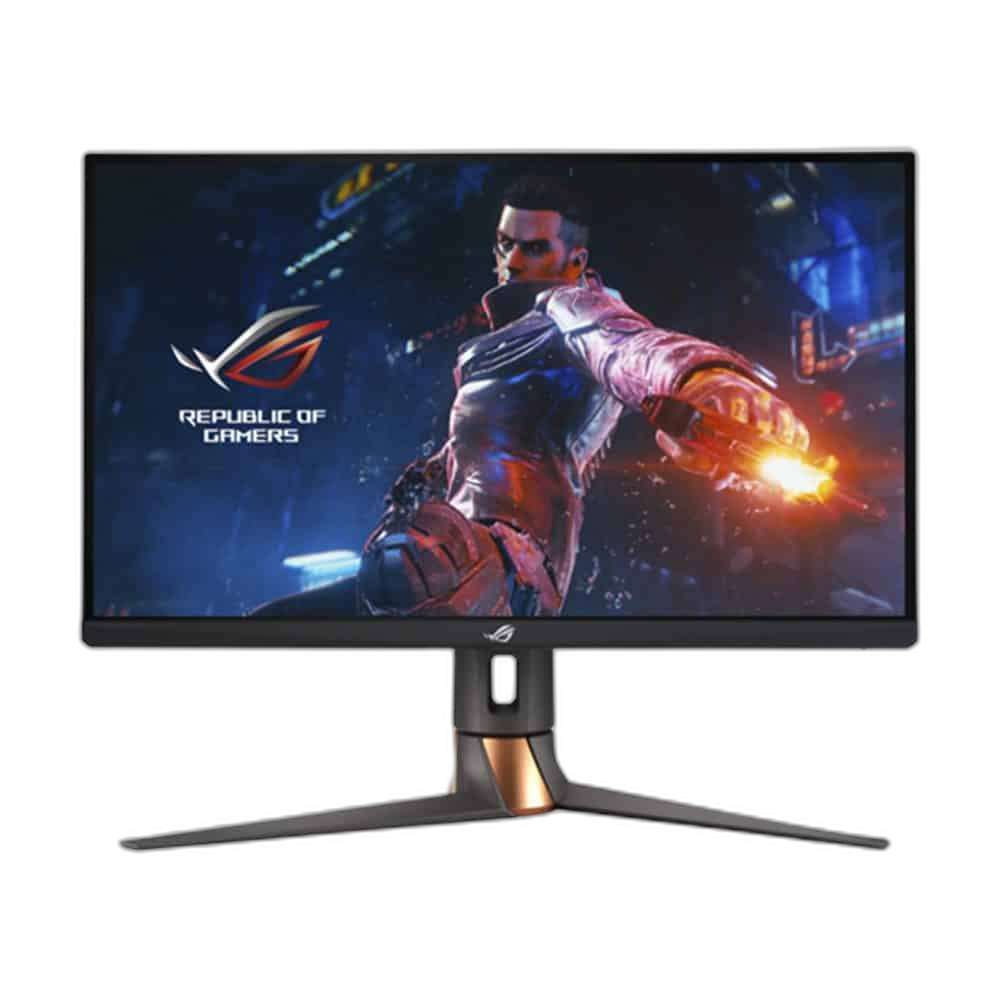
ASUS ROG SWIFT PG279QM 27 Inch 240Hz QHD IPS Gaming Monitor
The ASUS ROG Swift PG279QM pairs a 27-inch QHD Fast IPS panel with a 240Hz refresh rate and 1ms GtG response. NVIDIA G-SYNC, wide colour coverage and a fully adjustable stand make it a capable display for fast gameplay and everyday desktop use.
Regular price
334.000 KWD
or 4 payments of 83.500 KWD with
Pay with card & save


318.000 KWD
Save 16.000 KWD
Overview
ASUS ROG SWIFT PG279QM 27 INCH 240HZ QHD IPS GAMING MONITOR
240Hz QHD gaming with NVIDIA G-SYNC
The ASUS ROG Swift PG279QM pairs a 27-inch QHD Fast IPS panel with a 240Hz refresh rate and 1ms GtG response. NVIDIA G-SYNC, wide colour coverage and a fully adjustable stand make it a capable display for fast gameplay and everyday desktop use.
27 inch
Viewable Display Diagonal
2560 × 1440
Native Resolution
Up to 240Hz via DisplayPort; up to 144Hz via HDMI
Listed Refresh and Input Conditions
Fast IPS
Panel Technology
Fast motion and accurate colour
The 2560 × 1440 panel covers 97% DCI-P3 and offers Delta E below 2 colour accuracy. HDR10 and DisplayHDR 400 support HDR content, while NVIDIA G-SYNC helps maintain smooth variable-frame-rate gaming.
Connections for a flexible setup
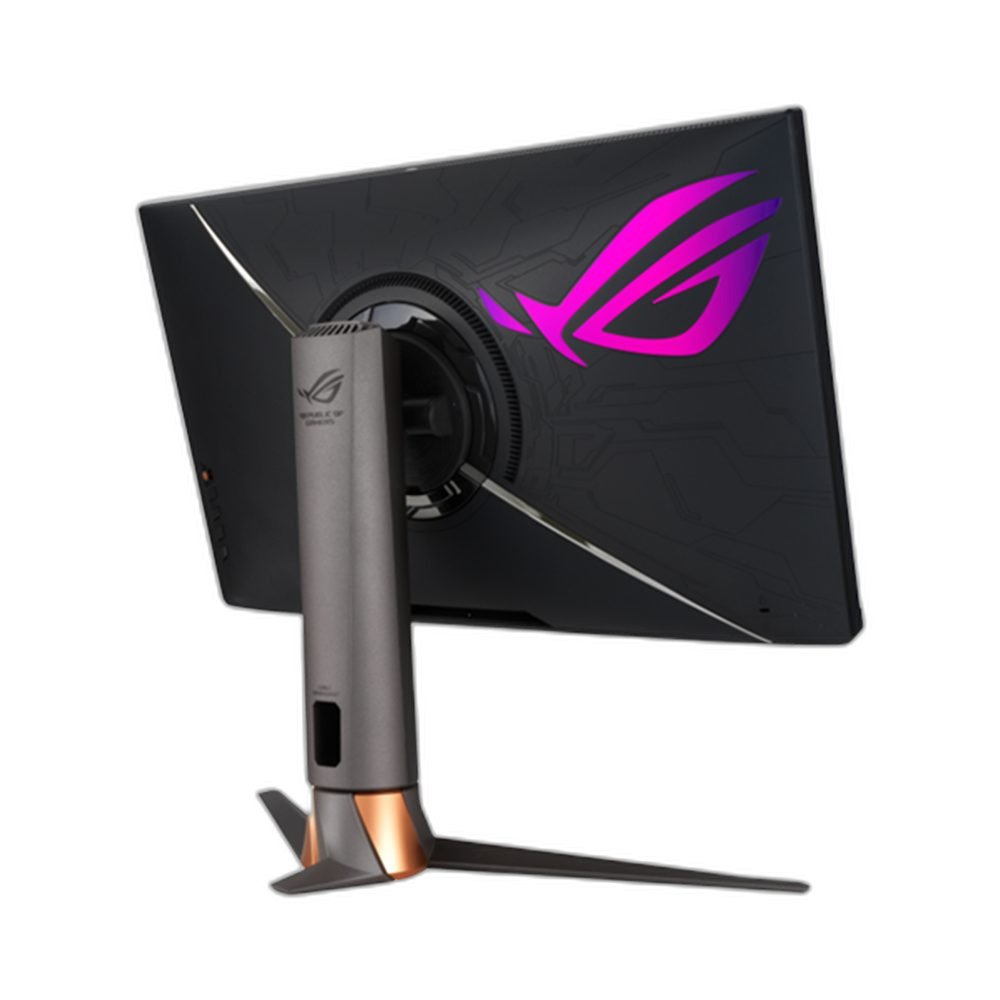
DisplayPort 1.4 supports up to 240Hz, while three HDMI 2.0 inputs support up to 144Hz. A USB hub, headphone jack and two 2W speakers provide practical options. Height, tilt, swivel and pivot adjustment help position the screen comfortably.
Plan Your Screen Area
The display specification is 27-inch Fast IPS, with 2560 × 1440 (QHD) resolution. Compare the screen area and aspect ratio with your usual games and desktop work, leaving room on the desk for a comfortable viewing position.
Arrange the Display on Your Desk
Stand adjustment: Tilt −5° to +20°; swivel ±25°; pivot 0° to 90° counterclockwise; height 100mm. VESA mount: 100 × 100mm. Use the listed stand adjustments to position the display for your desk and chair. If you choose an arm or wall mount, check the stated VESA pattern and the mounting hardware requirements.
Check the Audio Arrangement
The listed audio arrangement is Earphone jack; 2 × 2W speakers. Plan speakers or headphones around those connections and the audio path of your source device, keeping the monitor’s built-in playback capabilities separate from any external sound equipment you add.
Match the Refresh Mode to Your Setup
Refresh rate: Up to 240Hz via DisplayPort; up to 144Hz via HDMI. The available refresh mode depends on the resolution, input, source device and supported settings. Check those conditions together before choosing a cable or expecting the highest listed refresh mode from your system.
Complete Your Workspace
Explore gaming PCs, gaming monitors for your setup.
Frequently Asked Questions
What size, panel and resolution does this display use?
27-inch Fast IPS. Fast IPS panel technology. Native resolution: 2560 × 1440 (QHD).
What refresh modes and input limits apply?
Refresh rate: Up to 240Hz via DisplayPort; up to 144Hz via HDMI. Available modes also depend on your source, input, cable and supported settings.
Which video and USB connections are listed?
Video inputs: DisplayPort 1.4; 3 × HDMI 2.0. USB hub: 2 × USB 3.2 Gen 1 Type-A.
What stand adjustment and mounting options are specified?
Stand adjustment: Tilt −5° to +20°; swivel ±25°; pivot 0° to 90° counterclockwise; height 100mm. VESA mount: 100 × 100mm.
How is response time specified?
1ms GtG.
What HDR support is listed?
HDR10; VESA DisplayHDR 400.
Build Your Setup with AX Store Kuwait
Explore computers, displays and accessories for your workspace at AX Store Kuwait. For help choosing the right model or checking an accessory, contact AX Store.
THE DETAILS
Technical specifications
Display specifications
27-inch Fast IPS
2560 × 1440 (QHD)
Up to 240Hz via DisplayPort; up to 144Hz via HDMI
1ms GtG
16:9
97% DCI-P3; 150% sRGB
Delta E < 2
16.7 million
350 cd/m² typical; 400 cd/m² peak HDR
1000:1
178° horizontal / 178° vertical
Anti-glare
HDR10; VESA DisplayHDR 400
NVIDIA G-SYNC
DisplayPort 1.4; 3 × HDMI 2.0
2 × USB 3.2 Gen 1 Type-A
Earphone jack; 2 × 2W speakers
Tilt −5° to +20°; swivel ±25°; pivot 0° to 90° counterclockwise; height 100mm
100 × 100mm
Aura Sync
8.1kg
COMPLETE YOUR SETUP
Pairs well with
