
ASUS
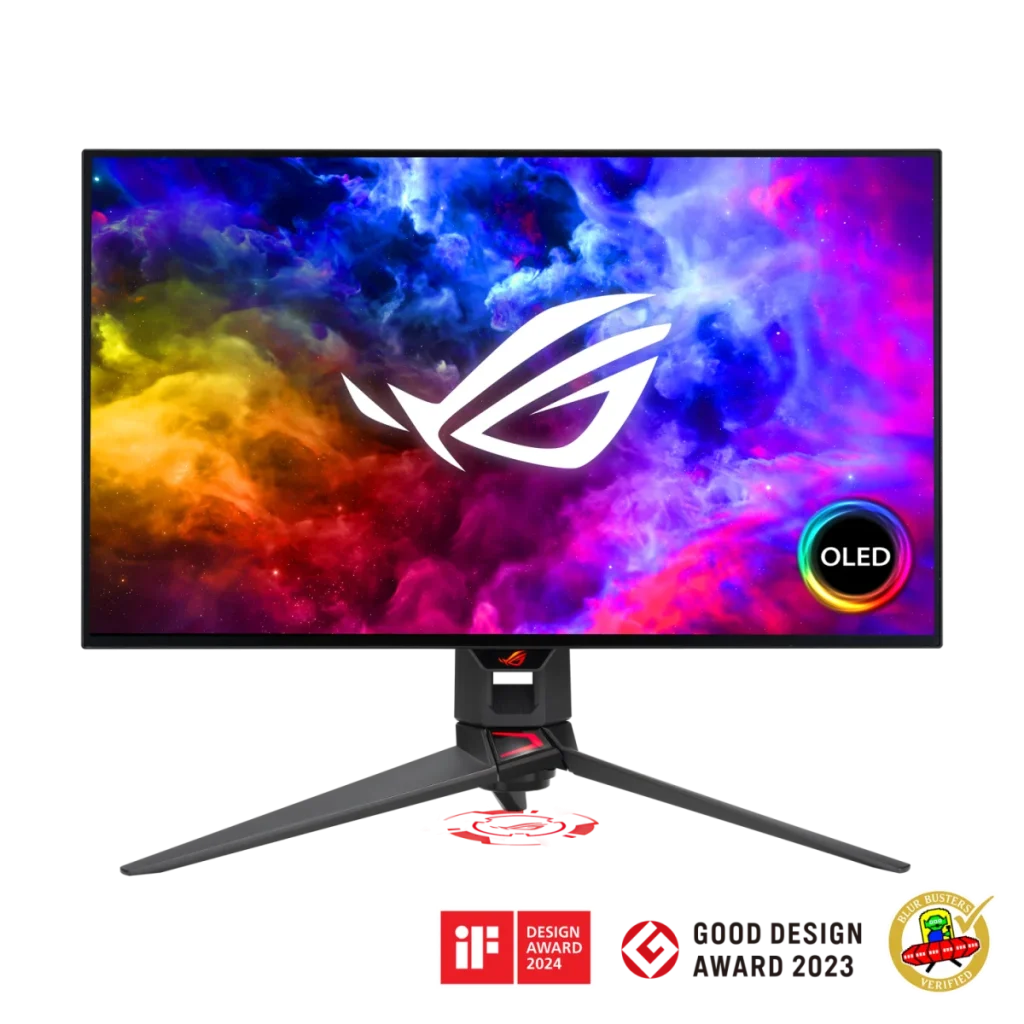
ASUS ROG Swift PG27AQDM 27 inch OLED QHD 240Hz Gaming Monitor
ASUS ROG Swift OLED PG27AQDM features a 26.5-inch QHD WOLED panel, 240 Hz maximum refresh over DisplayPort and 0.03 ms GTG response. Supports HDR10, 99% DCI-P3, adaptive sync and ASUS OLED Care, with an adjustable stand and USB hub. HDMI input supports up to 120 Hz.
Regular price
233.000 KWD
or 4 payments of 58.250 KWD with
Overview
ASUS ROG SWIFT OLED PG27AQDM
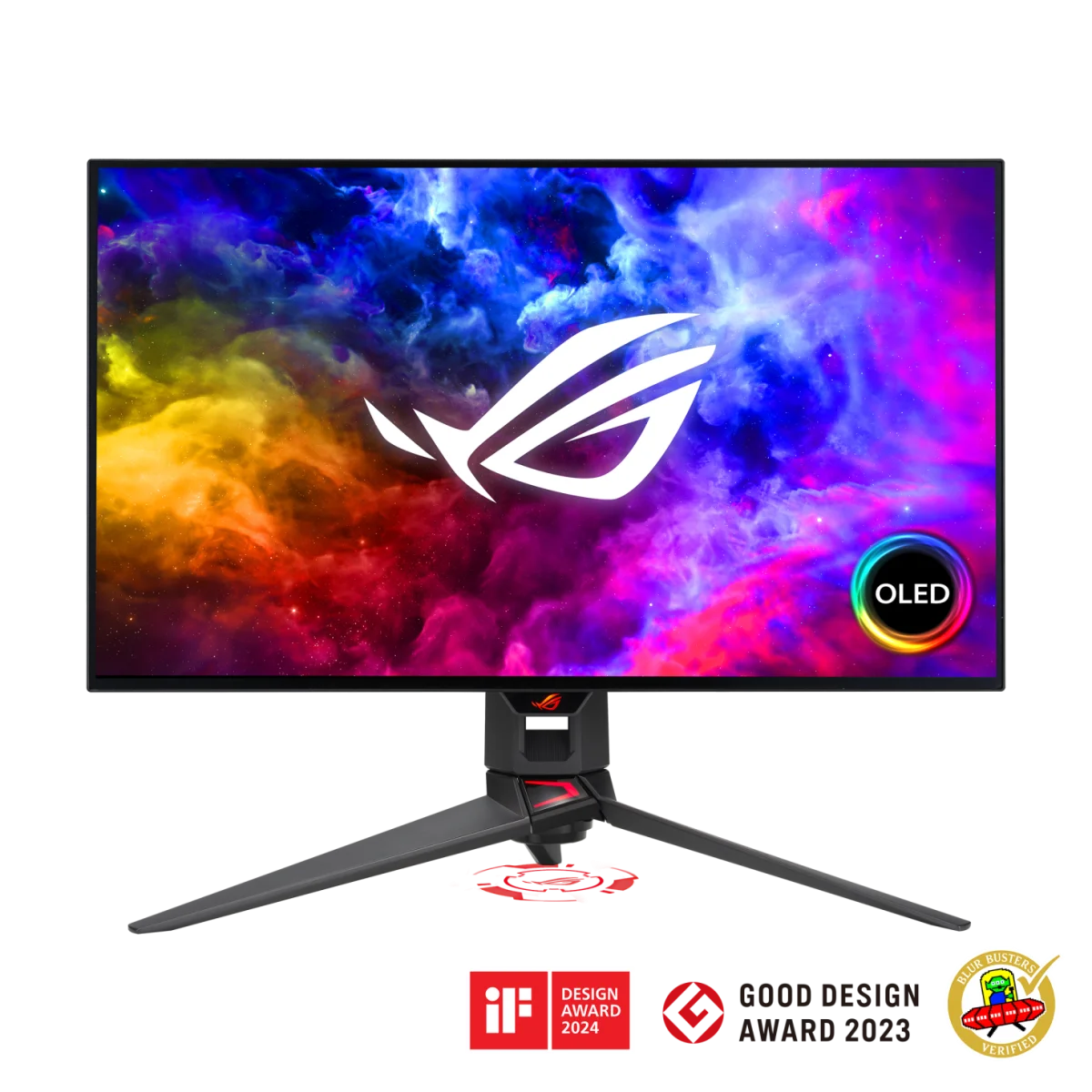
ASUS ROG Swift OLED PG27AQDM
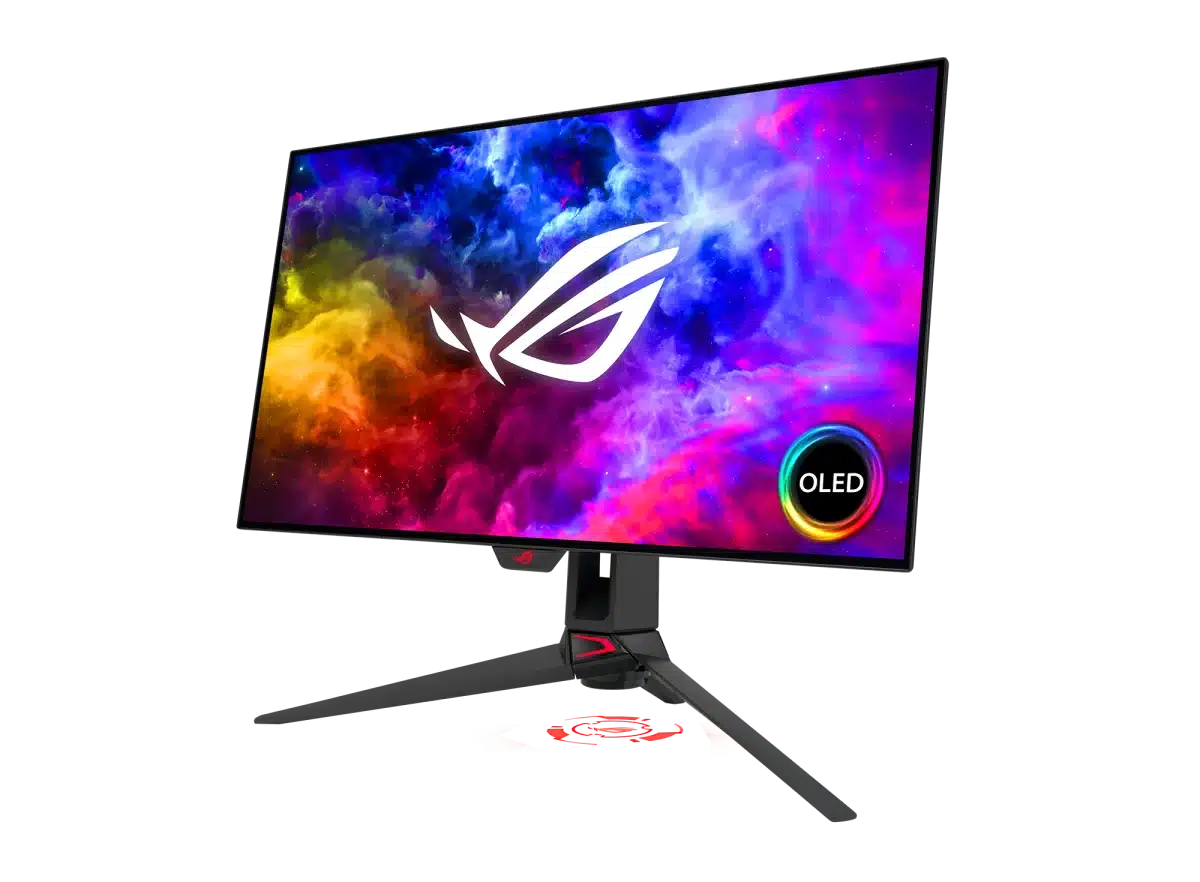
The ASUS ROG Swift OLED PG27AQDM pairs a 26.5-inch WOLED panel with 2560 × 1440 resolution and up to 240 Hz refresh over DisplayPort. Its 0.03 ms GTG response, wide colour gamut and OLED contrast bring speed and depth to a 27-inch-class gaming setup. An adjustable stand, USB hub and ASUS OLED Care round out the display. Explore this model at AX Store in Kuwait.
26.5 inch
Display Diagonal
2560 × 1440
Resolution
240 Hz
Maximum Refresh
OLED
Panel Technology
OLED contrast in a QHD gaming format
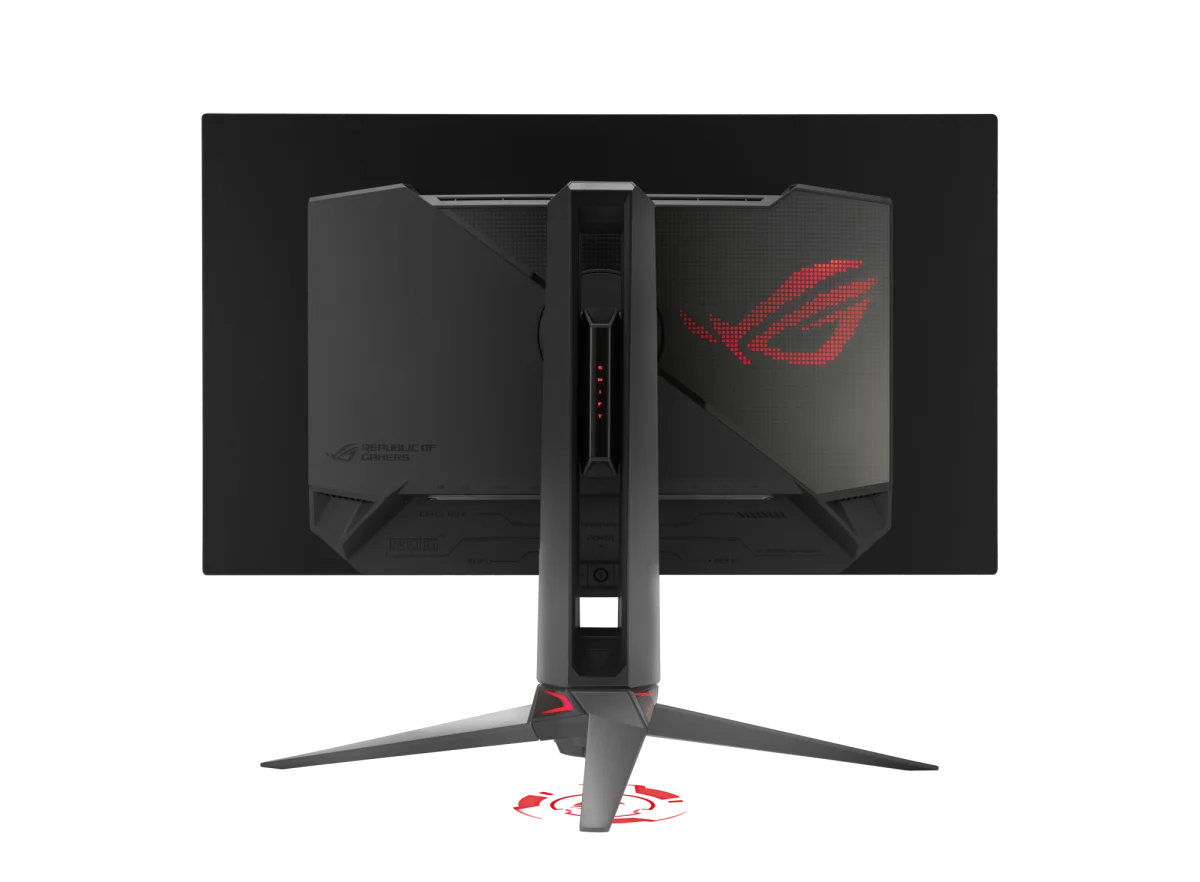
The WOLED panel combines QHD detail with a typical contrast ratio of 1,500,000:1. Its 26.5-inch viewable area keeps the monitor in the familiar 27-inch class, with an anti-glare screen surface and 16:9 aspect ratio. It is a focused size for a desktop gaming setup when you want OLED image characteristics without moving to a larger display.
Use DisplayPort for the 240 Hz maximum
The display’s maximum refresh rate is 240 Hz, with a 0.03 ms grey-to-grey response specification. The official input-frequency table lists 40–240 Hz over DisplayPort and 40–120 Hz over HDMI. Match the input and settings to the refresh rate you want, rather than assuming every connector provides the same maximum.
HDR10 with OLED highlights
HDR10 is supported, with an advertised HDR peak brightness of 1000 cd/m². ASUS notes that peak brightness can vary with colour pre-calibration. This peak figure describes HDR highlights rather than a promise that the whole screen runs continuously at that brightness, so consider it alongside the OLED contrast and the content you plan to display.
Wide colour and adaptive-sync support
The panel’s published DCI-P3 coverage is 99%, with approximately 1.074 billion displayable colours at 10-bit colour depth. Gaming support includes VESA AdaptiveSync Display 240 Hz certification, AMD FreeSync Premium and NVIDIA G-SYNC Compatible certification. These features support a high-refresh setup across suitable graphics hardware and settings.
Desktop connections and panel-care controls
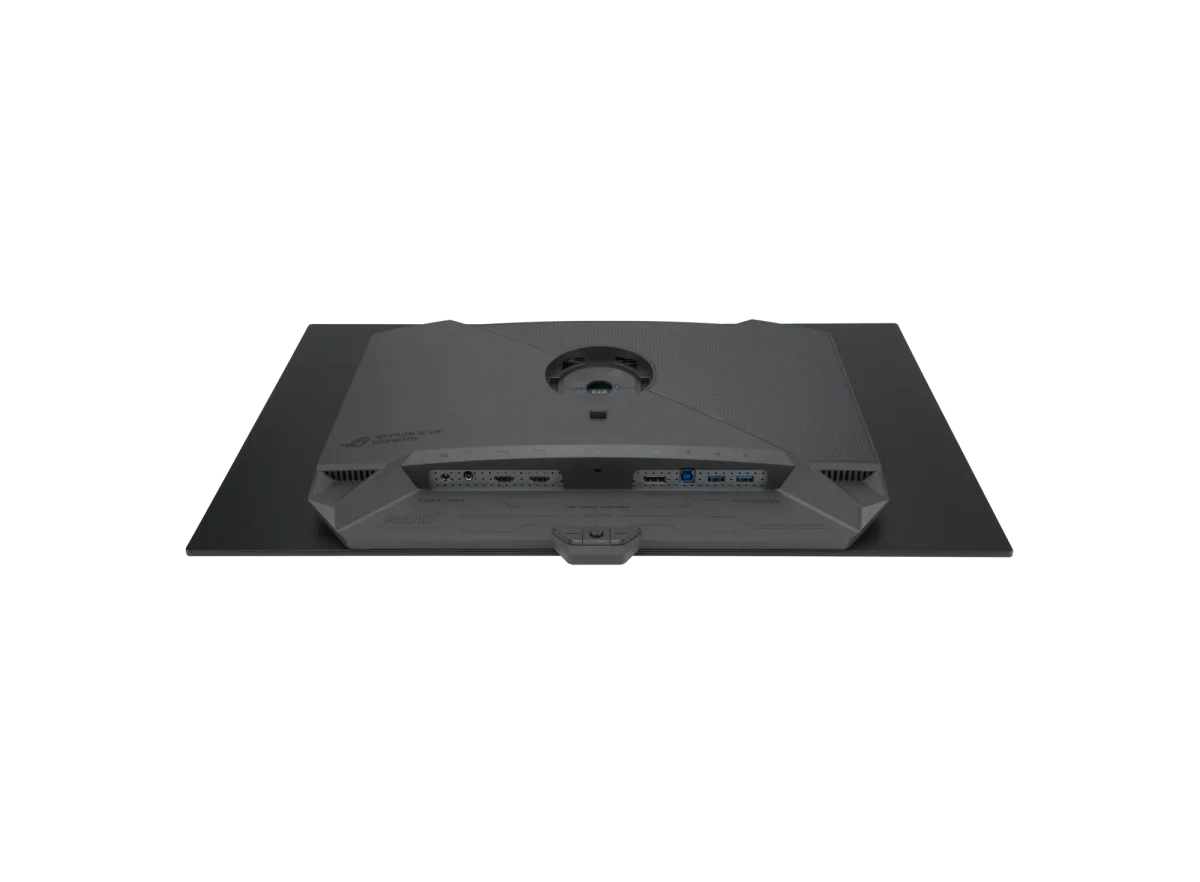
One DisplayPort 1.4 DSC input and two HDMI 2.0 inputs connect your video sources. The USB hub provides two USB 3.2 Gen 1 Type-A ports, and an earphone output handles audio from the display connection. There are no built-in speakers. ASUS OLED Care and DisplayWidget Center support the monitor’s care and configuration functions.
Set the position around your desk
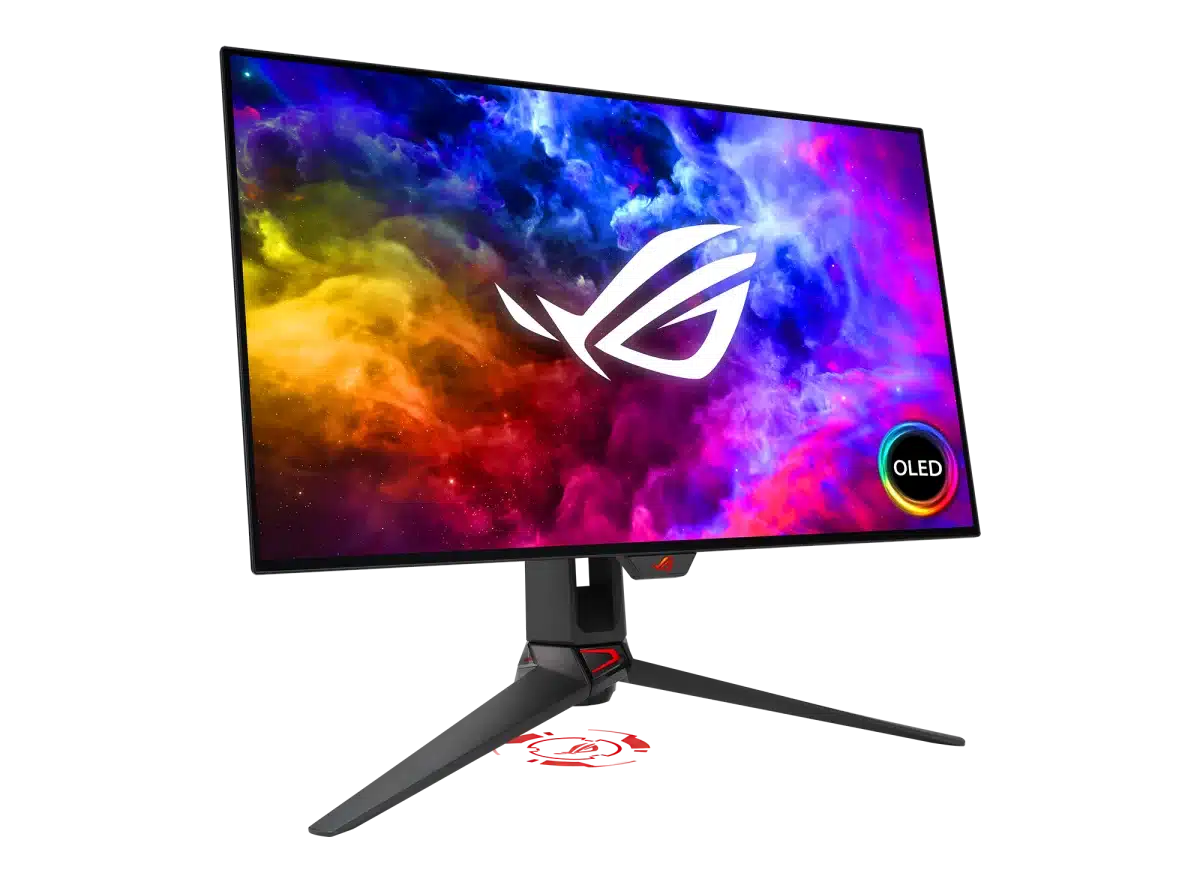
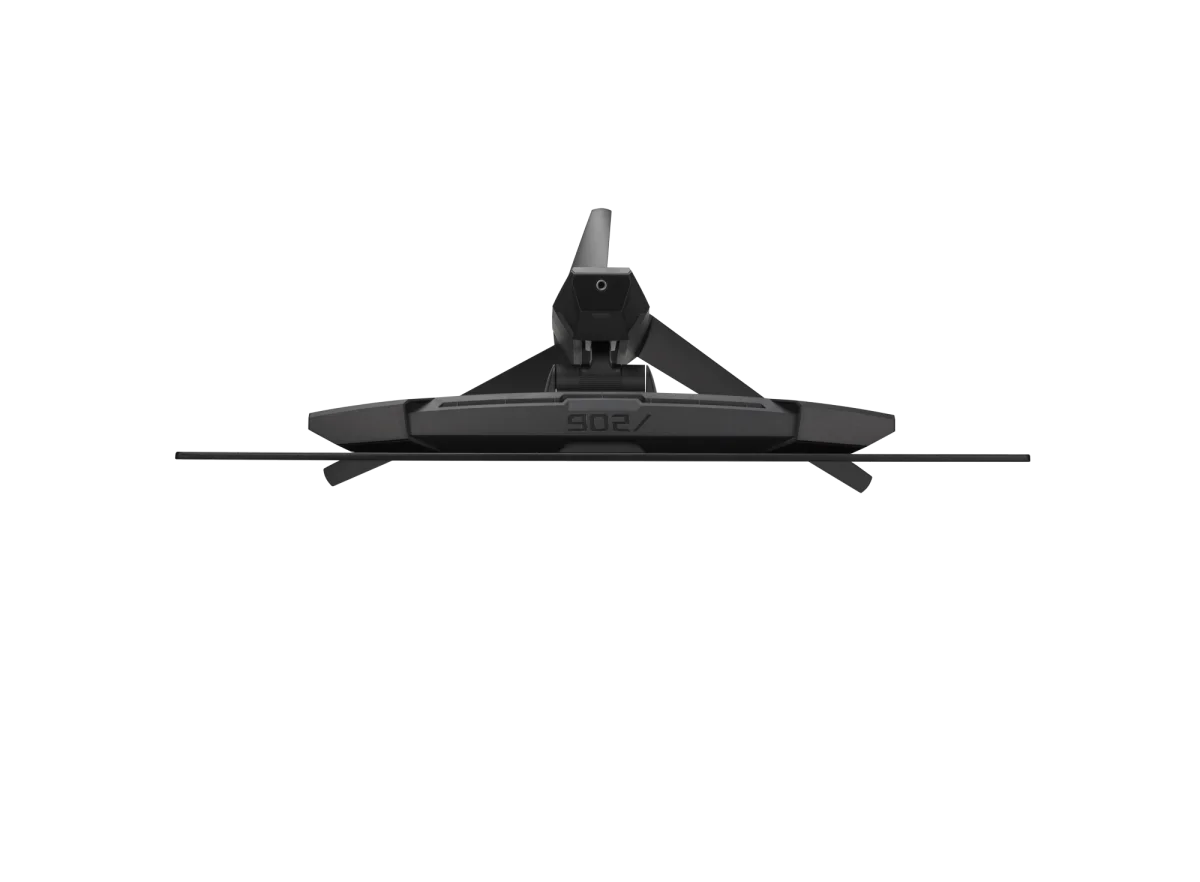
The stand provides 110 mm of height adjustment, tilt, swivel and portrait pivot in either direction. A 100 × 100 mm VESA interface supports a compatible mount, while a quarter-inch tripod socket adds another supported accessory connection. The monitor weighs 6.9 kg with its stand or 4.2 kg without it, useful figures when choosing an arm.
Plan the Display and the Rest of Your Desk
Compare resolution, refresh rate, screen size and the input you will actually use. Match the computer or console output to the chosen display mode, and leave room for the monitor stand and mouse movement. Compare related options such as ASUS ProArt PA328QV 31.5 Inch 75Hz WQHD IPS Monitor or ASUS ProArt PA279CV 27 inch 4K UHD IPS Monitor, keeping the exact model and configuration in the decision. For the wider setup, explore ASUS ROG HARPE II ACE Wireless Gaming Mouse, 48g, 42000 DPI and check the connection, size or mounting requirements before pairing accessories. Browse the ASUS range at AX for more choices.
ASUS ROG Swift OLED PG27AQDM Setup Choices
Compare resolution, refresh rate, screen size and the input you will actually use. Match the computer or console output to the chosen display mode, and leave room for the monitor stand and mouse movement.
Frequently Asked Questions
What panel and resolution does this monitor use?
26.5 inches, 27-inch class. WOLED. Native resolution: 2560 × 1440.
What refresh modes or input limits should I check?
DisplayPort frequency range: 30–390 kHz horizontal; 40–240 Hz vertical. HDMI frequency range: 30–295 kHz horizontal; 40–120 Hz vertical.
Which display connections are available?
DisplayPort: One DisplayPort 1.4 DSC. HDMI: Two HDMI 2.0.
What stand adjustment and mounting options are specified?
Tilt: +20° to -5°. Swivel: +30° to -30°. Pivot: +90° to -90°. Height adjustment: 0–110 mm. VESA: 100 × 100 mm.
Build Your Setup with AX Store
Explore computers, displays and accessories for your workspace at AX Store. For help choosing the right model or checking an accessory, contact AX Store.
THE DETAILS
Technical specifications
Panel and image
ROG Swift OLED PG27AQDM
26.5 inches, 27-inch class
WOLED
2560 × 1440
16:9
Anti-glare
590.42 × 333.72 mm
0.229 mm
99%
135%
1073.7 million, 10-bit
HDR10
1000 cd/m²; may vary with colour pre-calibration
1,500,000:1
178° horizontal / 178° vertical
0.03 ms GTG
240 Hz
Gaming and care features
Adaptive-Sync; VESA AdaptiveSync Display 240 Hz, AMD FreeSync Premium and G-SYNC Compatible certifications
ASUS OLED Care
DisplayWidget Center
GamePlus, GameVisual, GameFast Input, Shadow Boost and aspect control
Yes
TÜV Flicker-free and TÜV Low Blue Light hardware solution
Connections and signal
One DisplayPort 1.4 DSC
Two HDMI 2.0
Two USB 3.2 Gen 1 Type-A
Earphone jack
No
30–390 kHz horizontal; 40–240 Hz vertical
30–295 kHz horizontal; 40–120 Hz vertical
100–240 V, 50/60 Hz
Stand, mounting and size
+20° to -5°
+30° to -30°
+90° to -90°
0–110 mm
100 × 100 mm
1/4 inch
Aura RGB
Yes
605 × 548 × 274 mm
605 × 351 × 50 mm
673 × 440 × 220 mm
6.9 kg
4.2 kg
9.4 kg
Colour pre-calibration report, DisplayPort cable, HDMI cable, power adapter, power cord, quick-start guide, ROG pouch, ROG sticker, USB 3.2 cable, VESA mount kit and warranty card
COMPLETE YOUR SETUP
Pairs well with

