ASUS
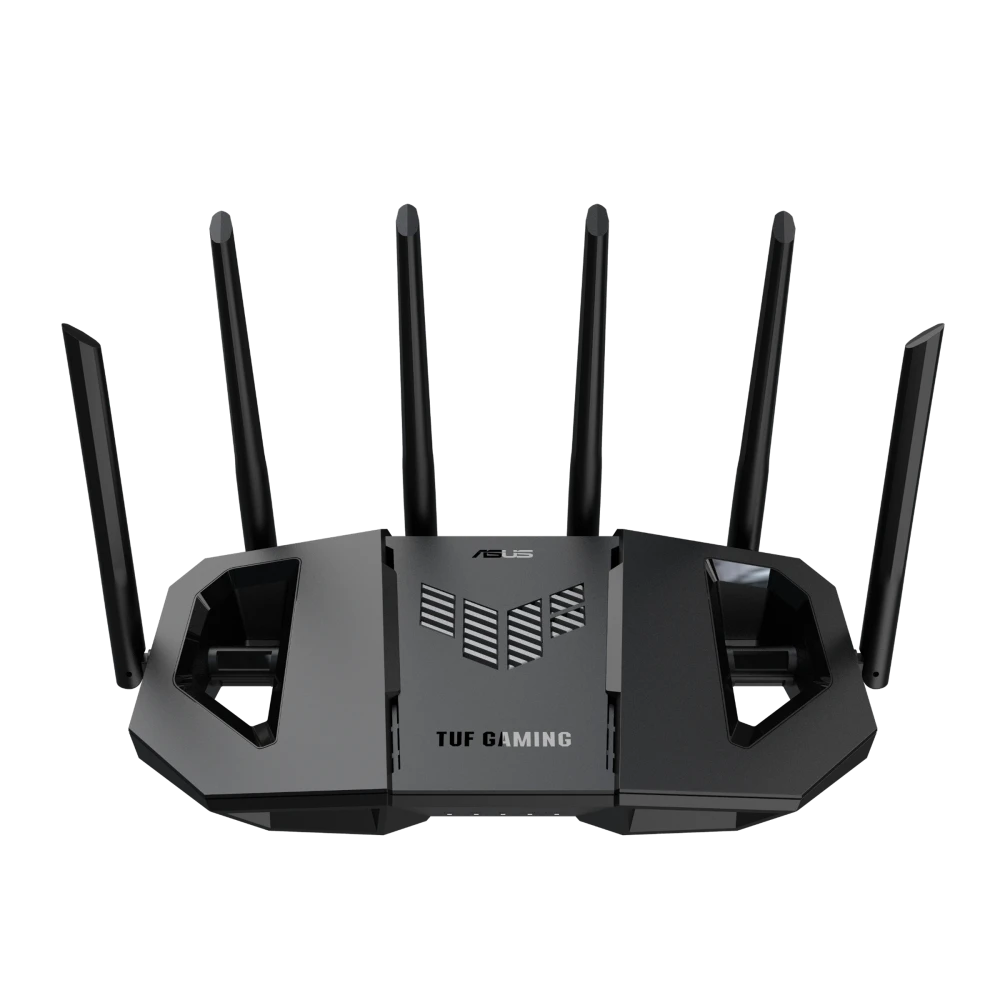
ASUS TUF Gaming BE9400 Tri-Band Wi-Fi 7 Gaming Router - Black
ASUS TUF Gaming BE9400 tri-band Wi-Fi 7 router with BE9400 wireless, four 2.5G Ethernet ports, MLO, AiMesh expansion and USB 3.2 Gen 1. AiProtection and a quad-core processor support everyday network management.
Overview
ASUS TUF GAMING BE9400 TRI-BAND WI-FI 7 GAMING ROUTER - BLACK
Tri-band Wi-Fi 7 with 320 MHz channels and four 2.5G ports.
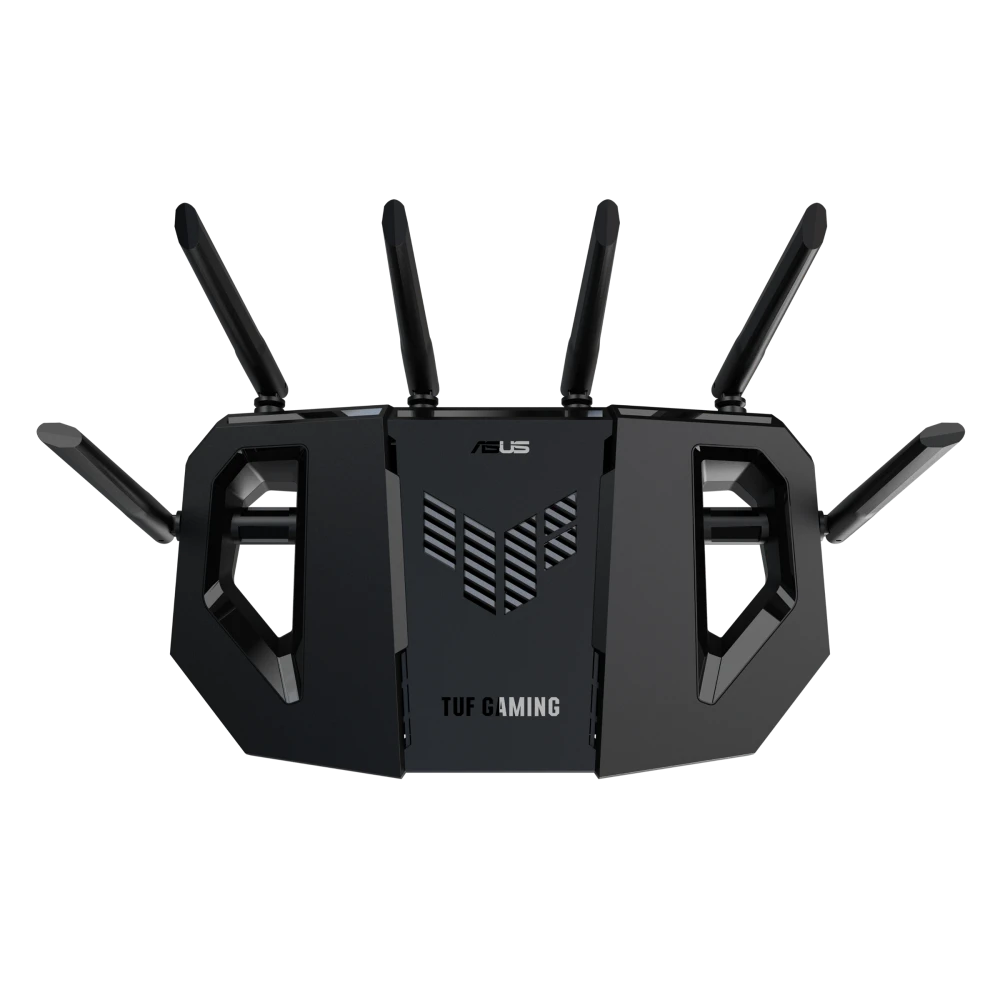
The ASUS TUF Gaming BE9400 adds a 6 GHz radio to 2.4 GHz and 5 GHz Wi-Fi, pairing tri-band BE9400 wireless capability with four 2.5G Ethernet ports. Support for 320 MHz channels, Multi-Link Operation, gaming prioritization and AiMesh gives you several ways to build a responsive home network. A 1.5 GHz quad-core processor, 1 GB RAM and ventilated construction support its networking features.
BE9400
Tri-band Wi-Fi 7
4 × 2.5G
Multi-gigabit Ethernet ports
1.5 GHz
Quad-core processor
1 GB
RAM
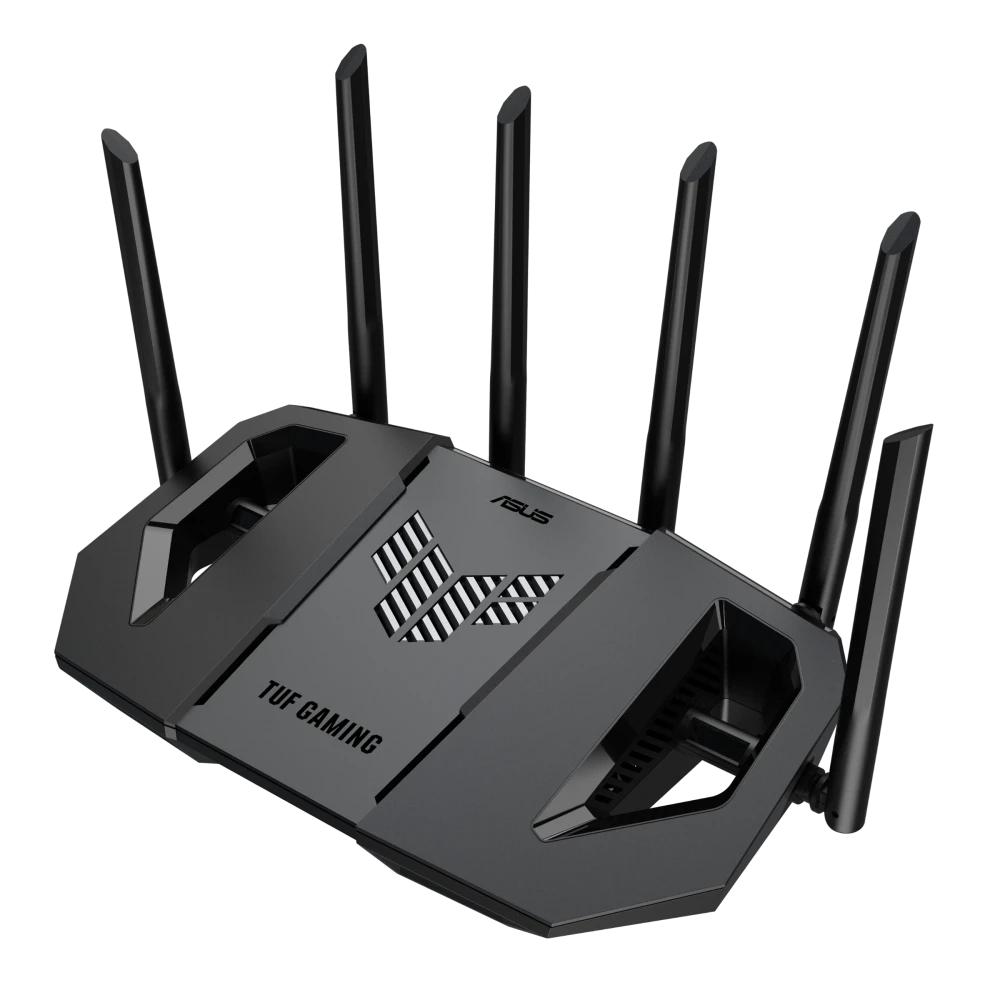
ASUS TUF Gaming BE9400: three bands and 320 MHz channels
ASUS lists up to 5764 Mbps on 6 GHz, 2882 Mbps on 5 GHz and 688 Mbps on 2.4 GHz. Six fixed external antennas serve 2×2 transmit/receive configurations on each band. Wi-Fi 7 adds 4096-QAM, OFDMA and channel-width support up to 320 MHz on 6 GHz. Multi-Link Operation can combine or switch between supported bands on compatible clients. Availability of 6 GHz and 320 MHz operation depends on the regional configuration and client support; older devices continue using their supported bands. These wireless link rates are not a promised Internet download speed.
Game Boost, Mobile Game Mode and OpenNAT
ASUS lists Game Boost / Acceleration, Mobile Game Mode, Gear Accelerator, OpenNAT game profiles and a gaming port. These provide ways to prioritize a device or game and simplify relevant port settings. They manage traffic and configuration within the available connection, rather than guaranteeing a fixed ping to every game server.
Quad-core hardware and reinforced construction
A 1.5 GHz quad-core processor works with 1 GB RAM and 256 MB flash. ASUS highlights vent placement and a double-heatsink design for cooling, together with fixed antennas and metal port protectors for physical strength. The router weighs 764 g and measures 320 × 179 × 191 mm.
Wi-Fi 7 AiMesh expansion
Use the BE9400 as an AiMesh primary router or node with compatible ASUS routers. Access-point, repeater, media-bridge and wireless-router modes support different layouts. Extendable coverage requires additional compatible hardware and sensible node placement; added mesh units are separately sold.
Four 2.5G Ethernet sockets, with a dedicated gaming port
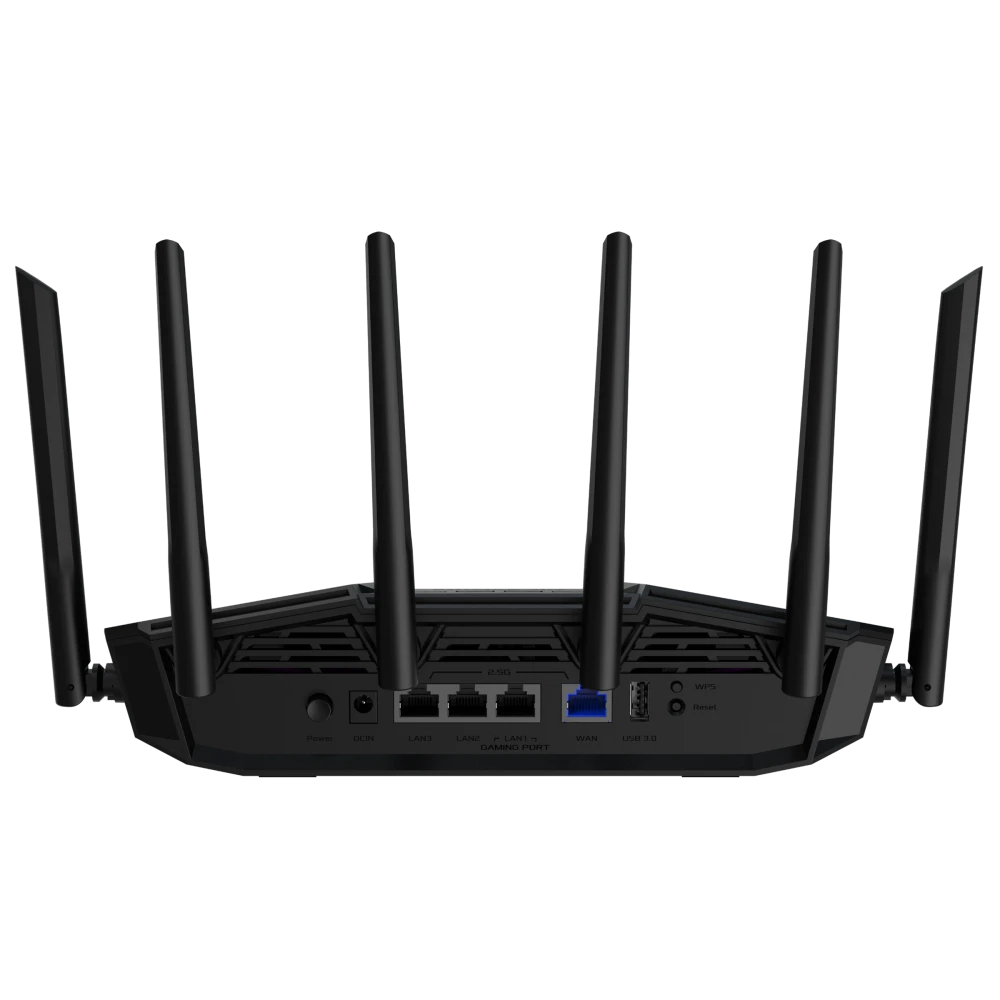
The rear connections comprise one 2.5G WAN and three 2.5G LAN ports, plus USB 3.2 Gen 1. Use WAN for an Ethernet connection from the ISP modem or ONT, and LAN for a gaming PC, console, storage device or compatible wired mesh backhaul. The dedicated gaming port helps prioritize attached gaming equipment. End-to-end throughput depends on the connected devices and cable capability. This package supplies the router and adapter, not the upstream Internet service or ISP modem.
Security and separate household networks
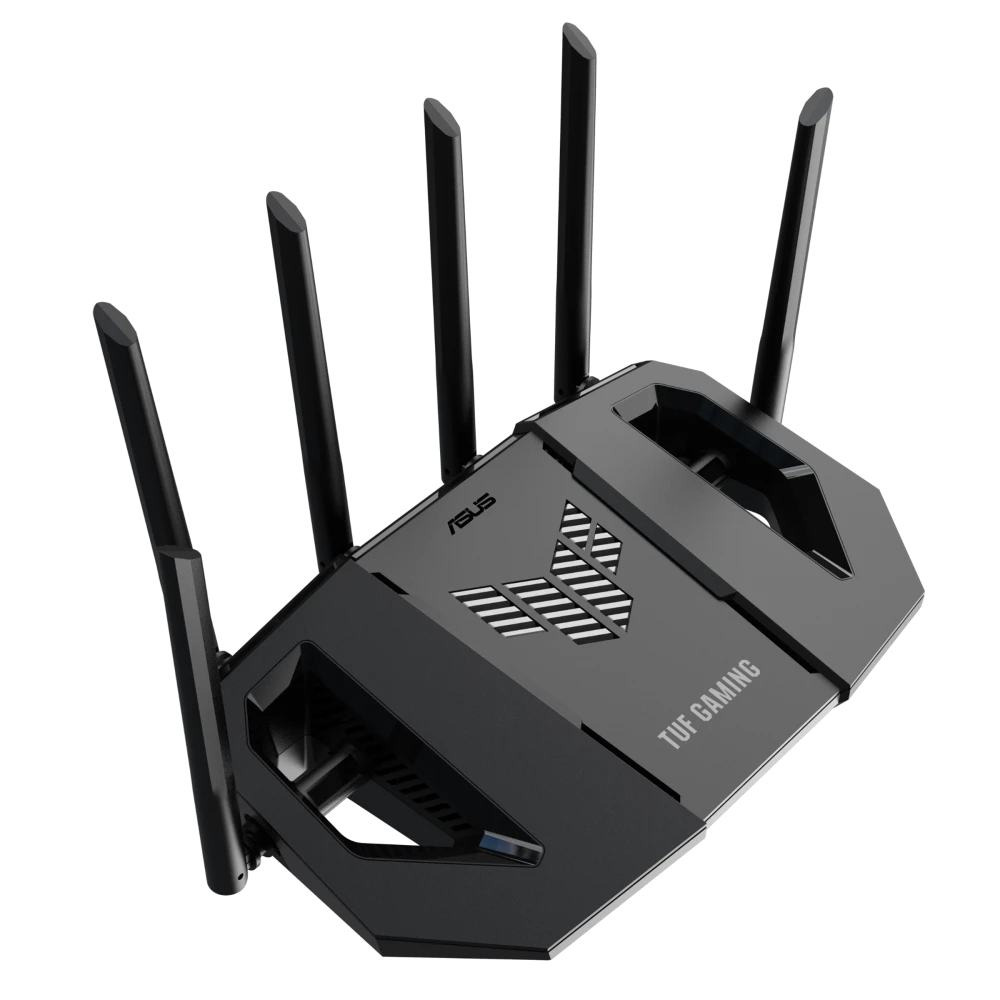
The official overview describes AiProtection, network security scanning and triple-level network protection. Smart Home Master provides dedicated IoT, children’s, VPN and MLO subnetworks through SSIDs. Web/application filters, time schedules, Safe Browsing and custom Internet schedules are listed in the technical specifications, with up to 64 parental-control profiles. Configure these functions for the devices and access policy you need; the full official feature list is retained in the technical-specification block below.
VPN network and advanced local routing
A dedicated VPN subnetwork can send selected devices through your chosen supported VPN service. The official overview also describes VPN integration as part of its network-protection tools. Networking features include Dual WAN, port forwarding with up to 64 rules, port triggering with up to 32 rules, DMZ, DDNS and the listed NAT pass-through protocols. DHCP, IPTV, manual address assignment with up to 64 rules and Wake-on-LAN support local-network administration.
USB storage and compatible mobile tethering
The USB 3.2 Gen 1 interface supports compatible 4G / 5G auto mobile tethering as well as Samba/FTP file sharing, a media server, Time Machine, Download Master, shared-folder privileges and safe disk removal. ASUS lists FAT32, HFS+, NTFS, vFAT and ext2/ext3/ext4 file systems. A USB storage drive or compatible phone/dongle and mobile service are separate accessories; tethering should not be confused with a SIM slot built into this router.
Setup, power and administration
Power the router using its supplied adapter, connect the Internet source to the WAN port, and complete setup in ASUSWRT or the ASUS Router app. Add your wireless clients, wired equipment and optional AiMesh nodes, then configure the dedicated subnetworks or gaming controls you intend to use. Backup/restore, diagnostic tools, feedback, system logs, device notifications, connection diagnosis, CAPTCHA login and automatic firmware updates assist maintenance. The published adapter specification is 110–240 V AC at 50–60 Hz, with up to 12 V / 2.5 A DC output.
In the box
ASUS TUF Gaming BE9400 router, RJ-45 cable, power adapter, Quick Start Guide and warranty card.
Complete Your Desk Setup
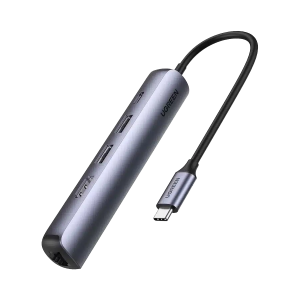
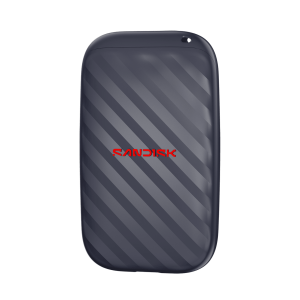
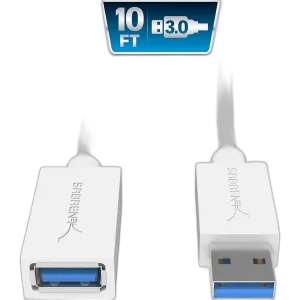
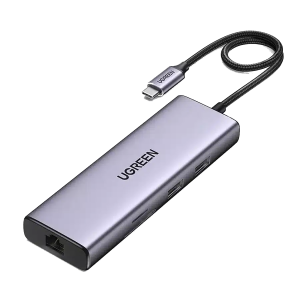
For a laptop that needs a wired network connection, consider the UGREEN CM490 90119 USB-C Hub - Dual 4K 60Hz HDMI, Gigabit and PD; its Ethernet connection is Gigabit rather than 2.5G. For a separate USB storage device, explore the SanDisk Portable Drive 1TB, USB-C 600MB/s SSD and check that you have a suitable USB-A data cable and a router-supported file system. Browse networking products or the full ASUS range.
Frequently Asked Questions
Is the ASUS TUF Gaming BE9400 tri-band?
Yes. ASUS specifies 2.4 GHz, 5 GHz and 6 GHz radios, with 2×2 transmit/receive configurations on each band.
Does it support 320 MHz Wi-Fi channels?
Yes, ASUS lists support up to 320 MHz on 6 GHz. Usable channels and Wi-Fi 7 features depend on the regional configuration, firmware and compatible client device.
How many 2.5G LAN ports does it have?
There are three 2.5G LAN ports and one 2.5G WAN port, giving four 2.5G Ethernet sockets in total.
Which gaming controls are listed by ASUS?
The official list includes Game Boost / Acceleration, Mobile Game Mode, Gear Accelerator, OpenNAT game profiles and a gaming port.
Can it extend an ASUS mesh network?
Yes. ASUS lists primary AiMesh router and AiMesh node roles, as well as wireless-router, access-point, repeater and media-bridge modes.
What does the package contain?
ASUS lists the TUF-BE9400 tri-band gaming router, RJ-45 cable, power adapter, Quick Start Guide and warranty card.
Build Your Setup with AX Store Kuwait
Need help choosing the right model or a compatible accessory? Contact AX Store and our team will help you build the right setup.
THE DETAILS
Technical specifications
Product Identification
ASUS
90IG0A30-MO9C00
Black
Model
TUF Gaming BE9400 (TUF-BE9400)
Network Standard
IPv6, IPv4, WiFi 7 (802.11be), WiFi 6 (802.11ax), WiFi 5 (802.11ac), WiFi 4 (802.11n), IEEE 802.11 g, IEEE 802.11b, IEEE 802.11a
Product Segment
BE9400 aggregate wireless class: 688+2882+5764 Mbps
WiFi Data Rate
WiFi 7 (802.11be) (6 GHz): up to 5764 Mbps, WiFi 7 (802.11be) (5 GHz): up to 2882 Mbps, WiFi 7 (802.11be) (2.4 GHz): up to 688 Mbps
Antenna
External fixed antenna x 6
Transmit / Receive
6 GHz 2x2, 5 GHz 2x2, 2.4 GHz 2x2
Processor
1.5 GHz Quad-core Processor
Memory
256 MB Flash and 1 GB RAM
Boosts Speed
OFDMA (Orthogonal Frequency Division Multiple Access), 4096-QAM high data rate, 20/40/80/160/320 MHz bandwidth
Operating Frequency
6 GHz, 5 GHz, 2.4 GHz
Operating Mode
Repeater Mode, Media Bridge Mode, Access Point Mode, AiMesh Node Mode, Wireless Router Mode
I/O Ports
1 x 2.5Gbps for WAN, 3 x 2.5Gbps for LAN, 1 x USB 3.2 Gen1
Buttons
WPS Button, Reset Button, Power Button
LED Indicator
WAN(Internet) x1, 6 GHz x 1, 5 GHz x 1, 2.4 GHz x1, Power x1
Power Supply
AC Input : 110V~240V(50~60Hz), DC Output : 12 V with max. 2.5 A current
Package Content
TUF-BE9400 Tri Band Gaming Router, RJ-45 cable, Power adapter, Quick Start Guide, Warranty card
Product Weight (g)
764 g
Product Dimensions
320 x 179 x 191 mm
AiMesh
AiMesh, • Primary AiMesh Router, • AiMesh Node
Game
Game Boost / Acceleration, Mobile Game Mode, Gear Accelerator, OpenNAT (Game Profile), Gaming Port
Parental Control
Web & Apps Filters, Time Scheduling, Safe Browsing, Customized Internet Schedule, • Maximum Parental Control Profile : 64
WAN
IPSec, Static IP, Automatic IP, L2TP, PPTP, PPPoE, Internet Connection Type :, Dual WAN, 3G / 4G LTE dongle, 4G / 5G Auto Mobile Tethering, Port forwarding, • Maximum Port Forwarding Rule : 64, Port triggering, • Maximum Port Triggering Rule : 32, DMZ, DDNS, • PPPoE Relay, SIP Pass-Through, H.323 Pass-Through, RTSP Pass-Through, IPSec Pass-Through, L2TP Pass-Through, PPTP Pass-Through
LAN
DHCP Server, IPTV, Manually Assign IP Address, • Maximum Manually Assign IP Address Rule : 64, Wake on LAN (WOL)
Wireless
MU-MIMO, UTF-8 SSID, WiFi MAC Address Filter, • Maximum MAC Filters : 64, Wireless Scheduler, Airtime Fairness, RADIUS Client
USB application
4G / 5G Auto Mobile Tethering, • FAT32, ext4, ext3, ext2, vFAT, NTFS, HFS+, Safely Remove Disk, Download Master, Media Server, Time Machine, Samba Server, FTP Server, Shared Folder Privileges
User Interface
WEB: ASUSWRT, APP: ASUS Router APP
Administration
Configuration Backup and Restore, Diagnosis tools, Feedback System, System Log, New Device Connect Notification, Login Captcha, Connection Diagnosis, Auto Firmware Update
Additional Official Features
Tri-band MLO; compatible clients and regional configuration required.
Dedicated household subnetworks via SSIDs; model-supported IoT, family and VPN network options.
Compatible external 4G / 5G device and mobile data service required separately.
Wireless link-rate classes do not equal guaranteed Internet speed. Actual performance depends on clients, network conditions, configuration and regional availability.
Local Distributor Warranty
1 Year
Local distributor warranty, subject to the distributor's warranty policy.
Network Protection
Network-protection features described by ASUS, including security checks.
Dedicated VPN subnetwork through Smart Home Master.
COMPLETE YOUR SETUP
Pairs well with