Corsair
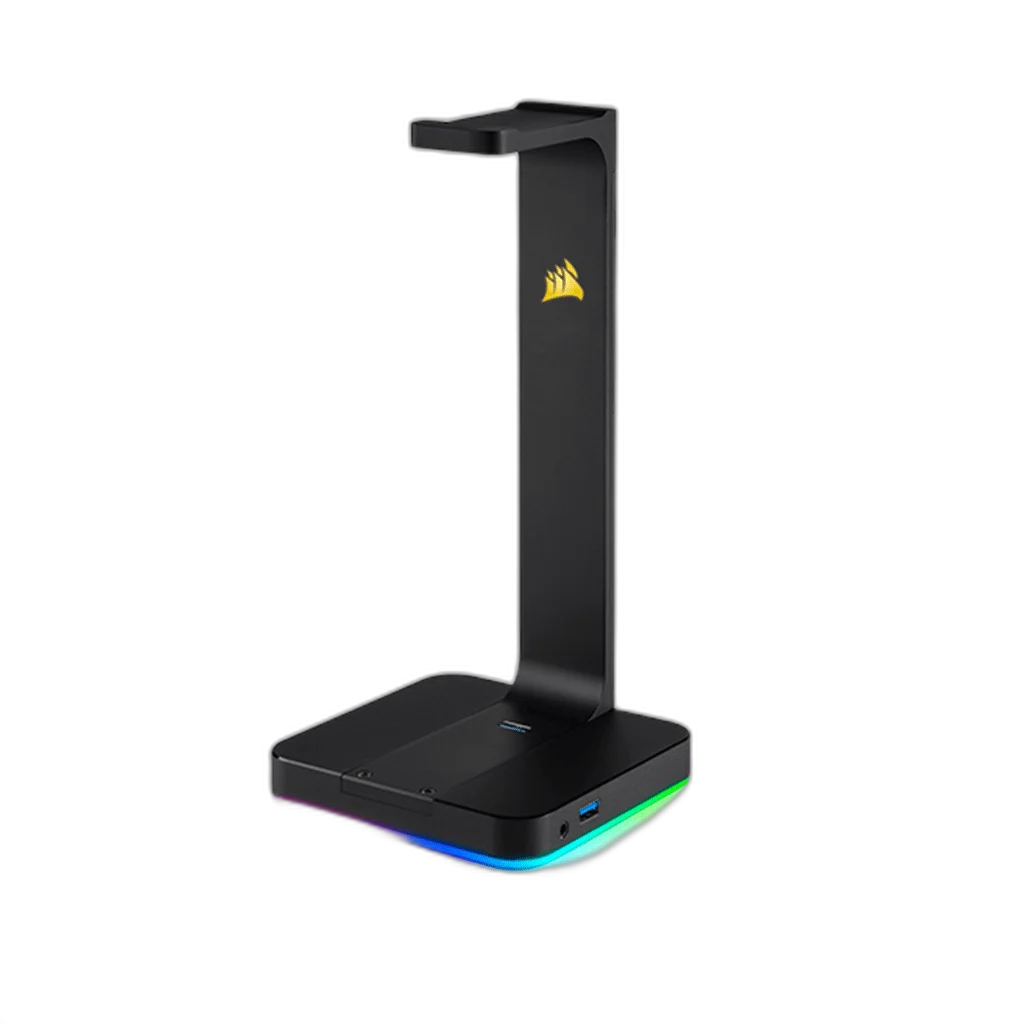
Corsair ST100 RGB Premium Headset Stand - With 7.1 Surround Sound
Display your headset on an aluminium stand with nine-zone RGB lighting. ST100 RGB also adds two USB 3.1 Gen 1 ports and a 3.5 mm audio connection with software-enabled virtual 7.1 surround sound.
Regular price
28.500 KWD
or 4 payments of 7.125 KWD with
Pay with card & save


27.000 KWD
Save 1.500 KWD
Overview
CORSAIR ST100 RGB PREMIUM HEADSET STAND - WITH 7.1 SURROUND SOUND
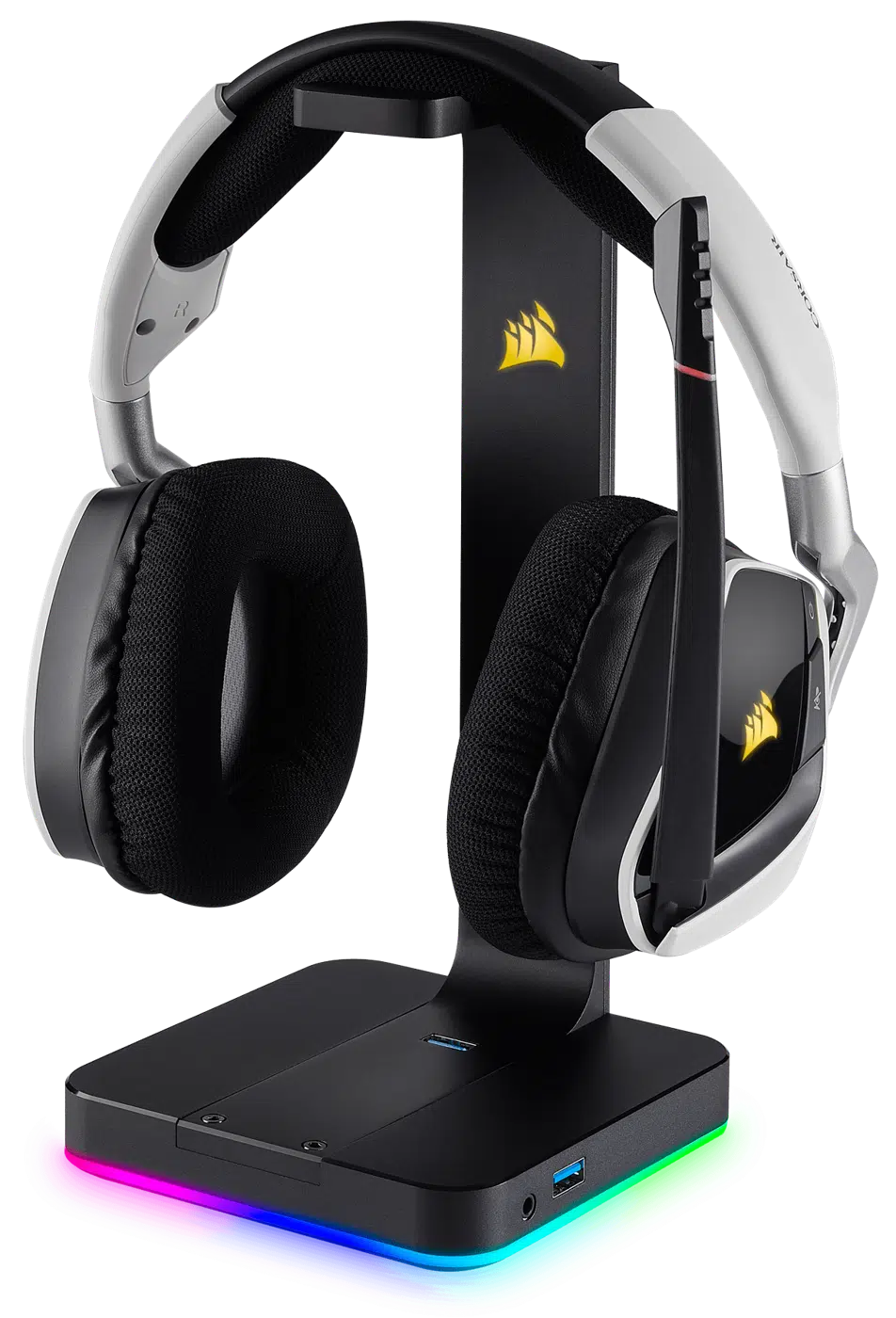
Corsair ST100 RGB Headset Stand
Corsair ST100 RGB Headset Stand: Display your headset on an aluminium stand with nine-zone RGB lighting. ST100 RGB also adds two USB 3.1 Gen 1 ports and a 3.5 mm audio connection with software-enabled virtual 7.1 surround sound. Explore this model at AX Store in Kuwait.
9 Zones
Customisable RGB Lighting
2 USB-A Ports
USB 3.1 Gen 1
3.5 mm
Analogue Headphone Jack
Aluminium
Stand Construction
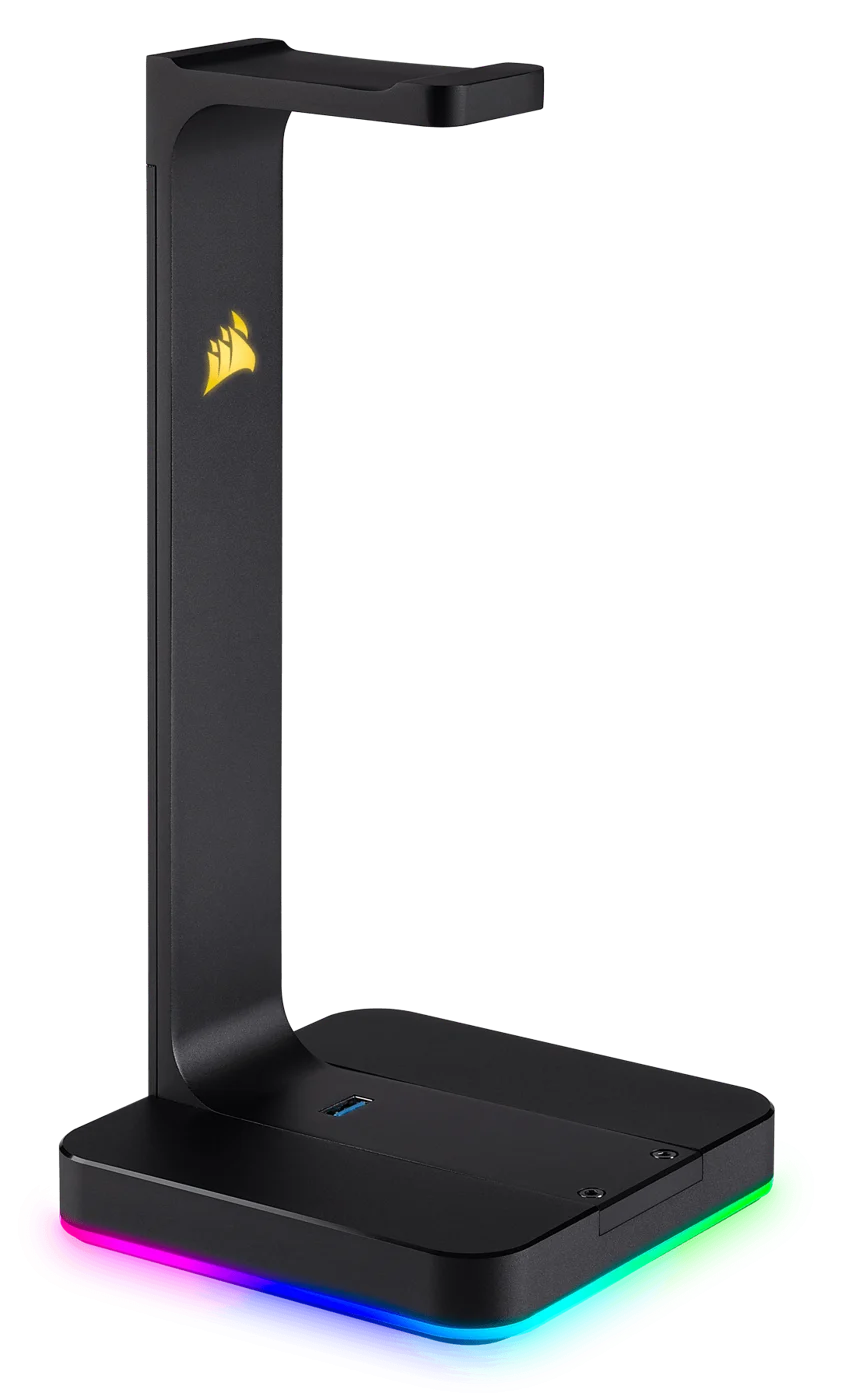
One place for your headset
Aluminium construction and a rubberised base provide a stable resting place. The two USB Type-A ports let you connect compatible peripherals. Check the available space and choose the viewing or storage position that suits the actual desk.
Lighting and sound controls
Customise nine RGB zones in Corsair software and synchronise supported devices. The 3.5 mm jack supports stereo audio or virtual 7.1 processing; software is required for the full feature set.
Use the Computer Connection for USB Functions
Connect the stand to the supported computer with its supplied USB cable for the USB and audio features. The stated USB 3.1 performance requires a computer USB 3.0 or higher port, rather than being established by the connector shape alone.
Configure the Supported Sound and Lighting Software
The stand provides stereo audio and software-enabled virtual 7.1 through its analogue headphone jack. Use the supported software for the full EQ, sidetone and lighting feature set, checking the selected computer output before listening.
Treat the Stand as the Headset’s Rest
Place a suitable headset securely on the upper support while leaving the earcups and cable clear of the base controls and ports. Check the actual headband seating instead of pulling on the cable when lifting the headset.
Keep the Peripherals Accessible
The two USB Type-A sockets provide places for compatible peripherals through the connected computer. Leave room for their plugs and cables, keeping the desktop arrangement stable and the lighting controls available in the supported software.
Match the Accessory to Your Equipment
Check the exact device, connection and intended use before selecting an accessory. Compare the package contents and any required mount or adapter with the equipment already on your desk. Compare related options such as Divoom Ditoo Retro Pixel Art Bluetooth Speaker, App Control or Pulsar eS Gaming Arm Sleeve Finger Glove, keeping the exact model and configuration in the decision. For the wider setup, explore Razer Viper Ultimate Wireless Gaming Mouse, Lightest and check the connection, size or mounting requirements before pairing accessories. Browse the Corsair range at AX for more choices.
Corsair ST100 RGB Headset Stand Setup Choices
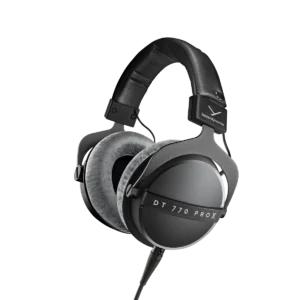
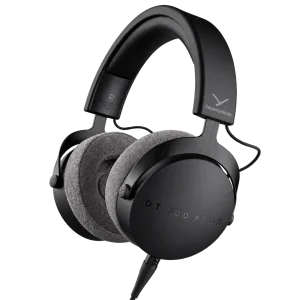
Check the exact device, connection and intended use before selecting an accessory. Compare the package contents and any required mount or adapter with the equipment already on your desk. Explore beyerdynamic DT 770 PRO X Closed-Back Studio Headphones 48 Ohm, beyerdynamic DT 700 Pro X Studio Headphones, beyerdynamic DT 900 PRO X Studio Headphones 48 Ohm.
Frequently Asked Questions
Which computer connection is used?
USB Micro-B port with supplied USB cable.
What host port supports the stated USB speed?
Computer USB 3.0 or higher port for USB 3.1 performance.
How does virtual surround work?
Stereo; software-enabled virtual 7.1 surround sound. Supported software is required for the full feature set.
What is included?
ST100 RGB stand and USB cable.
Build Your Setup with AX Store
Explore computers, displays and accessories for your workspace at AX Store. For help choosing the right model or checking an accessory, contact AX Store.
THE DETAILS
Technical specifications
Technical details
CA-9011167-NA
Aluminium
Rubberised
9 individually customisable zones
2 × USB 3.1 Gen 1 Type-A
3.5 mm analogue jack
Stereo; software-enabled virtual 7.1 surround sound
USB Micro-B port with supplied USB cable
RGB control, audio EQ, virtual 7.1 and sidetone
Computer USB 3.0 or higher port for USB 3.1 performance
ST100 RGB stand and USB cable
COMPLETE YOUR SETUP
Pairs well with
Beyerdynamic
beyerdynamic DT 700 Pro X Studio Headphones
AUDIO-TECHNICA