
Divoom
Divoom Pixoo-64 WiFi Pixel Art Cloud Display, 64x64 LED Frame
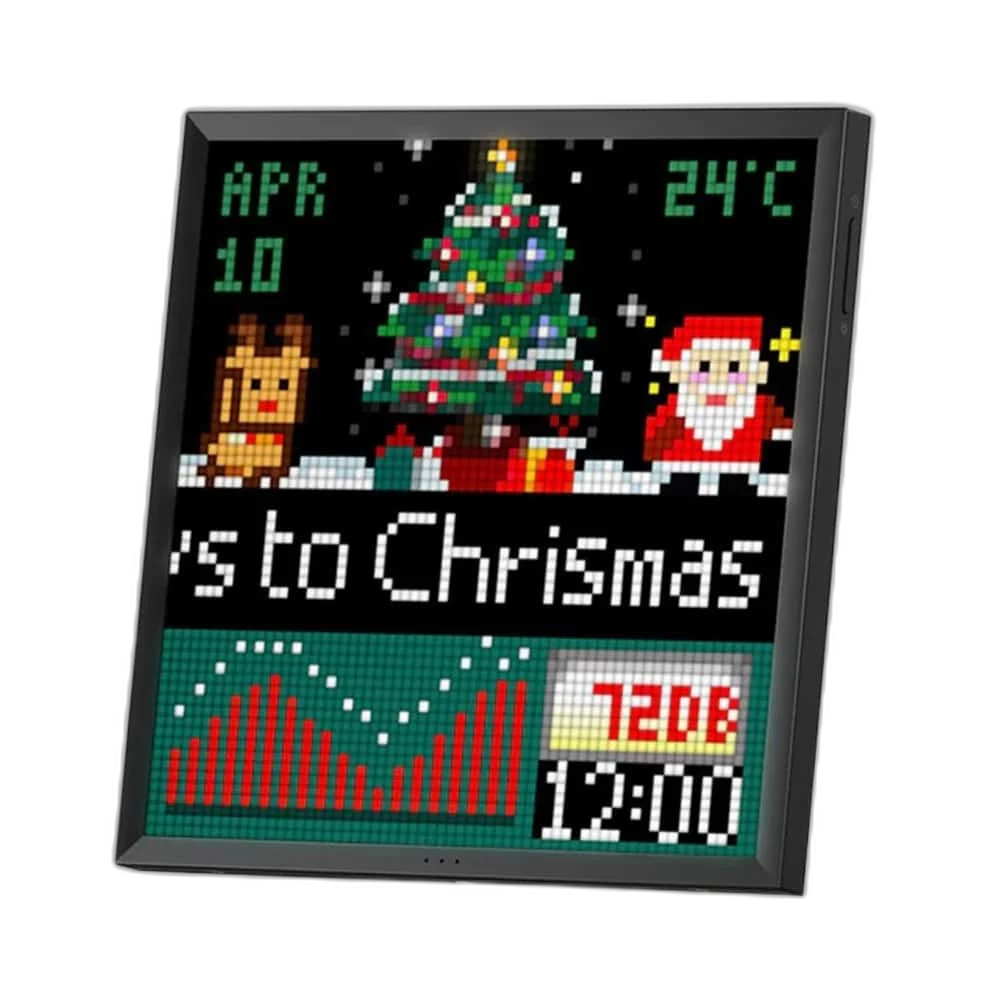
Divoom Pixoo-64 gives pixel artwork and supported information widgets a larger 64 × 64 LED canvas. The original model connects through 2.4 GHz Wi-Fi and uses continuous USB power, with desk or wall placement for a creative home, shop or streaming setup.
Regular price
47.500 KWD
or 4 payments of 11.875 KWD with
Pay with card & save


45.000 KWD
Save 2.500 KWD
Overview
DIVOOM PIXOO-64 WI-FI PIXEL ART DISPLAY
Divoom Pixoo-64 Wi-Fi Pixel Art Display
Divoom Pixoo-64 Wi-Fi Pixel Art Display: Divoom Pixoo-64 gives pixel artwork and supported information widgets a larger 64 × 64 LED canvas. The original model connects through 2.4 GHz Wi-Fi and uses continuous USB power, with desk or wall placement for a creative home, shop or streaming setup. Available from AX Store in Kuwait.
64 × 64
Pixel matrix
4096 LEDs
Display canvas
2.4 GHz
Original Wi-Fi connection
5 V / 2 A
Required USB power
More Room for Pixel Detail
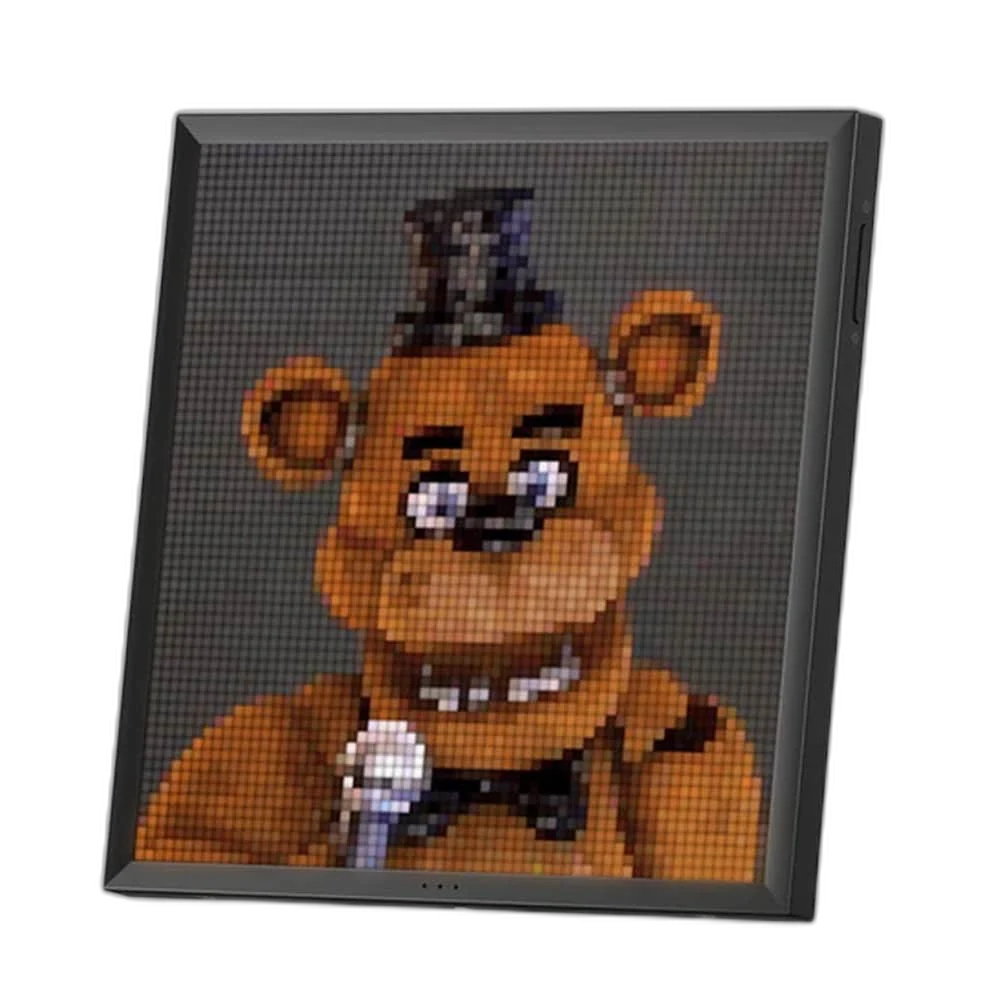
The sixty-four-by-sixty-four LED panel contains 4096 pixels. That larger grid gives characters, lettering and animated designs more room than a sixteen-by-sixteen display. It is designed for recognisable pixel artwork and stylised visuals, so prepare images around the actual grid rather than expecting the detail of a conventional high-resolution photo frame.
Build and Explore in the Divoom App
Use the Divoom app to create artwork, upload suitable images or animations and explore community designs. The app manages what the display shows, letting you refresh a desk background or themed display without replacing a printed picture. Content formats and available tools follow the supported app and device firmware.
Original 2.4 GHz Wi-Fi Connection
This Pixoo-64 uses a two-point-four-gigahertz wireless network for setup and connected content. The original manual explicitly excludes a five-gigahertz network. Connect the phone to a suitable network during pairing, keep the device near the router for setup and follow the in-app process for entering the network details.
Information Alongside the Artwork
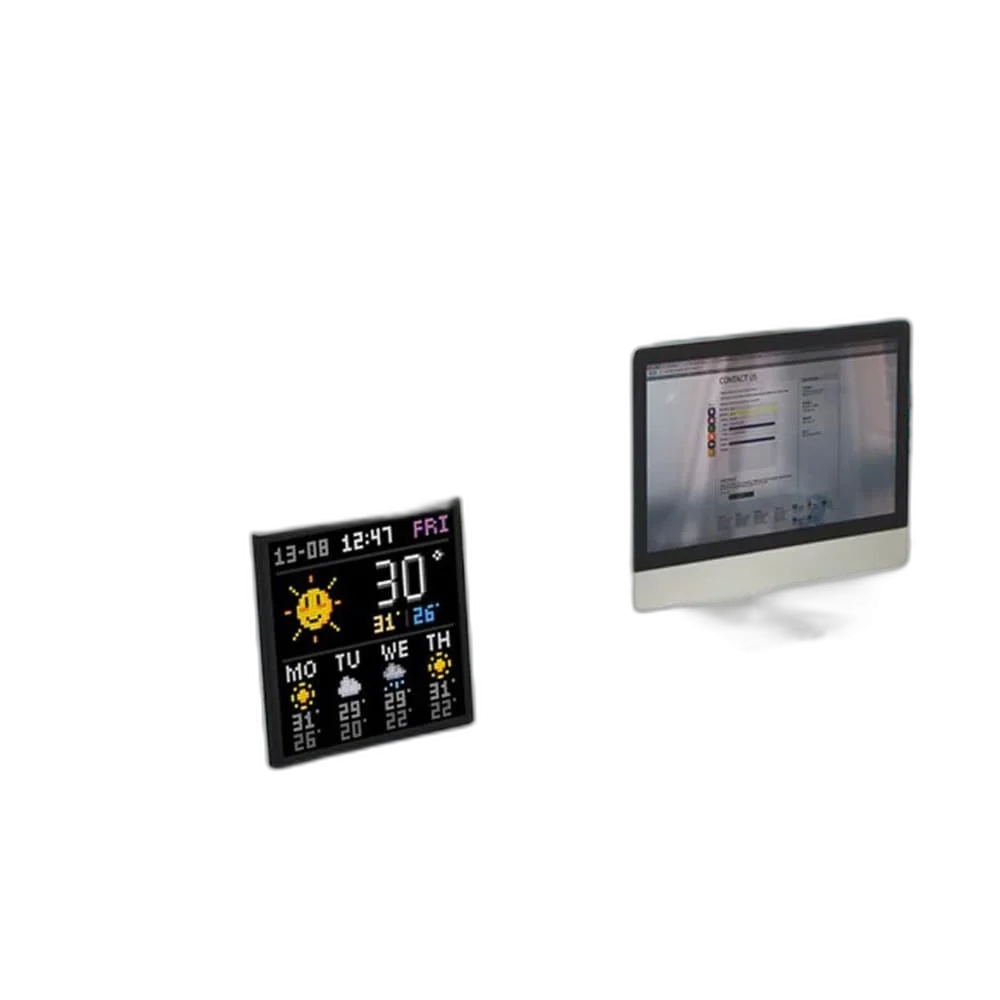
Supported clock faces, social counters and other visual widgets make the panel useful for more than decoration. Choose the information available in the current app and connect any required account. Platform data access, account permissions and regional service availability can affect a particular counter, so verify the specific widget you intend to use.
Continuous USB Power
The display uses a USB-C power connection with a five-volt, two-ampere source and is intended to remain connected during use. The manual specifies the supplied cable and a maximum supported cable length of two metres. Choose the power position as part of the desk or wall layout rather than treating it as a rechargeable portable frame.
Model
Divoom Pixoo-64 Wi-Fi Pixel Art Display
Model generation
Original Pixoo-64; not Pixoo-64 II
Display
64 × 64 LED pixels; 4096 pixels
A Display for Desk or Wall
The enclosure measures 262 × 20 × 261.4 mm and weighs 978.4 g. The rear arrangement supports the included stand and wall-mount positions, with mounting screws listed in the package. Leave room for the power cable and access to the channel and power buttons when choosing the final position.
Match the Accessory to Your Equipment
Check the exact device, connection and intended use before selecting an accessory. Compare the package contents and any required mount or adapter with the equipment already on your desk. Compare related options such as Razer Rogue 15 Backpack V3 Chromatic, Tear and Water Resistant or Divoom Ditoo Retro Pixel Art Bluetooth Speaker, App Control, keeping the exact model and configuration in the decision. For the wider setup, explore Razer Viper Ultimate Wireless Gaming Mouse, Lightest and check the connection, size or mounting requirements before pairing accessories. Browse the Divoom range at AX for more choices.
Divoom Pixoo-64 Wi-Fi Pixel Art Display Setup Choices
Check the exact device, connection and intended use before selecting an accessory. Compare the package contents and any required mount or adapter with the equipment already on your desk. Explore Divoom Timebox Evo Pixel Art Bluetooth Speaker, Alarm Clock.
Frequently Asked Questions
Does this original model support 5 GHz Wi-Fi?
No. The original Pixoo-64 manual specifies 2.4 GHz and excludes 5 GHz.
Is it a Bluetooth speaker?
No. It is a Wi-Fi pixel display.
Does it need continuous power?
Yes. Use the appropriate USB power source and supplied cable.
Can every social counter be guaranteed?
Widget availability depends on app support, platform access and the connected account.
Can it be wall mounted?
Yes. The rear arrangement supports wall mounting and tabletop placement.
Build Your Setup with AX Store
Explore computers, displays and accessories for your workspace at AX Store. For help choosing the right model or checking an accessory, contact AX Store.
Compare Divoom Times Gate Pixel Art Digital Clock, Customizable Display. Match the exact model, connection and configuration to your setup.
THE DETAILS
Technical specifications
Product Specifications
Divoom Pixoo-64 Wi-Fi Pixel Art Display
Original Pixoo-64; not Pixoo-64 II
64 × 64 LED pixels; 4096 pixels
2.4 GHz Wi-Fi; 5 GHz not supported by original model
Divoom; compatible iOS / Android phone
USB-C; 5 V / 2 A; continuous power
2 m, per original manual
262 × 20 × 261.4 mm
978.4 g
MEMS; supported sound-responsive visual functions
Pixoo-64; mounting screws; user manual; USB-C cable
Hold power button for 8 seconds, per manual
COMPLETE YOUR SETUP
Pairs well with