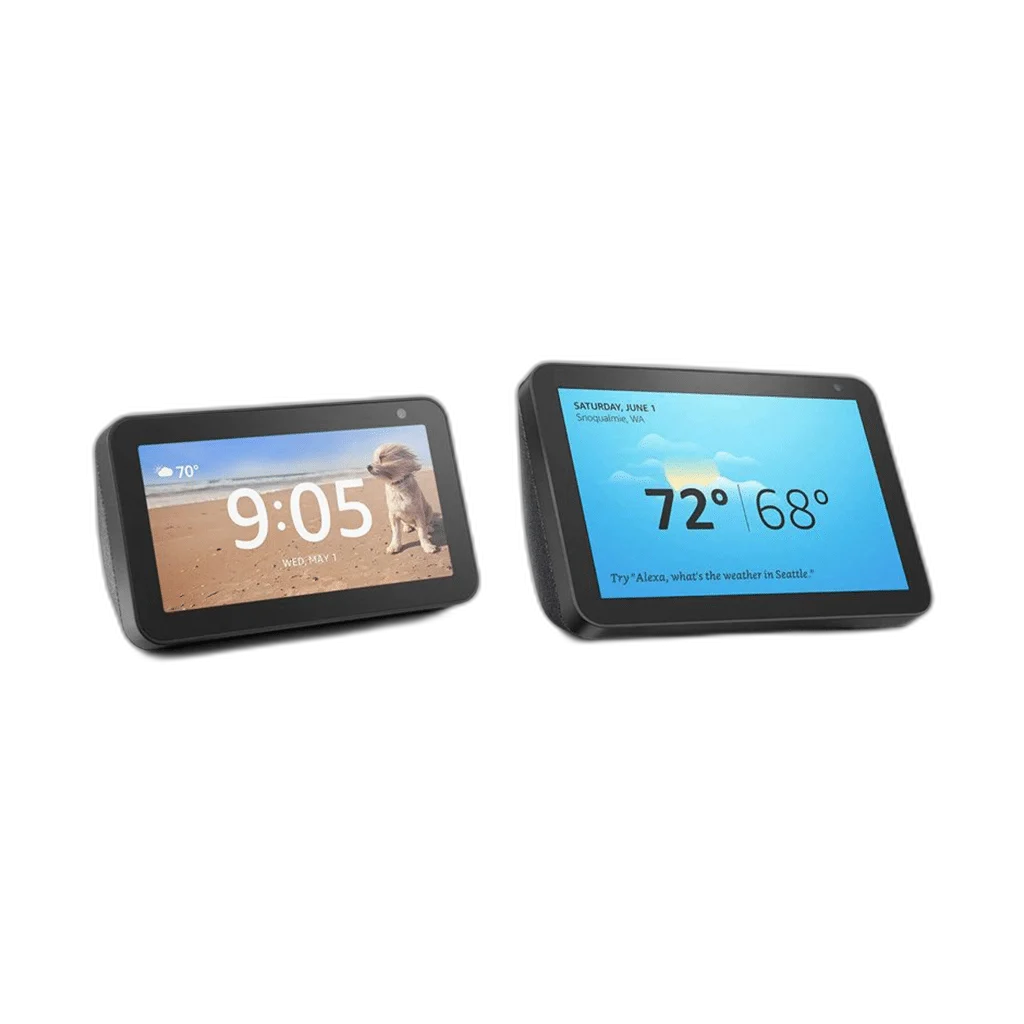
Echo Show Smart Speaker 5 inch, 8 inch
Choose an Echo Show 5 or Echo Show 8 for an Alexa smart-display setup. The touchscreen adds a visual side to supported information, media and household routines, while the built-in speaker and microphones support voice interaction through the connected Amazon account.
Size
or 4 payments of 8.625 KWD with
Pay with card & save


Overview
AMAZON ECHO SHOW 5 / ECHO SHOW 8 SMART DISPLAY
Alexa Voice Control with an Interactive Screen
Choose an Echo Show 5 or Echo Show 8 for an Alexa smart-display setup. The touchscreen adds a visual side to supported information, media and household routines, while the built-in speaker and microphones support voice interaction through the connected Amazon account.
Model choices
Voice assistant
Visual interaction
Connected setup
Choose the Echo Show Screen Format
The listed options are the Echo Show 5 and Echo Show 8. Choose the format that suits the intended desk, bedside or room position, leaving access to its controls and power connection. The compact or larger screen can then be positioned around the way that room is used.
Ask Alexa and See the Result
Alexa can provide supported information and device functions through voice interaction, with the screen adding a visual view where available. Use a clear device name and the required account setup. Functions, content services and supported languages depend on the model, account settings and region.
Touchscreen Interaction Beside Voice Control
The touchscreen provides another way to view and select supported functions when a visual interaction is more convenient. It complements voice control for everyday tasks around the room. Keep the display positioned where it can be seen and reached comfortably without covering its microphones or speaker.
A Connected Home Display
Connect the Echo Show to its required Wi-Fi network and Amazon account to use its connected functions. Add supported smart-home equipment through its appropriate Alexa integration and account setup. Follow each accessory’s own pairing instructions, then check the device names and control functions in the completed setup.
Media and Household Routines
The screen and speaker can form part of a daily information or entertainment routine using supported services. Availability may differ by region, account and subscription. Arrange the device around the functions you intend to use, and check the relevant service support before relying on a particular app or media provider.
Brand and family
Amazon Echo Show
Listed model choices
Echo Show 5 / Echo Show 8
Device type
Alexa smart display
Position and Configure the Device
Use the power supply specified for the actual Echo Show and follow its setup instructions. Review the device’s microphone, camera and privacy controls as applicable to the supplied model. Keep network access available for connected functions and place the unit where its controls remain easy to reach.
Complete Your Workspace
Explore Smart Speakers to compare suitable options and complete your setup.
Frequently Asked Questions
Which choices are listed?
Echo Show 5 and Echo Show 8.
Is an Amazon account needed for setup?
Use the required Amazon account and network setup.
Are all media services available in every region?
No. Check service and account availability for the intended location.
How are smart-home accessories added?
Use accessories with the appropriate supported Alexa integration and follow their setup instructions.
Which power adapter should be used?
The adapter specified for the actual supplied device.
Build Your Setup with AX Store Kuwait
Explore computers, displays and accessories for your workspace at AX Store Kuwait. For help choosing the right model or checking an accessory, contact AX Store.
Compare Echo Dot (3rd Gen) Smart Speaker with Alexa. Match the exact model, connection and configuration to your setup.
THE DETAILS
Technical specifications
Specifications
Amazon Echo Show
Echo Show 5 / Echo Show 8
Alexa smart display
Touchscreen and supported voice control
Built-in speaker and microphones
Compatible Wi-Fi network and Amazon account
Model, account, language and region dependent
Use the actual model’s specified power supply