EVGA
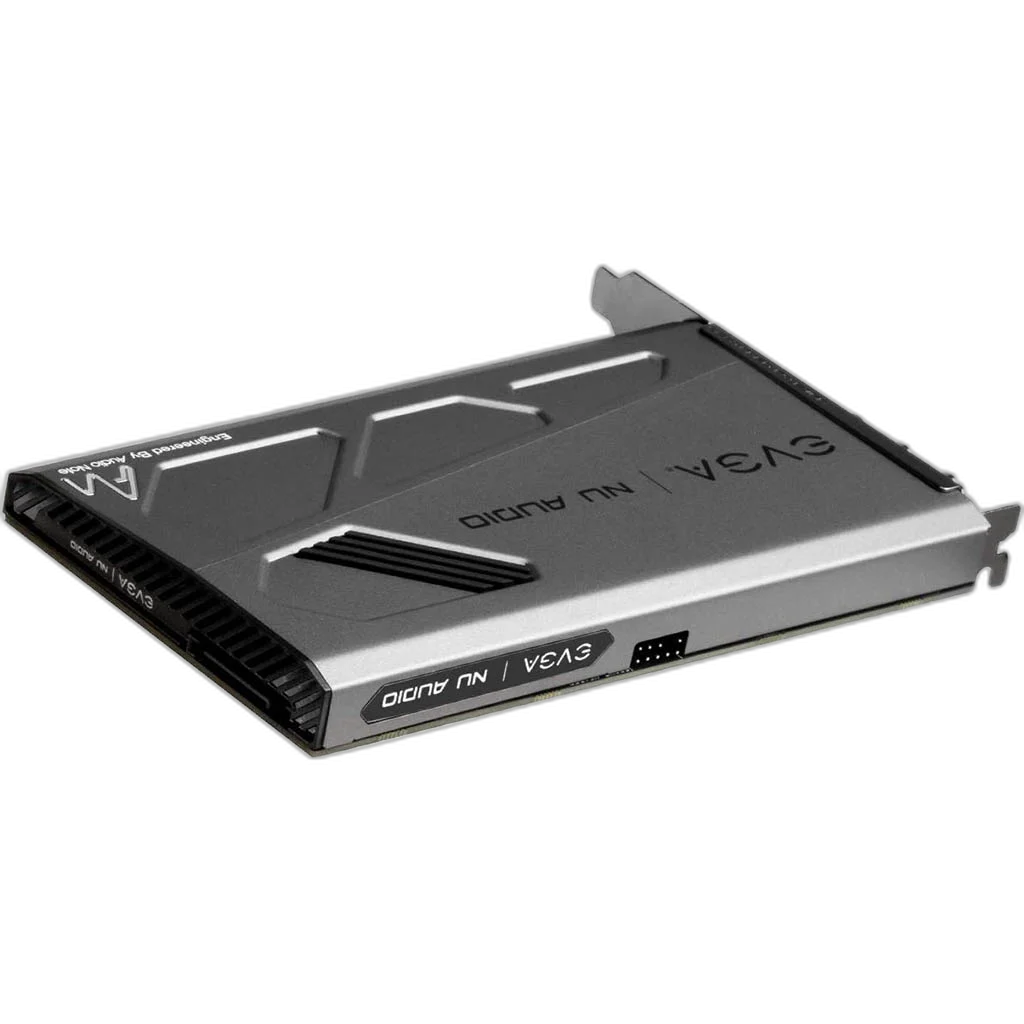
EVGA Nu Audio Card PCIe High-Fidelity Sound Card
EVGA NU Audio combines a high-resolution DAC, headphone amplification and recording inputs in a PCIe sound card with RGB lighting.
Regular price
70.500 KWD
or 4 payments of 17.625 KWD with
Pay with card & save


67.000 KWD
Save 3.500 KWD
Overview
EVGA NU AUDIO CARD PCIE HIGH-FIDELITY SOUND CARD
Bring high-resolution audio inside your PC.
A PCIe sound card combining an AKM AK4493 DAC with a dedicated headphone amplifier for desktop listening and recording.
AK4493
DAC
PCIe x1
Gen 2 Interface
SATA
Required Power Connection
16–600 Ω
Listed Headphone Range
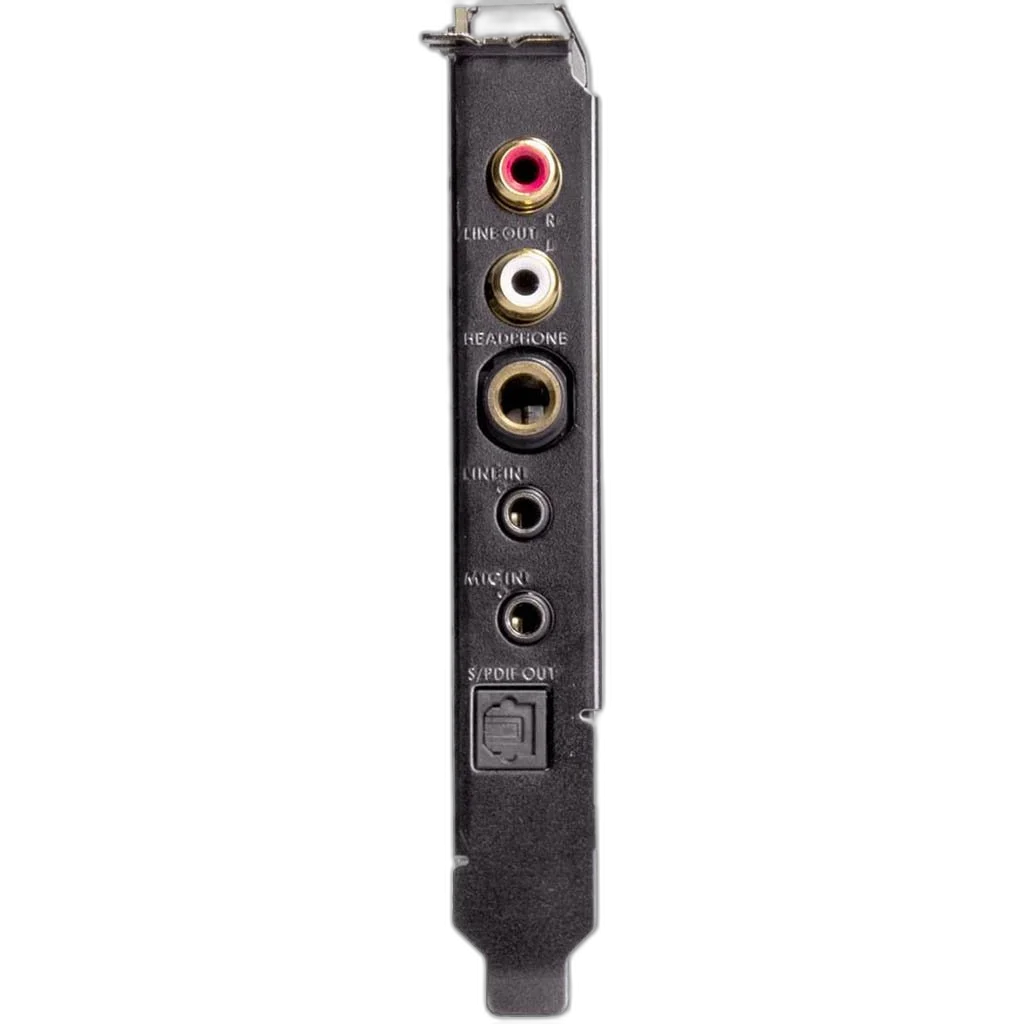
Connect your listening setup
Use RCA outputs for speakers, a 6.3 mm headphone jack, and separate 3.5 mm microphone and line inputs. TOSLINK handles optical output. Plan the position and connection around the equipment you normally use, checking the fit before completing your setup.
Designed for a desktop build
The XMOS processor supports high-resolution playback, while software-controlled RGB adds a finishing touch. Installation requires a PCIe slot and SATA power. Plan the position and connection around the equipment you normally use, checking the fit before completing your setup.
An Internal Card for a Suitable Desktop
Install this model in a compatible PCIe slot and connect the required SATA power lead. Check the case space and motherboard arrangement before ordering; this internal card is not a portable USB audio adapter.
Separate Listening and Recording Connections
The card offers headphone and RCA playback connections alongside separate microphone and line inputs. Match each source or listening device to the intended socket rather than treating every rear connection as an interchangeable audio input.
Check the Current Driver before Installation
The published specification lists Windows 10 64-bit. Confirm current driver availability for the operating system you plan to use, especially when fitting an older internal audio product into a newer desktop installation.
Choose an Appropriate Headphone Connection
The listed headphone impedance range is sixteen to six hundred ohms. Check the headphones and supplied plug or suitable adapter for the card’s headphone output, then begin listening at a low volume.
Complete Your Workspace
Explore amps, DACs and preamps, pro audio gear for your setup. Suggested equipment is sold separately. Choose the audio connectors, host ports and microphone arrangement required by each device. Keyboards, mice, pads and control decks are independent desk companions. Fit the internal card to a suitable PCIe desktop with SATA power and supported drivers; connect headphones through the appropriate supplied plug or suitable adapter.
Frequently Asked Questions
What internal interface is required?
PCIe x1 Gen 2.
What power connection is required?
SATA power connection.
Which headphone range is listed?
16–600 ohms.
Which operating system was published for this card?
Windows 10 64-bit.
Does the published OS line guarantee support for a newer operating system?
No. Check current driver availability for the intended operating system before installation. This is an internal PCIe card requiring SATA power.
Build Your Setup with AX Store Kuwait
Explore computers, displays and accessories for your workspace at AX Store Kuwait. For help choosing the right model or checking an accessory, contact AX Store.
THE DETAILS
Technical specifications
Product specifications
PCIe x1 Gen 2
SATA power connection
AKM AK4493
XMOS xCORE-200
Up to 384 kHz / 32-bit; stereo
Up to 192 kHz / 24-bit; 5.1 passthrough
16–600 ohms
Up to 384 kHz / 32-bit
Up to 192 kHz / 24-bit
Windows 10 64-bit
COMPLETE YOUR SETUP