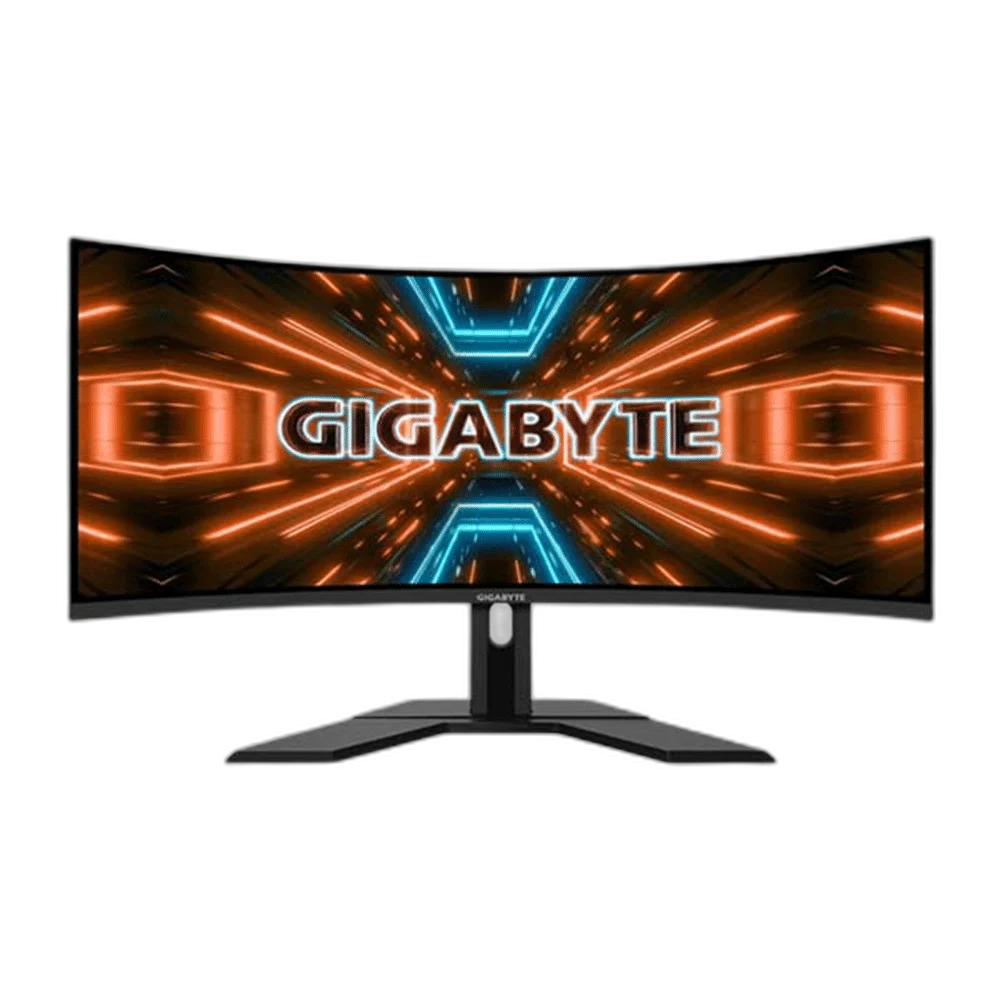
Gigabyte
Gigabyte G34WQC A 34 inch 144Hz WQHD Curved Gaming Monitor
GIGABYTE G34WQC A 34-inch 3440 × 1440 ultrawide gaming monitor with 144 Hz, 1 ms MPRT response time and VESA DisplayHDR 400.
Regular price
144.000 KWD
or 4 payments of 36.000 KWD with
Pay with card & save


137.000 KWD
Save 7.000 KWD
Overview
GIGABYTE G34WQC A
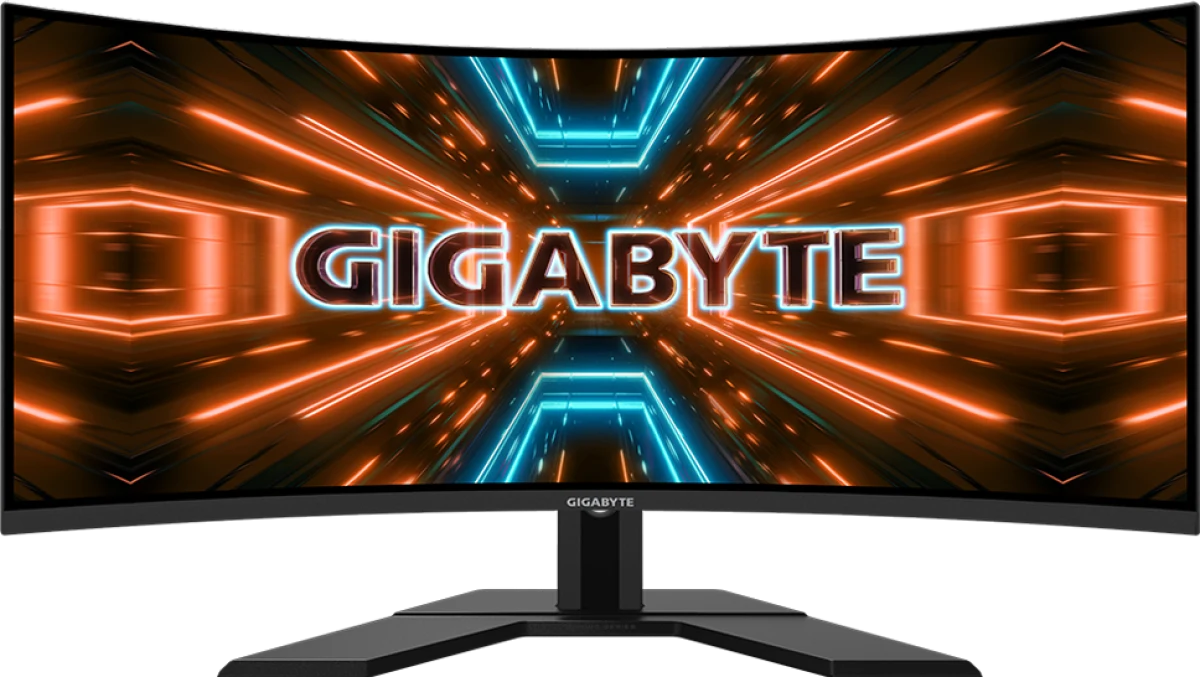
GIGABYTE G34WQC A
Build your gaming setup around the GIGABYTE G34WQC A, a 34-inch monitor with a VA panel and 3440 × 1440 ultrawide resolution. Its 144 Hz refresh capability gives compatible systems room for fluid motion, while the adjustable viewing angle and multiple video connections help you fit the display into your everyday desk arrangement. Explore this model at AX Store in Kuwait.
34 inch
Display Diagonal
UWQHD
Resolution
144 Hz
Maximum Refresh
VA
Panel Type
A Screen Sized for Your Setup
The 34-inch VA panel displays 3440 × 1440 ultrawide, combining a defined desktop area with room for game detail and everyday windows. Its curved screen gives the monitor its viewing shape. Compare the panel size and resolution with your seating distance and the applications you use when choosing how to arrange the display.
Smooth Motion at High Refresh Rates
The display supports 144 Hz, with a rated response time of 1 ms MPRT. These specifications give you a high-refresh option for compatible gaming systems. Select the appropriate display mode in your operating system and game settings, and remember that the frame rate your computer produces depends on the game, hardware and visual settings.
Colour and HDR Capabilities
Colour coverage is rated at 90% DCI-P3 and 120% sRGB, and the display supports VESA DisplayHDR 400. These are useful specifications when comparing screens for games, video and general desktop work. Different content and picture settings affect the final appearance, so choose a display mode that suits the material you are viewing and the lighting around your desk.
Connections for Your Equipment
The monitor provides two HDMI 2.0 inputs and two DisplayPort 1.4 inputs, giving you several options for connecting compatible equipment. Choose a connection that supports your intended resolution and refresh rate. With multiple video inputs available, you can plan a desk around more than one source while keeping the ultrawide screen as the central display.
Set the Screen at a Comfortable Angle
A 100mm height-adjustment range joins the tilting stand, giving you more control over screen placement. The 100 × 100 mm VESA mounting pattern also provides an option for a compatible monitor mount. Check the mount’s size and weight ratings before fitting it, and leave enough space for cable routing when positioning the screen above your keyboard and mouse.
Plan the Whole Workstation
A monitor works best as part of a carefully arranged desk. Compare the full stand dimensions and power specifications below with your available space, and leave access to the connection panel for future changes. Position the screen, chair and input devices together so you can move between gaming, browsing and everyday work with a consistent setup.
Plan the Display and the Rest of Your Desk
Compare resolution, refresh rate, screen size and the input you will actually use. Match the computer or console output to the chosen display mode, and leave room for the monitor stand and mouse movement. Compare related options such as GIGABYTE MO27U2 27 inch QD-OLED 4K 240Hz Gaming Monitor or LG 29WQ600-W 29 inch UltraWide IPS 100Hz Monitor, keeping the exact model and configuration in the decision. For the wider setup, explore Pulsar Pro Series Susanto-X Wireless Gaming Mouse Size 2, 50g and check the connection, size or mounting requirements before pairing accessories. Browse the Gigabyte range at AX for more choices.
GIGABYTE G34WQC A Setup Choices
Compare resolution, refresh rate, screen size and the input you will actually use. Match the computer or console output to the chosen display mode, and leave room for the monitor stand and mouse movement.
Frequently Asked Questions
Which display size, panel and resolution does it use?
This configuration has a 34-inch VA display with UWQHD resolution and a curved screen. The exact viewable diagonal and native pixel resolution are listed in the specifications below.
What refresh rate does this model support?
Refresh Rate (Max): 144Hz.
How is its response time specified?
Response Time: 1ms (MPRT).
Can it be attached to a compatible monitor arm?
VESA Wall Mounting(mm): 100*100mm. Check the mounting pattern, monitor weight and the arm’s supported load before choosing a mount.
Build Your Setup with AX Store
Explore computers, displays and accessories for your workspace at AX Store. For help choosing the right model or checking an accessory, contact AX Store.
THE DETAILS
Technical specifications
Display and Hardware Specifications
34" VA 1500R
Edge type
797.22 x 333.72 (mm)
90% DCI-P3 / 120% sRGB
3440 x 1440
Non-glare type
0.23175*0.23175
350 cd/m2 (TYP)
4000:1
178°(H)/178°(V)
8 bits
144Hz
1ms (MPRT)
VESA Display HDR400
Yes
HDMI 2.0 x2,; Display port 1.4 x2
Yes
2W x2
Build-in
80W(Max)
0.5W
0.5W
AC 100V - 240V
-5°~+20°
100mm
100*100mm
Yes
Power cable/HDMI cable/DP cable/QSG/Warranty card
COMPLETE YOUR SETUP
Pairs well with
