Glorious
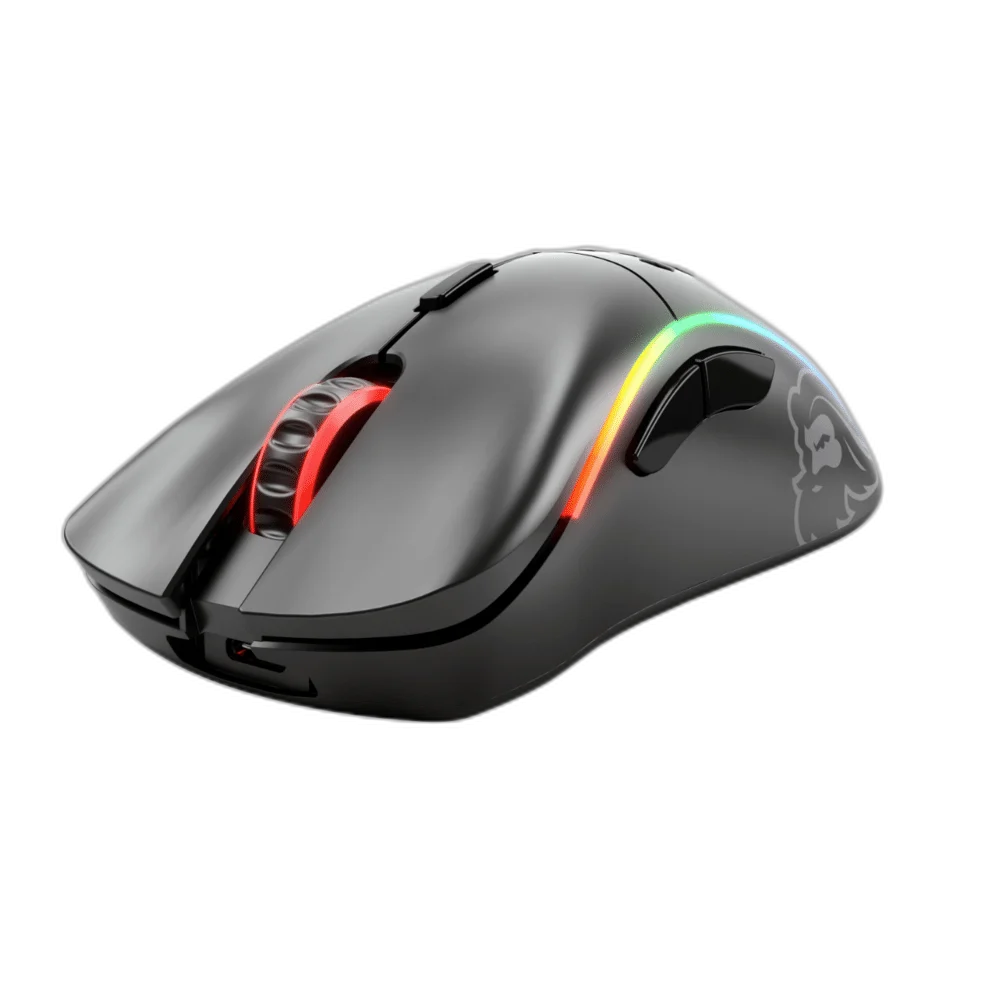
Glorious MODEL D Wireless Gaming Mouse
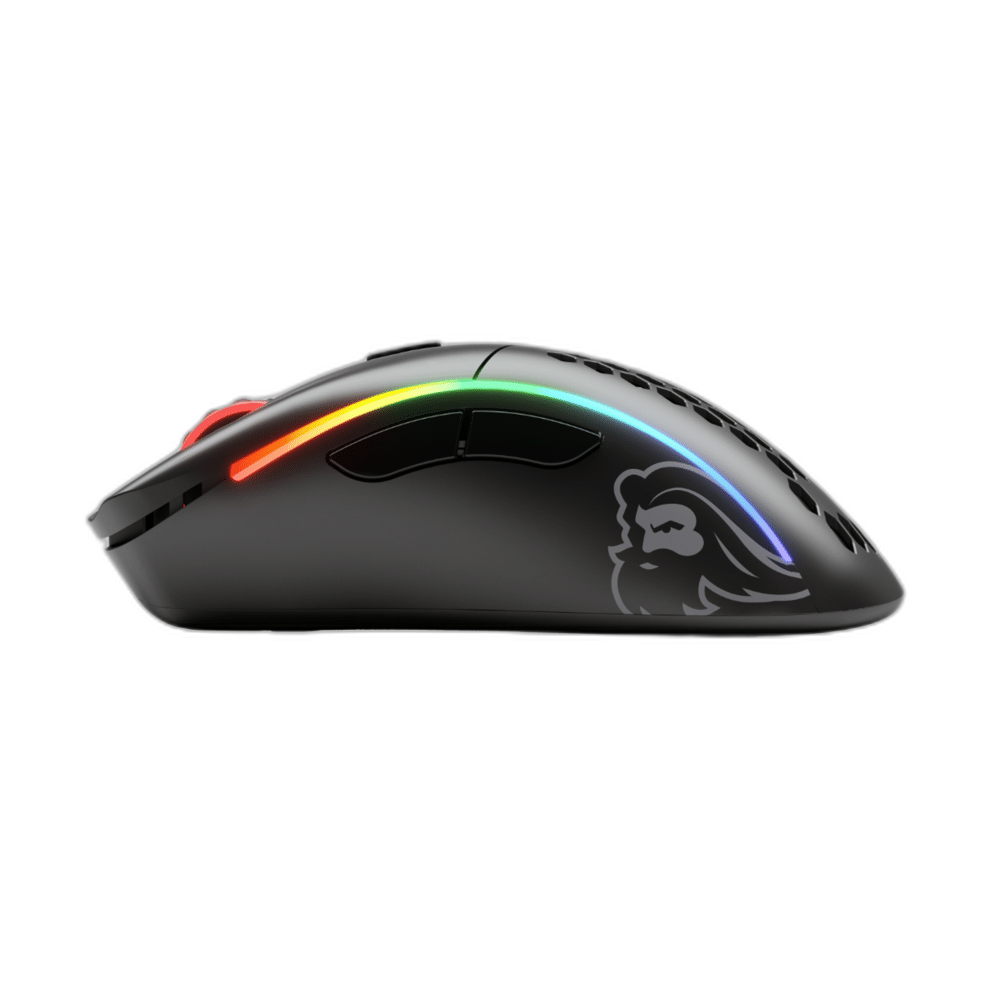
The Glorious Model D Wireless combines a right-handed shape with a lightweight honeycomb shell. BAMF tracking, six buttons and customisable RGB lighting support a personalised gaming setup.
Color
Regular price
24.000 KWD
or 4 payments of 6.000 KWD with
Pay with card & save


22.900 KWD
Save 1.100 KWD
Overview
GLORIOUS MODEL D WIRELESS
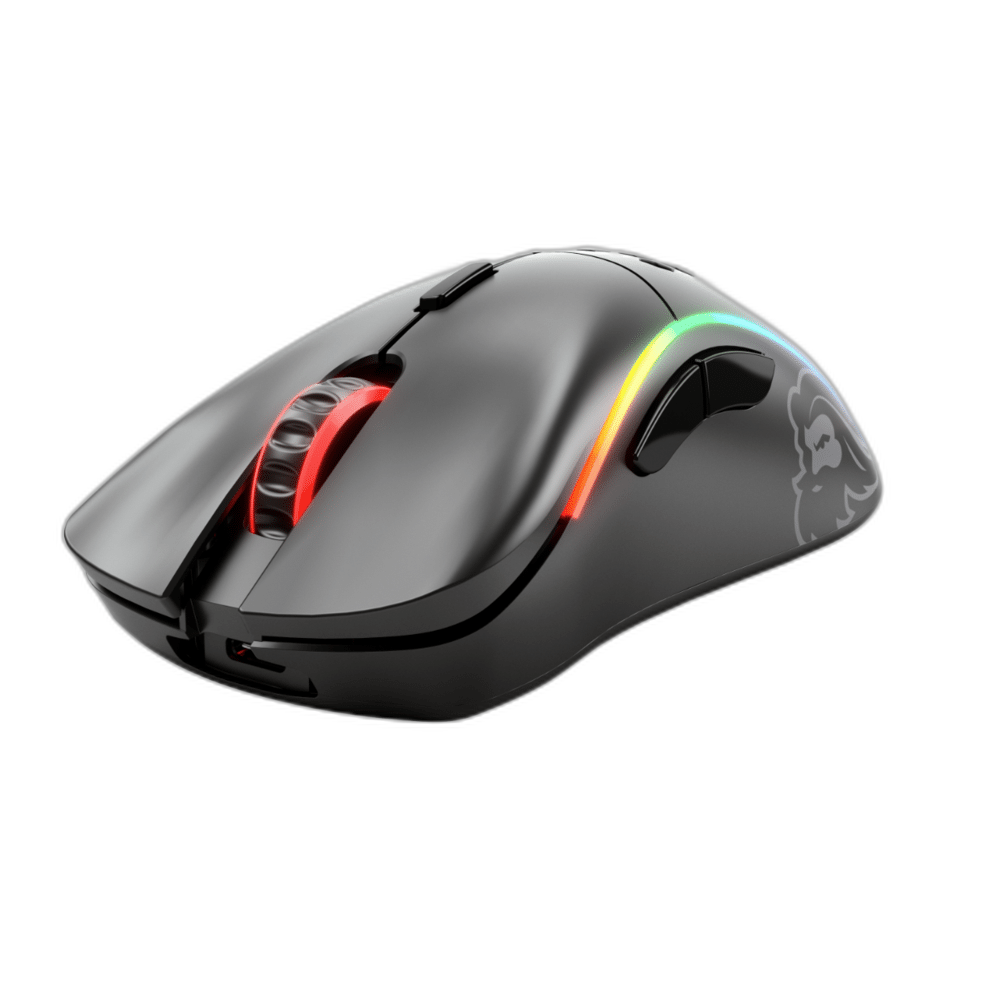
Glorious Model D Wireless
The Glorious Model D Wireless combines a right-handed shape with a lightweight honeycomb shell. BAMF tracking, six buttons and customisable RGB lighting support a personalised gaming setup. Explore this model at AX Store in Kuwait.
19,000 DPI
Maximum Sensitivity
69 ± 2 g
Listed Weight
1000 Hz
Maximum Polling Rate
71 h
RGB-Off Battery Reference
Choose your connection
Use 2.4 GHz wireless for an uncluttered desk or plug in the USB charging cable to keep playing. Battery life reaches 71 hours with RGB disabled.
Set your preferred controls
Glorious CORE for Windows lets you adjust sensitivity, lighting and button functions. Mechanical main switches are rated for 80 million clicks. Compare the exact model and supported configuration with the commands and desk arrangement you use most often.
Compare the Exact Physical Fit
The listed weight is 69 ± 2 g. Compare those measurements with your usual grip and the movement space on your desk. Keep the exact version and any stated measurement qualification attached to your comparison.
Tracking for Your Pointer Settings
This model uses Glorious BAMF sensing. Its resolution reference is 19000 DPI. Compare these hardware figures with your own pointer settings and available movement space. A maximum sensor figure and the sensitivity you normally choose are different settings to consider.
Keep Reporting Rates with Their Conditions
Maximum polling rate: 1000 Hz. Keep each rate attached to its stated hardware and connection. Read wired and wireless values separately where both are specified, and select the rate available for the supported mode and computer setup.
Match Software and Computer Support
The listed configuration software is Glorious CORE for Windows. Basic mouse operation and advanced customisation can have different requirements. Use the stated support for the computer, connection and functions you plan to configure.
Match the Mouse to Your Grip and Desk
Compare shell size, grip and connection before choosing a mouse. Check the receiver or cable arrangement for the exact model and leave enough mousepad area for your normal movement. Compare related options such as Glorious Model O 2 PRO 4K/8K Wireless Gaming Mouse - Black or Glorious Model D2 Wireless RGB Gaming Mouse, 66g, keeping the exact model and configuration in the decision. For the wider setup, explore Pulsar Superglide V3 Glass Mousepad - Type S and check the connection, size or mounting requirements before pairing accessories. Browse the Glorious range at AX for more choices.
Glorious Model D Wireless Setup Choices
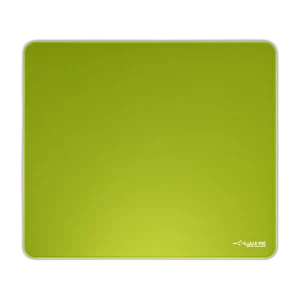
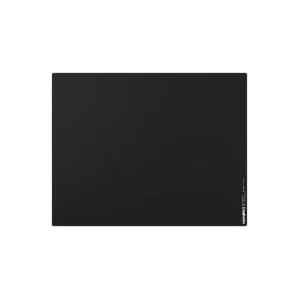
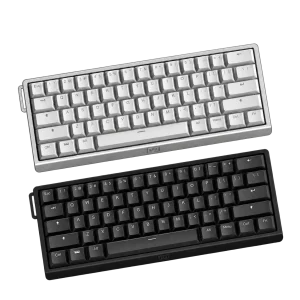
Compare shell size, grip and connection before choosing a mouse. Check the receiver or cable arrangement for the exact model and leave enough mousepad area for your normal movement. Explore ARTISAN NINJA FX ZERO Gaming Mousepad – SOFT/XSOFT, XL/XXL, ARTISAN NINJA FX TYPE-99 SOFT XL Mousepad – Matcha, Wooting 60HE v2 60% Gaming Keyboard, Aluminium.
Frequently Asked Questions
Which connection modes are listed for this model?
2.4 GHz wireless; USB 2.0.
What reporting rates and receiver conditions apply?
Maximum polling rate: 1000 Hz.
What battery and runtime conditions are specified?
Battery life: 71 h with RGB off; varies with settings and use.
Which software or computer requirements are listed?
Software: Glorious CORE for Windows.
Build Your Setup with AX Store
Explore computers, displays and accessories for your workspace at AX Store. For help choosing the right model or checking an accessory, contact AX Store.
THE DETAILS
Technical specifications
Product specifications
Glorious
Glorious Model D Wireless
Glorious BAMF
19000 DPI
400 IPS
1000 Hz
6
50 G
Glorious mechanical; 80 million clicks
69 ± 2 g
2.4 GHz wireless; USB 2.0
71 h with RGB off; varies with settings and use
RGB
Glorious CORE for Windows
COMPLETE YOUR SETUP
Pairs well with