Govee
Govee Envisual TV Backlight T2 Dual Cameras for 75-85 inch TVs
Govee H605C 75-85 Envisual T2 for 75–85-inch TVs, with dual-camera RGBIC screen-color lighting, 2.4 GHz Wi-Fi/Bluetooth, Govee Home app and compatible Alexa/Google Assistant control.
Overview
GOVEE H605C 75-85
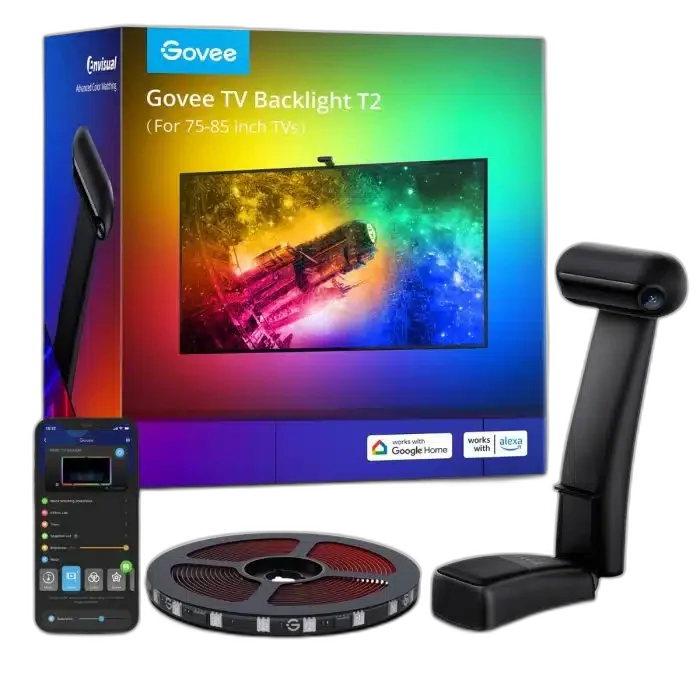
Govee H605C 75-85
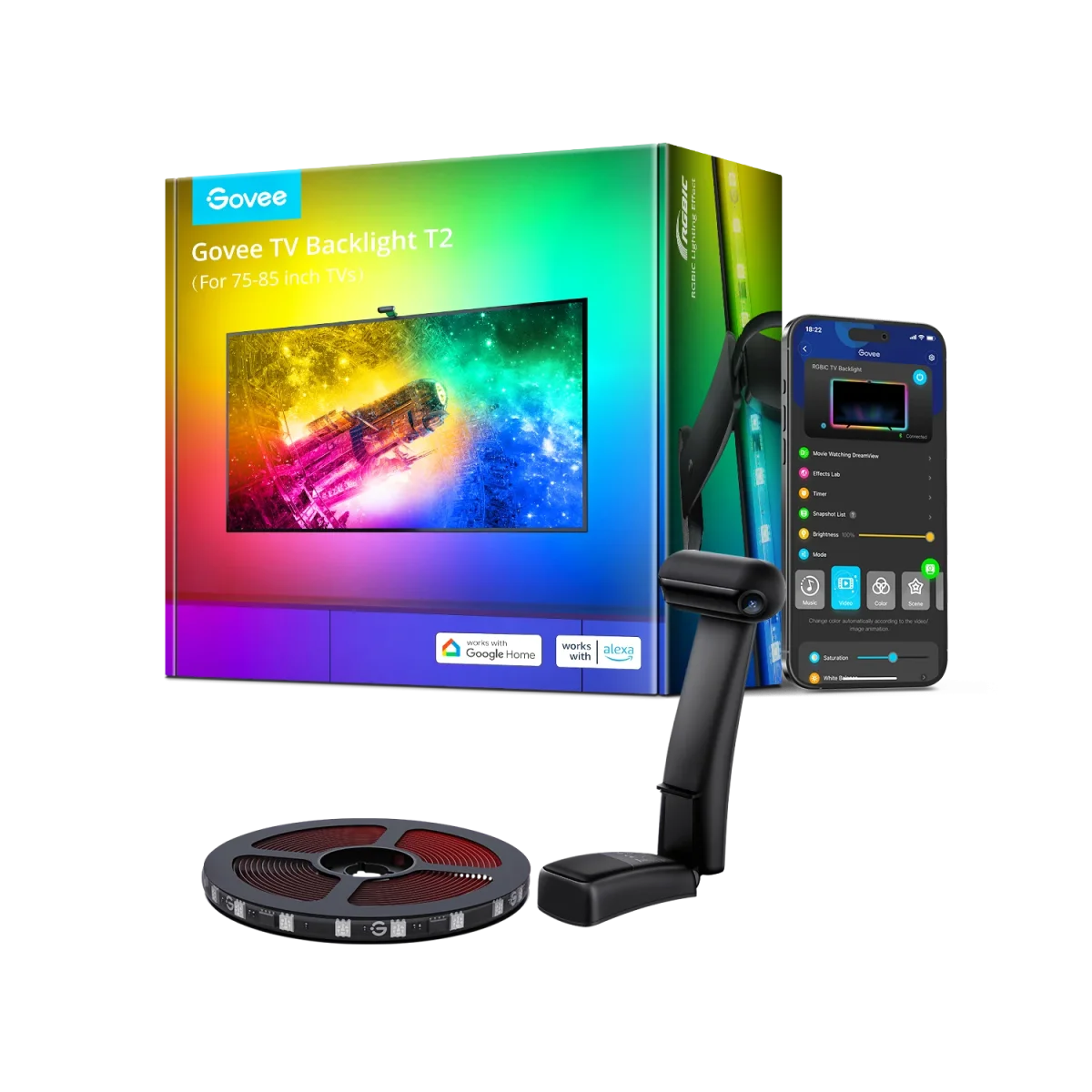
Govee H605C 75-85: Extend the atmosphere beyond your 75–85-inch TV with Govee Envisual T2. Its dual-camera RGBIC system follows colors on the screen, while app and voice control give you convenient ways to set the mood. The lighting mounts behind the television to illuminate the surrounding wall. Explore this model at AX Store in Kuwait.
RGBIC
Light Colours
75–85 inch
Suitable TV Size
Dual Camera
Screen Capture
60 LEDs/m
LED Density
Bring Screen Colors into the Room
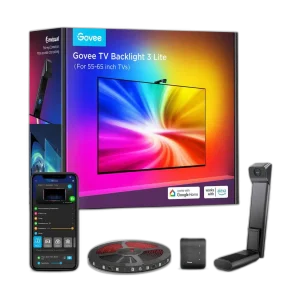
The H605C 75-85 uses two cameras to read colors from your TV picture and turn them into lighting around the screen. Because the camera watches the display, the effect can follow the picture from your TV’s different content sources. It adds an ambient layer to films, games and everyday viewing without routing the video through an HDMI lighting box.
A Camera System Designed for TV Viewing
The T2 design uses dual cameras and a zone-based color capture system. Its counterweight mounting arrangement places the camera at the top of the television and supports compatible ultra-thin screens. Calibration in the Govee Home app helps align the lighting with your display, while saturation and white-balance adjustments let you tune the effect to the room.
Segmented Lighting behind Your Display
The T2 uses RGBIC lighting with a published density of 60 LEDs per metre, allowing different sections to show different colors at once. This gives the wall behind your television a more varied lighting pattern than a single-color strip. Position the supplied sections around the rear of the screen according to the installation guide for the selected TV size.
App and Voice Control
Use the Govee Home app to manage the lighting and its viewing modes. The published connection options include 2.4 GHz Wi-Fi and Bluetooth, with voice control through compatible Alexa or Google Assistant equipment. These controls let you change the atmosphere without reaching behind the TV, whether you want a colorful movie session or a quieter background effect.
Connect the Atmosphere with DreamView
Govee DreamView can coordinate the TV backlight with supported Govee lights, creating a wider lighting scene around your viewing space. Compatible non-camera lights join as secondary devices through the supported setup in the app. Music modes provide another way to use the backlight when you want the lighting to respond to sound instead of concentrating on the television picture.
Choose the Kit that Fits Your Screen
This listing is the version intended for 75–85-inch televisions. Plan the strip position, camera mounting and access to the power supply before installation, then follow the guide for this size. A clear camera view and reduced reflections help color capture work well; use the app’s calibration and color adjustments to finish the setup for your own room.
Choose the Lighting System and Expansion Route
Check whether the exact item is a complete starter kit or an expansion. Match its power supply, controller and supported ecosystem before adding panels, strips or other accessories. Compare related options such as Govee B600D3C1 RGBWW LED Bulb 2-Pack GU10 or Govee B600CCC1 RGBWW Smart LED Bulbs 2-Pack, keeping the exact model and configuration in the decision. For the wider setup, explore Govee H10D2 Neon Rope Light 2 Clips 5-Pack and check the connection, size or mounting requirements before pairing accessories. Browse the Govee range at AX for more choices.
Govee H605C 75-85 Setup Choices
Check whether the exact item is a complete starter kit or an expansion. Match its power supply, controller and supported ecosystem before adding panels, strips or other accessories.
Frequently Asked Questions
What lighting technology does this model use?
Colors: RGBIC.
How is the lighting controlled or connected?
Control Methods: App, Control Box, Voice Control. App Connectivity: 2.4GHz Wi-Fi + Bluetooth.
Which TV size is this configuration intended for?
Suitable TV Sizes: 75-85 inches.
Which camera capture arrangement is used?
This H605C configuration uses dual-camera screen capture; the published LED density is 60 LEDs per metre.
Build Your Setup with AX Store
Explore computers, displays and accessories for your workspace at AX Store. For help choosing the right model or checking an accessory, contact AX Store.
THE DETAILS
Technical specifications
Product
Govee
H605C 75-85
Lighting and Control
H605C
Govee TV Backlight T2
75-85 inches
5m/16.40ft 4 Sections
RGBIC
App, Control Box, Voice Control
2.4GHz Wi-Fi + Bluetooth
12 Volts
48 Watts
60 LEDs/m, Innovative Dual Camera
COMPLETE YOUR SETUP
Pairs well with