GravaStar
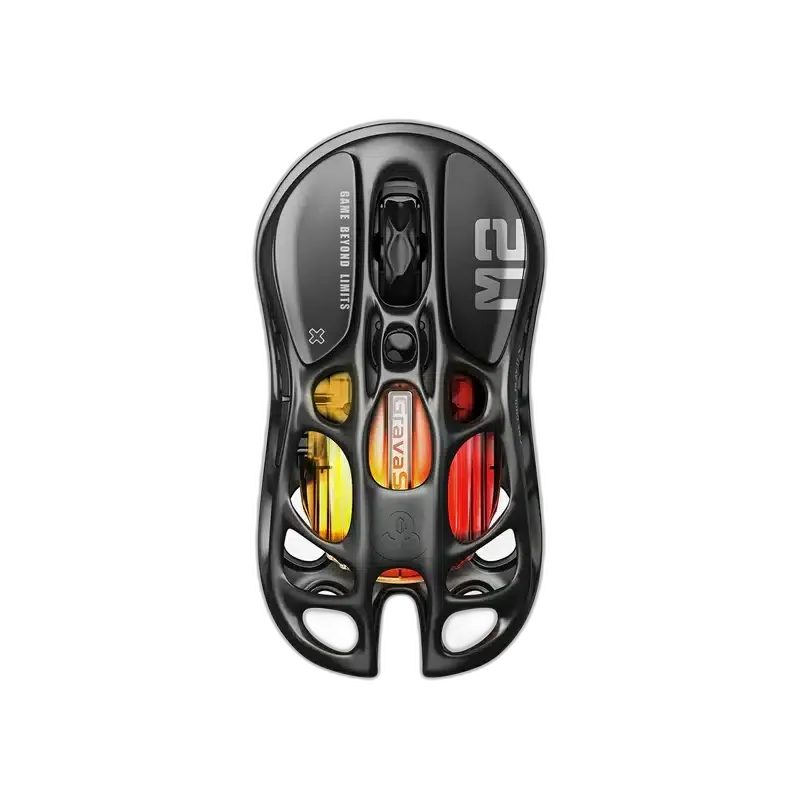
GravaStar Mercury M2 Stealth Black Wireless Gaming Mouse, 26000 DPI
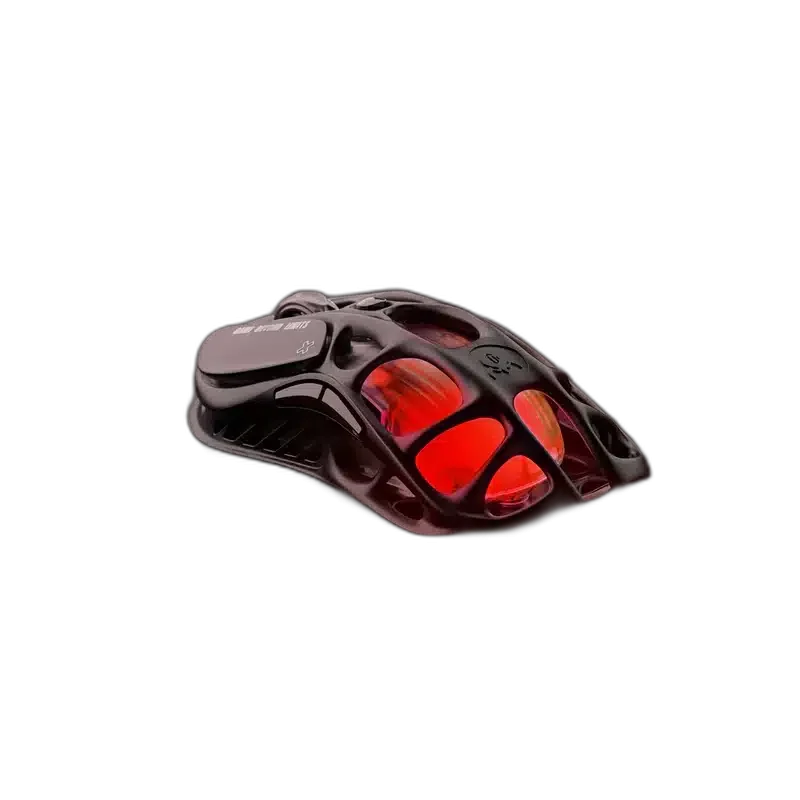
The GravaStar Mercury M2 combines a hollow skeletal design with a PAW3395 optical sensor and GLOWSYNC RGB lighting. Switch between 2.4 GHz wireless, Bluetooth 5.1 and wired USB-C for gaming or everyday use.
Overview
GRAVASTAR MERCURY M2
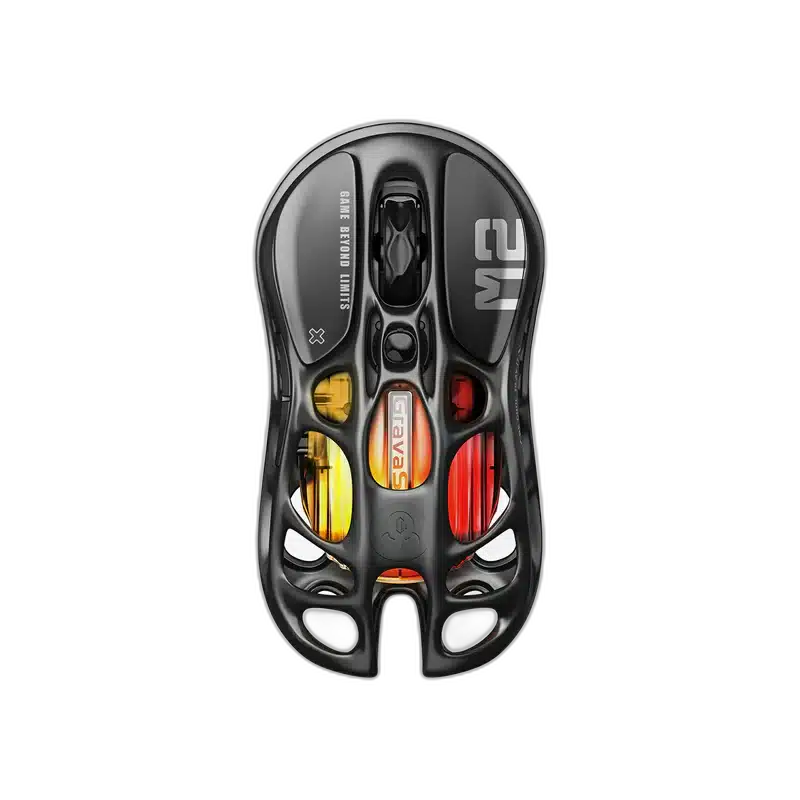
GravaStar Mercury M2 Stealth Black
GravaStar Mercury M2 Stealth Black: The GravaStar Mercury M2 combines a hollow skeletal design with a PAW3395 optical sensor and GLOWSYNC RGB lighting. Switch between 2.4 GHz wireless, Bluetooth 5.1 and wired USB-C for gaming or everyday use. Available from AX Store in Kuwait.
26,000 DPI
Maximum Sensitivity
79 g
Listed Weight
1000 Hz
Polling Rate
Three Modes
USB-C, 2.4 GHz and Bluetooth
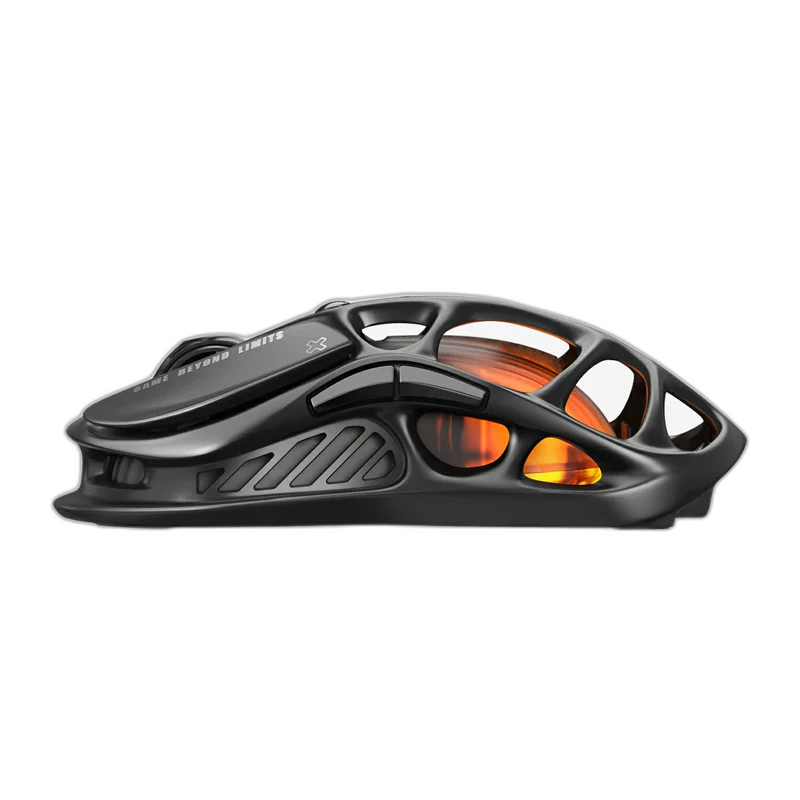
Control tailored to your games
Adjust sensitivity up to 26,000 DPI and use the included 1,000 Hz receiver for wireless play. Five programmable buttons support macros, with four button profiles available through the GravaStar driver.
Play, recharge and personalise
Battery life reaches up to 50 hours in 2.4 GHz mode with RGB on, or up to 82 hours over Bluetooth, depending on settings. Use the USB-C cable while charging and choose from five customisable GLOWSYNC lighting modes.
Compare the Exact Physical Fit
The listed weight is 79 g. Body dimensions are 124 × 64.5 × 39.5 mm. Compare those measurements with your usual grip and the movement space on your desk. Keep the exact version and any stated measurement qualification attached to your comparison.
Tracking for Your Pointer Settings
This model uses PAW3395 optical sensing. Its resolution reference is 26,000 DPI. Compare these hardware figures with your own pointer settings and available movement space. A maximum sensor figure and the sensitivity you normally choose are different settings to consider.
Keep Reporting Rates with Their Conditions
Polling rate: 1,000 Hz. Keep each rate attached to its stated hardware and connection. Read wired and wireless values separately where both are specified, and select the rate available for the supported mode and computer setup.
Match Software and Computer Support
Compatibility: Windows; macOS. Use the stated platform and connection requirements for the computer where you plan to use this mouse. Keep any basic-function limitations with those requirements.
Match the Mouse to Your Grip and Desk
Compare shell size, grip and connection before choosing a mouse. Check the receiver or cable arrangement for the exact model and leave enough mousepad area for your normal movement. Compare related options such as GravaStar Mercury M1 Pro Gunmetal Gray Wireless Gaming Mouse, 88g or GravaStar Mercury X Air Onyx Crystal Wireless Gaming Mouse, 56g, keeping the exact model and configuration in the decision. For the wider setup, explore Razer Gigantus V2 Gaming Mouse Pad – XXL / 3XL and check the connection, size or mounting requirements before pairing accessories. Browse the GravaStar range at AX for more choices.
GravaStar Mercury M2 Stealth Black Setup Choices
Compare shell size, grip and connection before choosing a mouse. Check the receiver or cable arrangement for the exact model and leave enough mousepad area for your normal movement. Explore ARTISAN NINJA FX ZERO Gaming Mousepad – SOFT/XSOFT, XL/XXL, ARTISAN NINJA FX TYPE-99 SOFT XL Mousepad – Matcha, Pulsar Superglide V3 Glass Mousepad - Type S.
Frequently Asked Questions
Which connection modes are listed for this model?
2.4 GHz wireless; Bluetooth 5.1; wired USB-C.
What reporting rates and receiver conditions apply?
Polling rate: 1,000 Hz.
What battery and runtime conditions are specified?
Battery life: Up to 50 hours on 2.4 GHz with RGB on; up to 82 hours on Bluetooth; varies with settings.
Which software or computer requirements are listed?
Compatibility: Windows; macOS.
Build Your Setup with AX Store
Explore computers, displays and accessories for your workspace at AX Store. For help choosing the right model or checking an accessory, contact AX Store.
THE DETAILS
Technical specifications
Product specifications
GravaStar
Mercury M2
Stealth Black
PAW3395 optical
26,000 DPI
1,000 Hz
5 with macro support
4 via GravaStar driver
2.4 GHz wireless; Bluetooth 5.1; wired USB-C
124 × 64.5 × 39.5 mm
79 g
5 customisable GLOWSYNC RGB modes
Up to 50 hours on 2.4 GHz with RGB on; up to 82 hours on Bluetooth; varies with settings
Windows; macOS
Mouse; USB-C charging cable; non-slip pads; Teflon feet pads; manual; cleaning cloth; 1K receiver; USB-A to USB-C receiver extender
COMPLETE YOUR SETUP
Pairs well with