

LG
LG UltraGear 32GN650-B 31.5 inch QHD VA 165Hz Gaming Monitor
The LG UltraGear 32GN650-B combines a 31.5-inch QHD VA panel with up to 165Hz refresh and AMD FreeSync Premium. HDR10 support and an adjustable stand make it a versatile large-screen gaming display.
Regular price
104.000 KWD
or 4 payments of 26.000 KWD with
Pay with card & save


99.000 KWD
Save 5.000 KWD
Overview
LG ULTRAGEAR 32GN650-B 31.5 INCH QHD VA 165HZ GAMING MONITOR
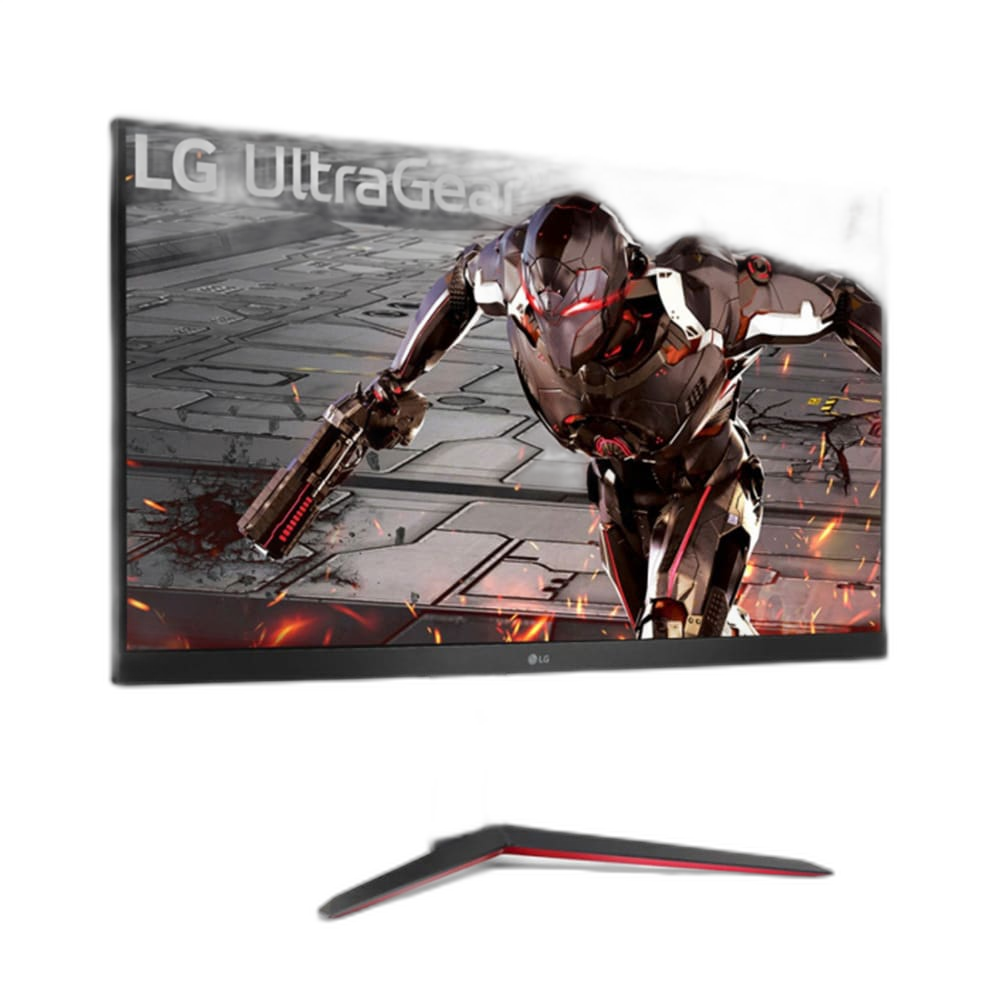
LG UltraGear 32GN650-B
The LG UltraGear 32GN650-B combines a 31.5-inch QHD VA panel with up to 165Hz refresh and AMD FreeSync Premium. HDR10 support and an adjustable stand make it a versatile large-screen gaming display. Explore this model at AX Store in Kuwait.
31.5 inch
Viewable Display Diagonal
2560 × 1440
Native Resolution
Up to 165Hz
Listed Refresh and Input Conditions
VA
Panel Technology
Detailed scenes and smooth movement
The 2560 × 1440 panel provides more detail than Full HD, with a 3000:1 typical contrast ratio and 95% sRGB colour coverage. FreeSync Premium supports smoother play, while motion blur reduction is available as a separate display setting.
Set up for a comfortable session
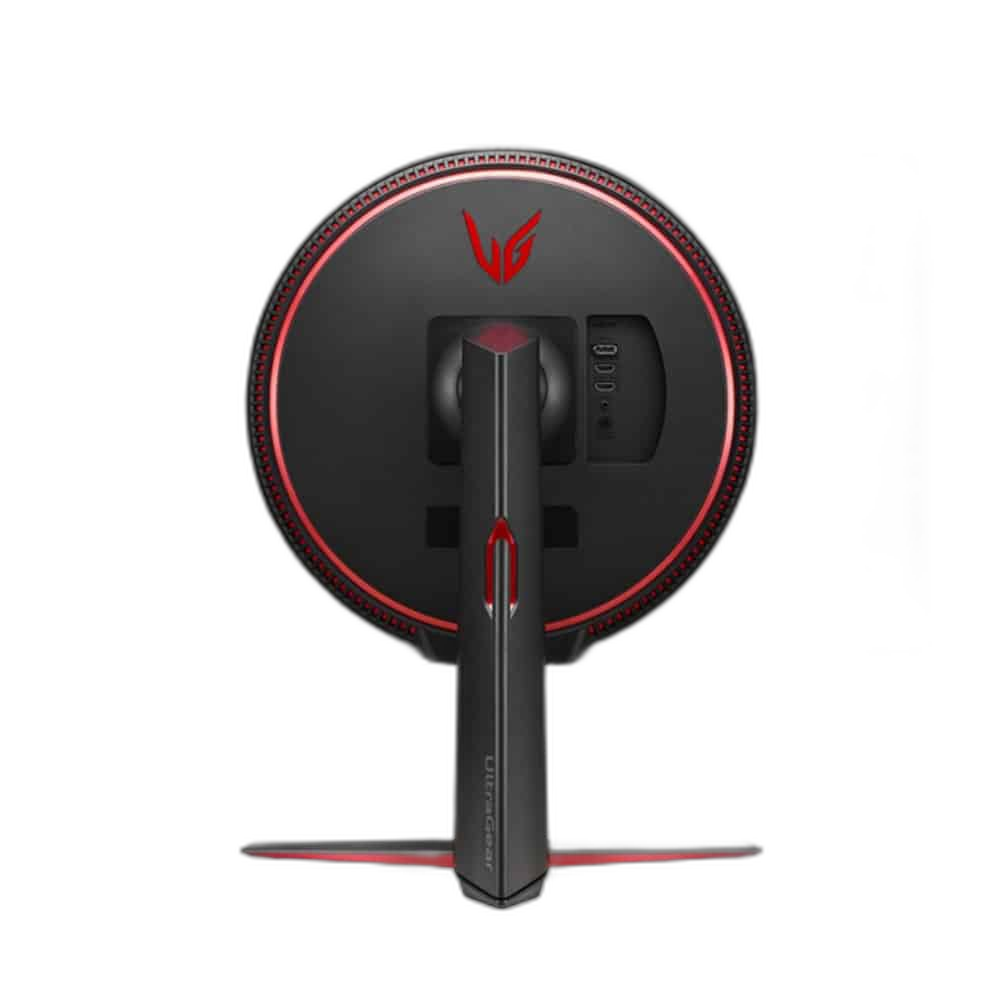
Adjust height, tilt and portrait orientation to suit your desk, or use a compatible VESA arm. Two HDMI inputs and DisplayPort connect your sources, with a headphone output for audio and Reader Mode for time away from gaming.
Match the Refresh Mode to Your Setup
Refresh rate: Up to 165Hz. The available refresh mode depends on the resolution, input, source device and supported settings. Check those conditions together before choosing a cable or expecting the highest listed refresh mode from your system.
Connect the Devices You Use
Video inputs: 2 × HDMI; 1 × DisplayPort 1.4. Match the display input to your source device and check any stated USB-C video, data or power-delivery role. Different USB-C ports and cables do not necessarily support the same display functions.
Arrange the Display on Your Desk
Stand adjustment: Height; tilt; pivot. VESA mount: 100 × 100mm. Use the listed stand adjustments to position the display for your desk and chair. If you choose an arm or wall mount, check the stated VESA pattern and the mounting hardware requirements.
Use Supported Variable-Refresh Settings
The listed adaptive-refresh support is AMD FreeSync Premium. Check your graphics source, input and driver settings for the supported feature you want to use, keeping variable refresh separate from the monitor’s maximum fixed refresh specification.
Plan the Display and the Rest of Your Desk
Compare resolution, refresh rate, screen size and the input you will actually use. Match the computer or console output to the chosen display mode, and leave room for the monitor stand and mouse movement. Compare related options such as LG 34WQ650-W 34 inch FHD UltraWide IPS Gaming Monitor or ASUS ROG Swift OLED PG27AQWP-W 27 inch 540Hz Gaming Monitor, keeping the exact model and configuration in the decision. For the wider setup, explore Logitech G PRO X SUPERLIGHT 2 LIGHTSPEED Wireless Gaming Mouse - Black and check the connection, size or mounting requirements before pairing accessories. Browse the LG range at AX for more choices.
LG UltraGear 32GN650-B Setup Choices
Compare resolution, refresh rate, screen size and the input you will actually use. Match the computer or console output to the chosen display mode, and leave room for the monitor stand and mouse movement.
Frequently Asked Questions
What size, panel and resolution does this display use?
31.5 inches. VA panel technology. Native resolution: 2560 × 1440 (QHD); 16:9.
What refresh modes and input limits apply?
Refresh rate: Up to 165Hz. Available modes also depend on your source, input, cable and supported settings.
Which video and USB connections are listed?
Video inputs: 2 × HDMI; 1 × DisplayPort 1.4.
What stand adjustment and mounting options are specified?
Stand adjustment: Height; tilt; pivot. VESA mount: 100 × 100mm.
How is response time specified?
5ms grey-to-grey (Faster).
What HDR support is listed?
HDR10.
Build Your Setup with AX Store
Explore computers, displays and accessories for your workspace at AX Store. For help choosing the right model or checking an accessory, contact AX Store.
Compare LG UltraGear 27GX790A-B 27 inch OLED QHD 480Hz Gaming Monitor. Match the exact model, connection and configuration to your setup.
THE DETAILS
Technical specifications
Display specifications
LG
UltraGear 32GN650-B
31.5 inches
VA; flat
2560 × 1440 (QHD); 16:9
Up to 165Hz
5ms grey-to-grey (Faster)
Motion Blur Reduction
350 cd/m² typical
3000:1
95% sRGB (CIE1931)
16.7 million
HDR10
AMD FreeSync Premium
2 × HDMI; 1 × DisplayPort 1.4
Headphone output
Height; tilt; pivot
100 × 100mm
7.2kg with stand; 5.1kg without stand
COMPLETE YOUR SETUP
Pairs well with

EVE Spectrum