
Logitech
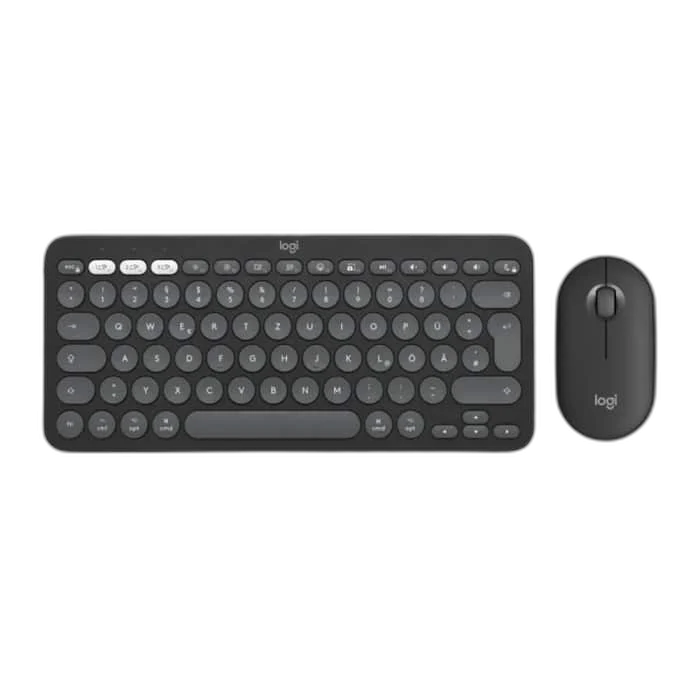
Logitech Pebble 2 Wireless Keyboard and Mouse Combo, Graphite
Pebble 2 Combo pairs the Pebble Keys 2 K380s keyboard with the Pebble Mouse 2 M350s. A slim footprint, quiet input and multi-device pairing make this wireless set easy to use across your everyday devices.
Regular price
19.500 KWD
or 4 payments of 4.875 KWD with
Pay with card & save


18.500 KWD
Save 1.000 KWD
Overview
LOGITECH PEBBLE 2 WIRELESS KEYBOARD AND MOUSE COMBO, GRAPHITE
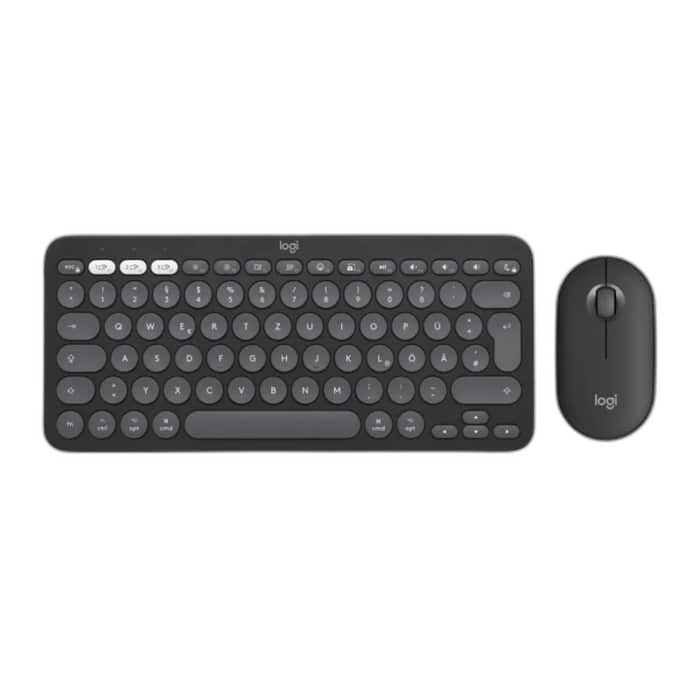
A compact pair for flexible work.
Pebble 2 Combo pairs the Pebble Keys 2 K380s keyboard with the Pebble Mouse 2 M350s. A slim footprint, quiet input and multi-device pairing make this wireless set easy to use across your everyday devices.
K380s
Included Keyboard
M350s
Included Mouse
3 Devices
Pairing Support
Logi Bolt
Receiver Included
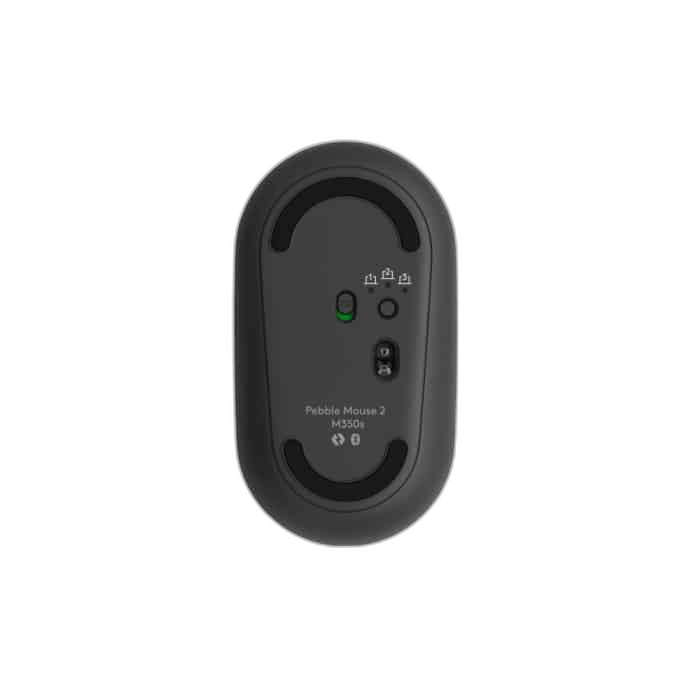
Comfortable keys and quiet clicks
The keyboard uses scooped, low-profile keys with useful shortcuts. The mouse provides optical tracking adjustable from 400 to 4000 DPI through Logi Options+, plus a customisable middle button.
Connect the way you work
Use Bluetooth Low Energy or the included Logi Bolt receiver, with pairing for up to three devices. The keyboard runs for up to 36 months on two AAA batteries, and the mouse for up to 24 months on one AA battery; runtime varies with use.
Two Pebble Devices in One Set
The set combines the Pebble Keys 2 K380s keyboard with the Pebble Mouse 2 M350s. The compact keyboard and separate mouse give you a matching typing and pointer setup for a smaller desk or portable workspace.
Keep Each Battery Schedule Separate
The keyboard uses two AAA batteries, while the mouse uses one AA battery. Their published runtime references differ, so plan replacement for each device separately and remember that actual life depends on use.
Pairing for Different Devices
Pairing support covers up to three devices, with Bluetooth Low Energy and an included Logi Bolt receiver available for connection. Use each device’s supported switching controls as you move between compatible computers and other equipment.
Customisation on Windows and macOS
Logi Options+ supports personalising compatible controls on Windows and macOS. Keep keyboard shortcuts and mouse settings separate when configuring the combo, so a pointer adjustment is applied to the mouse function you intend to change.
Complete Your Workspace
Explore gaming mouse, gaming keyboards for your setup.
Frequently Asked Questions
How does it connect?
Bluetooth Low Energy or Logi Bolt USB receiver.
Which keyboard and mouse are included?
Pebble Keys 2 K380s keyboard and Pebble Mouse 2 M350s mouse.
Which configuration software is listed?
Logi Options+ for Windows and macOS.
How are the keyboard and mouse powered?
Keyboard: 2 × AAA alkaline. Mouse: 1 × AA alkaline.
Build Your Setup with AX Store Kuwait
Explore computers, displays and accessories for your workspace at AX Store Kuwait. For help choosing the right model or checking an accessory, contact AX Store.
THE DETAILS
Technical specifications
Product specifications
Logitech
Logitech Pebble 2 Combo
Pebble Keys 2 K380s
Pebble Mouse 2 M350s
Bluetooth Low Energy or Logi Bolt USB receiver
Logi Bolt included
Up to 3 devices
2 × AAA alkaline
Up to 36 months, depending on use
1 × AA alkaline
Up to 24 months, depending on use
High-precision optical tracking
400–4000 DPI, 100 DPI increments; nominal 1000 DPI
3; customisable middle button
279 × 124 × 16 mm
415 g
106.7 × 58.7 × 26.62 mm
76 g
Logi Options+ for Windows and macOS
Graphite
COMPLETE YOUR SETUP
Pairs well with