
LOUPEDECK
Loupedeck Live Power Console for Streamers - Touchscreen Controls
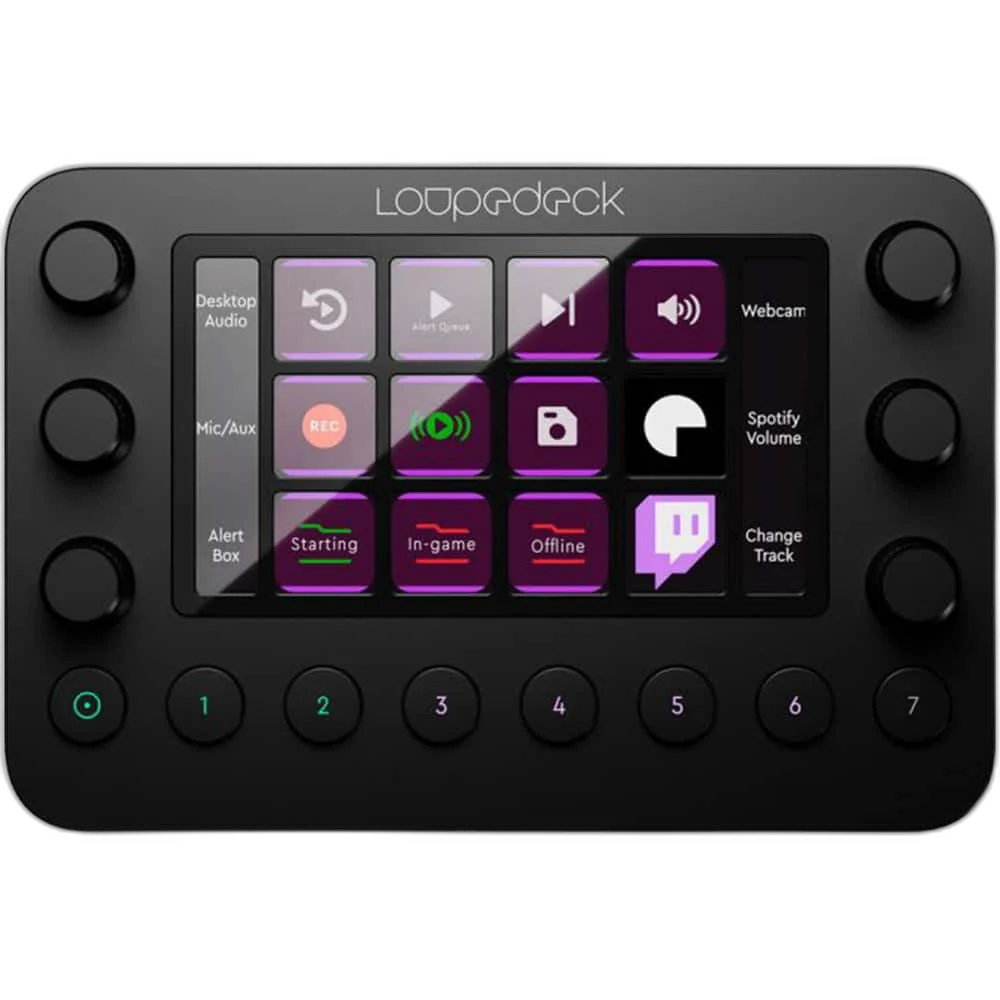
Bring shortcuts and adjustments onto a dedicated console with 12 touch buttons, six push dials and eight round buttons. Build workspaces around the tasks you use most.
Regular price
104.000 KWD
or 4 payments of 26.000 KWD with
Pay with card & save


99.000 KWD
Save 5.000 KWD
Overview
LOUPEDECK LIVE POWER CONSOLE FOR STREAMERS - TOUCHSCREEN CONTROLS
Put your creative controls within reach.
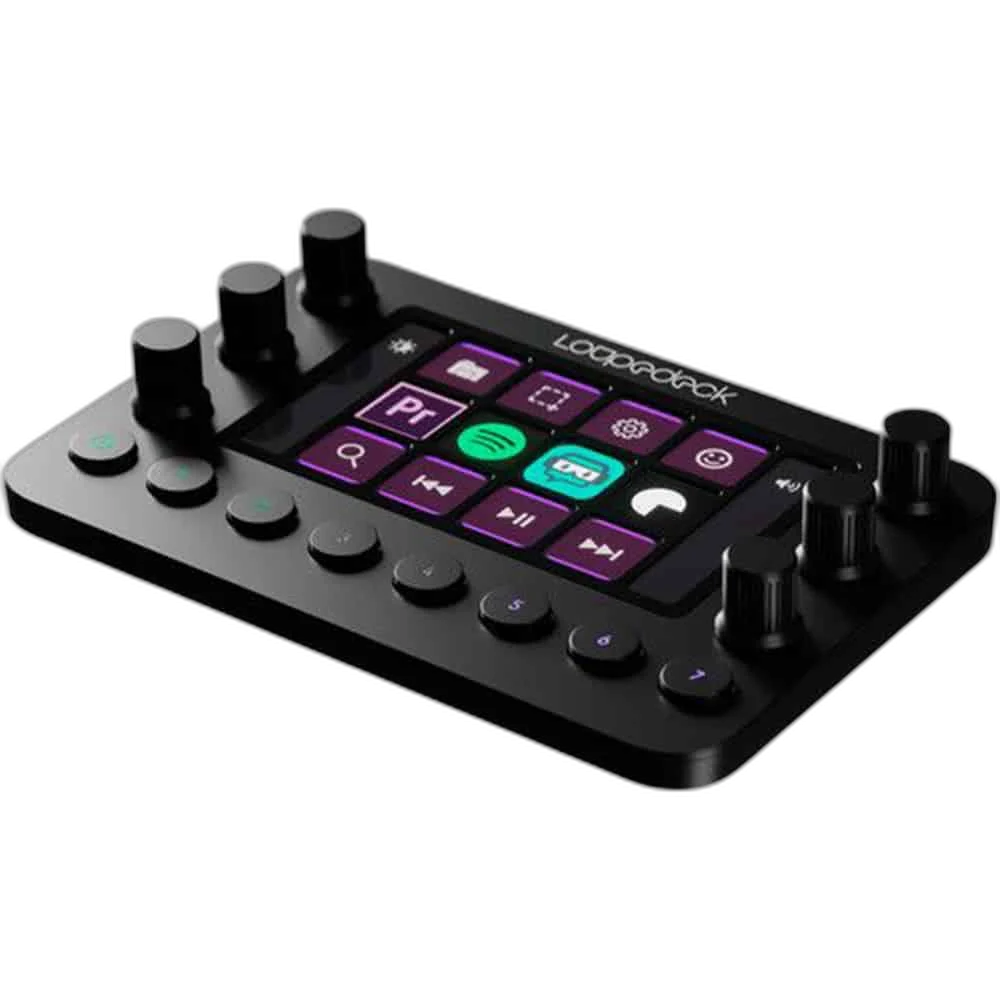
Bring shortcuts and adjustments onto a dedicated console with 12 touch buttons, six push dials and eight round buttons. Build workspaces around the tasks you use most.
12
Touch Buttons
6
Dials with Press Function
8
Round Buttons Including Home
USB-C
USB-A via Adapter
Turn values into hands-on adjustments
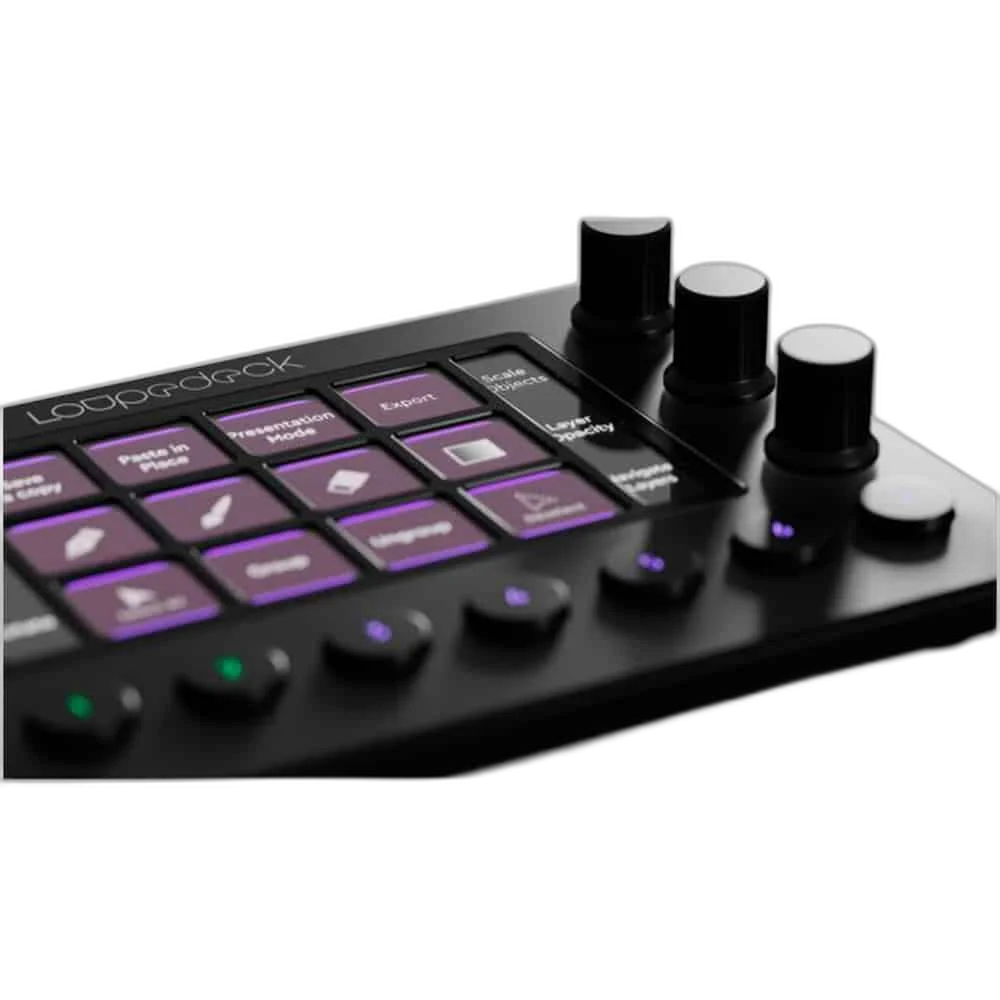
Use the dials for variable controls such as levels, brush size or sliders in supported software. Each dial also has a press function. Plan the device position and connections around the computer, display and other equipment used in your normal setup.
Organize actions by workspace
Customizable touch buttons can trigger tools, presets and macros. Pages and workspaces let controls change with your workflow, while the Home button takes you back.
Build a Workspace around Frequent Actions
Group the commands you use most often into a layout that suits your work. Keep related actions together and practise their positions so the console becomes part of your normal desktop routine.
Software Profiles for Different Tasks
The controller uses Loupedeck software required. Check current software, operating-system and plugin requirements, then configure the available profiles for the applications you actually use for streaming, editing or everyday work.
Keep Control Actions Separate from Audio Connections
Buttons and dials operate assigned software functions. Connect microphones and other audio equipment through the appropriate input hardware, then configure supported software controls for the tasks you want the console to perform.
Position the Console beside the Working Area
Place the control surface where its buttons or touchscreen remain easy to reach alongside the keyboard and mouse. Allow a suitable route for its USB lead and room for the supported stand or mounting arrangement.
Complete Your Workspace
Explore audio equipment, microphones for your setup. Suggested equipment is sold separately. Check the input, output, host-port and software requirements for your chosen workflow. Connect microphones through their own USB interface or suitable audio hardware; the control surface assigns software actions. Suggested alternatives have different button/dial arrangements and supported plugins.
Frequently Asked Questions
What physical controls are listed?
12 touch buttons, six pressable dials and eight round buttons including Home.
Which software is required?
Loupedeck software required. Check current software requirements and plugin availability for the version you plan to use.
How does it connect?
USB-C; USB-A via adapter.
Which stand or mounting arrangement is listed?
A detachable stand is shown for this desktop control console; follow its mounting instructions.
Are all eight round buttons freely assignable?
7 customizable; first button returns Home.
Build Your Setup with AX Store Kuwait
Explore computers, displays and accessories for your workspace at AX Store Kuwait. For help choosing the right model or checking an accessory, contact AX Store.
THE DETAILS
Technical specifications
Product specifications
Loupedeck
Live
12
6; each with press function
8, including Home
7 customizable; first button returns Home
Shown beside dials on touchscreen
Customizable touch-button and dial assignments
USB-C; USB-A via adapter
Loupedeck software required
Windows 10; macOS 10.14
Required for software download
COMPLETE YOUR SETUP
Pairs well with



