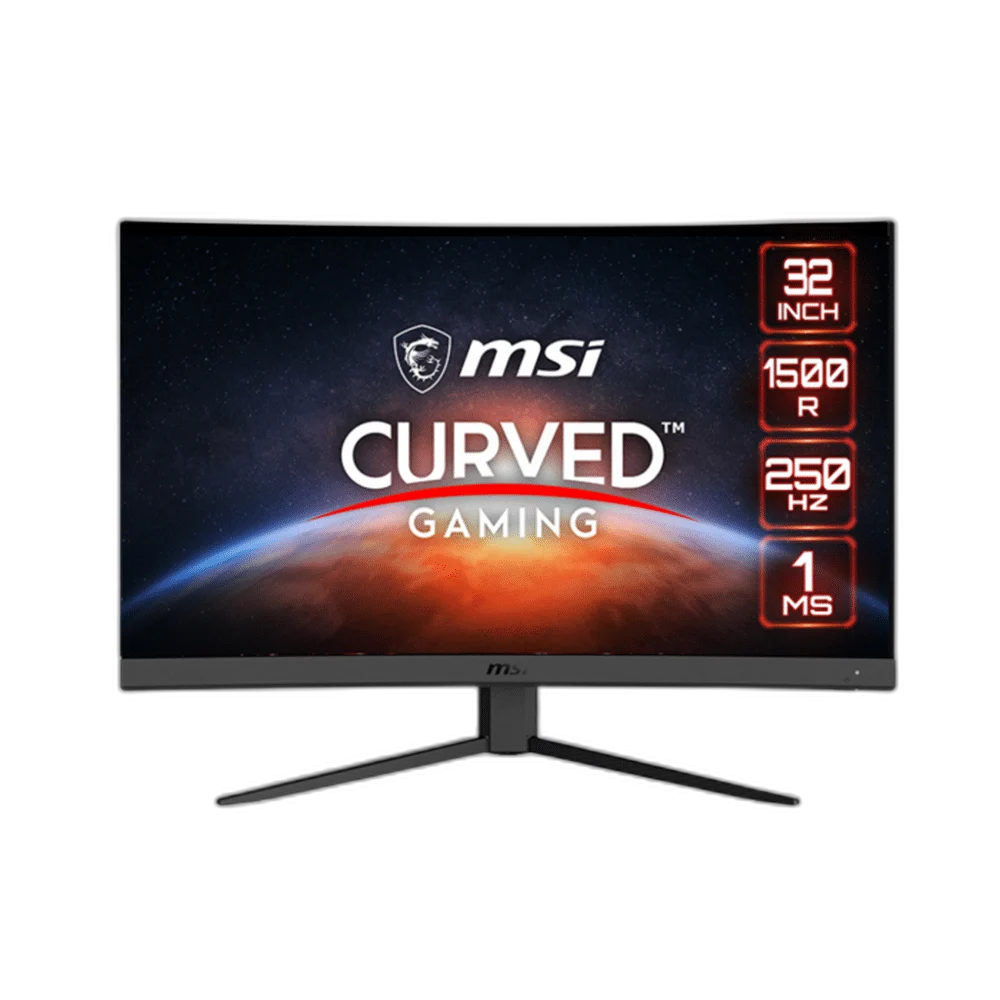
MSI G32C4X 32 inch FHD Curved 250Hz Gaming Monitor
MSI G32C4X with a 31.5-inch VA panel, 1920 × 1080 resolution and up to 250 Hz refresh. Features 1 ms MPRT response, an anti-glare surface, multiple video inputs, tilt adjustment and 100 × 100 mm VESA mounting.
or 4 payments of 18.125 KWD with
Pay with card & save


Overview
MSI G32C4X
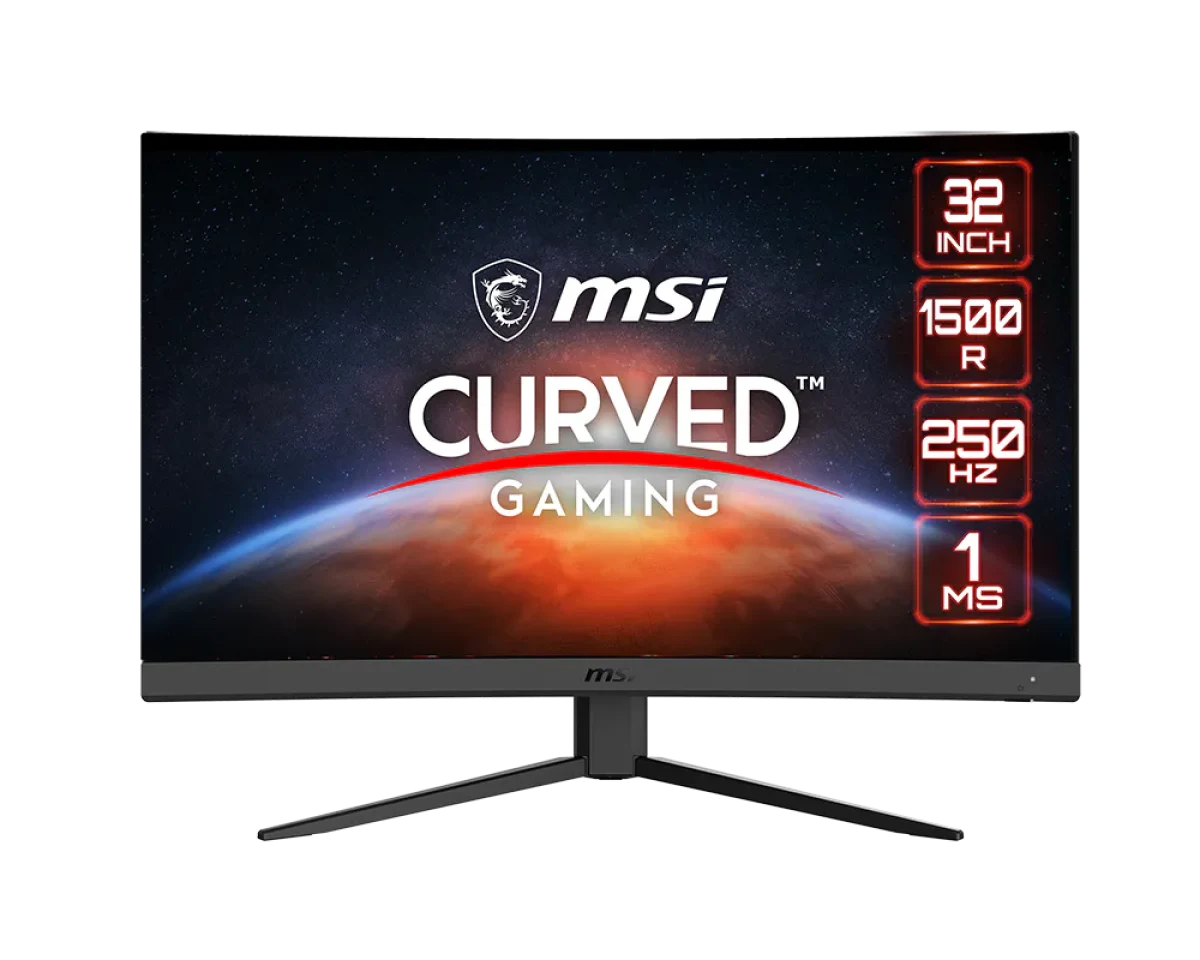
31.5-Inch Curved Full HD with a 250 Hz OC Mode
MSI G32C4X brings a 31.5-inch VA screen together with 1920 × 1080 resolution and up to 250 Hz refresh. Its 1500R curved panel, anti-glare surface and multiple video inputs provide a clear specification for a gaming desk. Compare the exact connection limits and response-time measurement below, then configure the display around your compatible computer or console.
Display Diagonal
Resolution
Listed Maximum Refresh
Panel Technology
Panel and Image Specifications
The 31.5-inch VA panel combines 1920 × 1080 resolution with 300 cd/m² brightness and a 3000:1 contrast ratio. MSI lists 89.6% Adobe RGB, 91.1% DCI-P3 and 114.8% sRGB using the CIE1976 standard. Compare these published figures alongside the 1500R curved screen format when choosing a display for gaming, video and everyday desktop tasks.
Refresh Rate and Response
The specified response time is 1 ms MPRT. DisplayPort overclocking reaches up to 250 Hz at Full HD, while HDMI supports up to 240 Hz at the same resolution. Match the cable and source capability to the input you choose, then verify the active resolution and refresh rate in the system display settings before adjusting the game.
Compatible Display Modes
Adaptive-Sync matches the display refresh behaviour to compatible graphics output in supported modes. MSI lists HDR Ready support alongside the VA panel specifications. Configure the supported modes around the source you connect, checking the available graphics and monitor settings together. Use the resolution and refresh combination that fits the games and applications sharing your screen.
Video and Audio Connections
One DisplayPort 1.2a input and two HDMI 2.0 inputs provide the video connections. An earphone output adds an audio connection for a compatible headset or external audio arrangement. Several video inputs let you keep more than one source connected. Check each port’s supported signal mode before assigning the main gaming system and any secondary device to the available connections.
Stand and Mounting
The stand provides tilt adjustment from -5° to +20° around the curved screen. A 100 × 100 mm VESA pattern provides an alternative with a suitable mount. MSI lists approximately 6.3 kg with the stand and 5.5 kg without it. Compare the mounting pattern, load requirement and published dimensions when planning an arm or arranging the available desk space.
Controls for Everyday Setup
Night Vision provides an adjustment for darker image areas, and Smart Cross Hair adds an on-screen gaming aid. The published display features also include an anti-glare surface and a frameless design. Begin with the available picture settings and adjust them for your room lighting and usual activities. Revisit brightness and game preferences as you change between gaming, video and everyday desktop work on the same screen.
Complete Your Workspace
Explore Monitors at AX Store and choose the configuration or accessories that fit your setup.
Frequently Asked Questions
What size, panel and resolution does it use?
The display measures 31.5 inches diagonally and uses VA panel technology. Resolution: 1920 x 1080 (FHD).
What refresh modes and input limits should I check?
Listed maximum refresh: 250 Hz. Video ports: 1x DP (1.2a) 2x HDMI™ (2.0). Note: Display Port: 1920 x 1080 (Up to 250Hz by DP overclocking) HDMI™ 2.0: 1920 x 1080 (Up to 240Hz) Adobe RGB, sRGB and DCI-P3 follow CIE1976 standard.
How is the response time specified?
Response time: 1ms(MPRT).
Which display inputs and USB connections are listed?
Video ports: 1x DP (1.2a) 2x HDMI™ (2.0).
What stand adjustment and mounting details are specified?
Adjustment (Tilt): -5° ~ 20°. VESA Mounting: 100 x 100 mm.
What brightness and HDR support are specified?
Brightness (nits): 300 nits. HDR Support: HDR Ready.
Build Your Setup with AX Store Kuwait
Explore computers, displays and accessories for your workspace at AX Store Kuwait. For help choosing the right model or checking an accessory, contact AX Store.
THE DETAILS
Technical specifications
Manufacturer Technical Specifications
31.5" (80cm)
698.4(H) x 392.8(V)
1500R
VA
1920 x 1080 (FHD)
0.36375(H) x 0.36375(V)
16:9
300 nits
3000:1
100000000:1
242~277 KHz(H) 96~250 Hz(V)
250 Hz
1ms(MPRT)
Adaptive sync
HDR Ready
1x DP (1.2a) 2x HDMI™ (2.0)
1x Earphone out
178° (H) / 178° (V)
89.6% / 91.1% / 114.8%
Anti-glare
10 bits (8 bits + FRC)
Yes
External Adaptor 20V 3.25A
100~240V, 50~60Hz
-5° ~ 20°
Yes
100 x 100 mm
6.3kg / 9.0kg 5.5 kg (without stand)
709.4 x 248.7 x 509.4 mm 709.4 x 92 x 429.3 mm (without stand)
WW carton: 970 x 168 x 513 mm Outer: 985 x 183 x 538 mm
Display Port: 1920 x 1080 (Up to 250Hz by DP overclocking) HDMI™ 2.0: 1920 x 1080 (Up to 240Hz) Adobe RGB, sRGB and DCI-P3 follow CIE1976 standard