
MSI
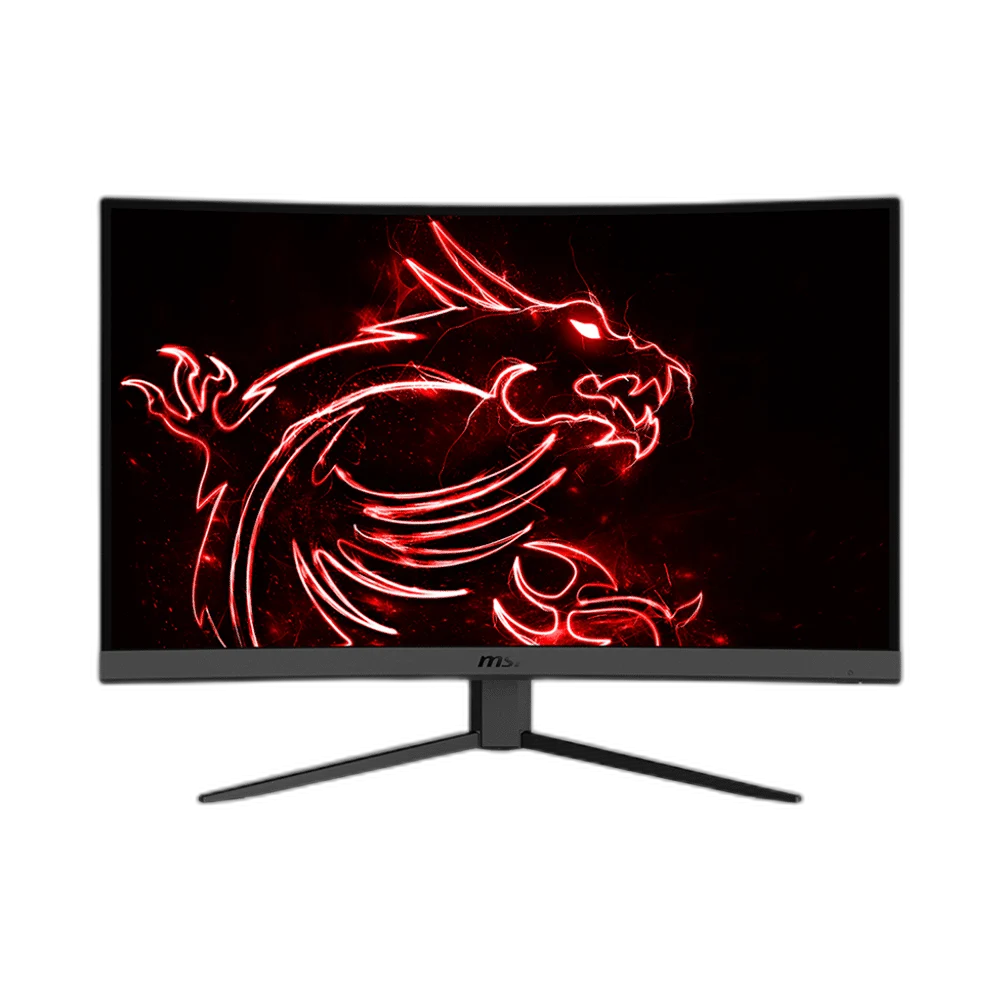
MSI Optix G27CQ4 27 inch 2K-WQHD VA 165Hz Monitor
The MSI Optix G27CQ4 combines a 27-inch 1500R curved VA panel with 2560 × 1440 resolution, up to 165Hz refresh rate and AMD FreeSync Premium for a detailed, fluid PC gaming setup.
Regular price
110.500 KWD
or 4 payments of 27.625 KWD with
Pay with card & save


105.000 KWD
Save 5.500 KWD
Overview
MSI OPTIX G27CQ4 27 INCH 2K-WQHD VA 165HZ MONITOR
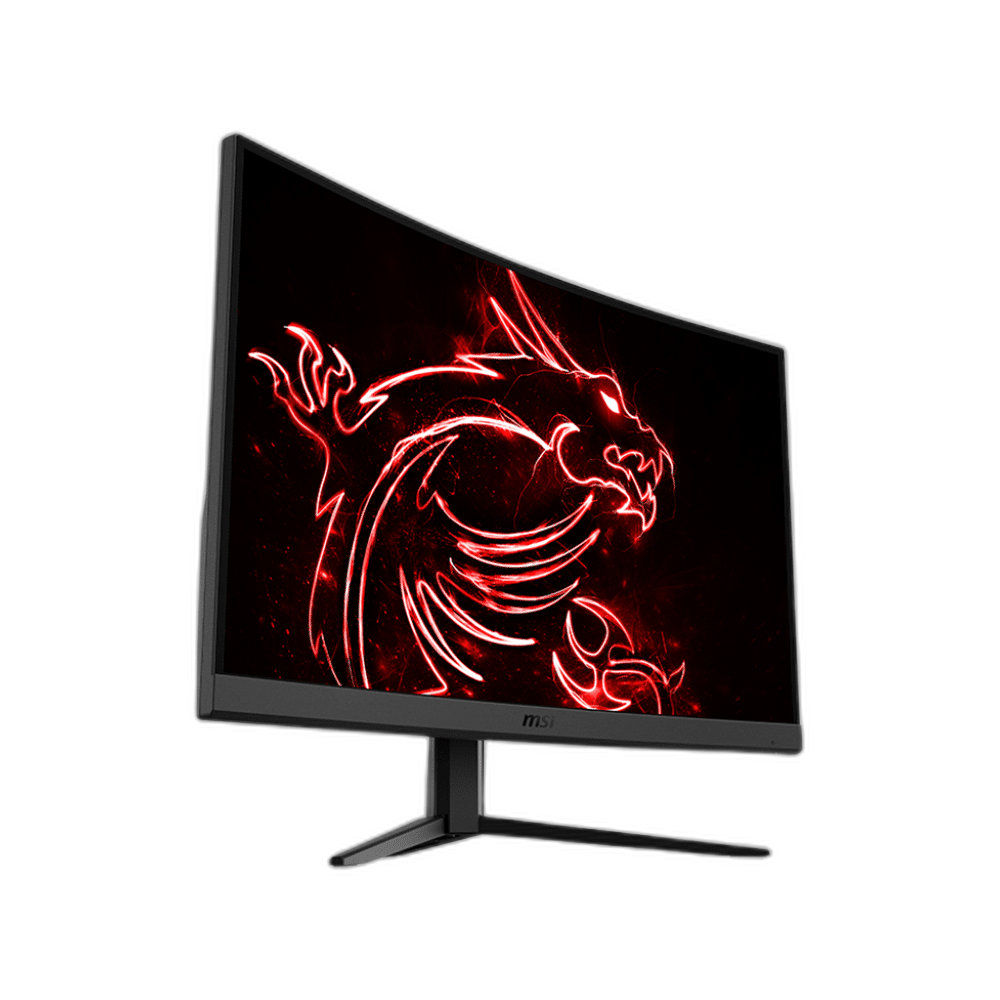
Curved QHD detail. Smooth 165Hz play.
The MSI Optix G27CQ4 combines a 27-inch 1500R curved VA panel with 2560 × 1440 resolution, up to 165Hz refresh rate and AMD FreeSync Premium for a detailed, fluid PC gaming setup.
27 inch
Viewable Display Diagonal
2560 × 1440
Native Resolution
DisplayPort: up to 165Hz; HDMI: up to 144Hz
Listed Refresh and Input Conditions
VA
Panel Technology
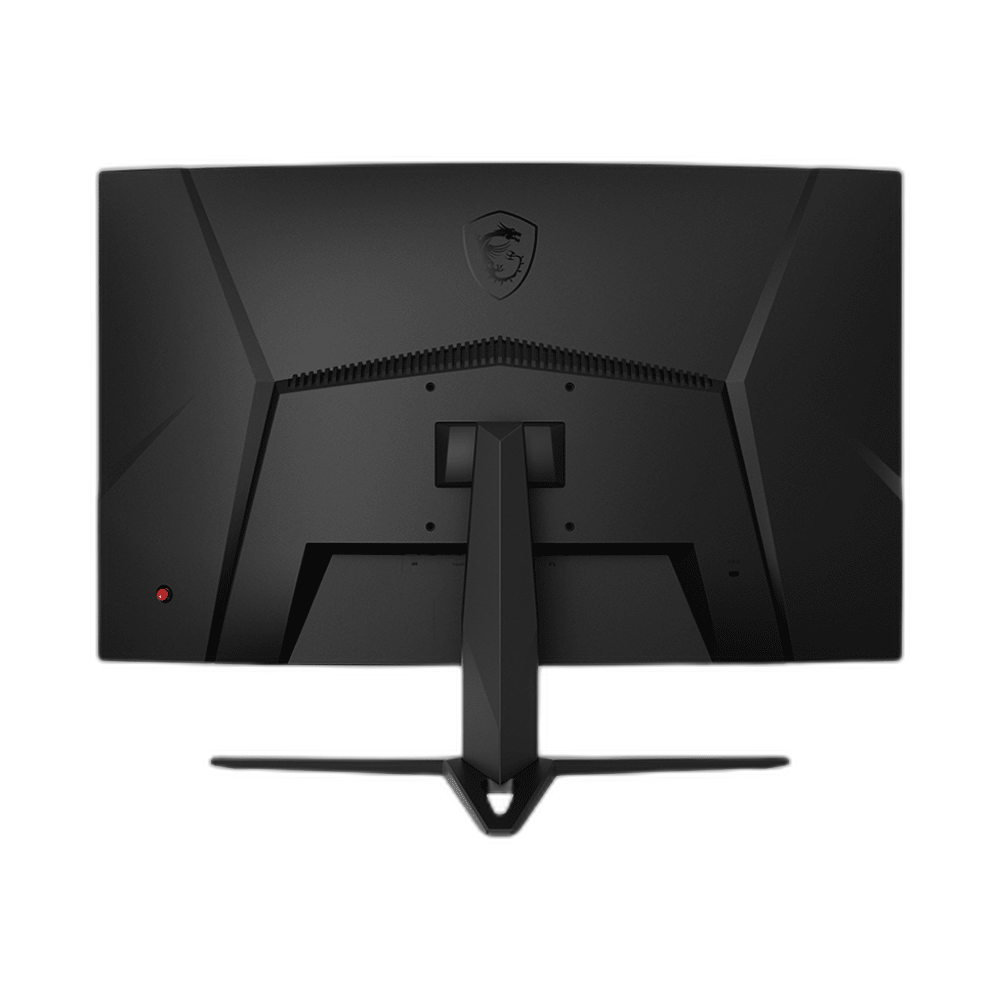
More detail across a curved screen
QHD resolution gives games and desktop content more detail than Full HD. The 1500R curve wraps the 27-inch display around your view, while the VA panel provides a 3000:1 native contrast ratio.
Use DisplayPort for 165Hz
DisplayPort supports the full 165Hz refresh rate at QHD. HDMI supports up to 144Hz at the same resolution. AMD FreeSync Premium helps keep compatible graphics output and display refresh in step.
Connections for a flexible setup
Connect a PC through DisplayPort 1.2a and additional devices through two HDMI 2.0b inputs. A headphone output, tilt adjustment and a 100 × 100mm VESA interface support a practical desktop layout.
Match the Refresh Mode to Your Setup
Refresh rate: DisplayPort: up to 165Hz; HDMI: up to 144Hz. The available refresh mode depends on the resolution, input, source device and supported settings. Check those conditions together before choosing a cable or expecting the highest listed refresh mode from your system.
Arrange the Display on Your Desk
Tilt: −5° to 20°. VESA mount: 100 × 100mm. Use the listed stand adjustments to position the display for your desk and chair. If you choose an arm or wall mount, check the stated VESA pattern and the mounting hardware requirements.
Use Supported Variable-Refresh Settings
The listed adaptive-refresh support is AMD FreeSync Premium. Check your graphics source, input and driver settings for the supported feature you want to use, keeping variable refresh separate from the monitor’s maximum fixed refresh specification.
Complete Your Workspace
Explore gaming PCs, gaming monitors for your setup.
Frequently Asked Questions
What size, panel and resolution does this display use?
27-inch VA; 1500R curvature. VA panel technology. Native resolution: 2560 × 1440 (WQHD).
What refresh modes and input limits apply?
Refresh rate: DisplayPort: up to 165Hz; HDMI: up to 144Hz. Available modes also depend on your source, input, cable and supported settings.
Which video and USB connections are listed?
Video inputs: 1 × DisplayPort 1.2a; 2 × HDMI 2.0b.
What stand adjustment and mounting options are specified?
Tilt: −5° to 20°. VESA mount: 100 × 100mm.
How is response time specified?
1ms MPRT.
Build Your Setup with AX Store Kuwait
Explore computers, displays and accessories for your workspace at AX Store Kuwait. For help choosing the right model or checking an accessory, contact AX Store.
THE DETAILS
Technical specifications
Display specifications
MSI
Optix G27CQ4
27-inch VA; 1500R curvature
2560 × 1440 (WQHD)
DisplayPort: up to 165Hz; HDMI: up to 144Hz
1ms MPRT
250 nits
3000:1
92% DCI-P3 / 115% sRGB
16.7 million
AMD FreeSync Premium
1 × DisplayPort 1.2a; 2 × HDMI 2.0b
1 × headphone output
−5° to 20°
100 × 100mm
611.5 × 457.9 × 225.4mm
5.4kg
COMPLETE YOUR SETUP
Pairs well with

EVE Spectrum