Netgear
Netgear EX6110 AC1200 WiFi Range Extender - White
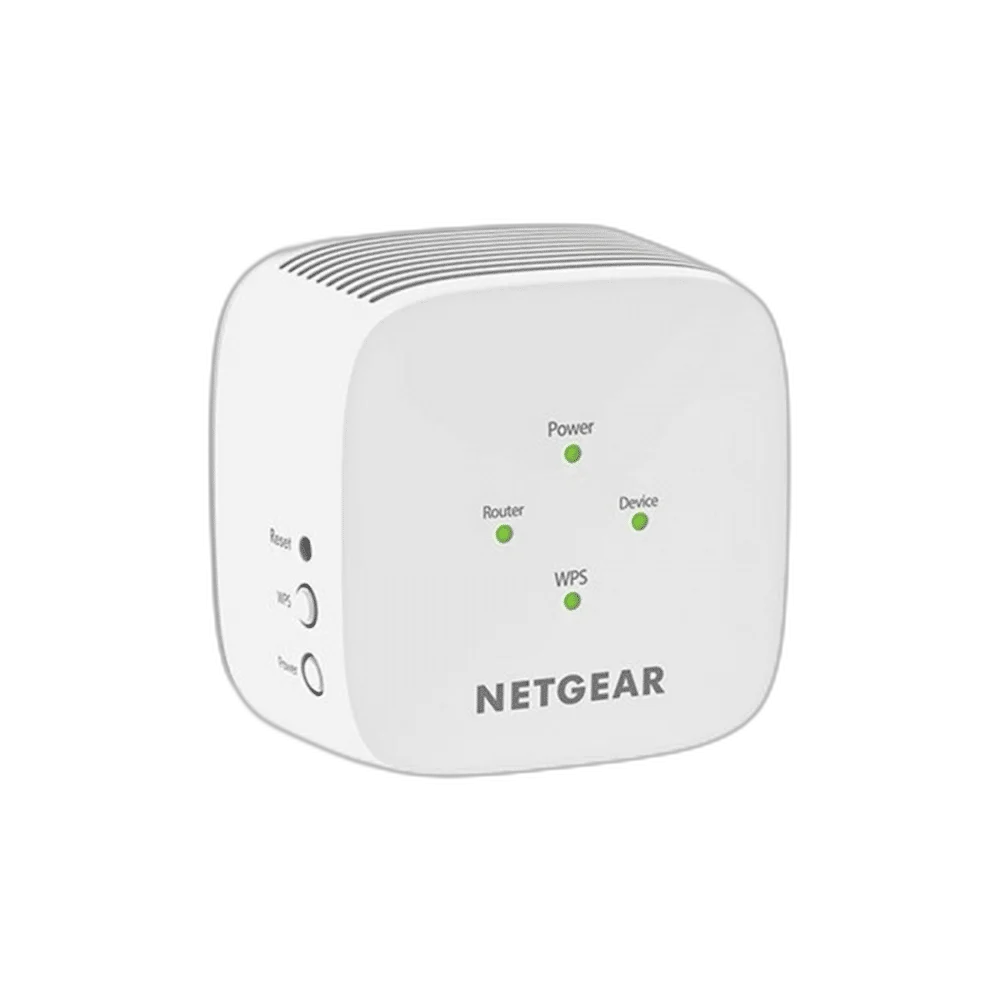
NETGEAR EX6110 AC1200 dual-band Wi-Fi range extender with 2.4GHz/5GHz support, internal antennas, FastLane technology and smart LED positioning indicators. Compact wall-plug design measures 72.5 × 72.5 × 64.8mm and weighs 152g.
Regular price
8.500 KWD
or 4 payments of 2.125 KWD with
Pay with card & save


8.250 KWD
Save 0.250 KWD
Overview
NETGEAR EX6110 AC1200 WI-FI RANGE EXTENDER
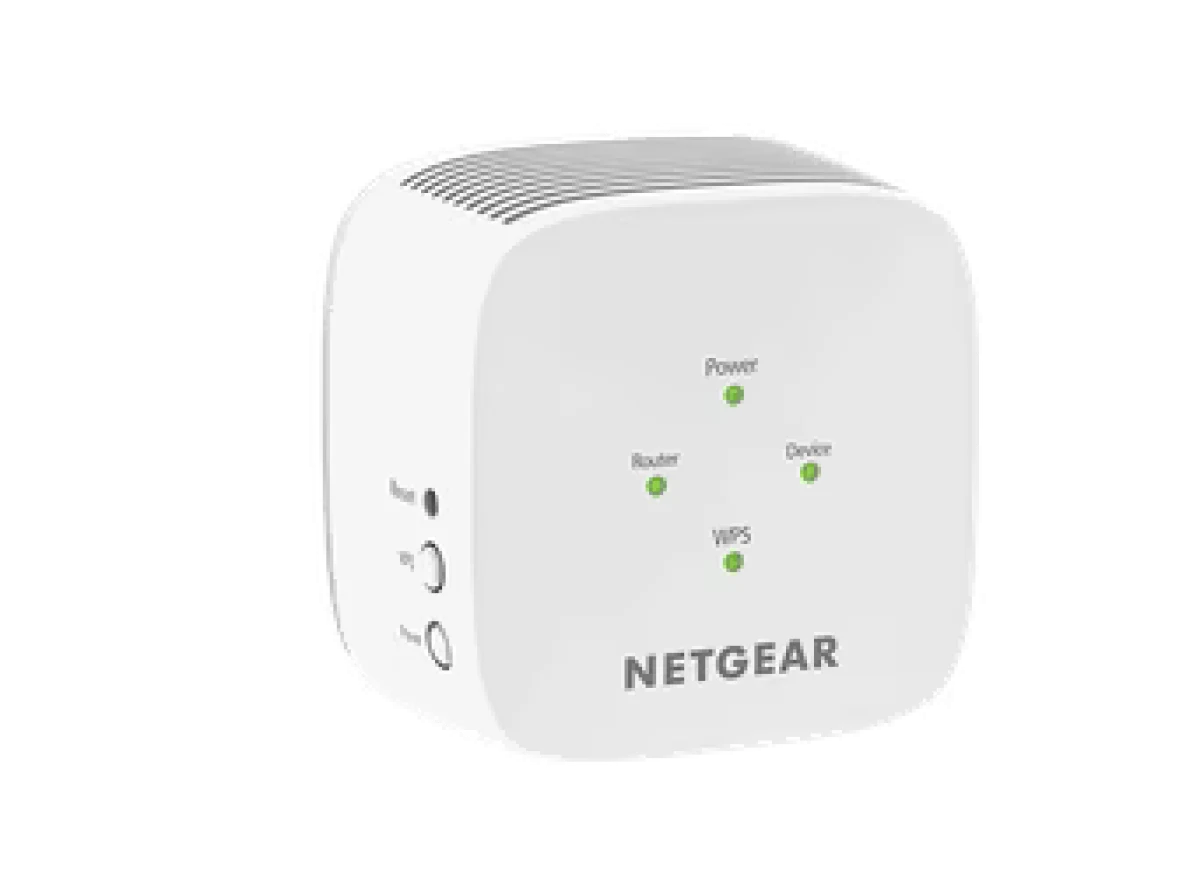
NETGEAR EX6110
NETGEAR EX6110 extends an existing wireless network with dual-band 2.4GHz and 5GHz support. The compact wall-plug extender uses internal antennas and an AC1200 wireless performance class, with FastLane technology and smart LED indicators for setup and positioning. Use it with a compatible router or gateway to bring an extended wireless connection to the areas where your devices need access. Explore this model at AX Store in Kuwait.
AC1200
Wireless Class
2.4 / 5 GHz
Frequency Bands
Range Extender
Product Type
802.11ac
Supported Wireless Standard
Extend the Existing Wireless Network
The extender works with a compatible 2.4GHz and/or 5GHz wireless router or gateway, supporting 802.11ac and earlier a, b, g and n equipment. Plan the placement around the network you already use and the area you want to reach. The extender needs a usable connection to the router as part of providing extended access.
Simultaneous Dual-Band Wi-Fi
Support for the 2.4GHz and 5GHz bands provides connection options for compatible wireless devices. NETGEAR lists AC1200 performance with a combined wireless class up to 1200Mbps. Treat that figure as a supported wireless rating rather than a guaranteed internet speed; actual results depend on the router, device capabilities, placement, interference and network activity.
FastLane Technology
FastLane uses both Wi-Fi bands to establish a high-speed connection arrangement for supported uses such as HD streaming and gaming. Configure it around the capabilities of the existing router and client equipment. Check the band requirements of the devices you intend to connect, then choose the supported setup that suits the network and its everyday workload.
LED Guidance for Positioning
Smart LED indicators help identify a suitable location for the extender. Use the connection indicators when choosing an outlet between the existing router coverage and the area where extended access is needed. Review the position after changing the router location, nearby furniture or connected equipment, since the wireless environment affects the link available at the extender.
WPS and Browser-Based Setup
The published setup options include CD-free installation and Push ’N’ Connect through Wi-Fi Protected Setup with compatible equipment. Use the model’s setup instructions to connect it to the intended network, then configure the access required by your devices. Published wireless security support includes WPA/WPA2-PSK and WEP, with the available configuration dependent on the existing network.
Compact Wall-Plug Hardware
The extender measures 72.5 × 72.5 × 64.8mm and weighs 152g. Internal antennas keep the hardware compact around the outlet, while the package includes the EX6110 and a quick-start guide. Compare the physical size and outlet position with the intended location, leaving the indicators and controls accessible while the unit is installed.
Match the Network Device to Your Connection
Check the required wired or wireless connection, power arrangement and coverage needs. Confirm the intended role and compatibility with the existing network before choosing another device. Compare related options such as ASUS USB-N10 NANO B1 Wi-Fi Dongle, 150Mbps or UGREEN USB Bluetooth 5.0 Adapter, Compact Design, keeping the exact model and configuration in the decision. For the wider setup, explore Syntech USB C Male to USB 3.0 Adapter, 2 Pack and check the connection, size or mounting requirements before pairing accessories. Browse the Netgear range at AX for more choices.
NETGEAR EX6110 Setup Choices
Check the required wired or wireless connection, power arrangement and coverage needs. Confirm the intended role and compatibility with the existing network before choosing another device.
Frequently Asked Questions
Which wireless class and bands does it support?
Wireless technology: Wi-Fi 5 / IEEE 802.11ac. Performance class: AC1200; up to 1200Mbps combined wireless class. Frequency bands: 2.4GHz and 5GHz.
What router and setup requirements are listed?
Setup: CD-free browser setup; WPS Push ’N’ Connect with compatible equipment. Router requirement: Compatible 2.4GHz and/or 5GHz wireless router or gateway.
What positioning and performance features are specified?
FastLane: Supported; uses both Wi-Fi bands. Positioning indicators: Smart LED indicators.
What is included?
Package contents: AC1200 Wi-Fi Range Extender EX6110; quick-start guide.
Build Your Setup with AX Store
Explore computers, displays and accessories for your workspace at AX Store. For help choosing the right model or checking an accessory, contact AX Store.
THE DETAILS
Technical specifications
Wireless and Physical Specifications
EX6110
Wi-Fi 5 / IEEE 802.11ac
AC1200; up to 1200Mbps combined wireless class
2.4GHz and 5GHz
802.11a / b / g / n / ac
Internal
Supported; uses both Wi-Fi bands
CD-free browser setup; WPS Push ’N’ Connect with compatible equipment
Smart LED indicators
WPA/WPA2-PSK; WEP
Compatible 2.4GHz and/or 5GHz wireless router or gateway
72.5 × 72.5 × 64.8mm
152g
Wall-plug
AC1200 Wi-Fi Range Extender EX6110; quick-start guide
COMPLETE YOUR SETUP
Pairs well with