Pulsar
PULSAR Wireless 8K Dongle - High-Performance Connectivity
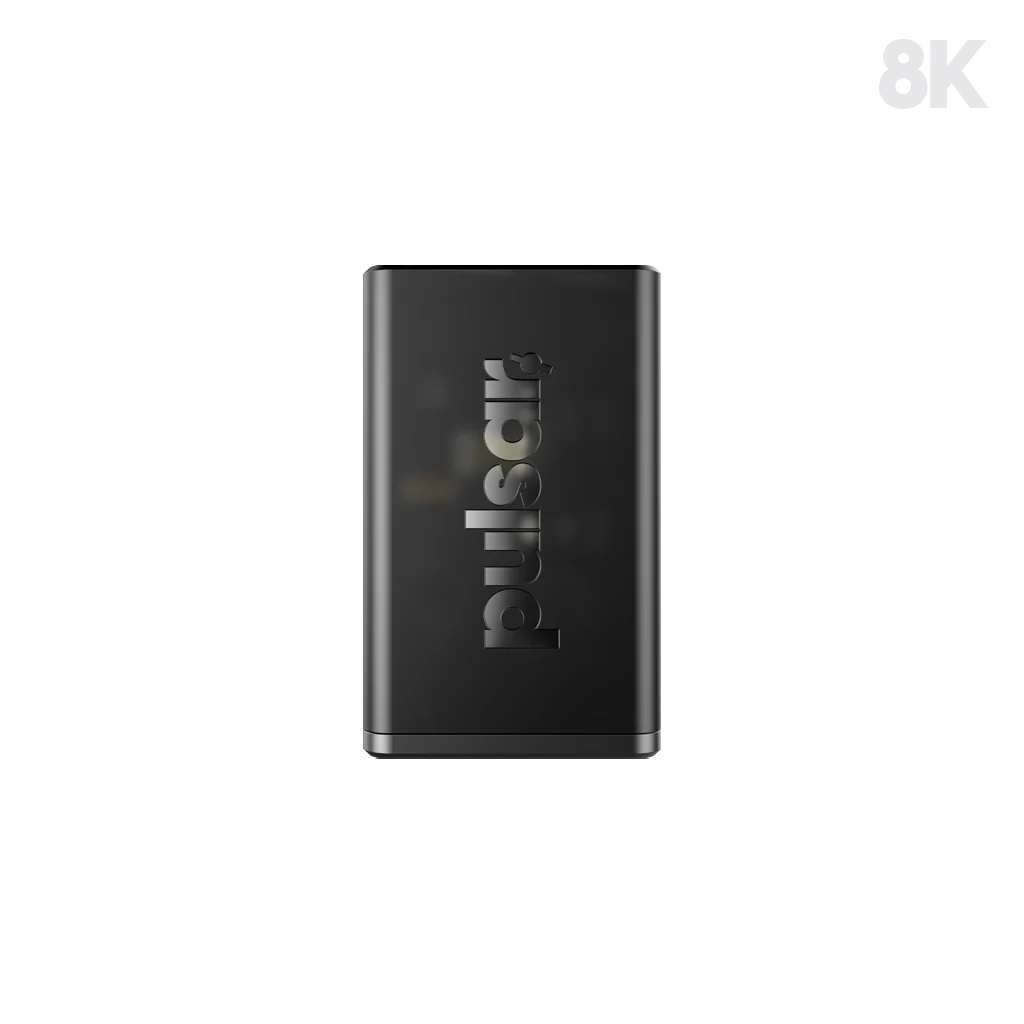
Pulsar P8KDG1 wireless dongle with up to 8000 Hz polling, USB-C connection and a 13.8 g body. Requires a specifically compatible Pulsar mouse; USB-C cable sold separately.
Regular price
8.500 KWD
or 4 payments of 2.125 KWD with
Pay with card & save


7.900 KWD
Save 0.600 KWD
Overview
PULSAR P8KDG1 · 8K WIRELESS DONGLE
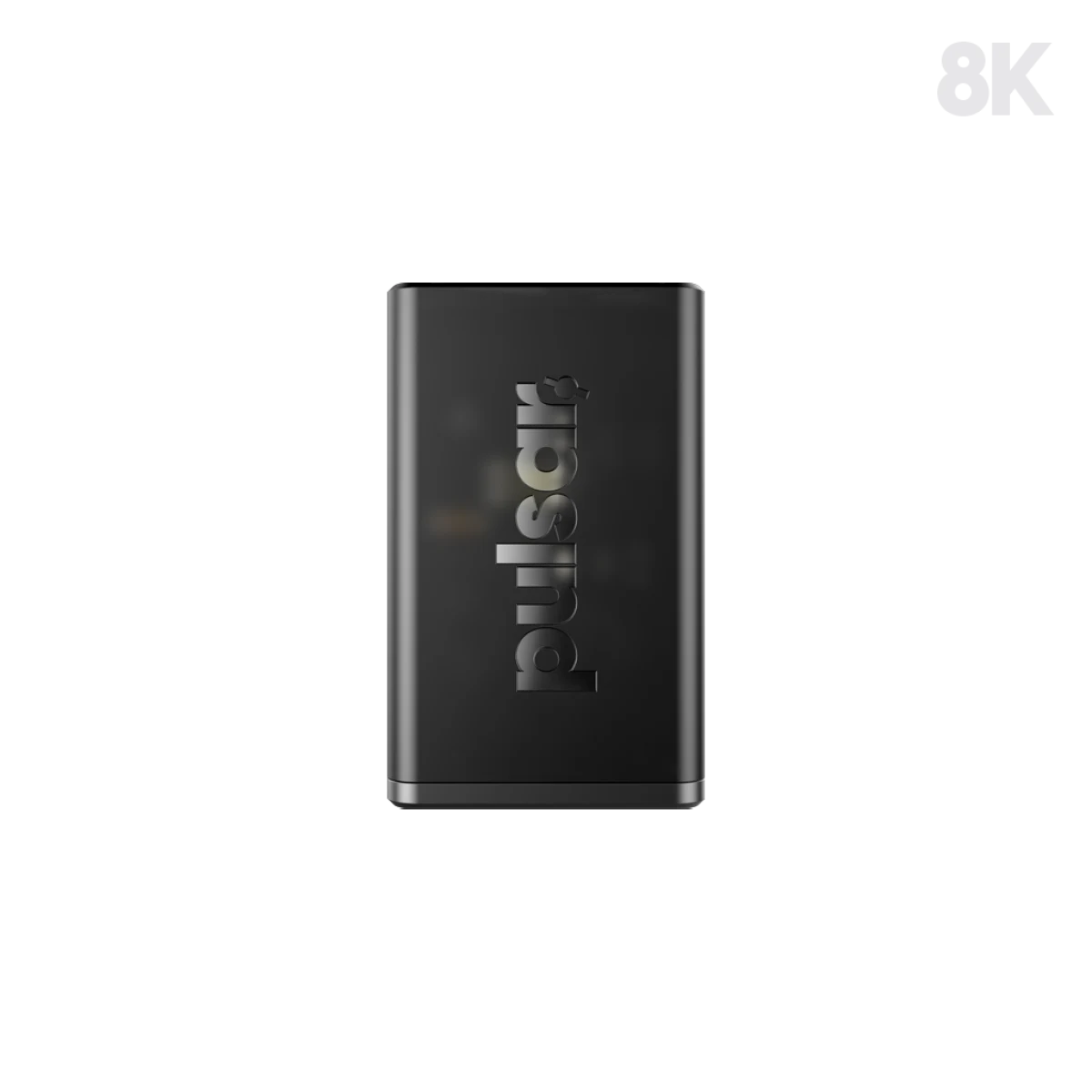
Pulsar P8KDG1 8K Dongle
Pulsar P8KDG1 8K Dongle: Upgrade a compatible Pulsar gaming mouse with the P8KDG1 8K wireless dongle. It supports polling rates up to 8000 Hz and connects to your computer through USB-C. Its compact design suits a desk setup built around responsive mouse input and a high-refresh-rate display. Explore this model at AX Store in Kuwait.
8000 Hz
Maximum Polling Rate
USB-C
Computer Connection
13.8 g
Receiver Weight
P8KDG1
Receiver Model
Up to 8000 Hz Polling
At 8000 Hz, a compatible mouse can report its position up to eight thousand times per second, giving the computer more frequent input updates than a 1000 Hz connection. The corresponding report interval is 0.125 ms. This describes the polling interval rather than the complete system latency, which also depends on the rest of your setup.
Check Your Exact Mouse Model
This receiver supports X2 v3, X2 v3 eS, X2H v3, X2H v3 eS, X2A v3, X2A v3 eS, Xlite v4, Xlite v4 eS, X3 and Feinmann F01 mice, across their listed sizes. Match the full model name before choosing a receiver. Other models require their own compatible dongle, including X2 CrazyLight.
A Compact USB-C Receiver
The dongle measures 24.3 × 35.5 × 19.4 mm and weighs 13.8 g, making it a small addition to your gaming desk. Its computer connection is USB Type-C. Plan a receiver position that fits the rest of your equipment and leaves a convenient cable route to the computer when arranging your mouse area.
Build Around the Right Computer
Pulsar lists an Intel Core i5 or higher, or AMD Ryzen 5 or higher processor, together with a USB 3.0 or higher port, among the requirements. Consider the computer, game settings and display together when configuring a high-polling-rate setup. The receiver is one part of that input chain, alongside your compatible mouse and its settings.
Pair with the Correct Software
Use the Pulsar Fusion2 software and the 8K Wireless Pairing tool when setting up a compatible mouse. During pairing, leave only the 8K dongle connected and remove other dongles to help avoid conflicts. Complete the pairing and check the selected polling rate before returning to your game or reorganising the remaining USB devices.
Prepare Your Connection Cable
The package includes one Pulsar 8K wireless dongle, with the USB-C cable supplied separately. Have a suitable cable ready when planning the upgrade, and check your computer’s available port before arranging the receiver. Keeping those connection details in mind makes it easier to prepare the desk and complete the pairing process in one session.

Match the Accessory to Your Equipment
Check the exact device, connection and intended use before selecting an accessory. Compare the package contents and any required mount or adapter with the equipment already on your desk. Compare related options such as GravaStar 75% Keyboard Wrist Rest Pad - PU Leather or Razer Rogue 15 Backpack V3 Chromatic, Tear and Water Resistant, keeping the exact model and configuration in the decision. For the wider setup, explore Ninjutso Sora Wireless Gaming Mouse, 43 g and check the connection, size or mounting requirements before pairing accessories. Browse the Pulsar range at AX for more choices.
Pulsar P8KDG1 8K Dongle Setup Choices
Check the exact device, connection and intended use before selecting an accessory. Compare the package contents and any required mount or adapter with the equipment already on your desk. Explore ARTISAN NINJA FX ZERO Gaming Mousepad – SOFT/XSOFT, XL/XXL, ARTISAN NINJA FX TYPE-99 SOFT XL Mousepad – Matcha, Wooting 60HE v2 60% Gaming Keyboard, Aluminium.
Frequently Asked Questions
Which mouse families does this receiver support?
The listed models are X2 v3, X2 v3 eS, X2H v3, X2H v3 eS, X2A v3, X2A v3 eS, Xlite v4, Xlite v4 eS, X3 and Feinmann F01, in all listed sizes. Other models are not supported, and X2 CrazyLight requires its own compatible receiver.
What computer connection and processor are required?
Use USB 3.0 or higher with an Intel Core i5 or higher, or AMD Ryzen 5 or higher.
How should it be paired?
Use Pulsar Fusion2 and the 8K Wireless Pairing tool. Connect only the 8K dongle and disconnect other dongles during pairing.
Is a USB-C cable included?
No. The package contains one 8K wireless dongle; prepare a suitable USB-C cable separately.
Can this replace the receiver for X2 CrazyLight?
No. Pulsar explicitly excludes X2 CrazyLight from the P8KDG1 compatibility list, even though both advertise eight-kilohertz operation.
Do the desk accessory recommendations establish mouse compatibility?
No. The keyboard, pads and headphones are optional companions for the desk. Receiver pairing still requires an exact supported Pulsar mouse model; a different brand’s similarly named X3 is not Pulsar X3.
Build Your Setup with AX Store
Explore computers, displays and accessories for your workspace at AX Store. For help choosing the right model or checking an accessory, contact AX Store.
THE DETAILS
Technical specifications
Receiver
P8KDG1
8000 Hz
USB Type-C
24.3 × 35.5 × 19.4 mm
13.8 g
Compatibility and Setup
X2 v3; X2 v3 eS; X2H v3; X2H v3 eS; X2A v3; X2A v3 eS; Xlite v4; Xlite v4 eS; X3; Feinmann F01; all listed sizes
Other mouse models are not supported; X2 CrazyLight requires its own compatible receiver
Intel Core i5 or higher; or AMD Ryzen 5 or higher
USB 3.0 or higher
Pulsar Fusion2 and 8K Wireless Pairing tool
Connect only the 8K dongle; disconnect other dongles during pairing
Package Contents
1 × Pulsar 8K wireless dongle
Not included
COMPLETE YOUR SETUP
Pairs well with