
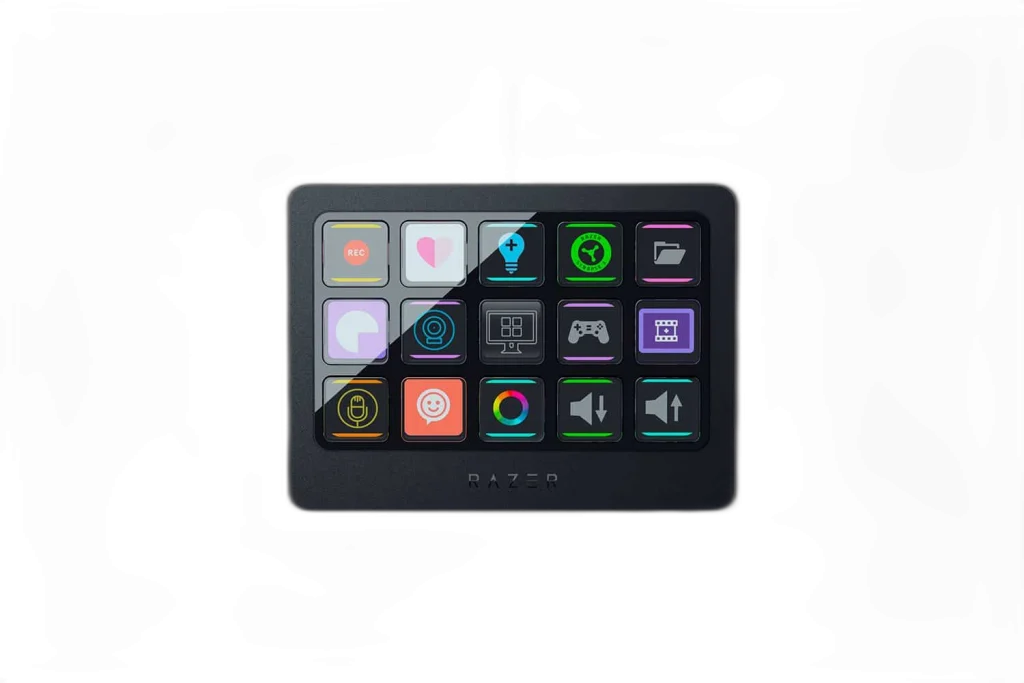
RAZER
Razer Stream Controller X for Seamless Content Creation
Keep streaming and creative commands on a dedicated 15-button controller. Customizable controls let you organize actions without interrupting the application on your main screen.
Regular price
58.000 KWD
or 4 payments of 14.500 KWD with
Pay with card & save


55.000 KWD
Save 3.000 KWD
Overview
RAZER STREAM CONTROLLER X FOR SEAMLESS CONTENT CREATION
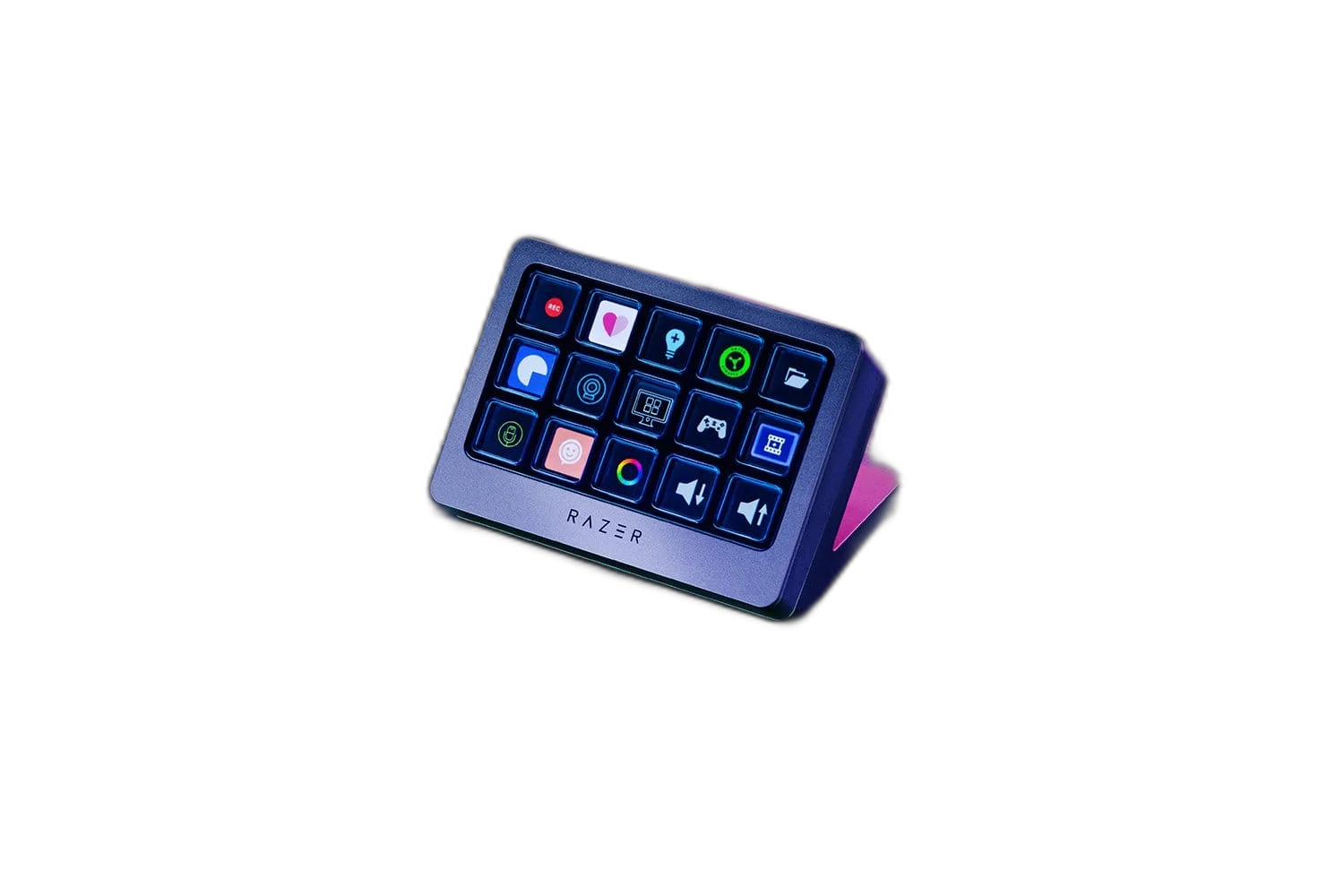
Your shortcuts, clearly in view.
Keep streaming and creative commands on a dedicated 15-button controller. Customizable controls let you organize actions without interrupting the application on your main screen.
15
Programmable Buttons
50°
Detachable Stand Angle
2 m
USB-A to USB-C Cable
Approx. 146 g
Controller Weight
A focused desktop layout
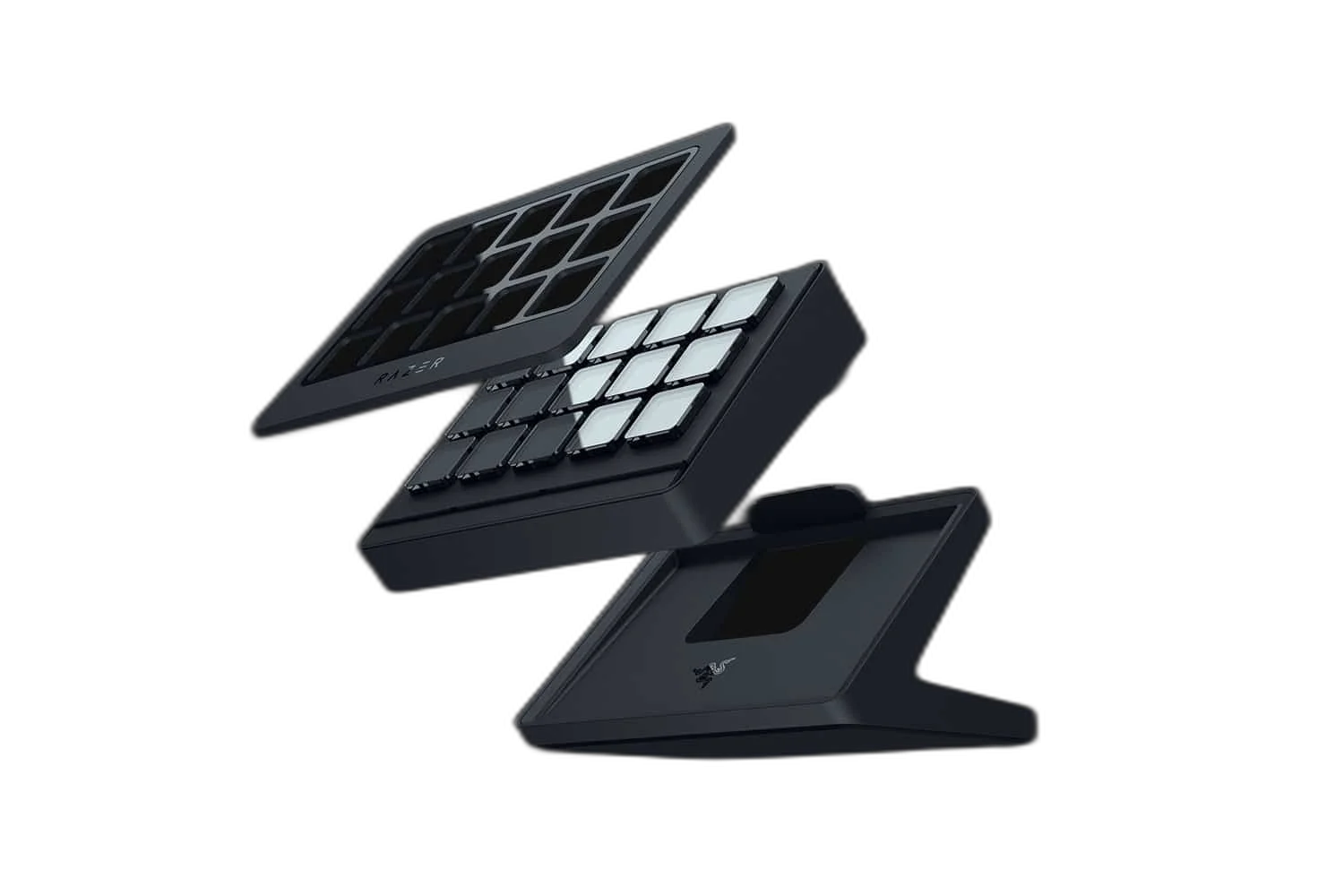
Fifteen switchable membrane buttons provide a dedicated place for your configured actions. A removable magnetic faceplate gives the controller a clean finish. Plan the device position and connections around the computer, display and other equipment used in your normal setup.
Set the angle and connect
The detachable magnetic stand positions the device at 50 degrees. Connect it using the included 2m USB-A to USB-C cable and configure actions in the supported software.
Build a Workspace around Frequent Actions
Group the commands you use most often into a layout that suits your work. Keep related actions together and practise their positions so the console becomes part of your normal desktop routine.
Software Profiles for Different Tasks
The controller uses Loupedeck software; setup through Razer software. Check current software, operating-system and plugin requirements, then configure the available profiles for the applications you actually use for streaming, editing or everyday work.
Keep Control Actions Separate from Audio Connections
Buttons and dials operate assigned software functions. Connect microphones and other audio equipment through the appropriate input hardware, then configure supported software controls for the tasks you want the console to perform.
Position the Console beside the Working Area
Place the control surface where its buttons or touchscreen remain easy to reach alongside the keyboard and mouse. Allow a suitable route for its USB lead and room for the supported stand or mounting arrangement.
Complete Your Workspace
Explore audio equipment, microphones for your setup. Suggested equipment is sold separately. Check the input, output, host-port and software requirements for your chosen workflow. Connect microphones through their own USB interface or suitable audio hardware; the control surface assigns software actions. Suggested alternatives have different button/dial arrangements and supported plugins.
Frequently Asked Questions
What physical controls are listed?
15 programmable buttons.
Which software is required?
Loupedeck software; setup through Razer software. Check current software requirements and plugin availability for the version you plan to use.
How does it connect?
2m USB-A to USB-C cable.
Which stand or mounting arrangement is listed?
Detachable 50° anti-slip magnetic stand.
Build Your Setup with AX Store Kuwait
Explore computers, displays and accessories for your workspace at AX Store Kuwait. For help choosing the right model or checking an accessory, contact AX Store.
Compare Razer Stream Controller. Match the exact model, connection and configuration to your setup.
THE DETAILS
Technical specifications
Product specifications
Razer
RZ20-0479
15 membrane buttons
Swappable magnetic faceplate
Detachable 50° anti-slip magnetic stand
2m USB-A to USB-C cable
111 × 80.7 × 30mm
Approx. 146g
Loupedeck software; setup through Razer software
Windows 10; macOS 10.14
Controller, USB cable and detachable stand
COMPLETE YOUR SETUP
Pairs well with



