SAMSUNG
Samsung Odyssey Ark G97NC 55 inch 4K UHD VA Panel 165Hz Monitor
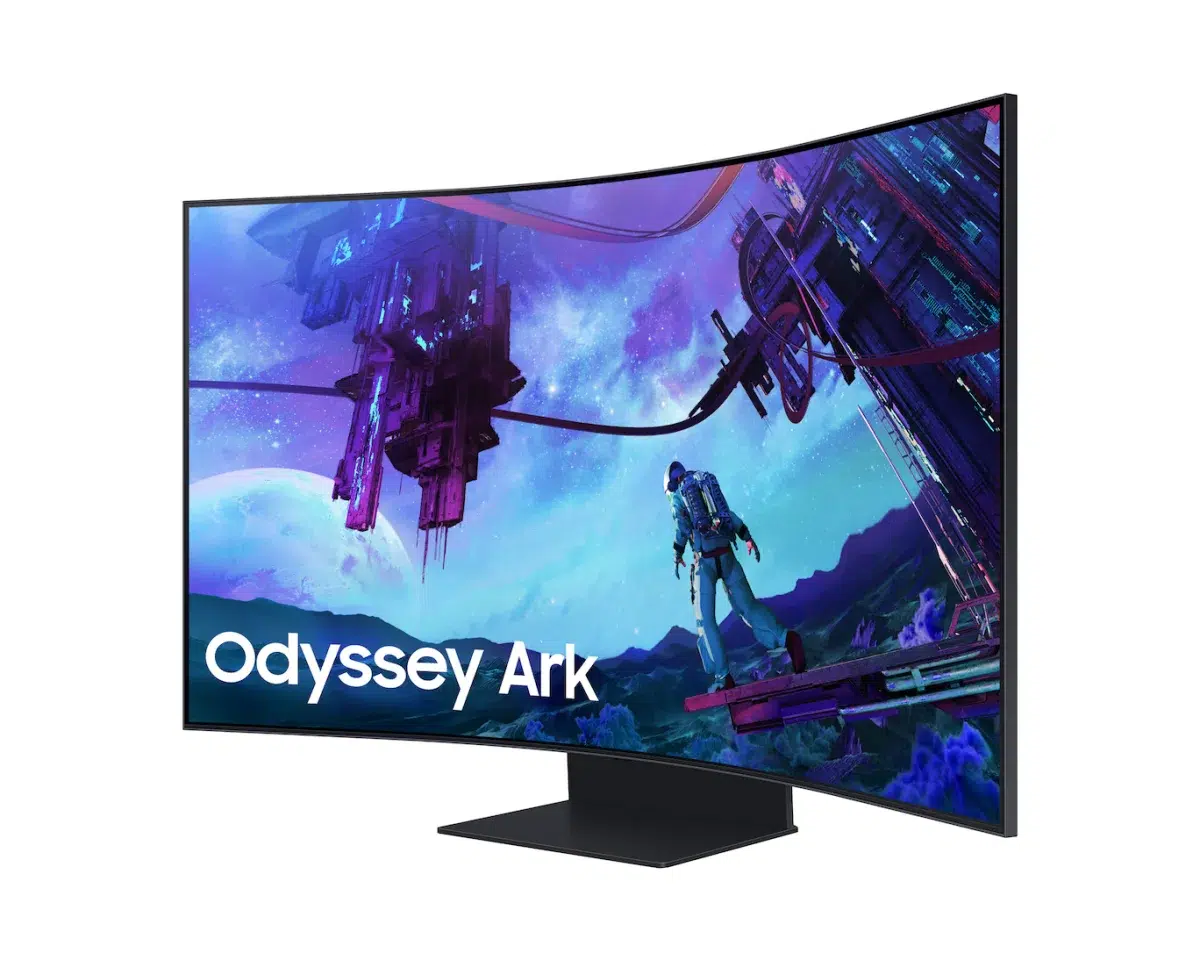
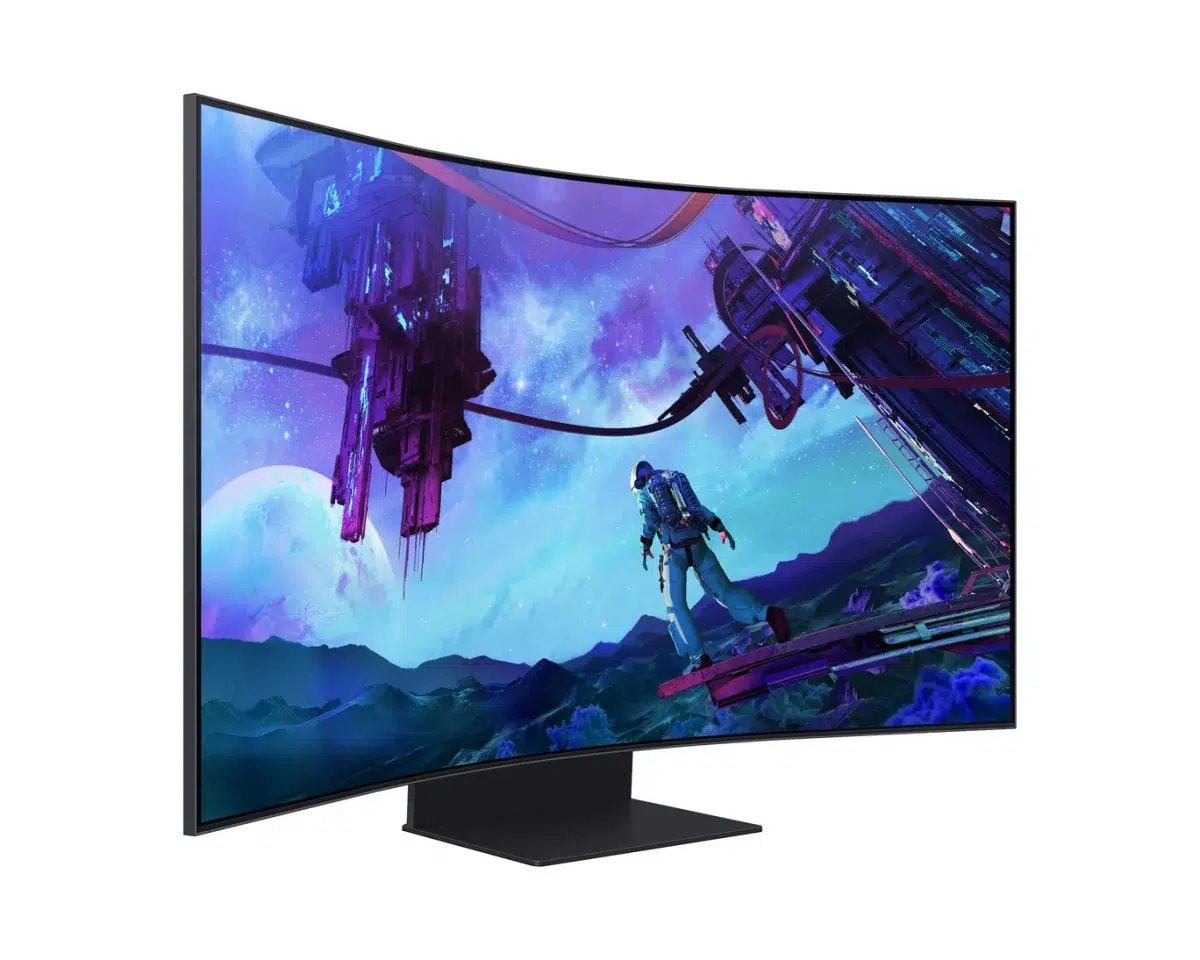
The Samsung Odyssey Ark G97NC second generation is a 55-inch 4K 165Hz curved VA gaming monitor with 1000R curvature, 1,056-zone Quantum Mini-LED lighting and FreeSync Premium Pro. Four-input Multi View, KVM, Cockpit Mode, Ark Dial and a 60W speaker system create an expansive multi-device setup.
Regular price
750.500 KWD
or 4 payments of 187.625 KWD with
Pay with card & save


714.900 KWD
Save 35.600 KWD
Overview
SAMSUNG ODYSSEY ARK G97NC
55 inches. Four inputs. One command centre.
The Samsung Odyssey Ark G97NC second generation combines a 55-inch 4K VA display with a 1000R curve, Quantum Mini-LED lighting and a maximum 165Hz refresh rate. This LS55CG97WNMXUE model adds four-input Multi View, KVM control and a rotating Cockpit Mode, creating a large-format centrepiece for gaming, multiple PCs and entertainment.
55 inch
4K Display
165 Hz
Maximum Refresh Rate
1000R
Screen Curvature
4 Inputs
Second-Generation Multi View
4K detail with Quantum Mini-LED control
The 3840 × 2160 panel uses 1,056 Mini-LED local dimming zones to control lighting across the screen. Quantum Dot colour, Quantum Matrix technology and HDR10+ Gaming support add to the picture system. Samsung specifies 600 cd/m² typical brightness and up to one billion display colours. The 1000R curve wraps the large screen around your viewing position; allow a viewing distance greater than 80cm as recommended by Samsung.
165Hz gaming and a 1ms GTG rating
A maximum 165Hz refresh rate supports high-frame-rate gaming, while AMD FreeSync Premium Pro coordinates compatible graphics output with the display. The advertised 1ms GTG rating is measured under Samsung's internal test conditions using Extreme mode. Game Bar 2.0 and Virtual Aim Point add gaming controls, with the final frame rate dependent on the connected system and chosen settings.
See up to four inputs at once
Second-generation Multi View can show up to four inputs simultaneously, or up to three screens in Cockpit Mode. This gives a multi-device desk a shared display for different sources. External inputs are limited to up to 120Hz while Multi View is active, and Game Mode, VRR and Cloud Game are unavailable in that mode, so choose single-source gaming when those functions are needed.
Rotate into Cockpit Mode
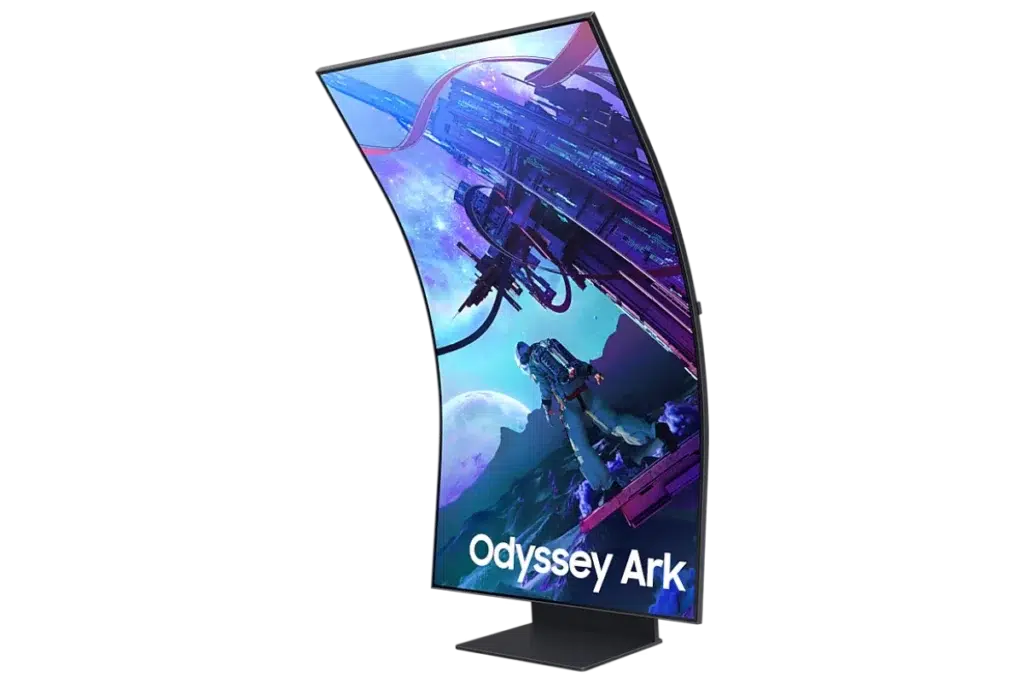
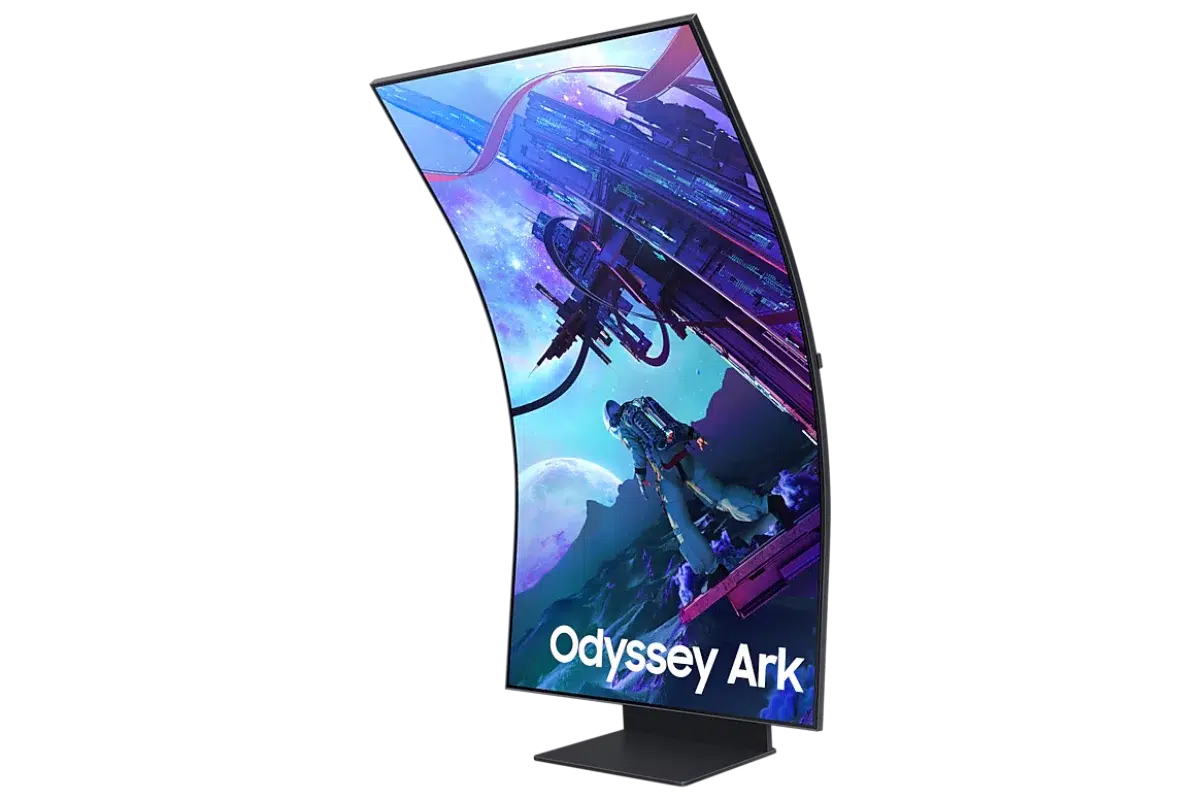
The screen rotates manually into a portrait Cockpit arrangement, supported by height, tilt and pivot adjustments. Ark Dial provides direct access to Multi View, Game Bar and Flex Move Screen. Flex Move changes the usable screen size from 55 to 27 inches and offers 16:9, 21:9 and 32:9 layouts. Plan the installation carefully: the monitor weighs 41.5kg with its stand.
One keyboard and mouse across supported PCs
The built-in KVM lets compatible connected PCs and supported built-in apps share a keyboard and mouse. Each PC requires a USB upstream connection and Samsung's Easy Setting Box software; upstream cables are sold separately. Three HDMI inputs, one DisplayPort input, Ethernet and a headphone connection provide the core wired connections, with Wi-Fi 5 and Bluetooth 5.2 adding wireless options.
Built-in sound and smart-screen functions
Sound Dome combines four corner speakers and two central woofers into a 60W 2.2.2-channel audio system, with Dolby Atmos and AI Sound Booster. Tizen adds supported smart services, SmartThings Hub, mirroring and Wireless DeX. Service availability and account requirements vary by country. Eye Saver Mode, Flicker Free and Adaptive Picture provide further viewing controls for this large connected screen.
Complete Your Workspace
Explore Monitors at AX Store and choose the configuration or accessories that fit your setup.
Frequently Asked Questions
Can Multi View run all inputs at the maximum gaming refresh?
No. External inputs support up to 120Hz in Multi View. Game Mode, VRR and Cloud Game are unavailable in that mode.
What changes in Cockpit Mode?
The screen is manually rotated, with up to three Multi View screens in Cockpit Mode.
What does PC control through the KVM require?
Each PC needs a USB upstream connection and the Easy Setting Box program. Support varies by application.
What viewing distance does Samsung recommend?
Samsung recommends a viewing distance greater than 80cm for the curved display.
Build Your Setup with AX Store Kuwait
Explore computers, displays and accessories for your workspace at AX Store Kuwait. For help choosing the right model or checking an accessory, contact AX Store.
THE DETAILS
Technical specifications
Display
Samsung
Odyssey Ark 2nd Gen G97NC
LS55CG97WNMXUE
55 inches
Curved
1000R
1209.6 × 680.4 mm
16:9
VA
3840 × 2160
165 Hz
1 ms GTG; Extreme mode under manufacturer test conditions
178° horizontal / 178° vertical
Up to 1 billion
600 cd/m²
420 cd/m²
1,000,000:1 (manufacturer-listed)
Mega DCR
Quantum Mini-LED; Quantum Matrix technology
1,056
Yes
HDR10+ Gaming
Gaming and multitasking
AMD FreeSync Premium Pro
Game Bar 2.0; Virtual Aim Point; Ultrawide Game View
Up to 4 inputs; up to 3 screens in Cockpit Mode
Up to 120 Hz
Game Mode, VRR and Cloud Game unavailable while Multi View is active
Supported with compatible external PC inputs and supported built-in apps
USB upstream cable per PC, sold separately; Easy Setting Box installed on each PC
Manual screen rotation; vertical selection required during initial setup
Usable size adjustable from 55 to 27 inches; 16:9, 21:9 and 32:9 layouts
Ark Dial; remote control
Eye Saver Mode; Flicker Free; Adaptive Picture; Off Timer Plus
Smart platform and audio
Tizen
SmartThings Hub; Multi View; Wireless DeX; Remote Access; mirroring; My Contents; Smart Calibration Basic; Microsoft 365
Varies by region, language, service and account
Sound Dome; 60 W; 2.2.2 channels
4 corner speakers and 2 central woofers
Dolby Atmos; AI Sound Booster; Adaptive Sound
No
Connections
3
1
2.2
2.2
Yes
1 LAN port
Wi-Fi 5
5.2
Supported
Supported
Stand and dimensions
Titan Black
Black
0–270 mm (±5 mm)
0–30 mm (±5 mm)
−10° (±2°) to +10° (±2°)
−13° (±2°) to +10° (±2°)
−90° (±2°) to +90° (±2°)
1174.8 × 1102 × 379 mm
1174.8 × 704.8 × 251.8 mm
1362 × 922 × 317 mm
41.5 kg
21.1 kg
53.8 kg
Power and package
AC 100–240 V, 50/60 Hz; internal power supply
140 W (manufacturer-listed)
1.5 m
Included
Included
0–40°C
10–80%, non-condensing
Included
UL Glare Free
COMPLETE YOUR SETUP
Pairs well with