Twisted Minds
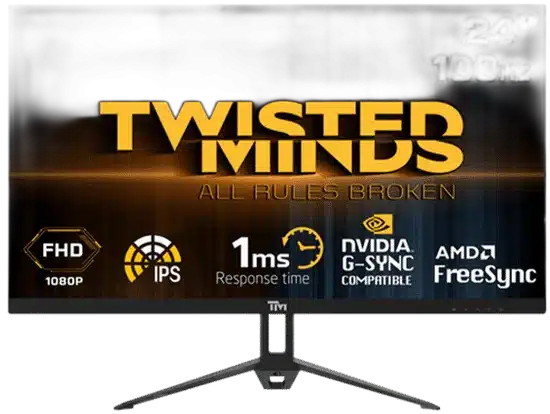
Twisted Minds 24 inch FHD 100Hz IPS Gaming Monitor
Twisted Minds TM24FHD100IPS with a 23.8-inch IPS panel, 1920 × 1080 resolution and up to 100 Hz refresh. Manufacturer response specification: 1 ms listed response time. Explore the exact input and display specifications.
Regular price
29.500 KWD
or 4 payments of 7.375 KWD with
Pay with card & save


28.000 KWD
Save 1.500 KWD
Overview
TWISTED MINDS TM24FHD100IPS
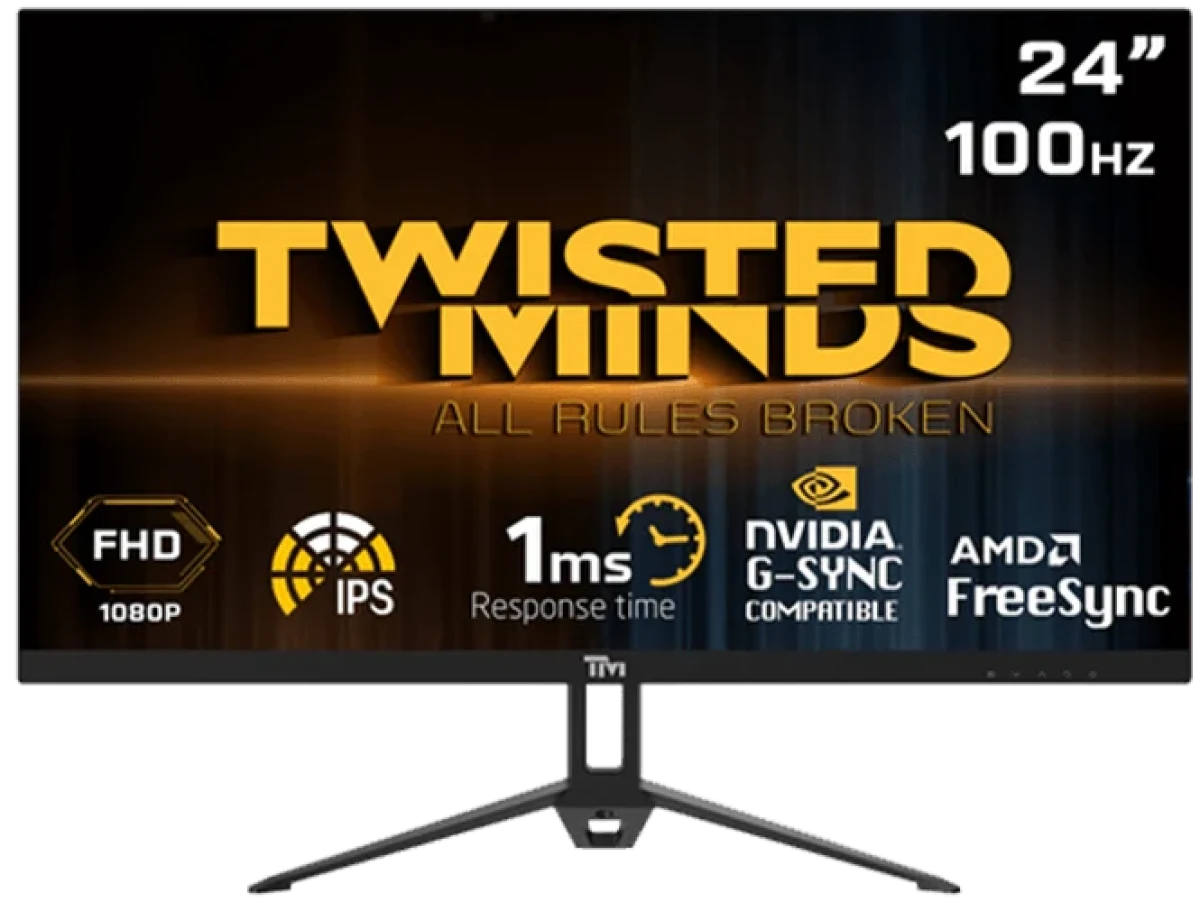
FHD Gaming at up to 100 Hz
Twisted Minds TM24FHD100IPS combines a 23.8-inch IPS panel with 1920 × 1080 resolution and up to 100 Hz refresh. Its 16:9 display format and video connection options give you concrete specifications to compare for a gaming desk. Review the response-time measurement and any input-specific refresh limits below, then configure the display around your compatible source and the games or desktop tasks you use.
23.8 inch
Display Diagonal
1920 × 1080
Resolution
100 Hz
Listed Refresh Rate
IPS
Panel Type
Screen Size and Resolution
The 23.8-inch screen provides a 1920 × 1080 pixel resolution in a 16:9 format. Its IPS technology is paired with a flat screen design. Compare the screen area and pixel count together when choosing the scale of the display for your desk, viewing position and the applications that share the same monitor.
Refresh Rate and Response Measurement
The maximum published refresh rate is 100 Hz, with 1 ms listed response time specified by the manufacturer. Configure a supported Full HD mode on the connected device and confirm the active refresh rate for the input you use. Keep the exact response measurement in mind when comparing displays, since MPRT, overdrive and gray-to-gray figures describe different test conditions and should be compared using the stated metric.
Image and Display Characteristics
The manufacturer lists 300 cd/m² brightness, a 1000:1 contrast ratio and 16.7 million display colors for the IPS screen. Use the published values as reference points when comparing display options for the room. Set brightness and supported picture controls around the surrounding light, then review the result with the games, video and everyday applications that you normally display.
Video Connections and Source Setup
The listed connections are HDMI, VGA, audio and DC power, with HDMI 1.4 identified in the technical specifications. Choose the input that matches the video output on your source. Match the computer or other video source to an appropriate connection and supported output mode. After connecting the source, check the system display settings and the monitor controls together so the chosen resolution and refresh mode correspond to the setup you want.
Plan the Screen Position
The listed net weight is 2.82 kg, with a gross weight of 3.78 kg. Arrange the monitor where the screen and controls are accessible, leaving room for the keyboard, mouse and cable routing. Review the model’s mounting guidance before adding an arm or other supporting equipment, and compare the available space with the final screen position you intend to use.
Configure the Display for Daily Use
Begin with the monitor’s supported resolution and a refresh rate the source can deliver, then adjust the available image controls for the room and task. Revisit brightness and game settings when switching between sources or changing the desk arrangement. Confirm the active display mode after a connection change so your preferred setup remains consistent during everyday use.
Complete Your Workspace
Explore Monitors at AX Store and choose the configuration or accessories that fit your setup.
Frequently Asked Questions
What size and resolution does this display have?
Screen size: 23.8". Resolution: Full HD 1920*1080.
What refresh rate is supported, and does the input matter?
Listed refresh rate: 100 Hz. The listed connections are HDMI, VGA, audio and DC power, with HDMI 1.4 identified in the technical specifications. Choose the input that matches the video output on your source.
What panel technology does it use?
IPS.
How is the response time specified?
Response time — manufacturer metric: 1 ms listed response time.
Build Your Setup with AX Store Kuwait
Explore computers, displays and accessories for your workspace at AX Store Kuwait. For help choosing the right model or checking an accessory, contact AX Store.
THE DETAILS
Technical specifications
Manufacturer Technical Specifications
Full HD 1920*1080
IPS
Flat
1000:1
TM24FHD100IPS
16:9
16.7M
3.78 KG
23.8"
300 cd/m2
HDMI 1.4
2.82 KG
Published Performance and Connections
100 Hz
1 ms listed response time
The listed connections are HDMI, VGA, audio and DC power, with HDMI 1.4 identified in the technical specifications. Choose the input that matches the video output on your source.
COMPLETE YOUR SETUP