
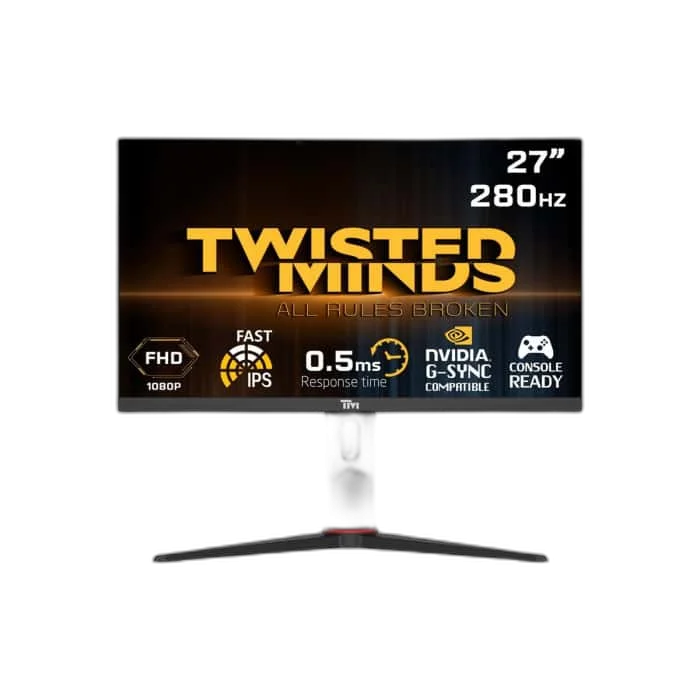
Twisted Minds
Twisted Minds 27 inch FHD 280Hz Fast IPS Gaming Monitor
Twisted Minds TM27FHD280IPS with a 27-inch Fast IPS panel, 1920 × 1080 resolution and up to 280 Hz refresh. Manufacturer response specification: 1 ms OD and a separate 0.5 ms MPRT figure. Explore the exact input and display specifications.
Regular price
68.500 KWD
or 4 payments of 17.125 KWD with
Pay with card & save


65.000 KWD
Save 3.500 KWD
Overview
TWISTED MINDS TM27FHD280IPS
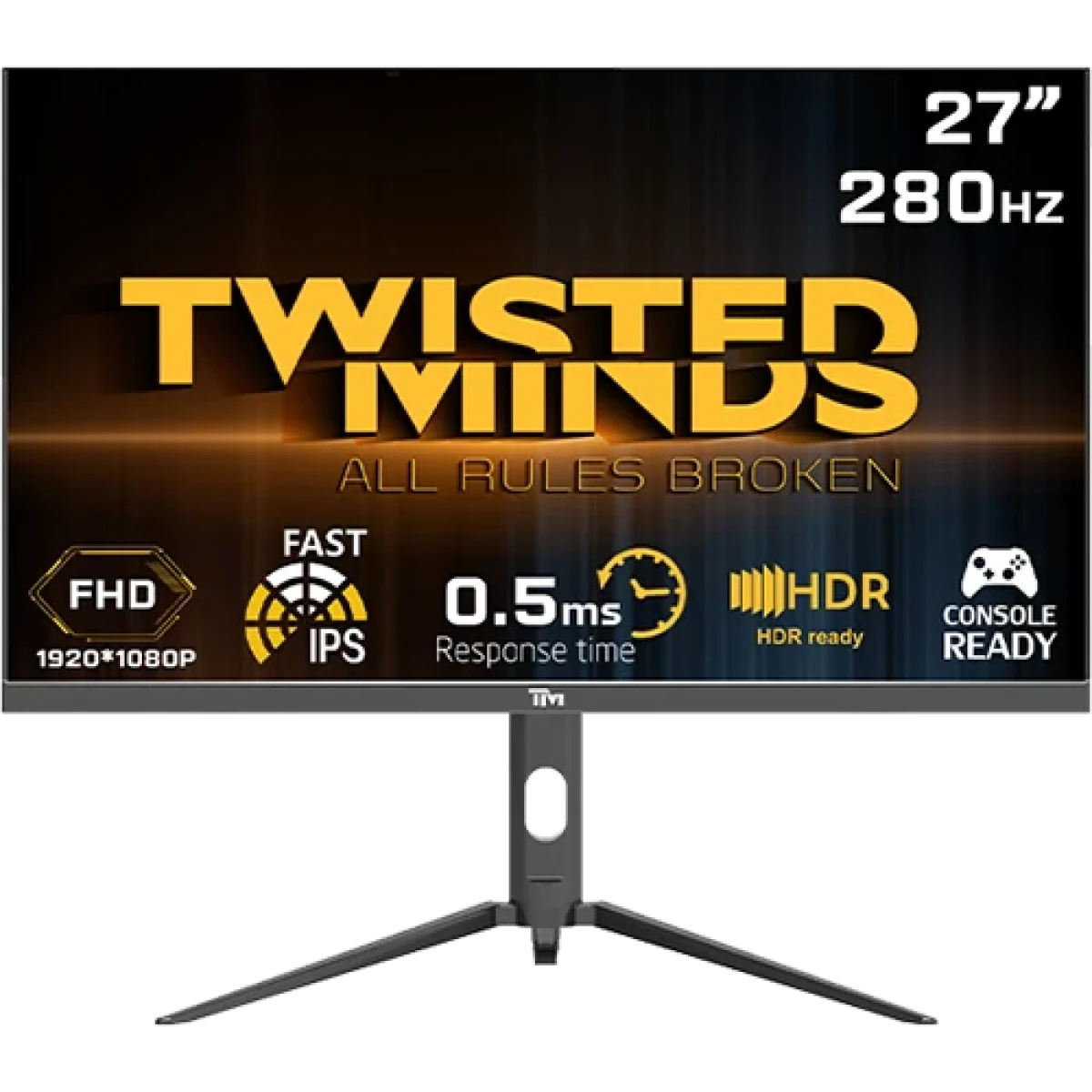
FHD Gaming at up to 280 Hz
Twisted Minds TM27FHD280IPS combines a 27-inch Fast IPS panel with 1920 × 1080 resolution and up to 280 Hz refresh. Its 16:9 display format and video connection options give you concrete specifications to compare for a gaming desk. Review the response-time measurement and any input-specific refresh limits below, then configure the display around your compatible source and the games or desktop tasks you use.
27 inch
Display Diagonal
1920 × 1080
Resolution
280 Hz
Listed Refresh Rate
Fast IPS
Panel Type
Screen Size and Resolution
The 27-inch screen provides a 1920 × 1080 pixel resolution in a 16:9 format. Its Fast IPS technology is paired with a flat screen design. Compare the screen area and pixel count together when choosing the scale of the display for your desk, viewing position and the applications that share the same monitor.
Refresh Rate and Response Measurement
The maximum published refresh rate is 280 Hz, with 1 ms OD and a separate 0.5 ms MPRT figure specified by the manufacturer. Select a supported Full HD high-refresh mode on the source, then confirm the active setting in the operating system and game. Keep the exact response measurement in mind when comparing displays, since MPRT, overdrive and gray-to-gray figures describe different test conditions and should be compared using the stated metric.
Image and Display Characteristics
The Fast IPS panel has a 1000:1 contrast ratio and listed brightness settings of 250 cd/m² default and 300 cd/m² maximum, each with a ±30 tolerance. Use the published values as reference points when comparing display options for the room. Set brightness and supported picture controls around the surrounding light, then review the result with the games, video and everyday applications that you normally display.
Video Connections and Source Setup
The technical fields list two HDMI connections, DisplayPort and audio output. The model description identifies HDMI 2.1 support, built-in speakers and an adjustable stand. Match the computer or other video source to an appropriate connection and supported output mode. After connecting the source, check the system display settings and the monitor controls together so the chosen resolution and refresh mode correspond to the setup you want.
Plan the Screen Position
The manufacturer lists 615 × 535 × 240 mm with the stand and 615 × 365 × 54 mm without it, in the published order. Its stand is described as adjustable, with exact ranges left to the model guide. Arrange the monitor where the screen and controls are accessible, leaving room for the keyboard, mouse and cable routing. Review the model’s mounting guidance before adding an arm or other supporting equipment, and compare the available space with the final screen position you intend to use.
Configure the Display for Daily Use
Begin with the monitor’s supported resolution and a refresh rate the source can deliver, then adjust the available image controls for the room and task. Revisit brightness and game settings when switching between sources or changing the desk arrangement. Confirm the active display mode after a connection change so your preferred setup remains consistent during everyday use.
Complete Your Workspace
Explore Monitors at AX Store and choose the configuration or accessories that fit your setup.
Frequently Asked Questions
What size and resolution does this display have?
Screen size: 27". Resolution: FHD 1920*1080.
What refresh rate is supported, and does the input matter?
Listed refresh rate: 280 Hz. The technical fields list two HDMI connections, DisplayPort and audio output. The model description identifies HDMI 2.1 support, built-in speakers and an adjustable stand.
What panel technology does it use?
Fast IPS.
How is the response time specified?
Response time — manufacturer metric: 1 ms OD and a separate 0.5 ms MPRT figure.
Build Your Setup with AX Store Kuwait
Explore computers, displays and accessories for your workspace at AX Store Kuwait. For help choosing the right model or checking an accessory, contact AX Store.
THE DETAILS
Technical specifications
Manufacturer Technical Specifications
FHD 1920*1080
Fast IPS
Flat
1000:1
TM27FHD280IPS
16:9
7.7 KG
685*445*180mm
615*535*240mm
615*365*54mm
27"
Defaulted (Typ): 250(±30), Max (Typ): 300(±30)
4.85 Kg
2HDMI+DP+Audio Out
6 KG
Published Performance and Connections
280 Hz
1 ms OD and a separate 0.5 ms MPRT figure
The technical fields list two HDMI connections, DisplayPort and audio output. The model description identifies HDMI 2.1 support, built-in speakers and an adjustable stand.
Listed in manufacturer features
Adjustable; exact movement ranges not specified
COMPLETE YOUR SETUP
Pairs well with