WACOM
Wacom MovinkPad 11 Android Drawing Tablet 8GB/128GB - Light Gray
Draw without a computer on an 11.45-inch IPS display with 8192-level Pro Pen 3 input. Wacom MovinkPad 11 combines 8 GB RAM, 128 GB storage, 10-finger touch and a 7700 mAh battery in a 588 g Android tablet.
Regular price
159.000 KWD
or 4 payments of 39.750 KWD with
Overview
WACOM MOVINKPAD 11 ANDROID DRAWING TABLET
A sketchbook with its own creative workspace.
Wacom MovinkPad 11 combines a standalone Android tablet with an 11.45-inch drawing screen and Wacom Pro Pen 3. Sketch, paint and annotate without connecting a computer. The light gray body houses 8 GB of memory, 128 GB of storage and a 7700 mAh battery, while multi-touch lets you navigate directly on the display.
11.45-inch
IPS drawing display
8192
Pen pressure levels
8 GB / 128 GB
Memory / storage
588 g
Tablet weight
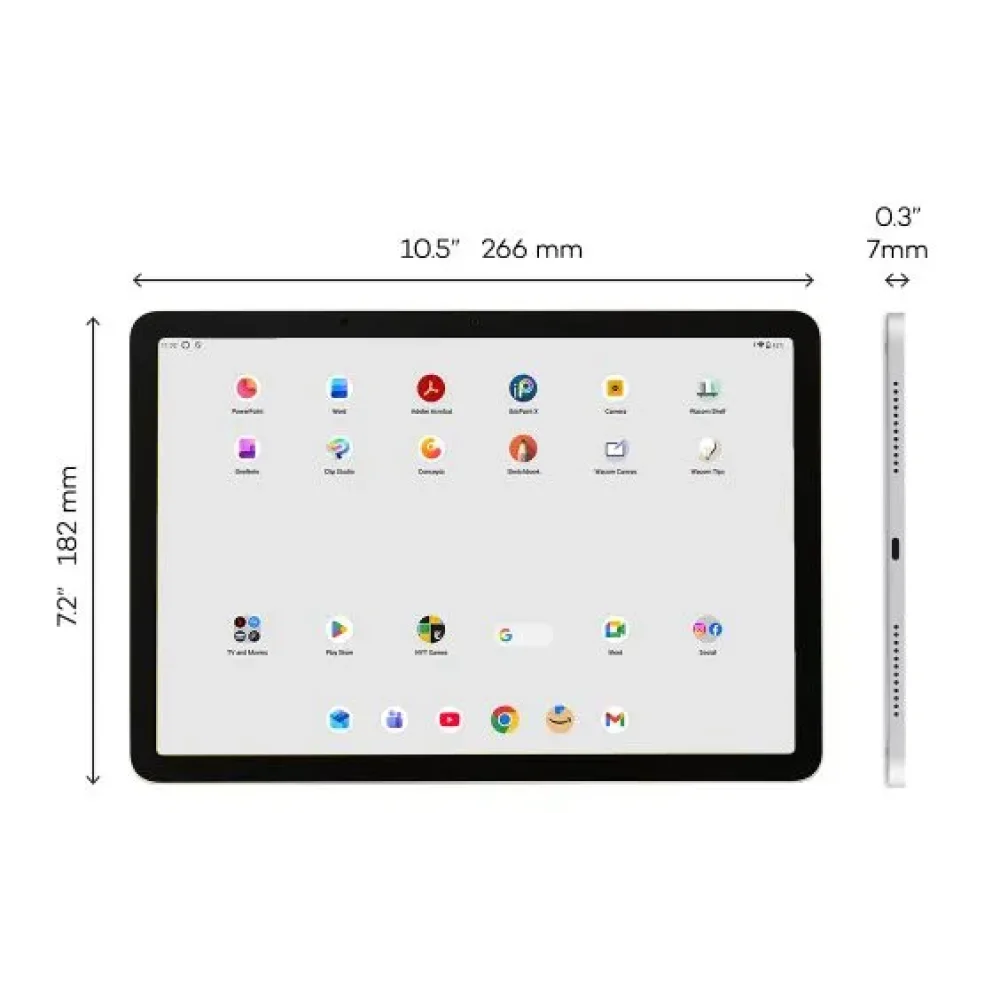
Wacom MovinkPad 11: a compact canvas with room for detail.
The 2200 × 1440 IPS panel provides a 3:2 workspace for sketches, notes and reference material. Direct bonding places the drawing surface close to the displayed image, while anti-glare and anti-fingerprint glass helps keep the screen readable. Choose 60 or 90 Hz refresh and work with 99% sRGB coverage. At 266 × 182 × 7 mm, the tablet is sized for carrying between a desk and a mobile drawing session.
Pro Pen 3 without charging
The included pen uses battery-free EMR technology, 8192 pressure levels and 60° tilt support. Three side switches provide controls at your fingertips, and the built-in nib holder keeps the supplied felt replacements close to hand.
Start with Quick Drawing
Tap and hold the pen on the sleeping screen to launch a new Wacom Canvas drawing. Wacom Shelf brings sketches and reference images together, and the included Clip Studio Paint Debut license supports a longer illustration workflow.
Wireless tools and everyday tasks
Wi-Fi and Bluetooth 5.2 connect the tablet to networks and compatible accessories. Front and rear cameras, dual microphones and stereo speakers support reference capture and communication, alongside the creative apps available for its Android environment.
In the box
Wacom MovinkPad 11 tablet, Wacom Pro Pen 3 with nib holder and three felt nibs, 1 m USB-C to USB-C power cable, IPI booklet and regulation sheet. A power adapter is not listed among the included items.
Complete Your Desk Setup
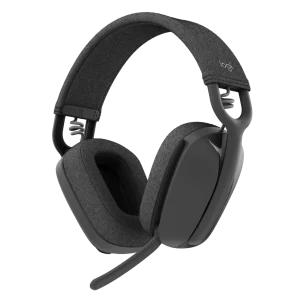
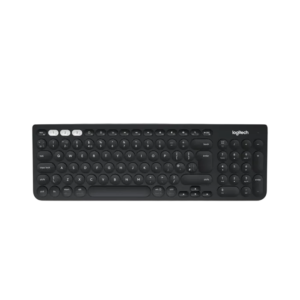
Add the Logitech K780 Multi-Device Wireless Keyboard for Bluetooth typing or the Logitech Zone Vibe 100 Wireless Bluetooth Headset for audio while working. Browse tablets and the Wacom products range.
Frequently Asked Questions
Does Wacom MovinkPad 11 need a computer?
No. It has its own Android operating system, MediaTek Helio G99 processor, 8 GB RAM and 128 GB storage, so supported Android drawing apps run on the tablet itself.
Does the included pen need charging?
No. Pro Pen 3 is cordless and battery-free. It supports 8192 pressure levels, 60° tilt and three side switches.
Can I use it as a pen display for a computer?
Wacom offers Instant Pen Display mode through Wacom Lab as a beta feature. It requires supported Windows 11 or Apple silicon macOS hardware and the relevant app. It does not support Intel Macs or Windows on Arm, and performance may vary.
What display and touch controls does it provide?
The 11.45-inch IPS display has 2200 × 1440 resolution, 60/90 Hz refresh and 10-finger multi-touch. The glass has anti-glare and anti-fingerprint treatment.
Build Your Setup with AX Store Kuwait
Need help choosing the right model or a compatible accessory? Contact AX Store and our team will help you build the right setup.
THE DETAILS
Technical specifications
Product Information
Wacom
MovinkPad 11
DTHA116CL0Z
DTHA116C
Standalone Android drawing tablet
Light Gray
266 × 182 × 7 mm
588 g
-10 to 60 °C; 30–90% RH, non-condensing
5 to 40 °C; 30–80% RH, non-condensing
Display, Pen and Touch Technology
11.45 inch (29 cm)
243 × 159 mm
IPS
Anti-fingerprint and anti-glare glass
Yes
Projected capacitive; 10-finger multi-touch
2200 × 1440 pixels
16.7 million
8-bit per RGB channel (24-bit total)
99% sRGB (CIE 1931), typical
3:2
170° horizontal / 170° vertical, typical
1200:1, typical
400 cd/m², typical
60 / 90 Hz
Wacom excludes permanently white or black pixels; a small number of pixels may display an incorrect color in parts of the color spectrum.
Wacom Pro Pen 3 with nib holder
Electromagnetic resonance (EMR)
8192
60°
5080 LPI
Pressure-sensitive, cordless and battery-free
3 side switches
Computing Specifications and Connectivity
MediaTek Helio G99
8 GB
128 GB
Android; current Wacom specifications list Android 16. Earlier product documentation lists Android 14, so a software update may be required.
IEEE 802.11a/b/g/n/ac
5.2
1 × USB Type-C (USB 2.0)
Lithium-ion
7700 mAh, typical
Up to 9 hours, measured using JEITA Battery Operating Time Measurement Method Ver. 3.0; varies with use
5 MP front; 4.7 MP rear
Dual microphones; stereo speakers
G-sensor; e-compass; ambient light sensor
No
Wacom Lab beta feature; performance may vary
Windows 11 on a non-Arm PC; latest Microsoft.WindowsAppRuntime.1.6 required. Windows 10 and Windows on Arm are not supported.
Apple silicon Mac with macOS 14, 15 or 26; Intel Macs are not supported. Latest Instant Pen Display app required for macOS 26.
With a computer display of 4K or higher resolution, use extended display mode.
Software
Wacom Canvas and Wacom Shelf
Tap and hold the pen on the sleeping screen to open a new Wacom Canvas drawing
2-year license; CELSYS registration and software terms apply
ibisPaint X with up to 180-day Prime Membership trial; ibis registration and terms apply
bmp, clip, heic, ipv, jpeg, png, tiff, webp
In the Box
MovinkPad 11 tablet; Wacom Pro Pen 3 with nib holder and 3 felt nibs; 1 m USB-C to USB-C power cable; IPI booklet; regulation sheet
Optional Accessories
USB-C cables ACK45206Z and ACK45006Z; Foldable Stand ACK652Z; Pro Pen 3 ACP50000DZ; Pro Pen 3E ACP501E00DZ; power adapters ACK44914A / ACK44914B / ACK44914C (regional versions); straight grip ACK34801Z; flare grip ACK34802Z; standard nibs ACK24801Z; felt nibs ACK24819Z
COMPLETE YOUR SETUP
Pairs well with