Brand
AndaSeat
11 PRODUCTS
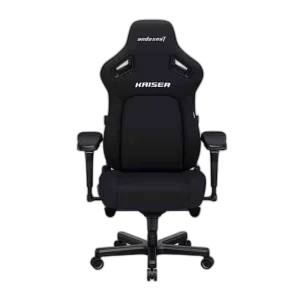
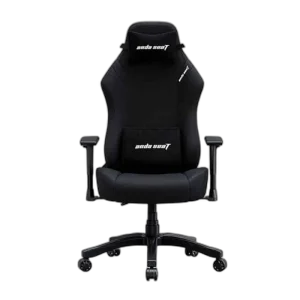
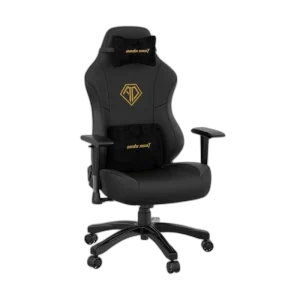
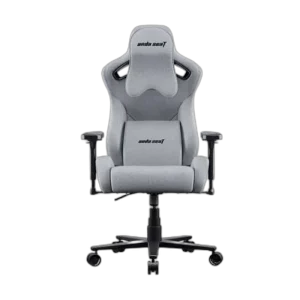
AndaSeat Kaiser 4, Kaiser 3 and Kaiser 2 Pro gaming chairs in Large and XL sizes, plus the Novis Large. Wide, supportive seating for long sessions.

OUT OF STOCK
64.000 KWD
or 4 × 16.000 KWD with


WITH CARD
OUT OF STOCK
148.000 KWD
or 4 × 37.000 KWD with
WITH CARD
OUT OF STOCK
138.500 KWD
or 4 × 34.625 KWD with
WITH CARD
OUT OF STOCK
64.000 KWD
or 4 × 16.000 KWD with
WITH CARD
OUT OF STOCK
74.500 KWD
or 4 × 18.625 KWD with
WITH CARD
OUT OF STOCK
98.500 KWD
or 4 × 24.625 KWD with
WITH CARD
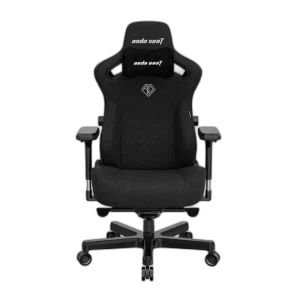
OUT OF STOCK
88.000 KWD
or 4 × 22.000 KWD with
WITH CARD
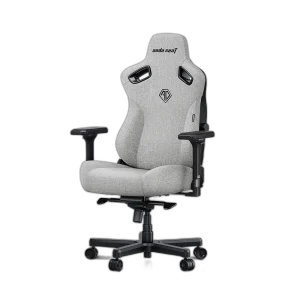
OUT OF STOCK
134.500 KWD
or 4 × 33.625 KWD with
WITH CARD
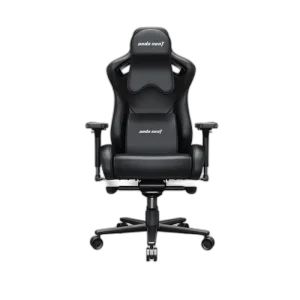
OUT OF STOCK
128.000 KWD
or 4 × 32.000 KWD with
WITH CARD
Showing 11 of 11 products
ANDASEAT AT AX
Seating for the long session.
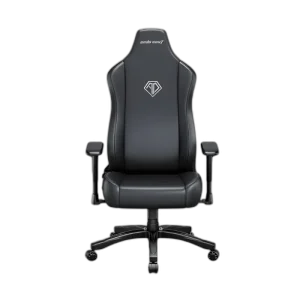
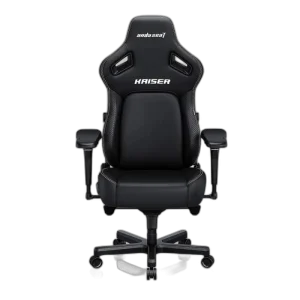
Shop AndaSeat in Kuwait: Kaiser 4, Kaiser 3 and Kaiser 2 Pro gaming chairs, the Novis Large chair, plus Xtreme electric standing gaming desks in 120cm and 140cm widths. For chairs, pick the size first: Large fits most average builds, while XL suits taller or broader users. For desks, measure your space and check the width on each listing.
Kaiser 4 is the newest generation of the Kaiser line, Kaiser 3 comes in a range of color choices, and Kaiser 2 Pro uses easy-clean PVC leather.
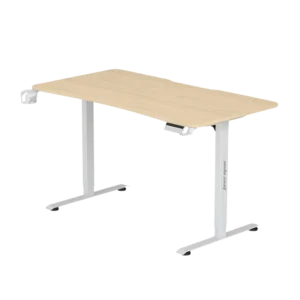
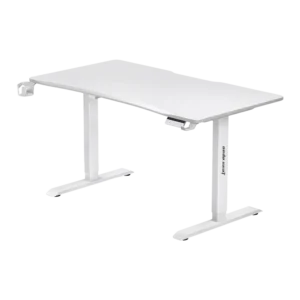
In stock now: the AndaSeat Xtreme 140cm Electric Standing Gaming Desk (Wood Grain) and the AndaSeat Xtreme 120cm Electric Standing Gaming Desk.
Kaiser 4 · 3 · 2 Pro
three Kaiser generations
Large · XL
sized to your build
PVC leather
easy wipe-clean finish
ANDASEAT FAQ
Before you buy.
Straight answers to the questions we hear most about AndaSeat gaming chairs.
Large or XL: which AndaSeat size should I choose?
Choose by your height and build. The Large size fits most average builds, while XL versions like the Kaiser 4 XL and Kaiser 3 XL have a wider, taller seat and backrest for taller or broader users. Compare your height and weight with AndaSeat's recommended range for each size.
Kaiser 3 or Kaiser 4: what is the difference?
The Kaiser 4 is the newer generation of AndaSeat's Kaiser line, following the Kaiser 3 with the same focus on wide, supportive seating for long sessions. Both come in Large and XL, so decide on the generation first and then pick the size that matches your build.
PVC leather or fabric: which upholstery should I pick?
PVC leather, used on the Kaiser 2 Pro Series XL, is easy to wipe clean and keeps a sleek look. Fabric-style upholstery breathes better in warm rooms and long sessions, so consider your climate and how many hours you sit each day.
How do I set up a gaming chair for comfort?
Set the seat height so your feet rest flat and your knees sit at about a right angle, then adjust the armrests to desk height so your shoulders stay relaxed. Use the lumbar support to keep your lower back supported, and recline slightly for long sessions.