Category
MacBook Pro
41 PRODUCTS
Apple MacBook Pro 14 and 16 inch with M-series Pro and Max chips. Genuine Apple laptops with fast delivery across Kuwait.
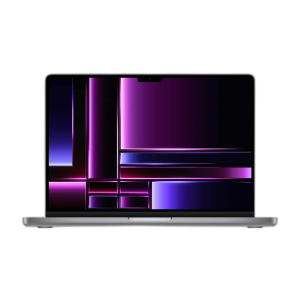
OUT OF STOCK
1,679.000 KWD
or 4 × 419.750 KWD with


WITH CARD
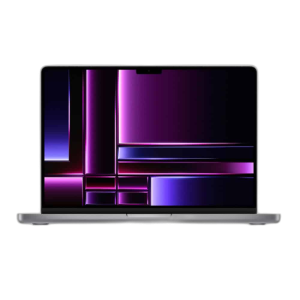
OUT OF STOCK
1,522.500 KWD
or 4 × 380.625 KWD with
WITH CARD
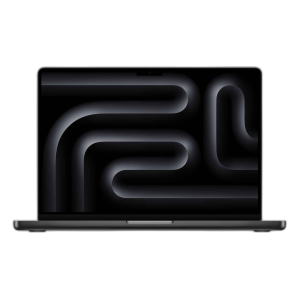
OUT OF STOCK
Apple
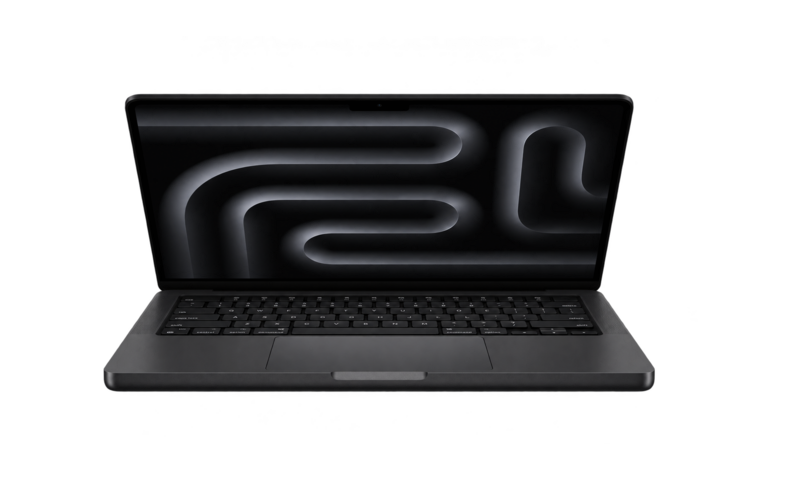
Apple MacBook Pro 14.2-inch M3 Max, 14-Core CPU, 30-Core GPU, 96 GB RAM, 2 TB SSD, Space Black
1,386.000 KWD
or 4 × 346.500 KWD with
WITH CARD
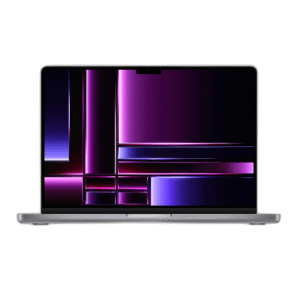
OUT OF STOCK
1,364.000 KWD
or 4 × 341.000 KWD with
WITH CARD
Load More Products
Showing 12 of 41 products
MACBOOK PRO AT AX
Pro silicon for pro work.
MacBook Pro 14 and 16 inch with M-series Pro and Max chips, Liquid Retina XDR displays and the sustained performance editors, developers and producers rely on.
Pro chips cover editing and development; Max chips add GPU cores and memory bandwidth for 3D, 8K and large models. The 16-inch sustains performance longer; memory and storage are fixed at purchase, so size them for the next few years.
14 · 16 inch
Liquid Retina XDR
Pro · Max
M-series chips
Up to 128GB
unified memory
MACBOOK PRO FAQ
Before you buy.
Straight answers to the questions we hear most about the MacBook Pro.
M4, M4 Pro or M4 Max: which chip do I need?
The M4 with a 10-core CPU and 10-core GPU handles everyday work, photo editing and light video comfortably. The M4 Pro, such as the 14-core CPU and 20-core GPU version, suits heavier editing and development, while the M4 Max with a 40-core GPU is built for demanding video, 3D and AI work.
14-inch or 16-inch MacBook Pro: which size should I choose?
The 14-inch is lighter and easier to carry every day. The 16-inch gives a larger screen for timelines and multitasking, plus a bigger battery. Choose the 14-inch for portability and the 16-inch if the laptop mostly stays on a desk.
How much memory and storage should I get?
Memory and storage on Apple silicon MacBook Pro models cannot be upgraded later, so choose for the next few years. 16GB to 24GB suits most creative and development work, while 36GB and above helps with large video projects and many heavy apps at once. 1TB of storage is a comfortable start if you keep media on the laptop.
Will my monitor and accessories work with a MacBook Pro?
The 14-inch and 16-inch models have Thunderbolt ports, HDMI and an SD card slot, so most monitors connect directly over USB-C or HDMI. The number of external displays depends on the chip, with Pro and Max chips driving more screens, and a USB-C hub covers older USB-A devices.