Dell
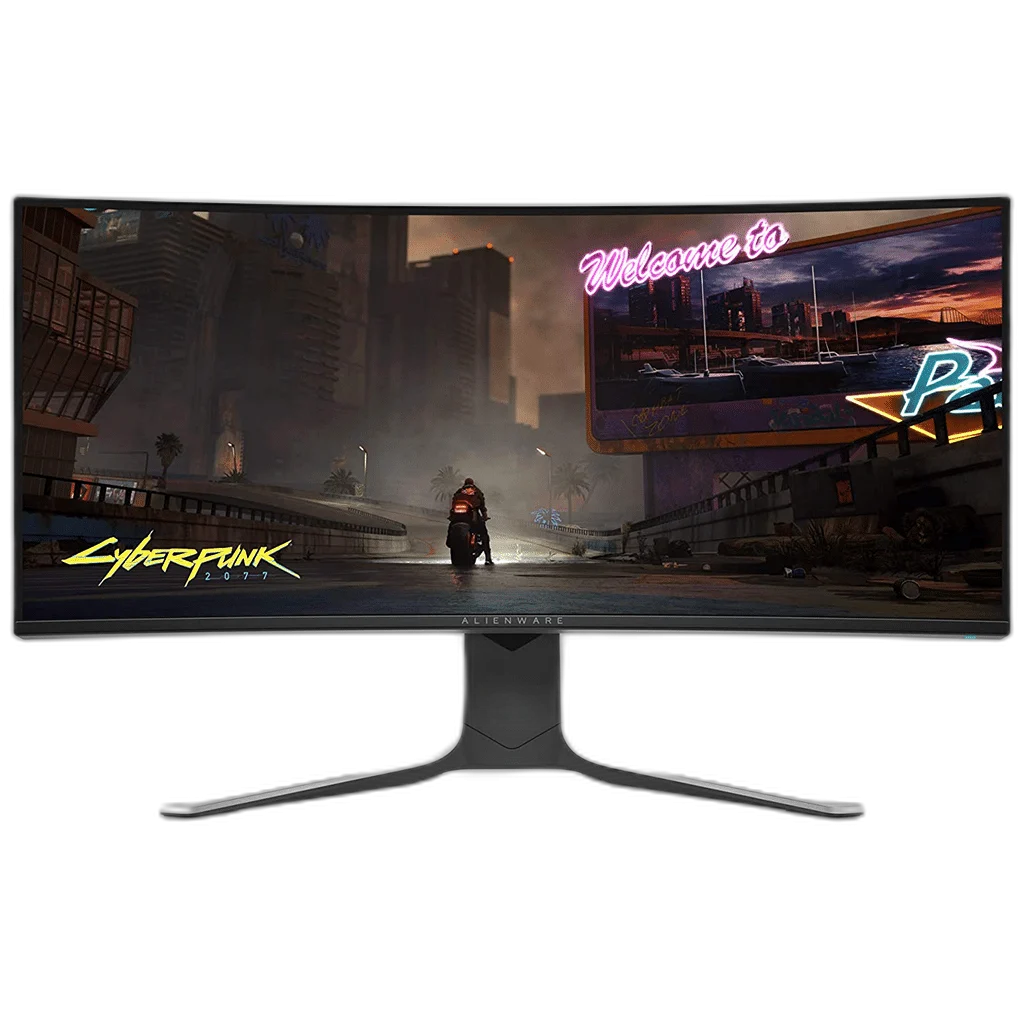
Dell Alienware AW3420DW 34-inch WQHD Curved Gaming Monitor
Dell Alienware AW3420DW features a 34.14-inch curved Fast IPS panel, 3440 × 1440 resolution and up to 120 Hz over DisplayPort. Supports NVIDIA G-SYNC, 98% DCI-P3 and a four-port USB hub, with height, tilt and swivel adjustment. HDMI supports 3440 × 1440 at 50 Hz.
Regular price
373.000 KWD
or 4 payments of 93.250 KWD with
Pay with card & save


355.000 KWD
Save 18.000 KWD
Overview
DELL ALIENWARE AW3420DW
A curved ultrawide Fast IPS display with native 120 Hz over DisplayPort
The Dell Alienware AW3420DW combines a 34.14-inch Fast IPS Nano Color panel with 3440 × 1440 resolution and a 1900R curve. Native 120 Hz operation over DisplayPort, NVIDIA G-SYNC and a wide DCI-P3 gamut support an ultrawide gaming setup. A USB hub and height-adjustable stand add practical connections and positioning options.
34.14 inch
Display Diagonal
3440 × 1440
Resolution
120 Hz
Native DisplayPort Refresh
Fast IPS
Panel Technology
A 21:9 workspace with an IPS panel
The ultrawide 3440 × 1440 resolution gives you horizontal space for compatible game views and side-by-side desktop applications. The viewable area measures 34.14 inches diagonally, with a 1900R curve and anti-glare surface. Fast IPS Nano Color is the panel technology listed in Dell’s guide, keeping this model distinct from newer Alienware QD-OLED displays.
Use DisplayPort for native 120 Hz
The maximum native-resolution preset is 3440 × 1440 at 120 Hz over DisplayPort 1.2. Through HDMI 1.4, the native-resolution preset is 50 Hz, even though lower-resolution HDMI modes can operate at other listed rates. Choose the connection around the resolution and refresh combination you want to use rather than assuming both inputs provide the same ceiling.
Choose a response mode that suits the game
Dell lists three grey-to-grey response settings: 4 ms in Fast mode, 3 ms in Super Fast and 2 ms in Extreme. The fastest figure is tied to its specified mode, rather than describing every setting. The guide notes that stronger overdrive can introduce visible artefacts, so select the response mode around the motion balance you prefer.
NVIDIA G-SYNC and wide colour
The monitor supports NVIDIA G-SYNC with suitable graphics hardware. Its published colour gamut is 98% DCI-P3 and 134.5% sRGB, with 16.78 million displayable colours. Typical brightness is 350 cd/m² and typical contrast is 1000:1. These IPS specifications are the basis for this model’s picture rather than OLED contrast or an HDR claim.
Keep peripherals connected through the hub
The USB 3.0 hub has one upstream connection and four downstream ports, including one with charging support. Connect the supplied USB upstream cable to the computer to use those ports. Separate headphone and audio line-out connections provide options for external audio, while the I/O cover and stand’s cable-management slot help organise the desk connections.
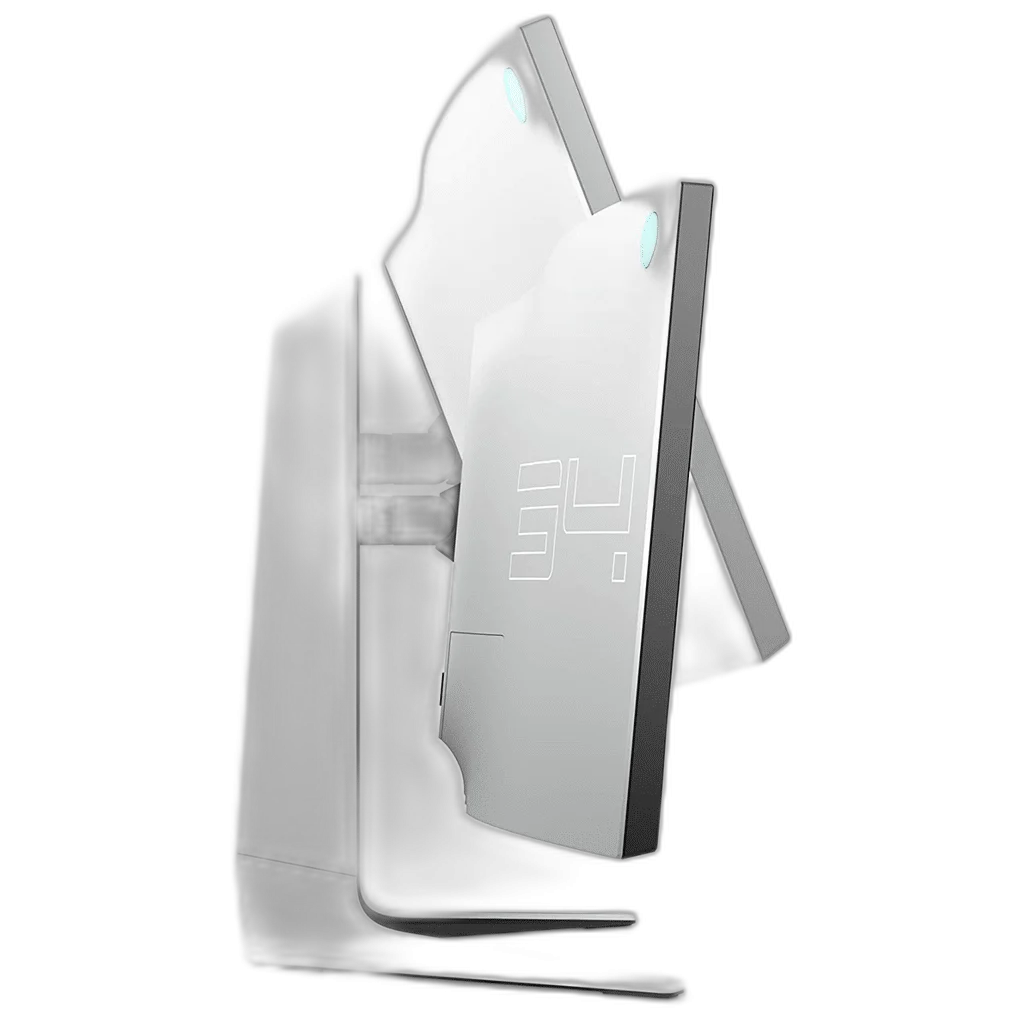
Adjust the height and viewing angle
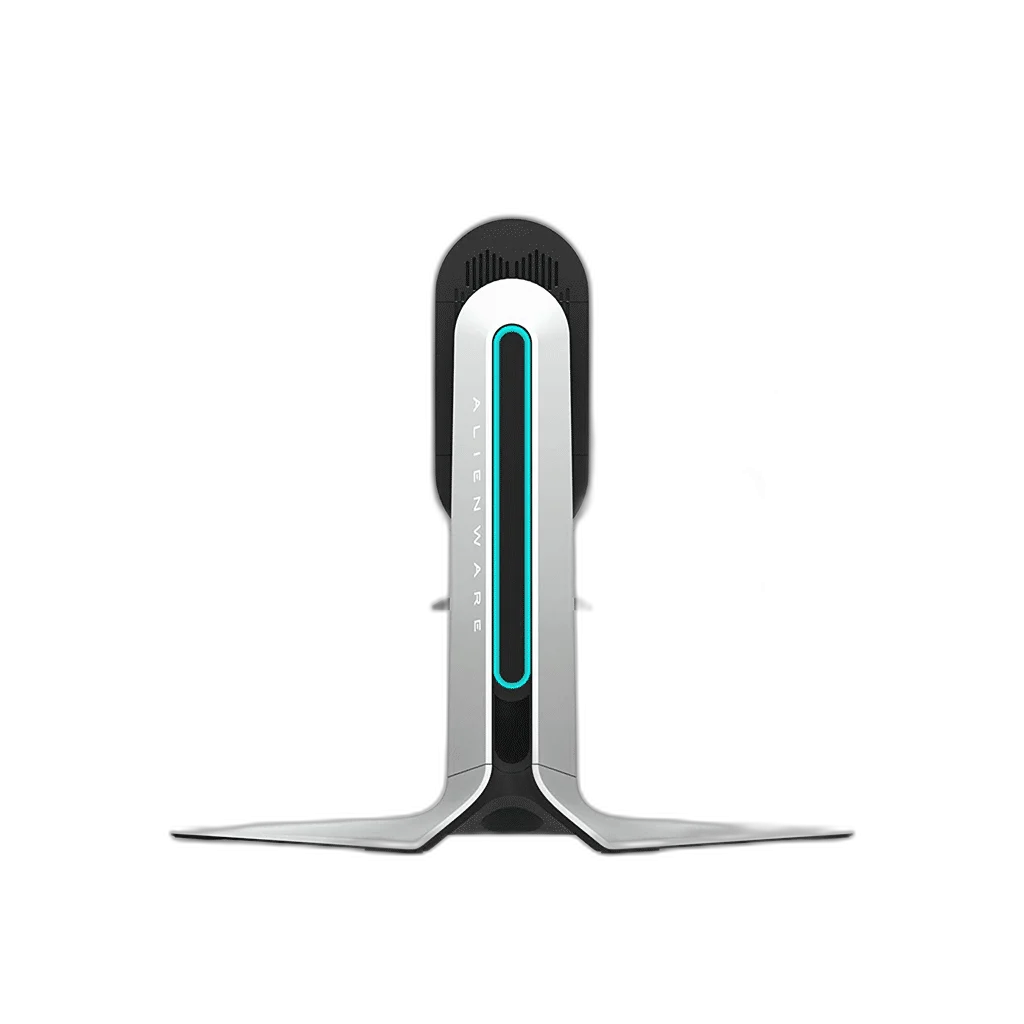
The stand offers 130 mm height adjustment, tilt from -5° to 21° and swivel from -20° to 20°. A 100 × 100 mm VESA interface supports a suitable alternative mount. The display is 813 mm wide and weighs 6.8 kg without its stand and cables, useful measurements when checking mounting compatibility and available desk space.
Complete Your Workspace
Explore Explore gaming monitors for your setup.
Frequently Asked Questions
What panel and resolution does this monitor use?
34.14 inches, 34-inch class. Fast IPS Nano Color, TFT LCD with LED edge lighting. Native resolution: 3440 × 1440.
What refresh modes or input limits should I check?
Native DisplayPort preset: 3440 × 1440 at 120 Hz. Native HDMI preset: 3440 × 1440 at 50 Hz.
Which display connections are available?
DisplayPort: One DisplayPort 1.2. HDMI: One HDMI 1.4.
What stand adjustment and mounting options are specified?
Height adjustment: 0–130 mm. Tilt: -5° to +21°. Swivel: -20° to +20°. VESA: 100 × 100 mm.
Build Your Setup with AX Store Kuwait
Explore computers, displays and accessories for your workspace at AX Store Kuwait. For help choosing the right model or checking an accessory, contact AX Store.
Compare Dell S2421HN 24 inch FHD IPS 75Hz Gaming Monitor. Match the exact model, connection and configuration to your setup.
THE DETAILS
Technical specifications
Panel and image
Dell Alienware AW3420DW
34.14 inches, 34-inch class
Fast IPS Nano Color, TFT LCD with LED edge lighting
21:9
3440 × 1440
1900R typical
799.8 × 334.8 mm
0.2325 × 0.2325 mm
110 ppi
Anti-glare, 3H hardness
350 cd/m²
1000:1
178° horizontal / 178° vertical
16.78 million
98% DCI-P3; 134.5% sRGB
Refresh and response
3440 × 1440 at 120 Hz
3440 × 1440 at 50 Hz
30–120 Hz
24–60 Hz
2 ms GTG Extreme; 3 ms GTG Super Fast; 4 ms GTG Fast
NVIDIA G-SYNC
FPS, MOBA/RTS, RPG, Sports, three custom modes, timer, frame-rate counter and display alignment
Flicker-free screen and ComfortView
AlienFX lighting, including downlights
Connections and included equipment
One DisplayPort 1.2
One HDMI 1.4
One USB 3.0 upstream port
Four USB 3.0 ports; two bottom and two rear, including one power-charging port
Bottom headphone output and rear line-out
DisplayPort-to-DisplayPort and Mini-DisplayPort-to-DisplayPort; HDMI cable sold separately
Stand riser, stand base, I/O cover, power cable, USB 3.0 upstream cable, quick-setup guide and documentation
Stand, dimensions and power
0–130 mm
-5° to +21°
-20° to +20°
100 × 100 mm
813 × 429.8–559.4 × 273.8 mm
813 × 364 × 117.9 mm
11.1 kg
6.8 kg
3.9 kg
16.9 kg
100–240 V, 50/60 Hz; 1.5 A typical
58 W typical; 110 W maximum
Less than 0.5 W
Less than 0.3 W
0–40°C
10–80%, non-condensing
COMPLETE YOUR SETUP