ASUS
ASUS ROG Azoth 75% Wireless DIY Mechanical Gaming Keyboard, Black
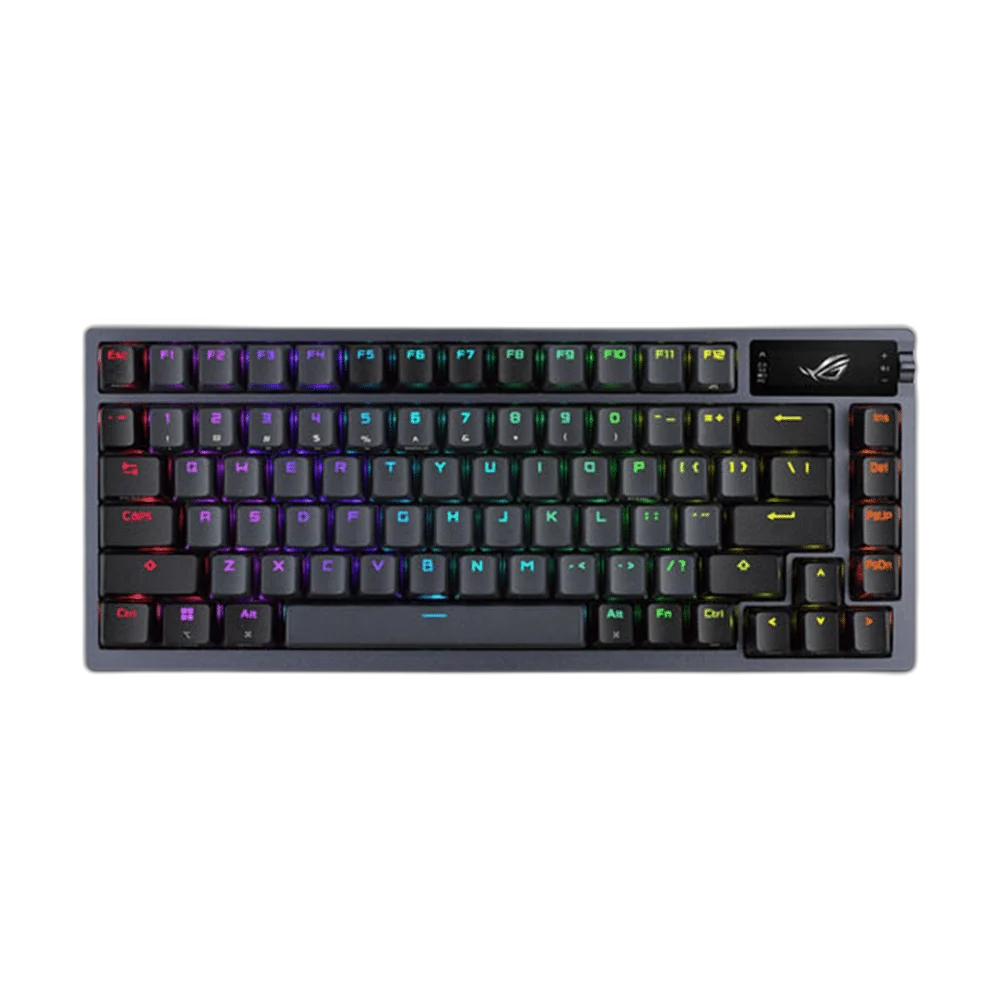
The ASUS ROG Azoth Black combines a 75% layout with hot-swappable ROG NX mechanical switches, an OLED display and a three-way control knob. Gasket mounting, layered dampening and tri-mode connectivity bring a refined typing experience to a compact gaming setup.
Overview
ASUS ROG AZOTH 75% WIRELESS DIY MECHANICAL GAMING KEYBOARD, BLACK
ASUS ROG Azoth Black
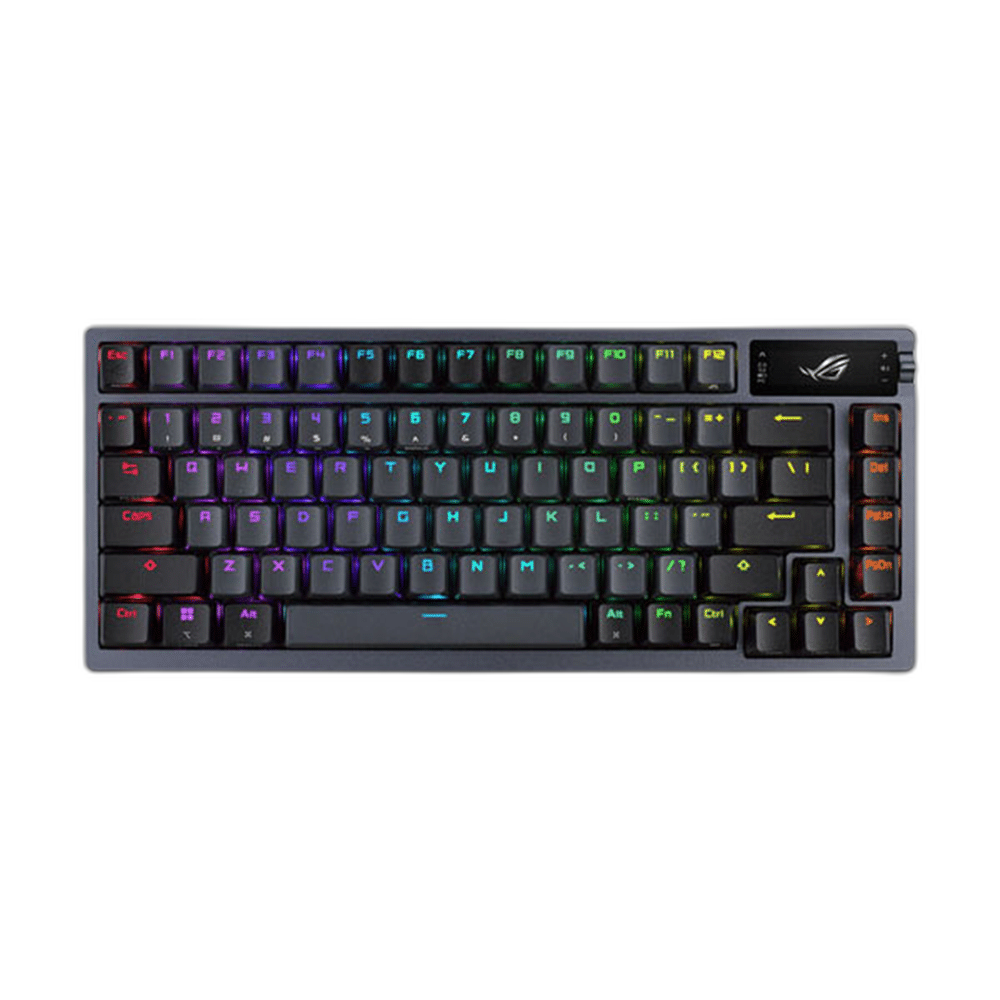
The ASUS ROG Azoth Black combines a 75% layout with hot-swappable ROG NX mechanical switches, an OLED display and a three-way control knob. Gasket mounting, layered dampening and tri-mode connectivity bring a refined typing experience to a compact gaming setup. Available from AX Store in Kuwait.
75%
Keyboard Layout
ROG NX
Mechanical Switch Family
OLED
Keyboard Display
Three Modes
USB, Bluetooth and 2.4 GHz
More room beside your keyboard
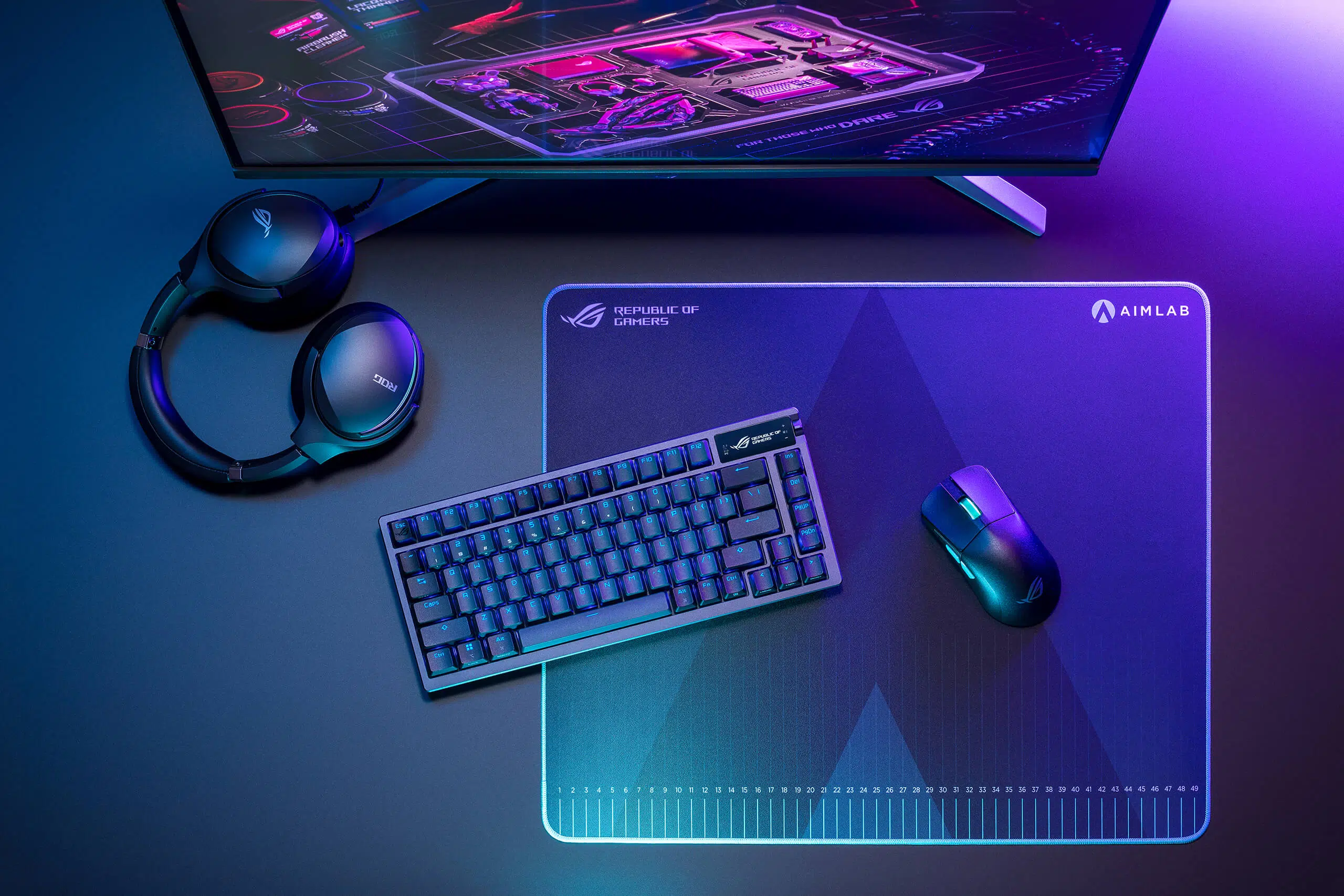
The 75% layout retains dedicated arrow keys and the function row in a compact frame. Its metal top cover gives the Azoth a substantial feel without using the space of a full-size keyboard.
A softer foundation for each press
Gasket mounting works with a silicone pad and foam layers to control vibration and sound. Pre-lubricated stabilizers help longer keys move smoothly and stay steady.
Make the keyboard your own
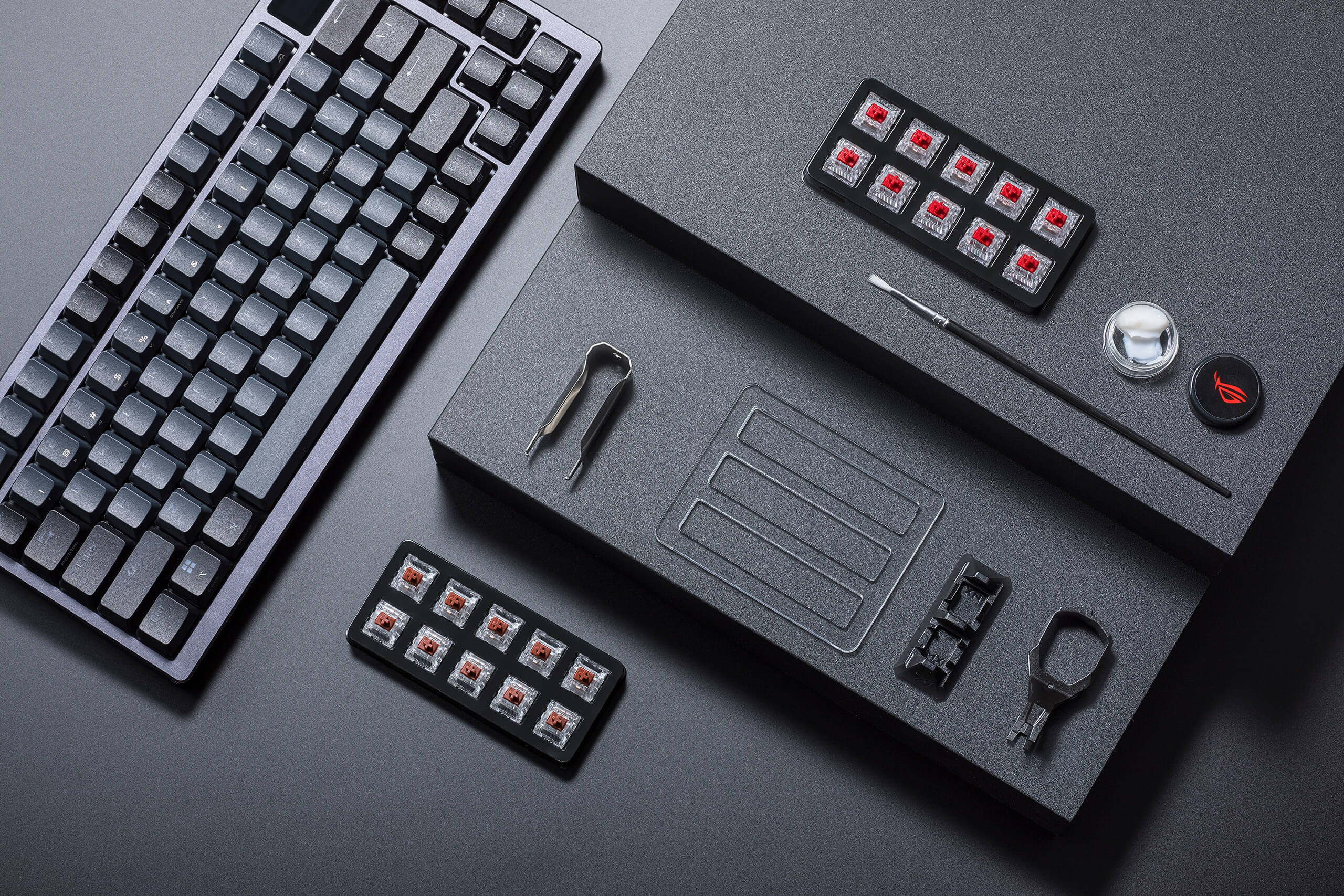
Hot-swappable sockets let you replace compatible mechanical switches without soldering. The supplied switch and keycap tools, lube station, brush and lubricant support hands-on adjustment. Keep the selected keyboard configuration and supported connections together when arranging your everyday desk setup.
Information within reach
The OLED screen displays settings and supported system information. Use the three-way control knob to make quick changes while keeping the keyboard in front of you.
Choose how you connect
Use 2.4GHz ROG SpeedNova wireless for play, Bluetooth to switch among up to three paired devices, or USB for a wired setup. The included two-metre braided cable connects USB-C to USB-A.
Tune your desk experience
Per-key RGB supports Aura Sync, and Armoury Crate provides key mapping and lighting controls. Three tilt positions and Windows/macOS modes help adapt the keyboard to your working position and computer.
ASUS ROG Azoth Black Setup Choices
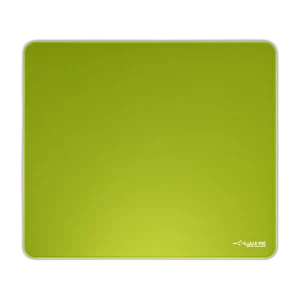
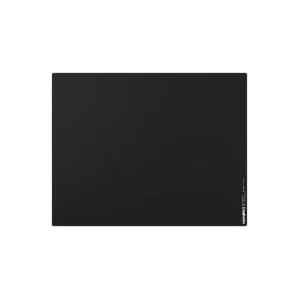
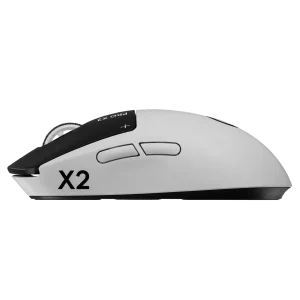
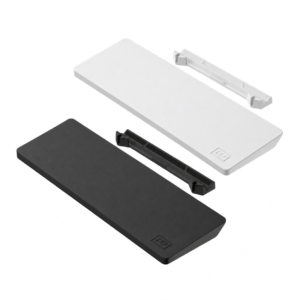
Choose the layout, switch type, key language and connection that suit your work and games. Measure the space left for mouse movement; a different keyboard format changes the desk arrangement as well as the keys available. Explore ARTISAN NINJA FX TYPE-99 SOFT XL Mousepad – Matcha, Pulsar Superglide V3 Glass Mousepad - Type S, Logitech G PRO X2 SUPERSTRIKE Wireless Gaming Mouse. Browse the ASUS range at AX.
Frequently Asked Questions
What keyboard arrangement or key layout is listed?
75%.
How does it connect?
USB 2.0, Bluetooth 5.1, 2.4GHz RF. USB report rate: 1000Hz.
Which switches and swap support are listed?
ROG NX mechanical; hot-swappable.
Which software or operating systems are listed?
Configuration: Armoury Crate. System support: Windows 11; macOS 10.11 or later.
Which accessories are included?
Switch opener, keycap puller, switch puller, lube station, brush, lubricant, 3 ROG NX switches, 8 stabilizer mats, USB dongle, extender and cable.
Build Your Setup with AX Store
Explore computers, displays and accessories for your workspace at AX Store. For help choosing the right model or checking an accessory, contact AX Store.
Compare ASUS ROG Azoth 96 HE 8K Wireless Magnetic Gaming Keyboard - Black. Match the exact model, connection and configuration to your setup.
THE DETAILS
Technical specifications
ASUS ROG Azoth Black
ASUS ROG
Azoth
Black
75%
ROG NX mechanical; hot-swappable
Gasket mount with layered sound dampening
OLED with three-way control knob
USB 2.0, Bluetooth 5.1, 2.4GHz RF
Up to 3 paired devices
1000Hz
Per-key RGB; Aura Sync
N-key rollover
All keys
2m USB-A to USB-C braided
326 × 136 × 40mm
1186g with PBT keycaps, without cable
Windows 11; macOS 10.11 or later
Armoury Crate
3
Switch opener, keycap puller, switch puller, lube station, brush, lubricant, 3 ROG NX switches, 8 stabilizer mats, USB dongle, extender and cable
COMPLETE YOUR SETUP
Pairs well with