ASUS
ASUS ROG Balteus Qi RGB Wireless-Charging Mouse Pad - Black
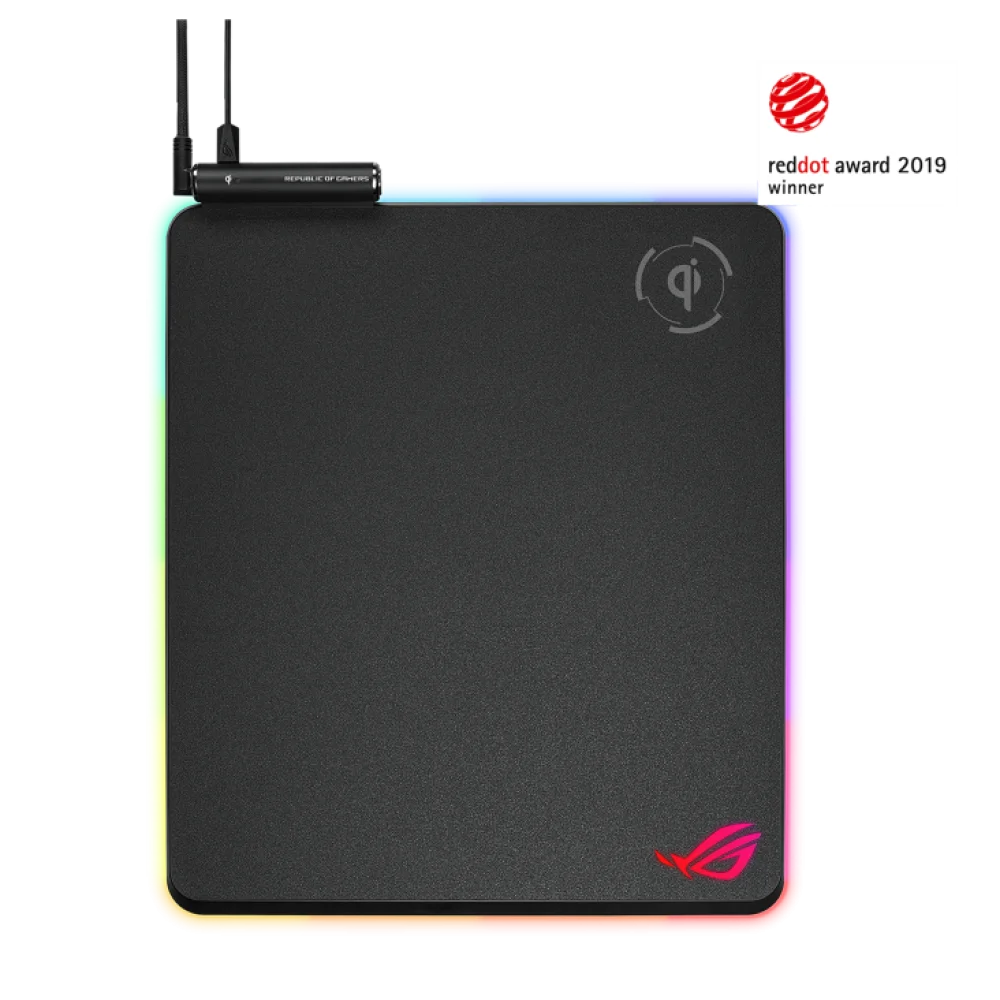
The ASUS ROG Balteus Qi combines a 320 × 370 mm hard tracking surface, a dedicated Qi charging zone, 15-zone Aura Sync RGB lighting and USB 2.0 passthrough.
Overview
ASUS ROG BALTEUS QI RGB WIRELESS-CHARGING MOUSE PAD - BLACK
A hard tracking surface with a dedicated Qi charging zone.
ASUS ROG Balteus Qi brings mouse tracking, desktop lighting and charging into one portrait pad. Its micro-textured hard surface is paired with 15 individually customizable Aura Sync zones, while a separate Qi area supports compatible devices. The top-left connections, USB passthrough and on-pad lighting button help organize a setup without filling the mouse area with extra controls.
15 zones
Aura Sync RGB
Qi
Wireless charging zone
USB 2.0
Passthrough port
320 × 370 mm
Portrait surface
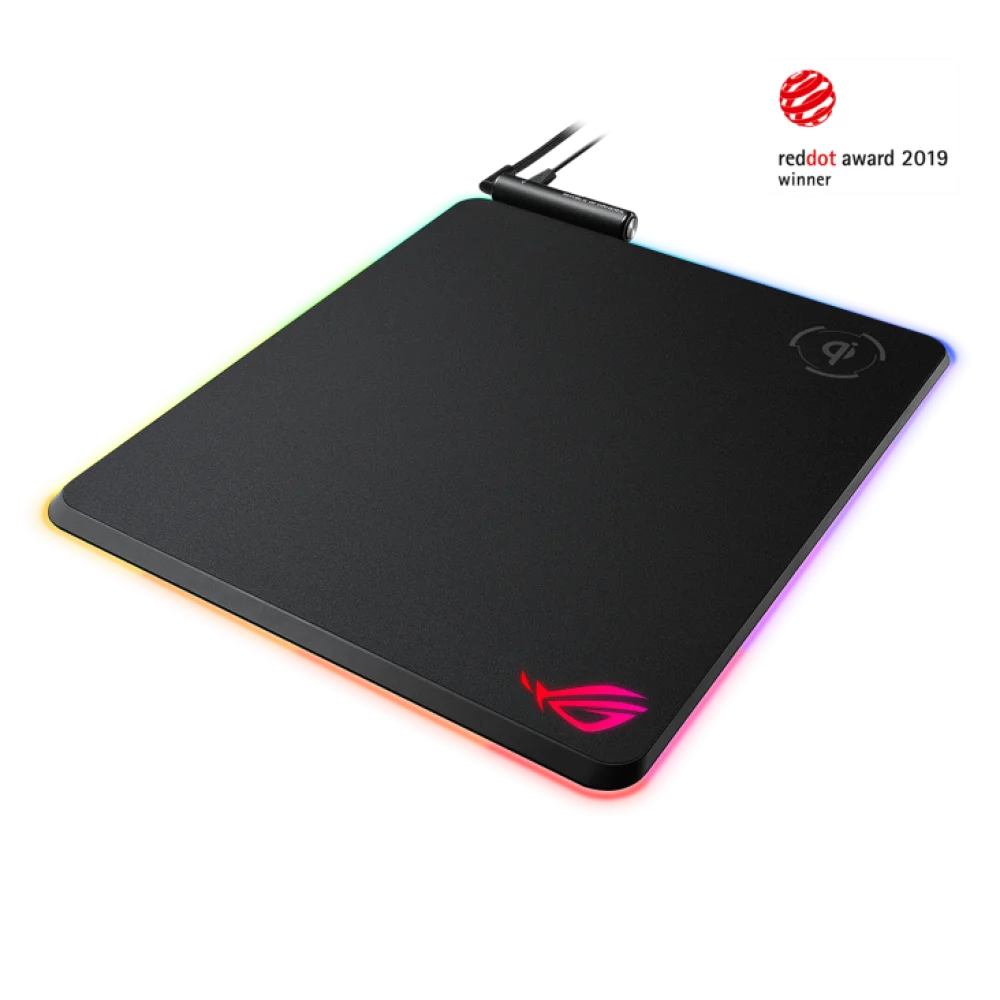
Charge a Qi-compatible device beside the tracking area
Place a compatible device on the marked charging zone and connect the separate Qi charging cable to enable the function. A status indicator shows charging activity. This is a dedicated charging position, so alignment matters; the pad is not a system that charges any wireless mouse anywhere on its surface. Keep metal objects and metal-containing items off that zone.
USB passthrough
The integrated USB 2.0 port provides a convenient connection for a mouse or another suitable USB device. The connections are placed at the top-left to help route cables away from the main tracking space.
A dedicated charging cable
The supplied charging lead serves the Qi function separately from the braided USB Y-cable. Connect the appropriate leads when setting up both the lighting and wireless charging features.
Configuration support
ASUS lists Armoury Crate as the configuration software and Windows 10 in the technical specifications. The lighting button also provides direct access to mode and brightness adjustments.
ASUS ROG Balteus Qi: Hard-surface tracking with lighting control
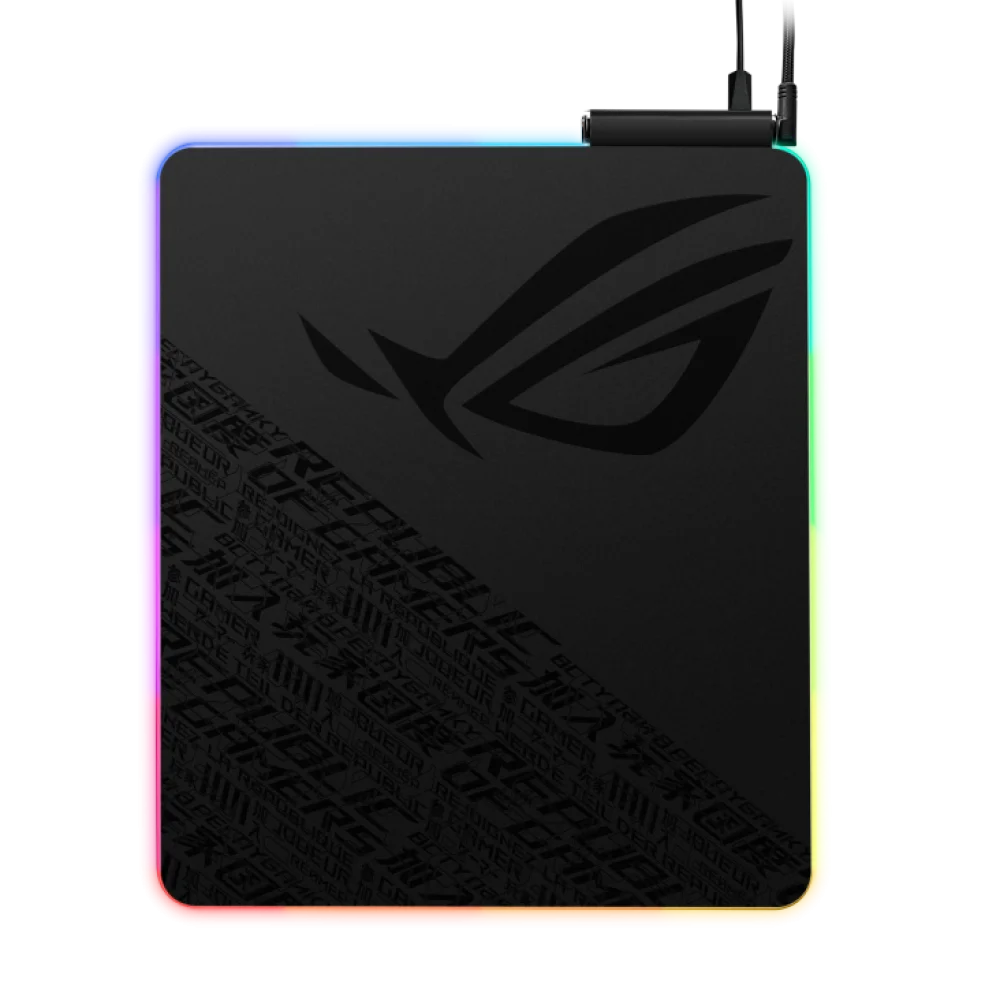
A micro-textured plastic top supports fast movement and accurate tracking across the portrait area. Around the perimeter, Aura Sync lighting can be customized by zone and coordinated with compatible lighting equipment. The on-pad button lets you change lighting modes or brightness, while the rubber underside helps keep the pad stable during mouse movements.
In the box
ROG Balteus Qi mouse pad, 2 m braided USB gold-plated Y-cable, 1 m micro-USB charging cable, ROG logo sticker, user documentation
Complete Your Gaming Setup
Choose the input devices that suit your desk. Pair it with the ASUS ROG Gladius IV Ace 8K Wireless Gaming Mouse and the Wooting 60HE v2 60% Gaming Keyboard, Aluminium, browse more gaming mousepads, or see the full ASUS range at AX Store.
Frequently Asked Questions
What does the ASUS ROG Balteus Qi charge?
It supports Qi-compatible devices placed on its dedicated charging zone. The Qi charging cable must be connected.
Does it charge a mouse anywhere on the pad?
No. Charging is provided in the marked Qi zone and requires a Qi-compatible device.
Can I adjust the lighting without opening software?
Yes. The on-pad button controls lighting mode and brightness.
What is supplied in the box?
The mouse pad, a 2 m braided USB Y-cable, a 1 m micro-USB charging cable, a ROG logo sticker and user documentation.
Build Your Setup with AX Store Kuwait
Need help choosing the right model or a compatible accessory? Contact AX Store and our team will help you build the right setup.
THE DETAILS
Technical specifications
Product
ASUS
ASUS ROG Balteus Qi
Black
90MP0120-B0UA00
Surface and Design
Hard
Plastic, micro-textured
Rubber
Qi, dedicated charging zone
Yes; 15 individually customizable RGB zones
Lighting mode switch; brightness adjustment
Connectivity
USB 2.0
1 × USB 2.0
Windows 10
Armoury Crate
Physical
2 m braided USB gold-plated Y-cable; 1 m micro-USB charging cable
370 × 320 × 7.9 mm
In the Box
Mouse pad; USB Y-cable; micro-USB charging cable; ROG logo sticker; user documentation
COMPLETE YOUR SETUP
Pairs well with