ASUS
ASUS ROG Gladius IV Ace 8K Wireless Gaming Mouse
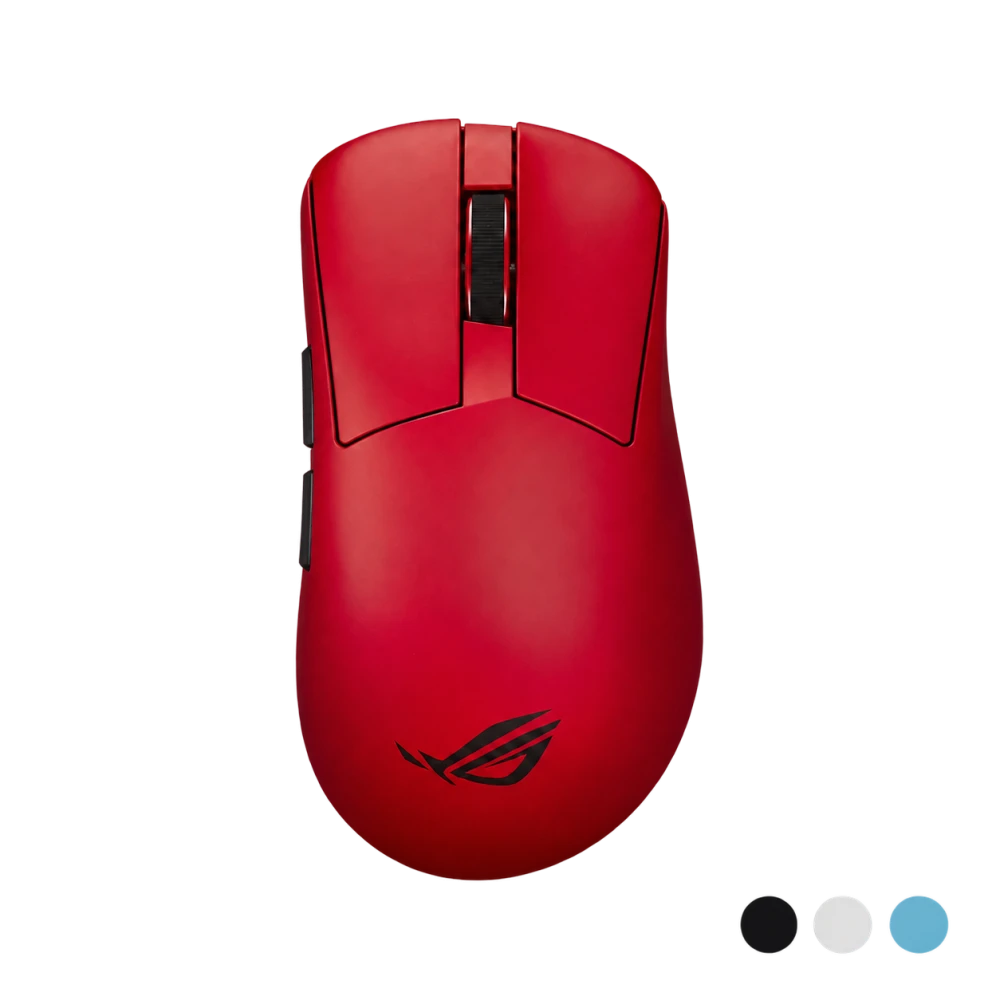
The ASUS ROG Gladius IV Ace is an ergonomic wireless gaming mouse with a 65,000 DPI sensor, up to 8000 Hz polling and adjustable 56–71 g weight. Choose Black, Moonlight White, Lava Red or Aqua Blue; the SpeedNova 8K Gen II receiver is included.
Color
Overview
ASUS ROG GLADIUS IV ACE WIRELESS GAMING MOUSE
ROG Gladius IV Ace: tune the weight, keep the control.
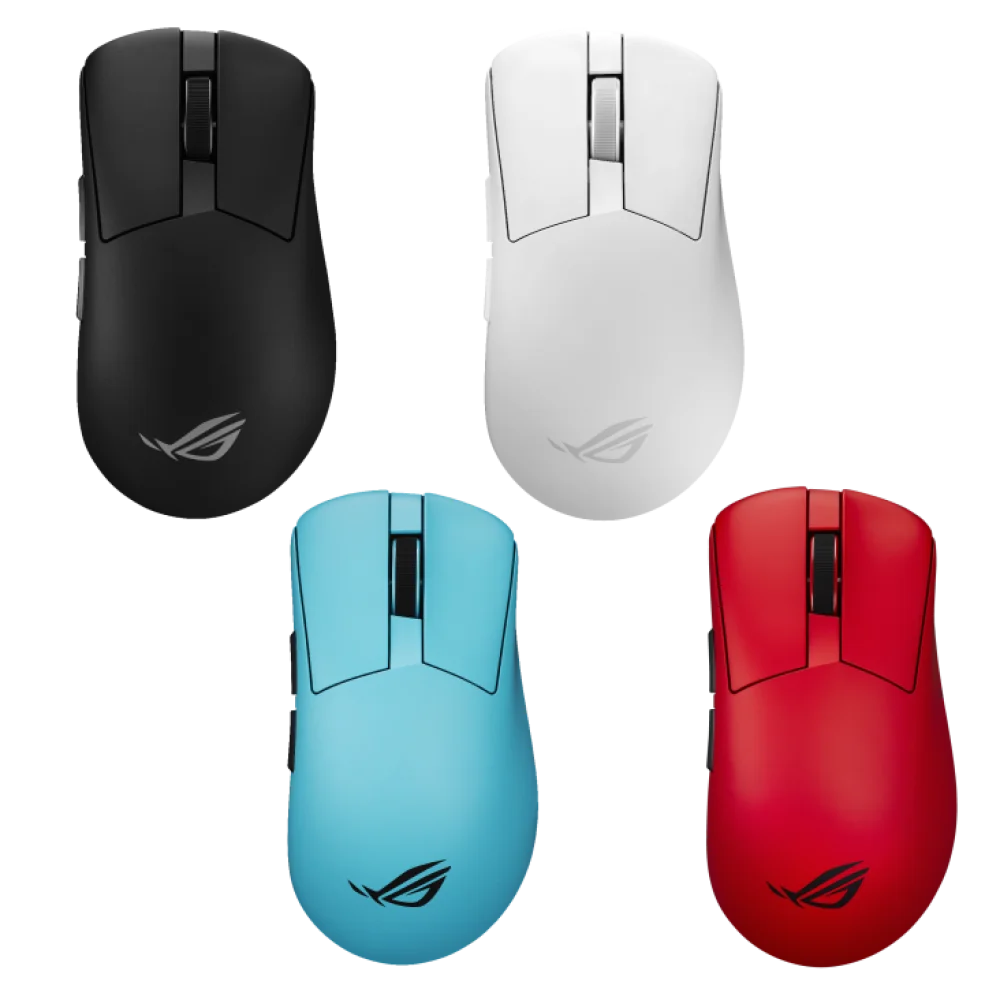
The ASUS ROG Gladius IV Ace pairs an ergonomic shape with adjustable weight, an AimPoint Pro 65K sensor and up to 8000 Hz polling. Choose Black, Moonlight White, Lava Red or Aqua Blue, then configure the feel around your grip and mousepad. The included SpeedNova 8K Gen II receiver, optical switches and browser-based Gear Link controls make it a complete mouse setup for competitive play.
8000 Hz
Wired and 2.4 GHz polling
65,000 DPI
AimPoint Pro sensor
56–71 g
Eight weight configurations
3 modes
USB, wireless and Bluetooth
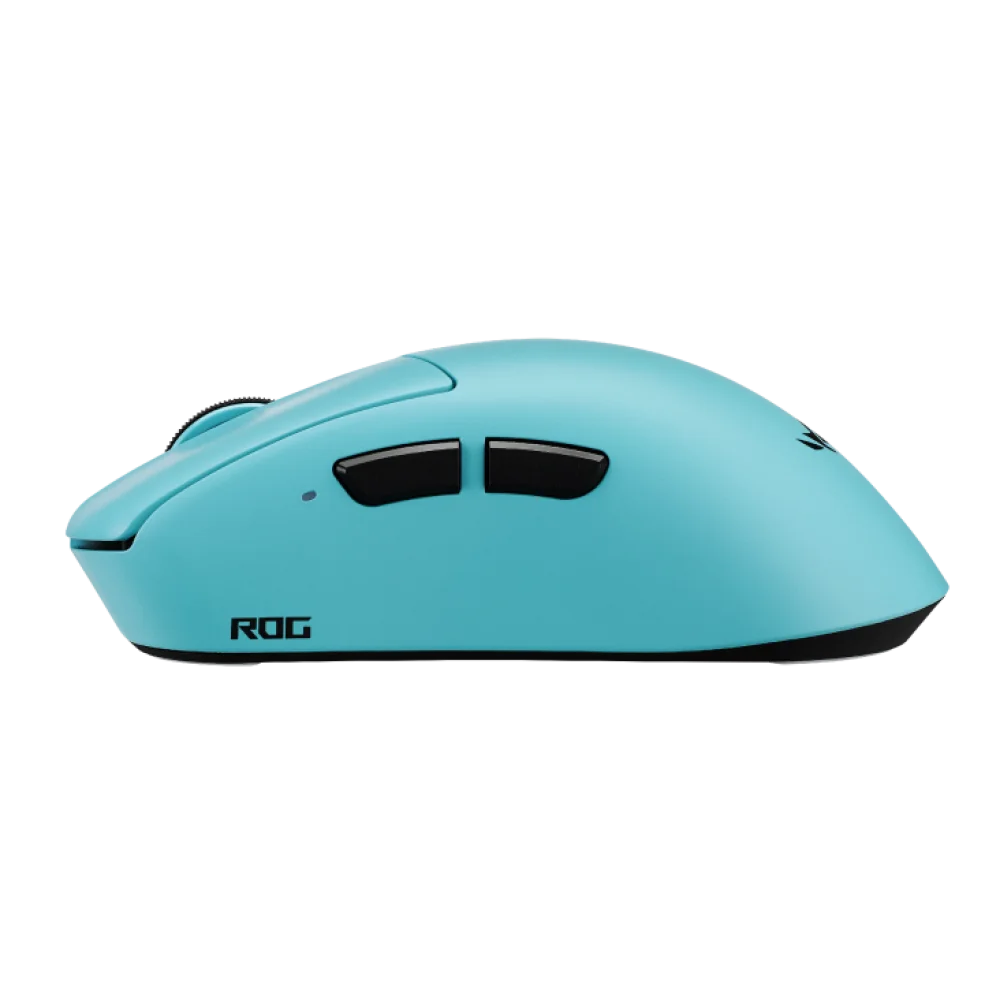
An ergonomic shape you can assess before choosing
The body measures 127.5 × 67.7 × 44.15 mm, giving you a concrete reference when comparing it with your current mouse. Its ergonomic shape was developed through sports-science testing and esports-player feedback. Shape, hand size and grip remain personal: look at the side profile as well as the top view, and consider how you support your palm and reach the buttons. The adjustable weight adds another way to tailor the handling after choosing the shape, so you can experiment with the feel while keeping the same shell.
Eight weights, one balanced layout
Start at 56 g or fit the supplied 3 g, 5 g and 7 g weights. The available totals are 56, 59, 61, 63, 64, 66, 68 and 71 g. The weights sit centrally. Try one configuration at a time using the same sensitivity and surface to judge which feels most controlled.
Optical switches with matched click force
The primary buttons use ROG 100M Optical Micro Switches. ASUS pairs the switches by force range and tests the assembled mouse for a left/right actuation-force difference within 5 gf. This addresses click consistency as well as switch type, a useful detail when comparing how the two main buttons feel during repeated inputs.
Sensor settings beyond a DPI number
The AimPoint Pro sensor is specified for up to 65,000 DPI, 800 IPS and 70 g acceleration, with eleven lift-off-distance settings. DPI controls cursor sensitivity; lift-off distance changes when tracking stops as you lift the mouse. Adjust them separately, especially if you frequently reposition the mouse during wide arm movements.
SpeedNova 8K Gen II keeps receiver placement visible
The desktop receiver includes a larger antenna, real-time RF-condition feedback and two configurable status LEDs. Active Dynamic Hopping scans for suitable wireless channels, while Gear Link lets you choose the status information shown by the indicators. Keep the receiver in a sensible position near the mouse and use its RF feedback when assessing placement. A desk with several wireless devices can behave differently from a clear test bench, so the visible connection feedback is useful when organising your everyday setup.
8000 Hz polling and 20K FPS scanning
Polling and sensor scanning describe different parts of mouse operation. The mouse supports up to 8000 reports per second over USB or 2.4 GHz, while the sensor scan rate reaches up to 20,000 frames per second. At 8000 Hz, the report interval is 0.125 ms. That interval is not the same as total click-to-screen latency, which also includes the game, computer and display.
Zone Mode and transmitter-power options
Zone Mode brings the mouse's competitive hardware settings together. Dynamic TX Power Control offers Full TX Power and Environment Adaptive modes. These provide a choice between maximum transmission strength and adapting transmission to the surrounding RF conditions. Assess the mode alongside receiver placement and your usual desk setup, rather than changing several variables at once.
Three ways to connect
Use the 2.4 GHz receiver for the wireless 8K mode, USB for a wired connection, or Bluetooth 6.0 when you want that connection type. The supplied 2 m ROG Paracord connects USB-C at the mouse to USB-A at the computer. Decide which mode suits each computer and session before adjusting its performance settings.
Gear Link controls and Reflex verification
Gear Link handles configuration through a browser, including the receiver's status indicators. The mouse is also verified for NVIDIA Reflex Latency Analyzer. Use that capability with an appropriate compatible measurement setup when you want to investigate responsiveness; it is a measurement feature, not a promise of a particular end-to-end latency on every PC.
Grip accessories and a case for travel
The package includes grip tape, a 100% PTFE feet set and a carrying case. These are practical additions when setting up the mouse or packing it with the receiver and weights. Keep spare accessories together, and make grip or weight changes deliberately so you can evaluate their effect on your handling.
Choose a colour, keep the same core specification
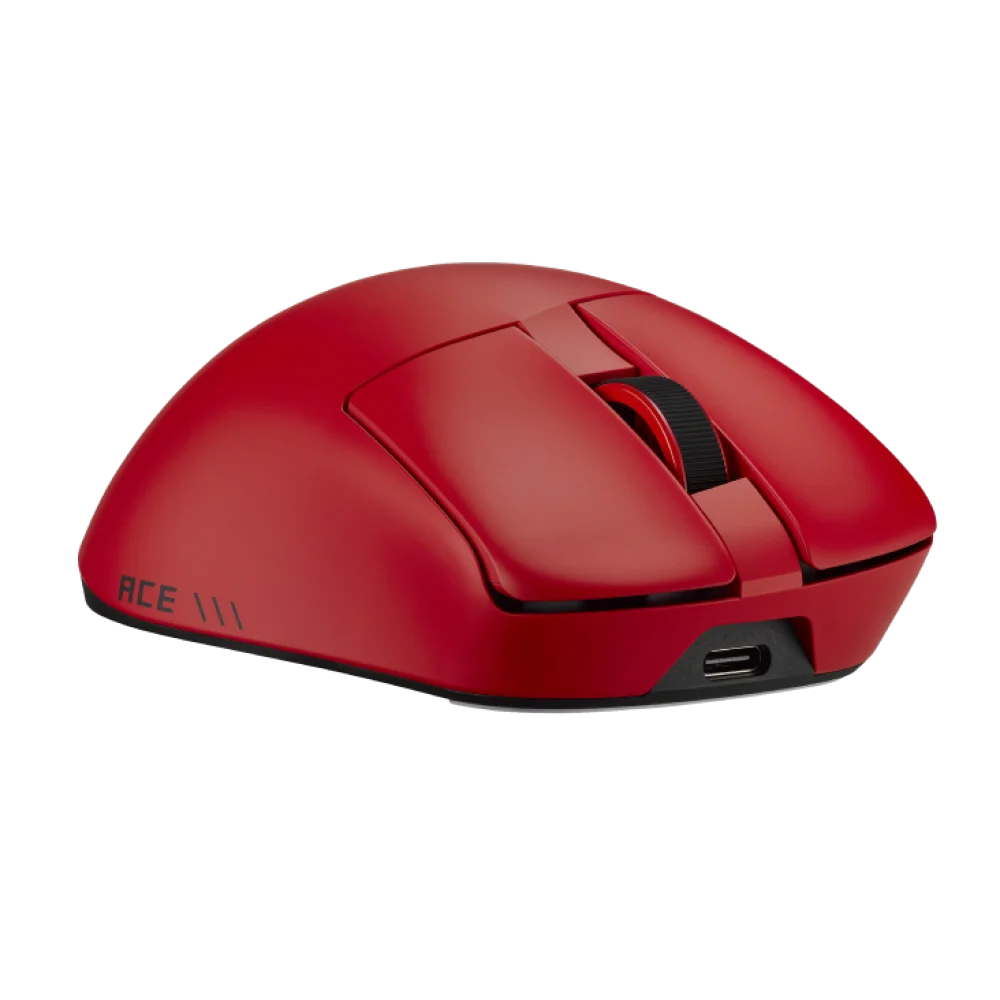
All four colours share the model's ergonomic design, sensor, connectivity and weight system. Select the finish that suits your desk, then use that colour's own gallery to inspect the front, side and top views. The colour selector determines which single mouse is ordered.
Choose from four colour options
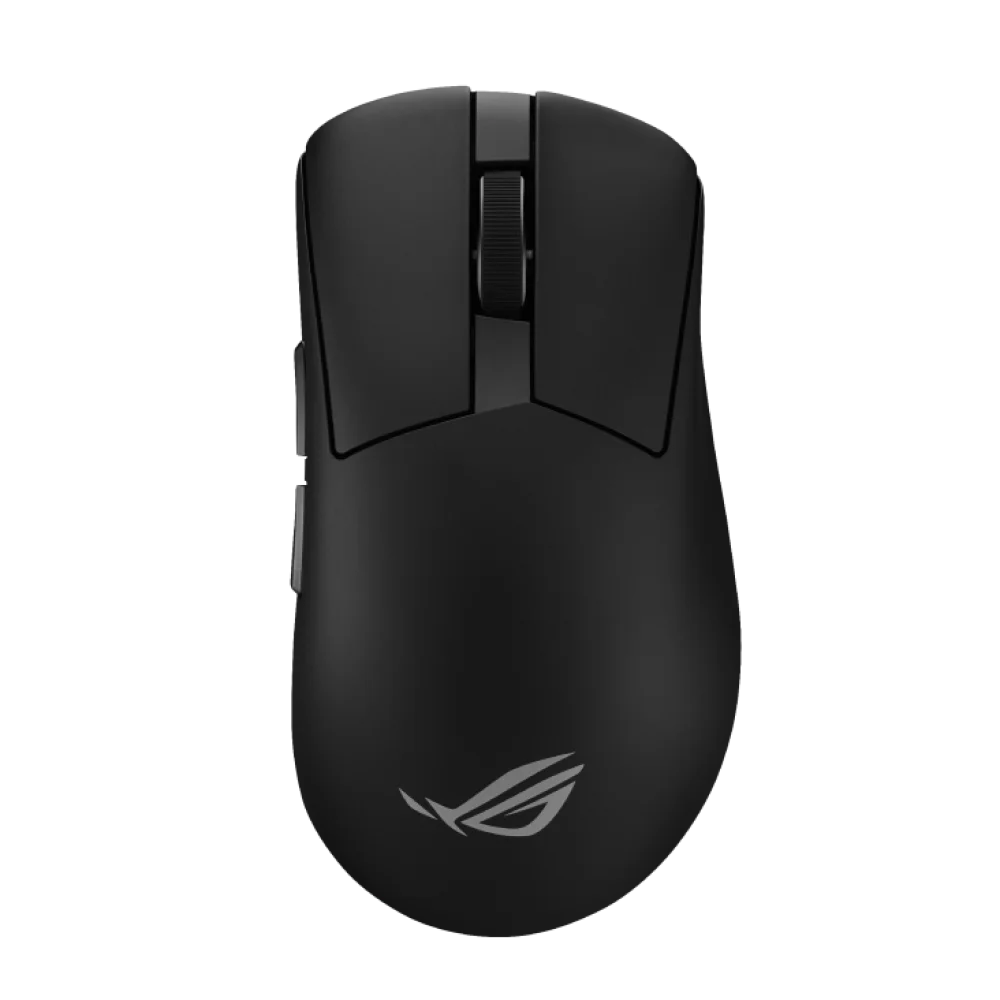
Black
Part Number: 90MP04R0-BMUA00
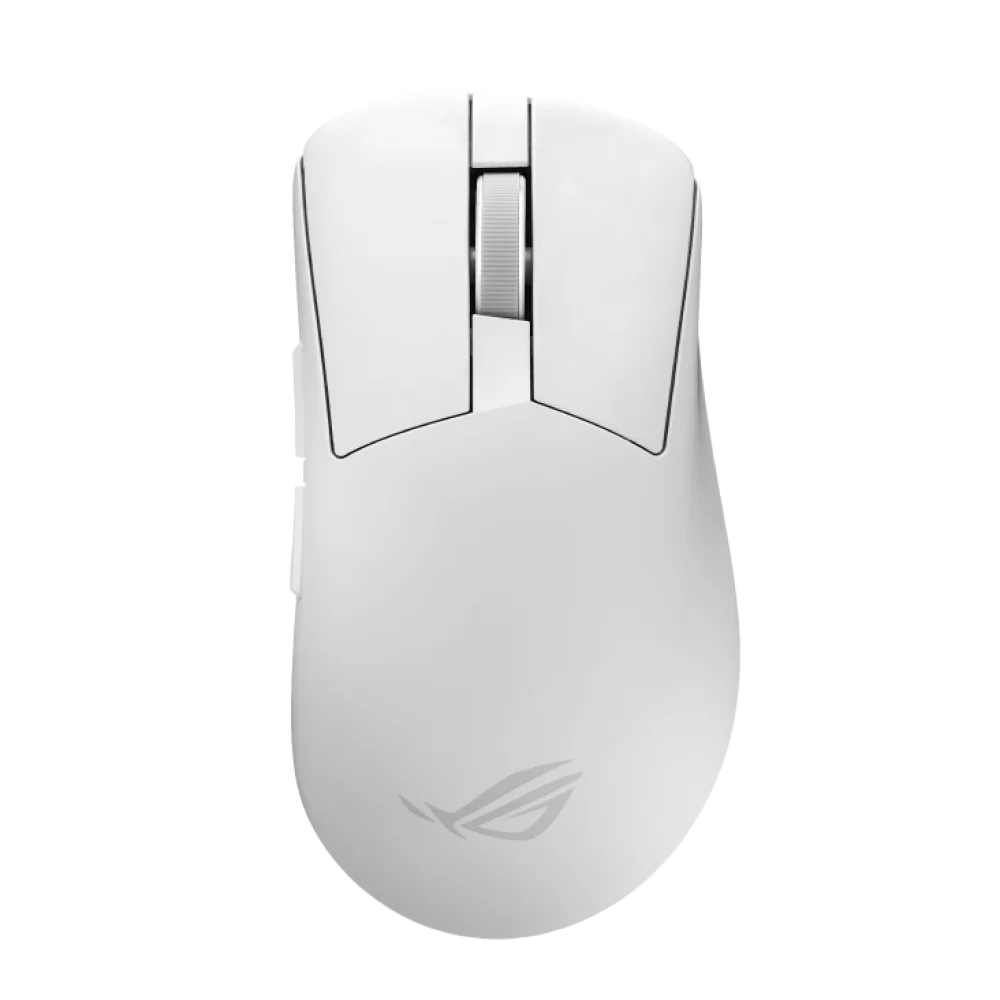
Moonlight White
Part Number: 90MP04R0-BMUA10

Lava Red
Part Number: 90MP04R0-BMUA20

Aqua Blue
Part Number: 90MP04R0-BMUA30
In the box
ROG Gladius IV Ace mouse in your selected colour, ROG SpeedNova 8K Gen II receiver, silicone receiver skin, 3 g/5 g/7 g weights, pick, 2 m ROG Paracord, mouse carrying case, mouse grip-tape set, 100% PTFE mouse-feet set, thank-you card with hotkey quick guide, ROG logo sticker, warranty booklet and Quick Start Guide. One mouse is supplied per colour selection; the four colours are alternatives.
Complete Your Gaming Setup
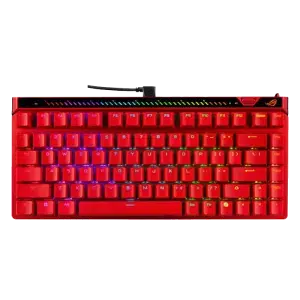
Choose your mousepad and keyboard around the way you play. Pair it with the ARTISAN NINJA FX ZERO and the Wooting 60HE v2, browse more gaming mice, or see the full ASUS range at AX Store.
Frequently Asked Questions
Is the 8000 Hz receiver included with the ROG Gladius IV Ace?
Yes. The box includes the ROG SpeedNova 8K Gen II receiver. ASUS specifies up to 8000 Hz in 2.4 GHz wireless mode and over USB; this rate is not specified for Bluetooth.
How much does the mouse weigh with the included weights?
Its default weight is 56 g. The included 3 g, 5 g and 7 g weights produce eight totals: 56, 59, 61, 63, 64, 66, 68 or 71 g, depending on the combination fitted.
Does Gear Link require a software installation?
Gear Link provides mouse configuration through a browser, without downloading a separate configuration application. ASUS lists Windows 10 and Windows 11 as supported operating systems for this mouse.
What is the difference between the four colour options?
All four options are the same Gladius IV Ace model. Black uses part number 90MP04R0-BMUA00, Moonlight White uses 90MP04R0-BMUA10, Lava Red uses 90MP04R0-BMUA20 and Aqua Blue uses 90MP04R0-BMUA30. Your order contains one mouse in the selected colour.
Build Your Setup with AX Store Kuwait
Need help choosing the right model or a compatible accessory? Contact AX Store and our team will help you build the right setup.
THE DETAILS
Technical specifications
Product
ASUS ROG
ROG Gladius IV Ace (P729)
Black: 90MP04R0-BMUA00, Moonlight White: 90MP04R0-BMUA10, Lava Red: 90MP04R0-BMUA20, Aqua Blue: 90MP04R0-BMUA30
Ergonomic
Sensor and Performance
ROG AimPoint Pro 65K
65,000 DPI
800 IPS
70 g
11 selectable levels
20,000 FPS
Up to 8000 Hz
Up to 8000 Hz
Zone Mode, Dynamic TX Power Control: Full TX Power and Environment Adaptive
Verified for NVIDIA Reflex Latency Analyzer
Switches
ROG 100M Optical Micro Switch
Switches sorted by actuation force; assembled left/right buttons tested for consistency within 5 gf
Connectivity
USB 2.0, Type-C to Type-A, 2.4 GHz RF wireless, Bluetooth 6.0
ROG SpeedNova 8K Gen II
Large antenna, RF-condition detection and connection-quality indication, Active Dynamic Hopping, Two configurable LEDs for RF status, battery level and profile
2 m ROG Paracord
Physical
127.5 × 67.7 × 44.15 mm (L × W × H)
56 g
3 g, 5 g and 7 g
56 g, 59 g, 61 g, 63 g, 64 g, 66 g, 68 g and 71 g
Central, stackable modular weight system
Software and Compatibility
Gear Link, browser-based configuration
Windows 10, Windows 11
No
In the Box
1 × ROG Gladius IV Ace in the selected colour, 1 × ROG SpeedNova 8K Gen II receiver, 1 × silicone receiver skin
3 g, 5 g and 7 g weights, 1 × pick
1 × 2 m ROG Paracord, 1 × mouse case
1 × mouse grip-tape set, 1 × 100% PTFE mouse-feet set
Thank-you card and hotkey quick guide, ROG logo sticker, Warranty booklet, Quick Start Guide
COMPLETE YOUR SETUP
Pairs well with