ASUS
ASUS ROG Falchion Ace 75 HE 8K Magnetic Gaming Keyboard - Lava Red (English-Arabic)
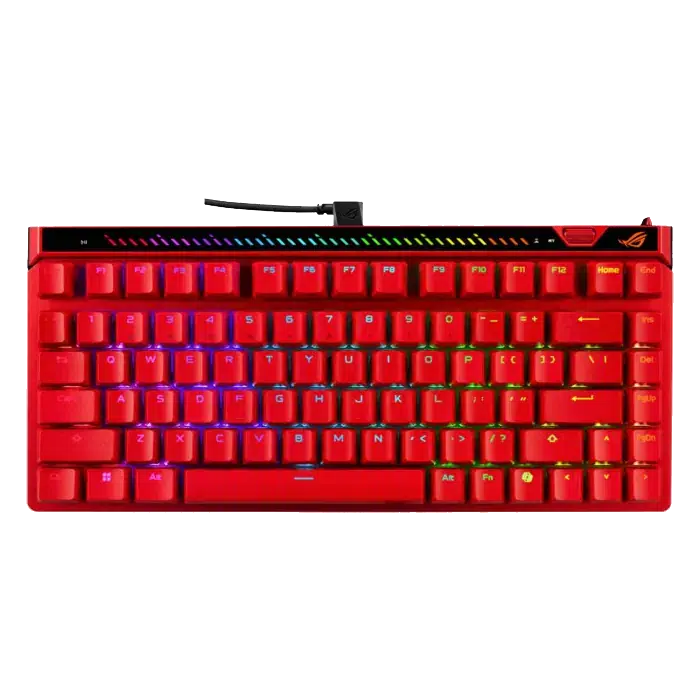
The ROG Falchion Ace 75 HE Lava Red combines an English-Arabic 75% layout with magnetic actuation, Rapid Trigger and 8000 Hz wired polling. Its adjustment wheel, touch panel and six-layer dampening design give you direct control over a compact gaming setup.
Overview
ASUS ROG FALCHION ACE 75 HE LAVA RED
ASUS ROG Falchion Ace 75 HE Lava Red
ASUS ROG Falchion Ace 75 HE Lava Red: The ROG Falchion Ace 75 HE Lava Red combines an English-Arabic 75% layout with magnetic actuation, Rapid Trigger and 8000 Hz wired polling. Its adjustment wheel, touch panel and six-layer dampening design give you direct control over a compact gaming setup. Available from AX Store in Kuwait.
75%
Keyboard Layout
Hall Effect
Switch Technology
8000 Hz
Maximum Wired Polling
English-Arabic
Key Legends
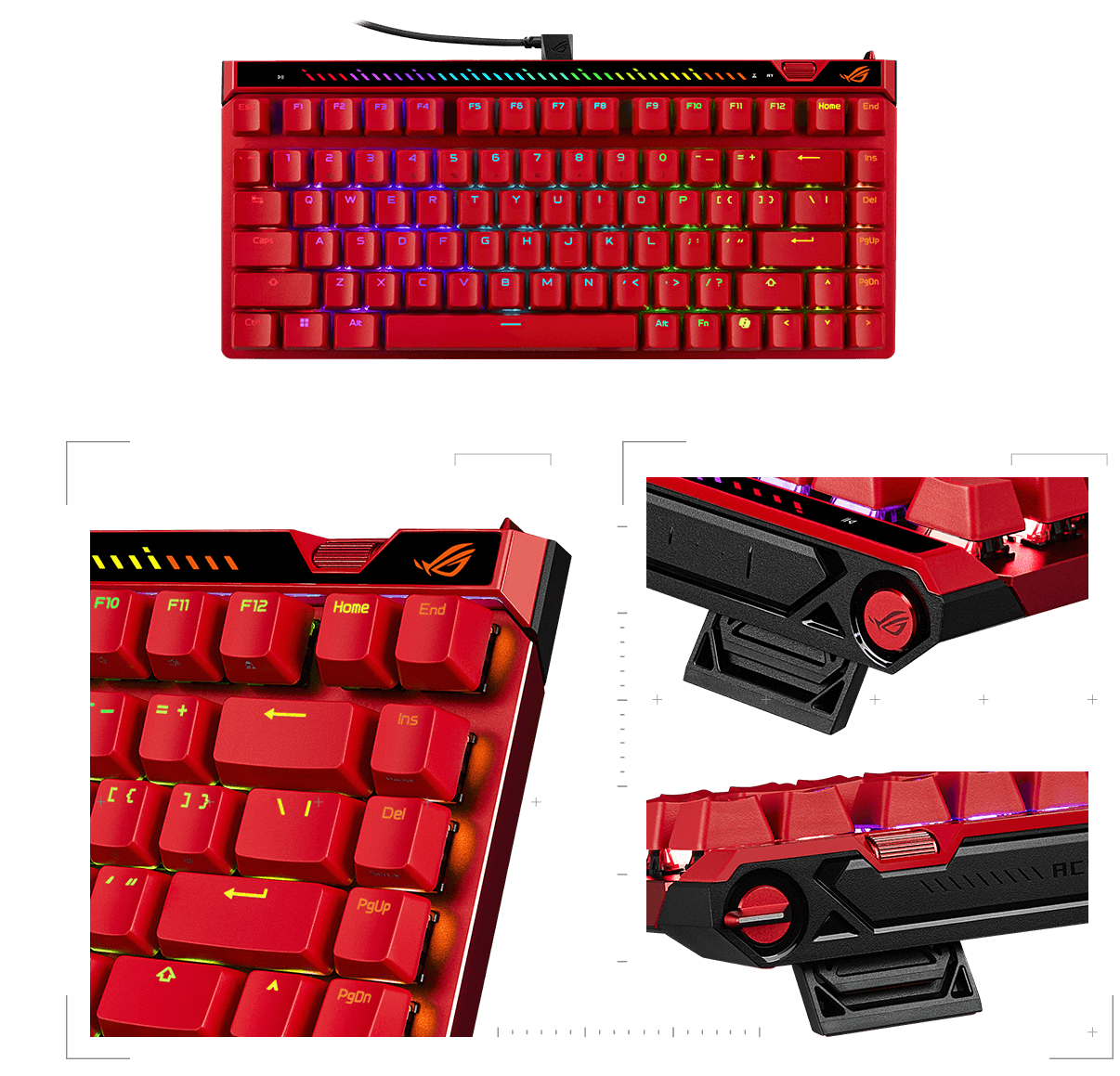
Adjust actuation with magnetic sensing
The ROG HFX V 2 switch family and Hall Sensor support adjustable actuation from 0.1 to 3.5 mm, with 0.01 mm fine-tuning steps. The hot-swap design accepts compatible ROG magnetic switches rather than universal mechanical switches.
Tune settings directly on the keyboard
An onboard adjustment wheel provides direct control of actuation and Rapid Trigger sensitivity. The multifunction button and interactive touch panel also handle supported media, volume and lighting functions.
Fast reporting with a dedicated trigger control
Wired 8000 Hz polling provides a 0.125 ms reporting interval, while the Rapid Trigger toggle makes dynamic reset behavior easy to enable. Actual end-to-end latency depends on more than the USB reporting interval.
Lava Red, with a compact layout
The Lava Red finish gives the 75% keyboard a distinctive appearance. The layout retains a function row and arrow-key cluster while reducing the footprint beside your mouse, with three adjustable tilt positions.
Six layers for a calmer sound
Three PORON and three silicone dampening layers absorb keystroke vibration and case noise. The internal structure aims to balance quick inputs with a more cushioned typing experience.
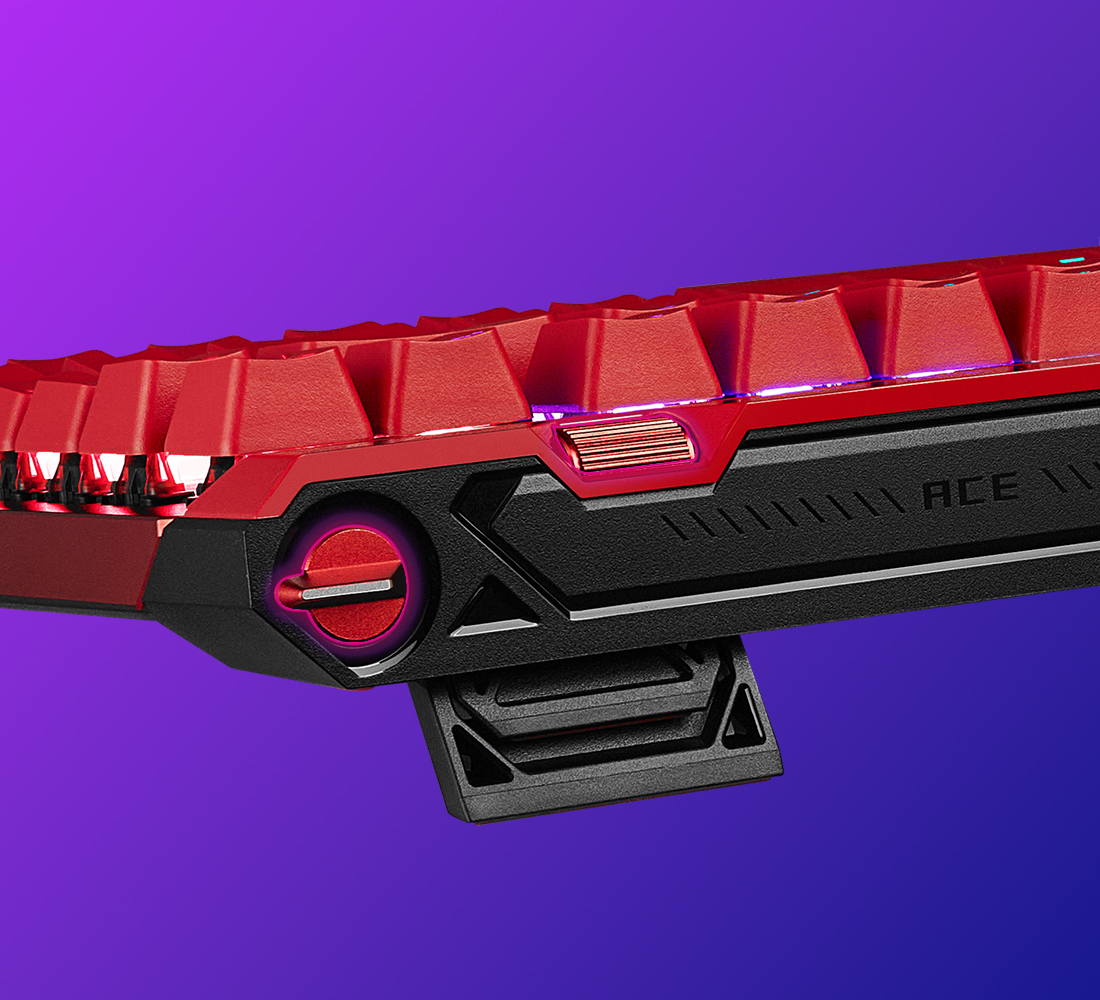
Configure and carry your setup
Gear Link provides browser-based configuration of supported settings. The included carry case keeps the keyboard and essential accessories together when moving between desks or events.
ASUS ROG Falchion Ace 75 HE Lava Red Setup Choices
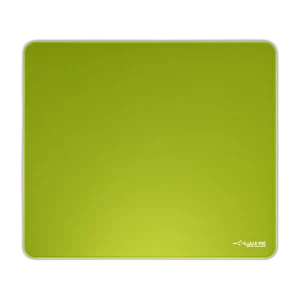
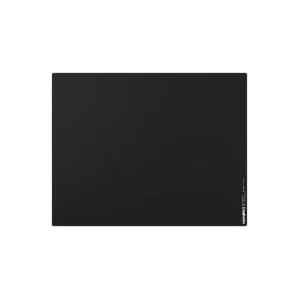
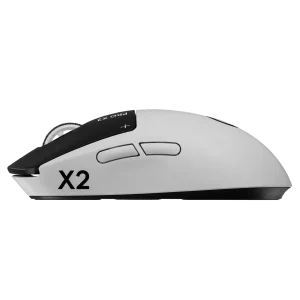
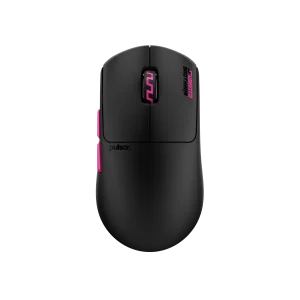
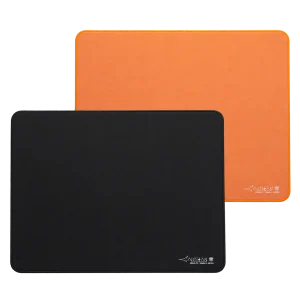
Choose the layout, switch type, key language and connection that suit your work and games. Measure the space left for mouse movement; a different keyboard format changes the desk arrangement as well as the keys available. Explore ARTISAN NINJA FX TYPE-99 SOFT XL Mousepad – Matcha, Pulsar Superglide V3 Glass Mousepad - Type S, Logitech G PRO X2 SUPERSTRIKE Wireless Gaming Mouse. Browse the ASUS range at AX.
Frequently Asked Questions
What actuation adjustment is available?
0.1–3.5 mm with 0.01 mm steps.
Which switches and sensor does it use?
ROG HFX V 2/V 2 X magnetic switch family;compatible ROG switches only. ROG Hall Sensor.
How does it connect and which systems are listed?
Wired USB 2.0;USB-C to USB-A. Windows 10;Windows 11.
How are settings controlled?
Sensitivity wheel;multifunction button;touch panel. Software: Gear Link.
Build Your Setup with AX Store
Explore computers, displays and accessories for your workspace at AX Store. For help choosing the right model or checking an accessory, contact AX Store.
THE DETAILS
Technical specifications
ASUS ROG Falchion Ace 75 HE Lava Red
ASUS ROG
ASUS ROG Falchion Ace 75 HE Lava Red
Lava Red
English-Arabic
75%
ROG HFX V 2/V 2 X magnetic switch family;compatible ROG switches only
ROG Hall Sensor
0.1–3.5 mm
0.01 mm steps
Wired USB 2.0;USB-C to USB-A
Up to 8000 Hz
0.125 ms at 8000 Hz
Dedicated toggle
Sensitivity wheel;multifunction button;touch panel
6 layers:3 PORON and 3 silicone
3
RGB
Gear Link
Windows 10;Windows 11
320 ×145 ×35 mm
Carry case;keycap puller;USB cable;Ctrl keycap;documentation
COMPLETE YOUR SETUP
Pairs well with