ASUS
ASUS ROG Destrier Core Ergo Gaming Chair - White Mesh Adjustable
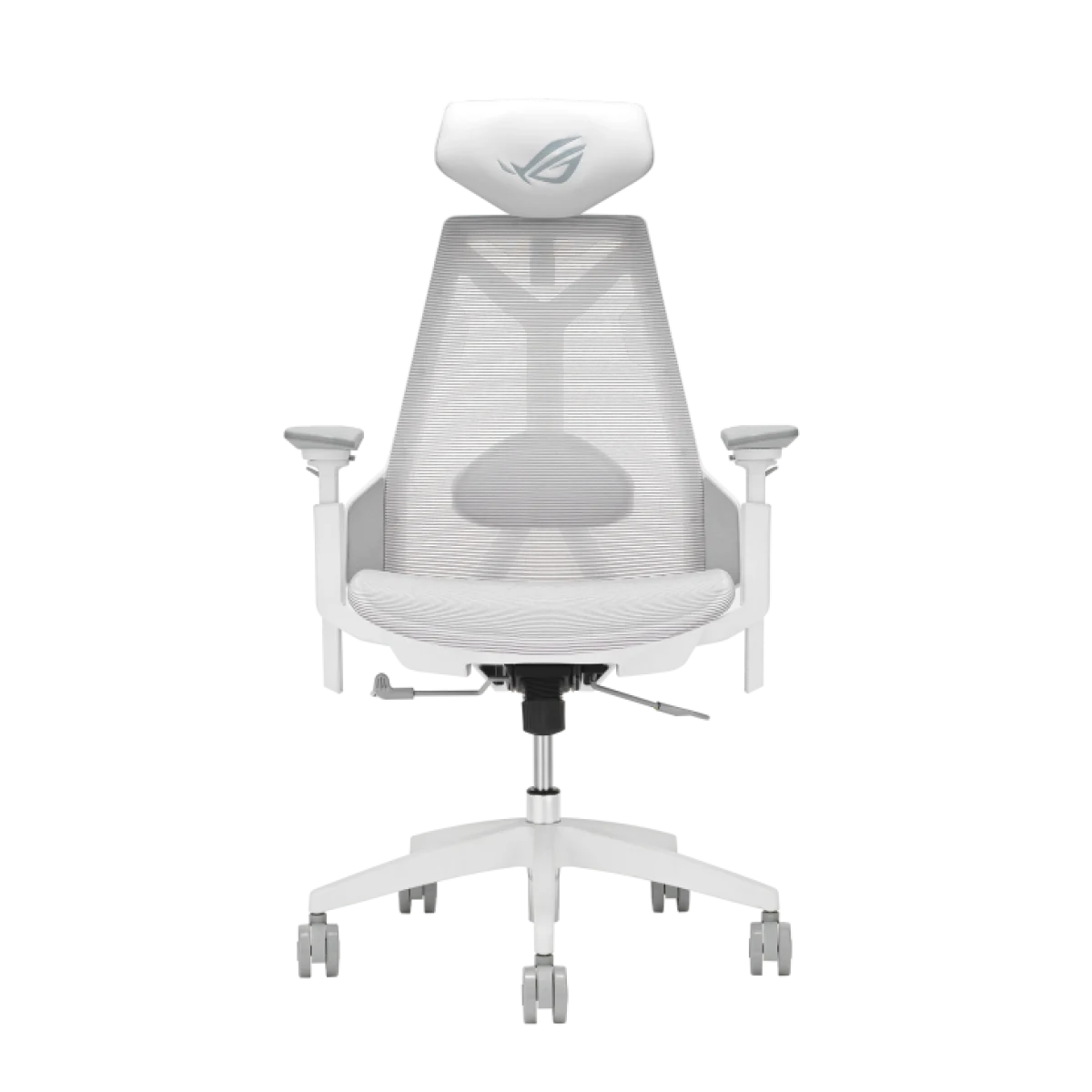
ASUS ROG Destrier Core in Moonlight White combines a breathable mesh design with a nylon frame and metal base. Adjustable head and lumbar support, seat controls and rotating armrests provide several ways to arrange the chair around a desk. A special elevated armrest position supports handheld gaming arrangements, while the three-position recline mechanism defines the available backrest settings.
Overview
ASUS ROG DESTRIER CORE
ROG Destrier Core
ASUS ROG Destrier Core in Moonlight White combines a breathable mesh design with a nylon frame and metal base. Adjustable head and lumbar support, seat controls and rotating armrests provide several ways to arrange the chair around a desk. A special elevated armrest position supports handheld gaming arrangements, while the three-position recline mechanism defines the available backrest settings. Available from AX Store in Kuwait.
3D + 360°
Armrest Adjustment
3 tilt positions
Recline / Tilt
Mesh
Upholstery
Class 4
Gas Lift
Mesh and Nylon Construction
The Destrier Core uses mesh, a durable polyamide nylon frame and a metal base in an exoskeleton-inspired design. PU foam padding is also part of the construction. This Moonlight White version gives the chair a specific finish within the model family, paired with a PU-leather head-pillow specification for the white edition rather than the fabric specified for black.
Headrest and Lumbar Adjustment
The headrest provides two-way adjustment, with a listed 12 cm vertical range, 6 cm depth range and 40° rotation. Lumbar support has a 7 cm vertical range and 2 cm depth adjustment. Set these contact points after arranging the seat, using the separate adjustments to configure the support positions around the way you normally sit at the desk.
Rotating Armrests for Handheld Play
The 3D armrests can rotate through 360°, with up to 14 cm of height adjustment and 5 cm depth adjustment. ASUS highlights the elevated armrest mode for handheld gaming. Configure the arms around the device you use, then adjust their position again when returning to a keyboard-and-mouse arrangement or another activity at the same desk.
Seat Controls and Three Recline Positions
Seat height and depth can be adjusted, while the synchro-tilt mechanism offers locking positions at 90°, 112° and 125°. The backrest settings give you three defined recline choices. Leave room behind the chair for movement and check the seat arrangement together with the desk height, screen position and armrest settings before settling on your everyday configuration.
Metal Base and 75 mm Casters
A metal base supports the chair on 75 mm PU silent casters, with a Class 4 gas lift listed in the specifications. ASUS states a net weight of 19.66 kg and a maximum load of 136 kg. These figures provide practical construction and load references when comparing the chair with other models for your gaming or working space.
Published Seat and Overall Dimensions
The seat measures 510 × 490 mm, while the overall chair dimensions are 707 mm wide, 613 mm deep and 1150–1350 mm high. ASUS recommends a user height of 165–185 cm and weight below 136 kg. Compare the seat dimensions and overall footprint with the space under and around your desk before arranging the chair.
Match the Furniture to Your Working Space
Measure the available floor and desk space, adjustment range and the position of your keyboard and mouse. Check the exact size, mounting or assembly requirements before ordering. Compare related options such as ASUS ROG Destrier Core Ergo Gaming Chair - Black or ASUS ROG Courser SL302 RGB Ergonomic Gaming Chair – Black, keeping the exact model and configuration in the decision. For the wider setup, explore SADES APEP RGB Dual Monitor Arm – Up to 32-inch, 2–9kg per Arm and check the connection, size or mounting requirements before pairing accessories. Browse the ASUS range at AX for more choices.
ROG Destrier Core Setup Choices
Measure the available floor and desk space, adjustment range and the position of your keyboard and mouse. Check the exact size, mounting or assembly requirements before ordering.
Frequently Asked Questions
Which upholstery and finish does this chair use?
Color / finish: Moonlight White.
How do the armrests adjust?
Armrest Type: 3D adjustment with 360° rotation. Δ H: 14cm, D: 5cm.
What head and lumbar support are provided?
Headrest adjustment: 12 cm vertical; 6 cm depth; 40° rotation. Lumbar adjustment: 7 cm vertical; 2 cm depth.
How does the chair recline or tilt?
Tilt Range: 3 angles tilt with tilt lock, 90°/112°/125°. Tilt Lock: Yes.
Which user-size guidance or load limits apply?
Maximum Load: 136kg. Recommend Height: 165-185cm. Recommend Weight: <136kg. Fit recommendations and maximum load ratings serve different purposes; use the applicable guidance when choosing a chair.
Build Your Setup with AX Store
Explore computers, displays and accessories for your workspace at AX Store. For help choosing the right model or checking an accessory, contact AX Store.
THE DETAILS
Technical specifications
Construction and Configuration
Moonlight White
Moonlight White
Polyamide nylon
Breathable mesh; PU foam padding
PU leather — Moonlight White specification
12 cm vertical; 6 cm depth; 40° rotation
7 cm vertical; 2 cm depth
Height and depth
Manufacturer Technical Specifications
Ergo Gaming Chair
Chair: W707mm x D613mm x H1150-1350mm Seat: W510mm x D490mm
Gross Weight : 24.7kg Net Weight : 19.66kg
136kg
Synchro-Tilt Mechanism; 3 angles, 90°/112°/125°
3D adjustment with 360° rotation. Δ H: 14cm, D: 5cm
3D adjustment with 360° rotation. Δ H: 14cm, D: 5cm
3 angles tilt with tilt lock, 90°/112°/125°
Yes
Metal Base
75mm PU Silent Caster
Class 4
165-185cm
<136kg
COMPLETE YOUR SETUP
Pairs well with


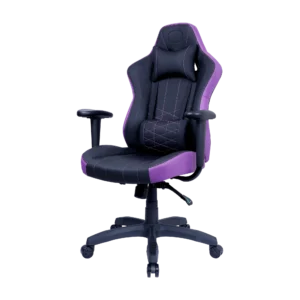
Cooler Master
Cooler Master Caliber E1 Gaming Chair

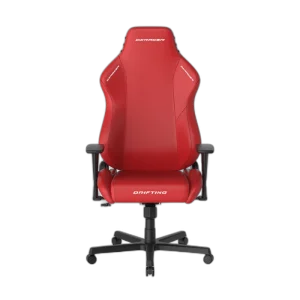
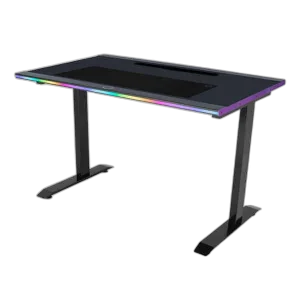
Cooler Master
Cooler Master GD120 ARGB Gaming Desk - Black/Purple

Cooler Master
Cooler Master Caliber R3 Gaming Chair - Black & Purple

Cooler Master