ASUS
ASUS ROG Destrier Core Ergo Gaming Chair - Black
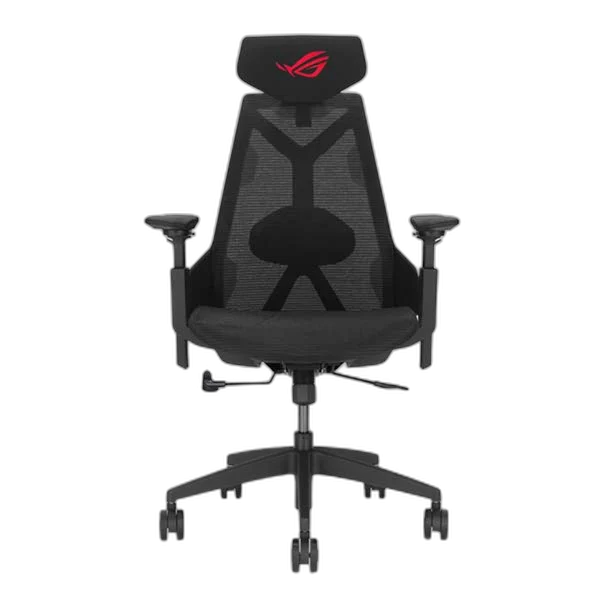
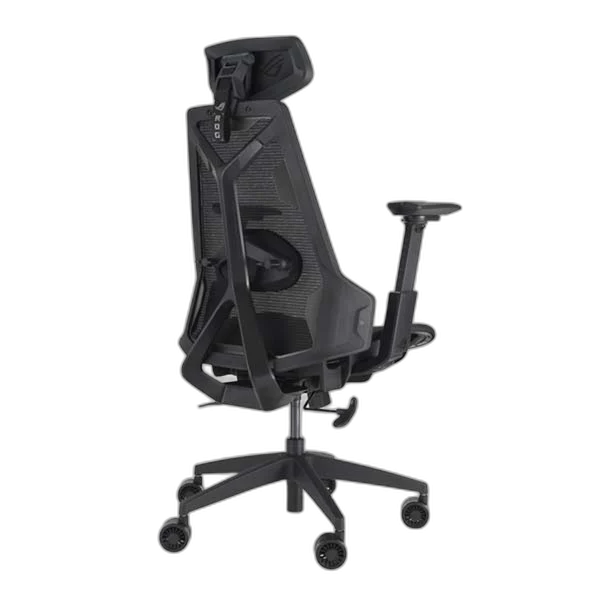
The black ASUS ROG Destrier Core combines breathable mesh with an adjustable headrest, lumbar support and 360° rotating armrests. A nylon frame, metal base and three recline positions bring adaptable support to gaming and desk work.
Overview
ASUS ROG DESTRIER CORE ERGO GAMING CHAIR - BLACK
ASUS ROG Destrier Core
ASUS ROG Destrier Core: Bring the Destrier design into your setup with adjustable support and a breathable seat that you can tailor to your daily routine. Available from AX Store in Kuwait.
136 kg
Maximum Load
165–185 cm
Recommended User Height
3D Armrests
360° Rotation
Mesh
Seat and Backrest Support
Find your preferred position
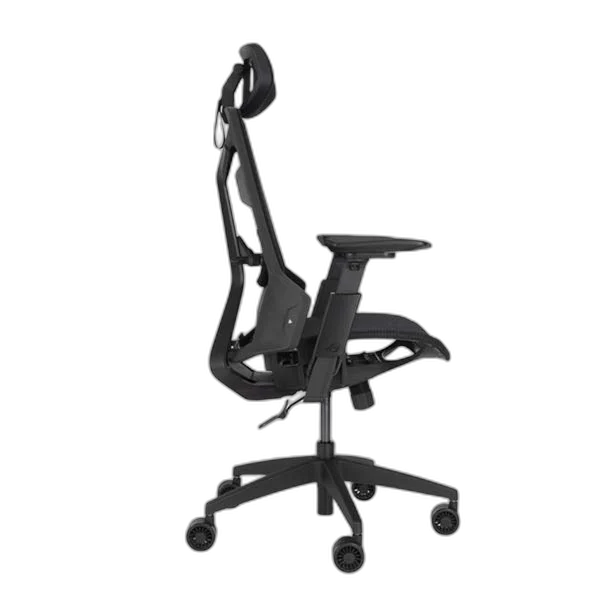
Adjust seat height and depth, headrest and two-way lumbar support. Choose a locked recline angle of 90°, 112° or 125°. Adjust the support around your own seated position, keeping the desk, controls and the chair’s stated adjustment range in view.
From keyboard to handheld
Armrests offer up to 14 cm of vertical adjustment, 5 cm of depth adjustment and full rotation, helping you position your arms for different activities.
Built around breathable support
The black mesh seat and backrest sit within a polyamide-nylon frame, with PU foam padding, a metal base and 75 mm PU casters. Adjust the support around your own seated position, keeping the desk, controls and the chair’s stated adjustment range in view.
Choose by the Actual Seat and User Range
Destrier Core has a 136 kg maximum load and a recommended 165–185 cm user height. Its nylon frame, metal base and mesh support are distinct from the larger Destrier Ergo. Adjust seat height and depth, lumbar support, headrest and armrests to your own desk arrangement.
Set the Headrest Around Your Position
The two-way headrest provides a 12 cm vertical range, six centimetres of depth adjustment and 40 degrees of rotation. Use those controls to position the support for your own seated height and activity.
Adjust the Lumbar and Seat Together
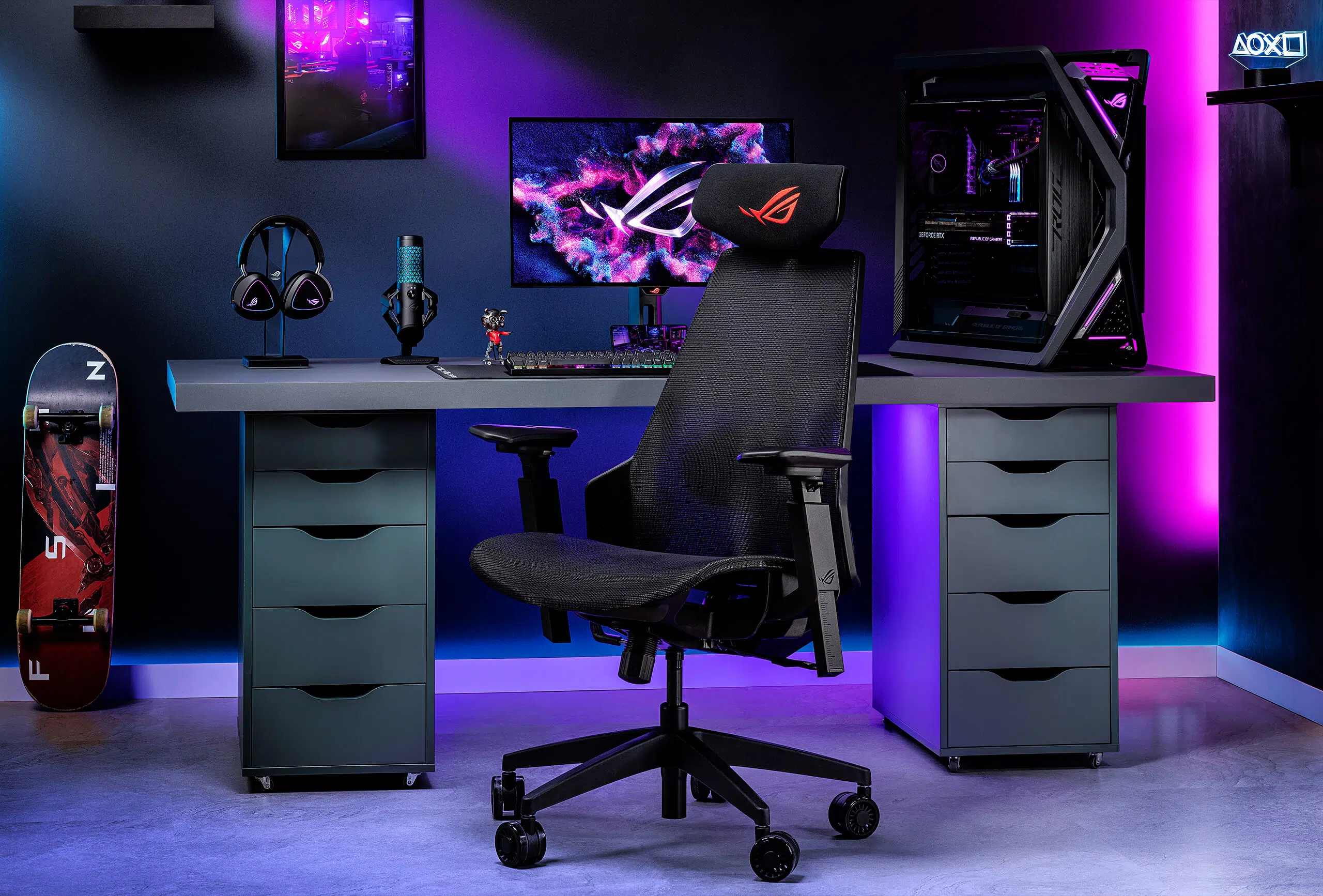
The Core’s lumbar support adjusts seven centimetres vertically and two centimetres in depth. Combine that with seat height and depth adjustment, keeping feet supported and checking how the chair meets the desk.
Match the Furniture to Your Working Space
Measure the available floor and desk space, adjustment range and the position of your keyboard and mouse. Check the exact size, mounting or assembly requirements before ordering. Compare related options such as Cooler Master Caliber E1 Gaming Chair or GAMEON Call Of Duty Gaming Chair, Adjustable 4D Armrest, keeping the exact model and configuration in the decision. For the wider setup, explore SADES Hydra SA-MS03 Triple Monitor Arm - Aluminum / Gas Spring / USB Ports and check the connection, size or mounting requirements before pairing accessories. Browse the ASUS range at AX for more choices.
ASUS ROG Destrier Core Setup Choices
Measure the available floor and desk space, adjustment range and the position of your keyboard and mouse. Check the exact size, mounting or assembly requirements before ordering. Explore Wooting 60HE v2 60% Gaming Keyboard, Aluminium, Pulsar Pro Series Susanto-X Wireless Gaming Mouse Size 2, 50g, ARTISAN NINJA FX ZERO Gaming Mousepad – SOFT/XSOFT, XL/XXL.
Frequently Asked Questions
What should I check for this exact model?
Destrier Core has a 136 kg maximum load and a recommended 165–185 cm user height. Its nylon frame, metal base and mesh support are distinct from the larger Destrier Ergo. Adjust seat height and depth, lumbar support, headrest and armrests to your own desk arrangement.
Will the recommended height guarantee a suitable fit?
The stated user-height range is a starting point. Compare seat width and depth, foot position, desk height and adjustment range with your own needs before choosing.
Does the chair require one fixed posture?
Use the available seat, backrest, lumbar, headrest and armrest adjustments for your own activity. Keep movement and breaks in the routine rather than treating a chair as a medical treatment.
Which armrest adjustments help handheld use?
The 3D armrests rotate through 360 degrees and have a 14 cm vertical adjustment range. Set both armrests for your actual arm position and keep the desk and controls comfortably within reach.
Build Your Setup with AX Store
Explore computers, displays and accessories for your workspace at AX Store. For help choosing the right model or checking an accessory, contact AX Store.
Compare ASUS ROG Destrier Core Ergo Gaming Chair - White Mesh Adjustable. Match the exact model, connection and configuration to your setup.
THE DETAILS
Technical specifications
Dimensions and capacity
ROG Destrier Core
Black
707 × 613 × 1150–1350 mm
510 × 490 mm
19.66 kg
24.7 kg
136 kg
165–185 cm
Adjustments
Synchro tilt; 90°, 112° and 125° lock positions
3D adjustment; 360° rotation; 14 cm height and 5 cm depth range
2D adjustment; 12 cm vertical range; 6 cm depth; 40° rotation
7 cm vertical adjustment; 2 cm depth adjustment
Adjustable height and depth
Construction
Polyamide nylon
Metal
Breathable mesh with PU foam padding
Fabric (black model)
75 mm PU silent casters
Class 4
COMPLETE YOUR SETUP
Pairs well with