
ASUS
ASUS ROG Maximus Z890 Apex Motherboard – LGA1851, DDR5, WiFi 7
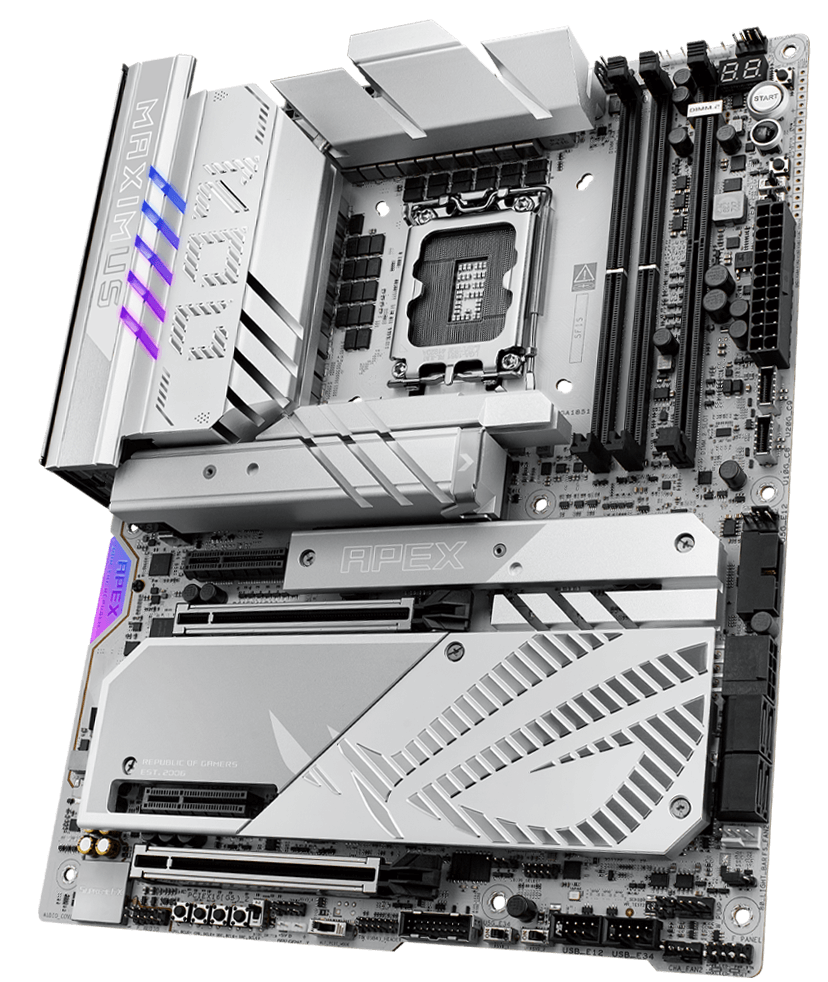
Build your Intel Core Ultra PC around the ASUS ROG Maximus Z890 Apex. This LGA1851 ATX motherboard combines a two-slot DDR5 layout with PCIe 5.0, six M.2 slots including the supplied ROG DIMM.2 card, WiFi 7, 5Gb Ethernet and dual Thunderbolt 4 ports.
Overview
ASUS ROG / INTEL Z890 MOTHERBOARDS
ROG Maximus Z890 Apex
Built for hands-on tuning.
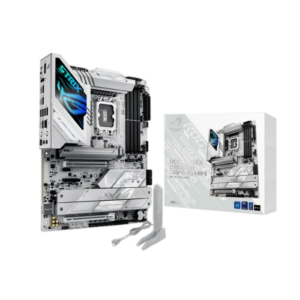
The Maximus Z890 Apex brings a focused DDR5 layout, extensive storage connectivity and practical overclocking controls to an Intel Core Ultra build. Its silver heatsinks and gray PCB suit a lighter setup, while the ATX format gives you room to plan your graphics, cooling and storage.
LGA1851
Intel Core Ultra processors, Series 2
2 × DDR5
Up to 128GB total memory
6 × M.2
Including two on the ROG DIMM.2 card
WiFi 7
Plus 5Gb Ethernet networking
DDR5 MEMORY TUNING
A focused two-slot layout
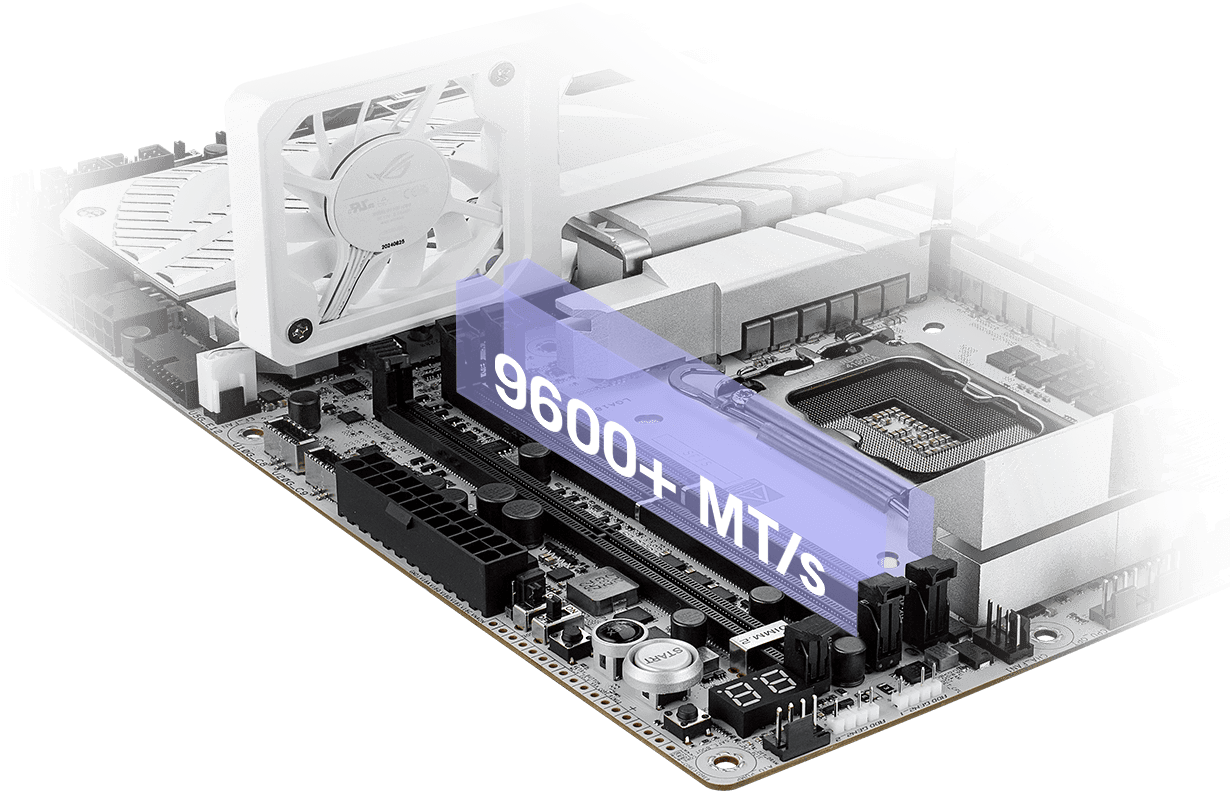
Two DDR5 slots support up to 128GB, with Intel XMP, DIMM Fit, DIMM Flex and AEMP III available for compatible memory. ASUS lists speeds up to 9600+ MT/s through overclocking; achievable settings depend on your processor, memory kit and BIOS.
Choose your capacity before filling both slots. The included ROG Memory Fan Kit adds airflow around the memory area when tuning your system.
POWER AND ONBOARD CONTROLS
Test, adjust and check your setup
A 22+1+2+2 power-stage arrangement and dual 8-pin CPU power connectors support the board's overclocking focus. VRM and M.2 heatsinks work alongside fan and pump headers to help you organize cooling around your components.
Onboard Start, Safe Boot and ReTry buttons keep useful controls within reach. Q-Code diagnostics and dual BIOS also help when checking a changed configuration.
STORAGE AND EXPANSION
Plan your drives around your graphics card
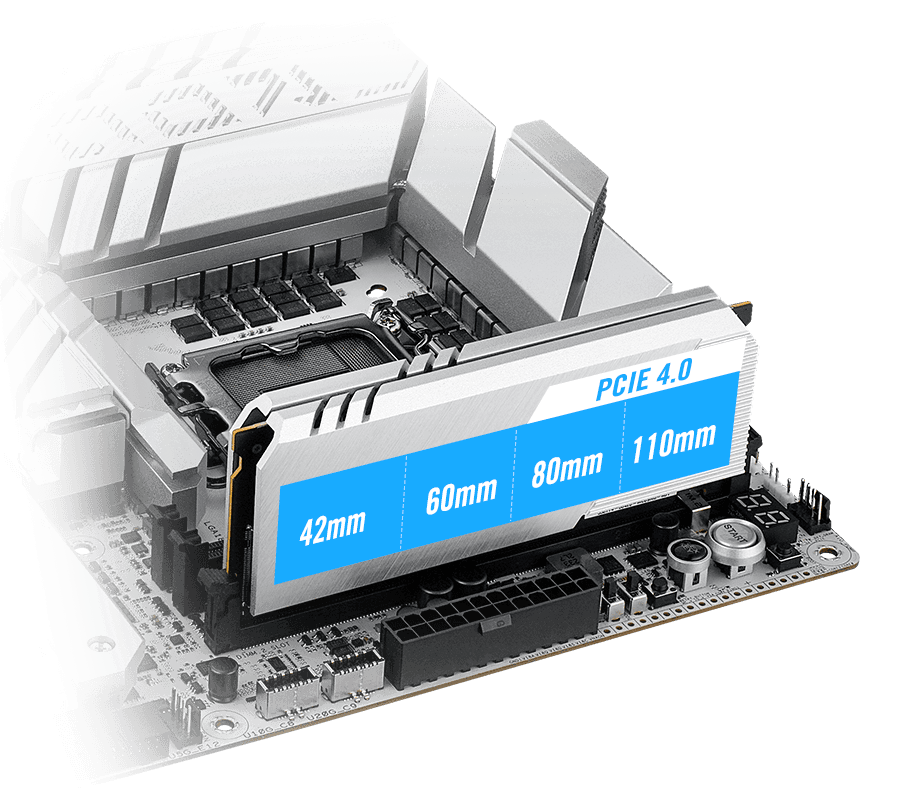
Four onboard M.2 slots include three PCIe 5.0 connections and one PCIe 4.0 connection. The supplied ROG DIMM.2 card adds two more PCIe 4.0 M.2 slots, while four SATA ports accommodate additional drives.
Storage placement affects expansion bandwidth. M.2_3 and M.2_4 share lanes with the PCIe graphics slots, so check the sharing details below before deciding where each SSD will go.
THUNDERBOLT 4 AND NETWORKING
Connect the rest of your desk
Two rear Thunderbolt 4 USB-C ports provide up to 40Gbps per port for compatible devices. Eight USB-A ports and a separate USB-C 20Gbps port give you connections for peripherals and external storage.
Choose 5Gb Ethernet for a wired network or WiFi 7 with the included ASUS WiFi Q-Antenna. Bluetooth 5.4 supports wireless accessories, with feature availability depending on your operating system and drivers.

BUILD AND SETUP
Useful details for assembly and upgrades
A pre-mounted I/O shield, PCIe Slot Q-Release Slim and M.2 retention features help with installation and later component changes. The board measures 30.5 × 24.4 cm and requires a case that supports ATX motherboards.
Alongside the DIMM.2 card, memory fan kit and antenna, the package includes a Q-Connector, M.2 mounting accessories, a driver USB drive and a quick start guide.
BEFORE YOU CHOOSE
A few useful answers
Which processors does this motherboard support?
Intel Core Ultra processors from Series 2 using LGA1851. Check the ASUS CPU support list for the BIOS version required by your chosen processor. LGA1700 processors are not compatible.
Can I install four RAM modules?
No. The Apex has two DDR5 memory slots with support for up to 128GB total. DDR4 memory is not compatible.
Are all six M.2 slots PCIe 5.0?
No. Three onboard slots support PCIe 5.0 x4. The fourth onboard slot and the two slots on the included ROG DIMM.2 card use PCIe 4.0 x4.
Can installing an M.2 SSD change graphics-slot bandwidth?
Yes. Enabling M.2_3 changes the first PCIe 5.0 x16 slot to x8 and the second to x4. Enabling both M.2_3 and M.2_4 keeps the first slot at x8 and disables the second.
What do I need for full WiFi 7 functionality?
Use Windows 11 24H2 or later, suitable drivers and a compatible WiFi 7 router. Availability of the 6GHz band and 320MHz channels depends on local regulations.
How do I enable up to 60W front USB-C charging?
Use the front USB-C 20Gbps connector with a compatible port, cable and device, and connect power to the motherboard's auxiliary 8-pin PCIe connector. Without that power connection, ASUS specifies a maximum of 27W.
EXPLORE THE SETUP
COMPLETE YOUR SETUP
Pairs well with