Corsair
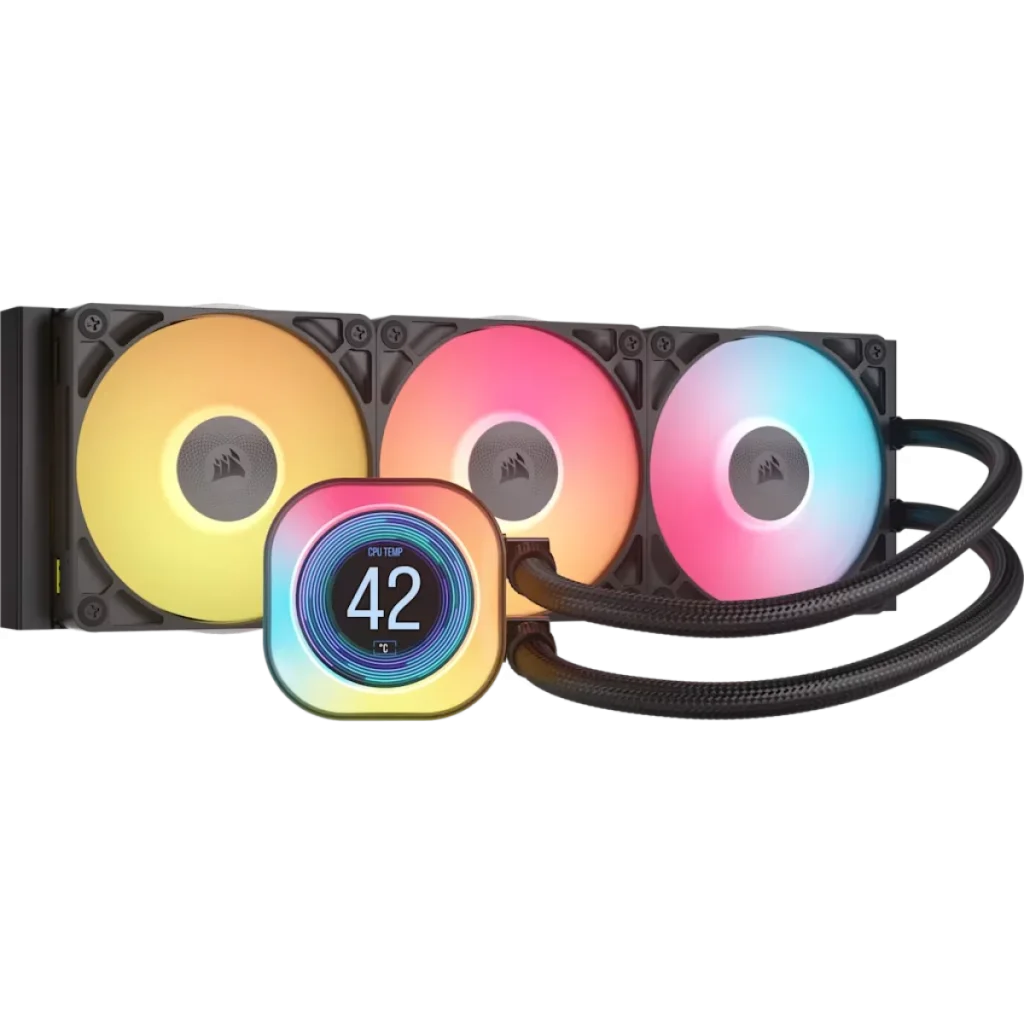
CORSAIR iCUE LINK TITAN 360 RX LCD 3x120mm CPU Liquid Cooler
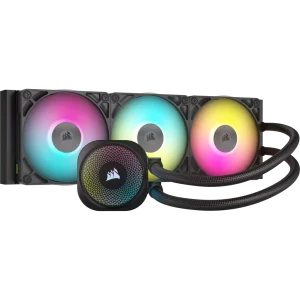
CORSAIR iCUE LINK TITAN 360 RX LCD pairs a customisable LCD pump display with a 360 mm radiator, three RX120 RGB fans and a FlowDrive pump. Show temperatures, images or animated GIFs while managing cooling through iCUE LINK. Supports Intel LGA 1851/1700 and AMD AM5/AM4; available in Black or White.
Color
Regular price
100.000 KWD
or 4 payments of 25.000 KWD with
Pay with card & save


95.000 KWD
Save 5.000 KWD
Overview
CORSAIR ICUE LINK TITAN 360 RX LCD
CORSAIR iCUE LINK TITAN 360 RX LCD
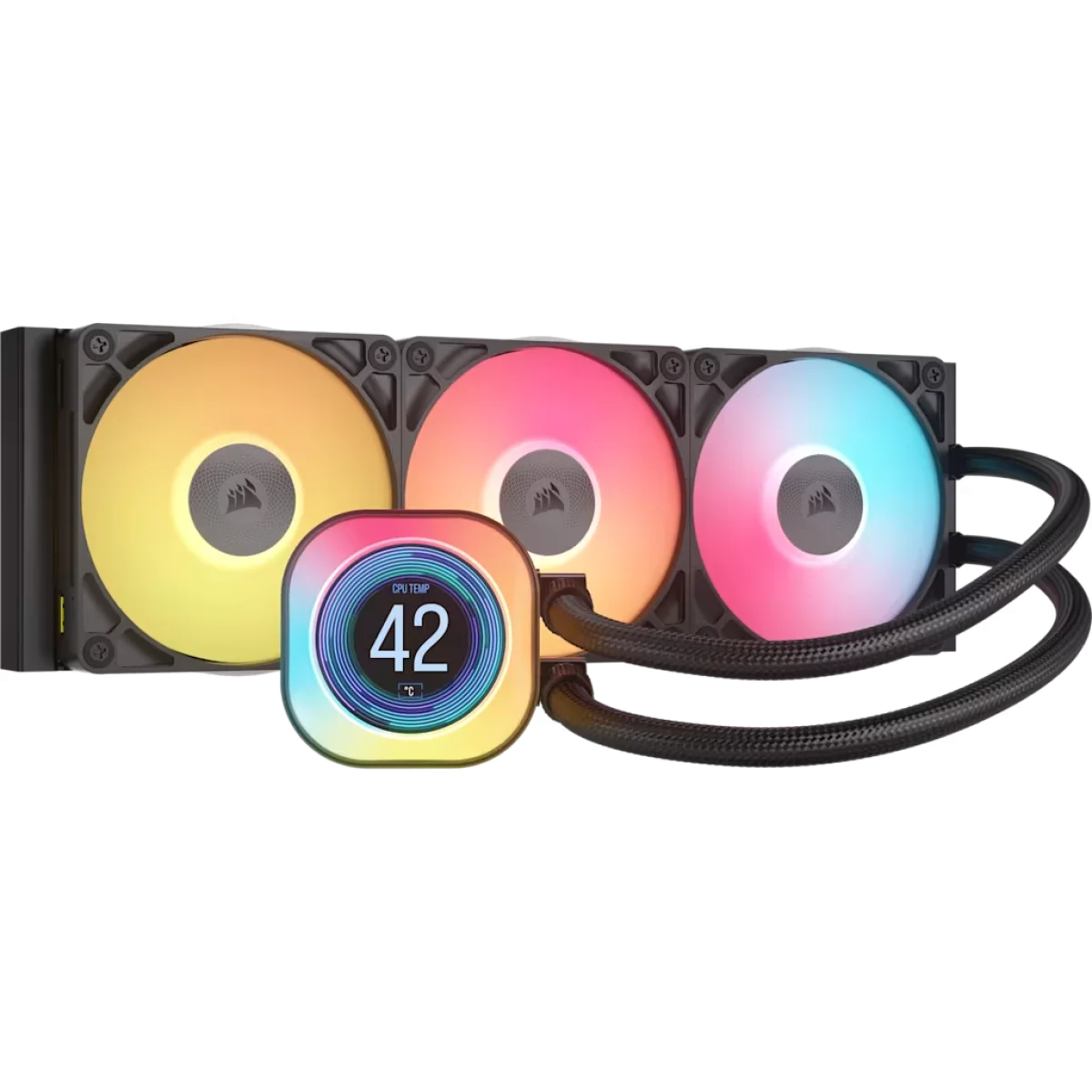
The CORSAIR iCUE LINK TITAN 360 RX LCD combines a customisable LCD pump display with a FlowDrive cooling engine and three RX120 RGB fans. A 360 mm radiator handles heat dissipation, while iCUE LINK brings compatible cooling and lighting controls together. Choose Black or White to suit the rest of the build. Available from AX Store in Kuwait.
360 mm
Radiator Class
3 × 120 mm
Included Fan Arrangement
Copper
Cold Plate
LCD
Pump Cap
Put useful information or artwork on the pump
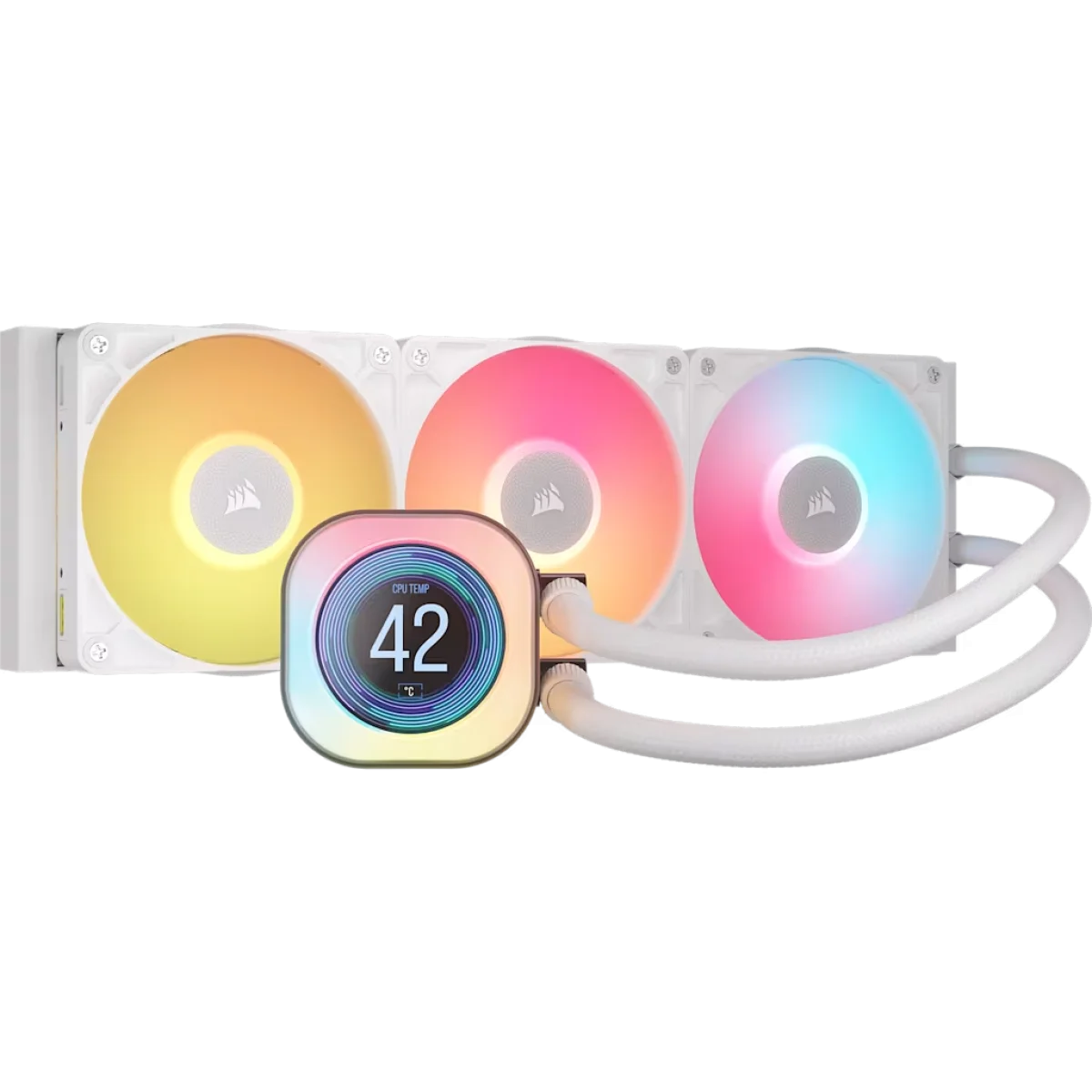
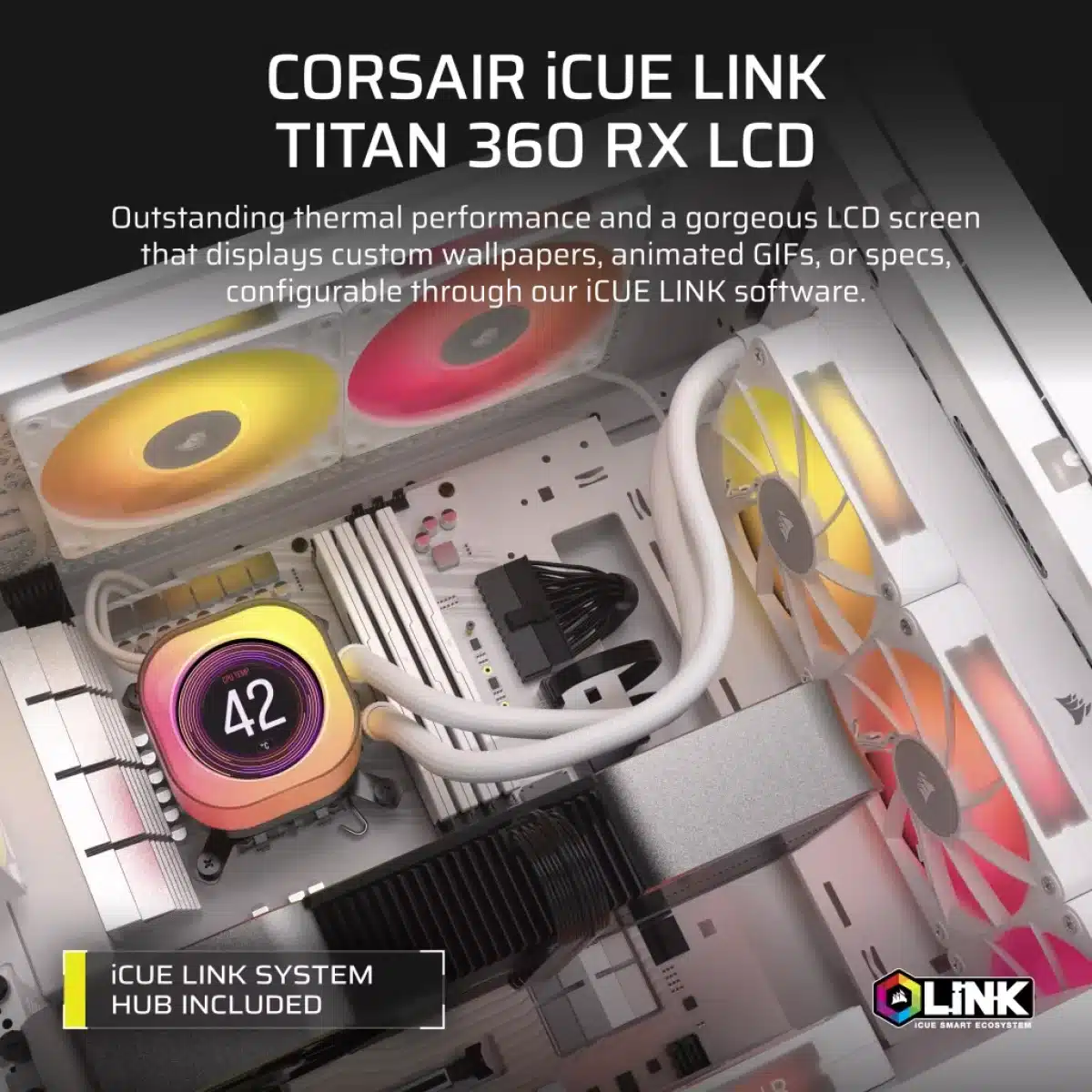
The LCD can display system temperatures, images and animated GIFs. Use it for a clear view of a supported system reading or make it part of the visual theme of your build. The display is integrated into the pump assembly, so it adds an information or artwork element inside the PC rather than requiring another screen on the desk.
FlowDrive cooling for a performance build
A three-phase motor powers the FlowDrive cooling engine, while the copper cold plate is shaped to improve contact with the processor’s integrated heat spreader. Heat moves from the CPU into the liquid loop and aluminium radiator. This is an all-in-one design for a build with room for a 360 mm radiator; check your case’s radiator clearance before choosing the mounting location.
Three RX120 RGB fans for the radiator
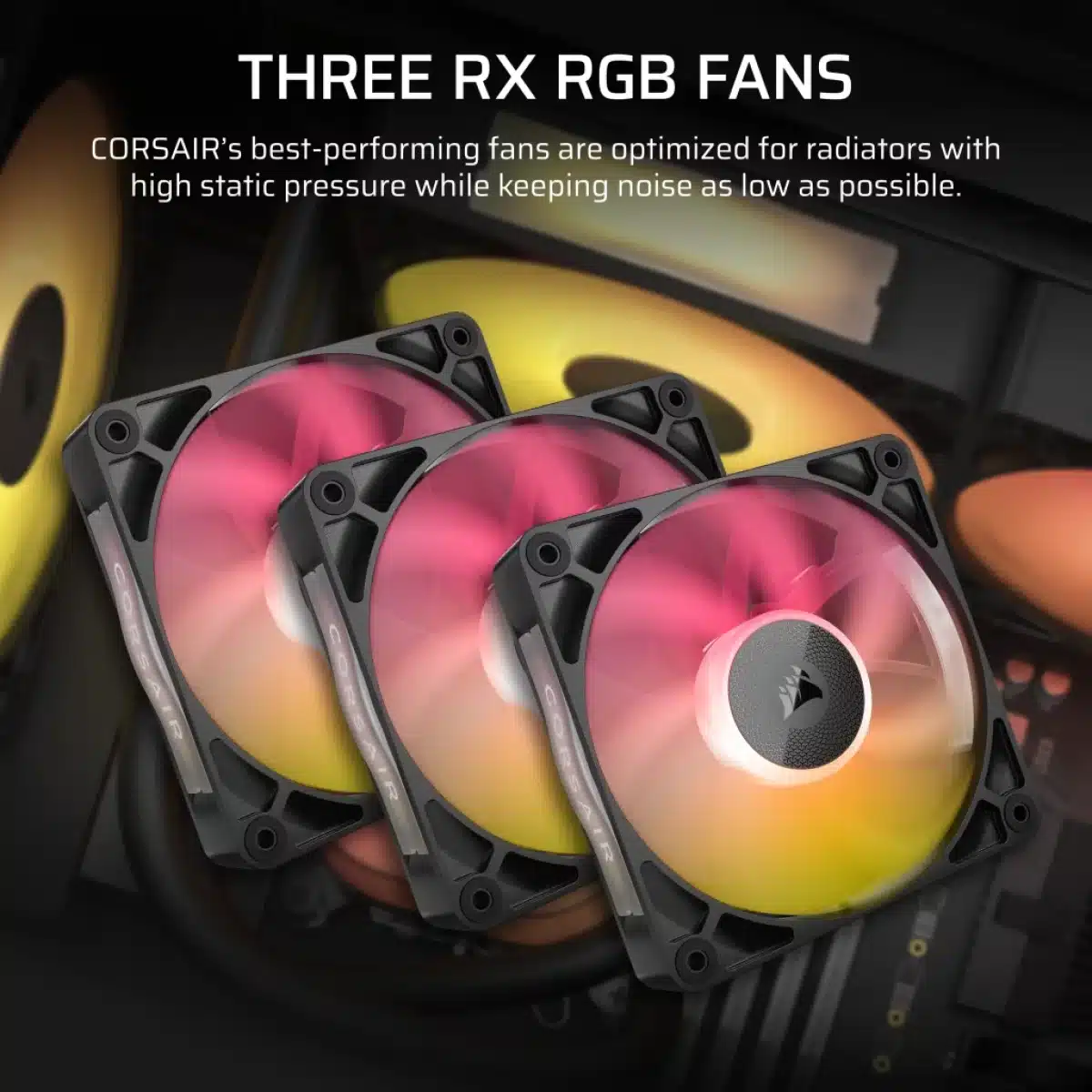
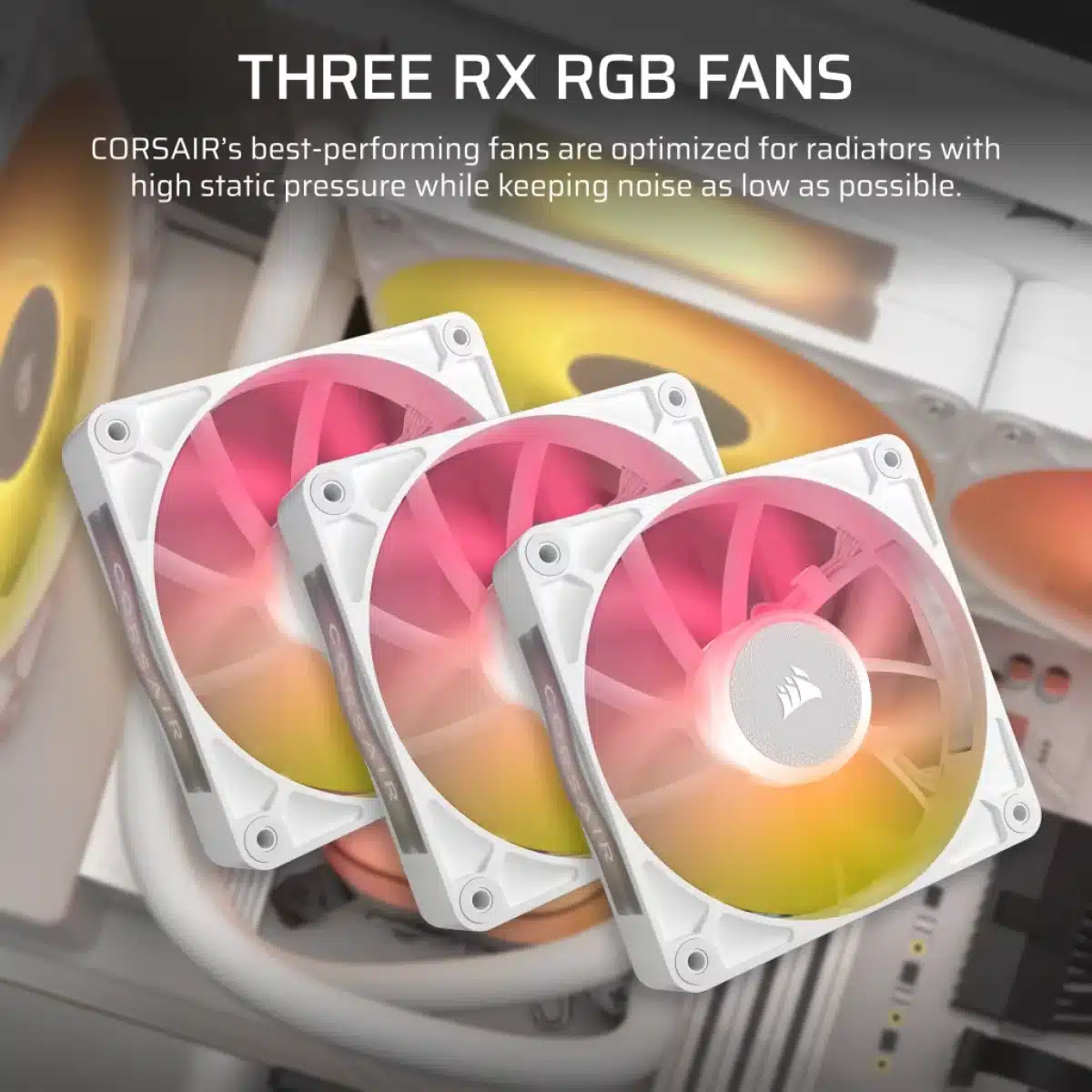
The included RX120 RGB fans operate across a published range of 300–2100 RPM, with digital control through iCUE LINK. Their airflow and static-pressure specifications suit moving air through the radiator’s fins. Set the cooling behaviour around your workload and preferred noise level, rather than treating the maximum fan speed as the only useful setting.
A linked approach to cabling and control
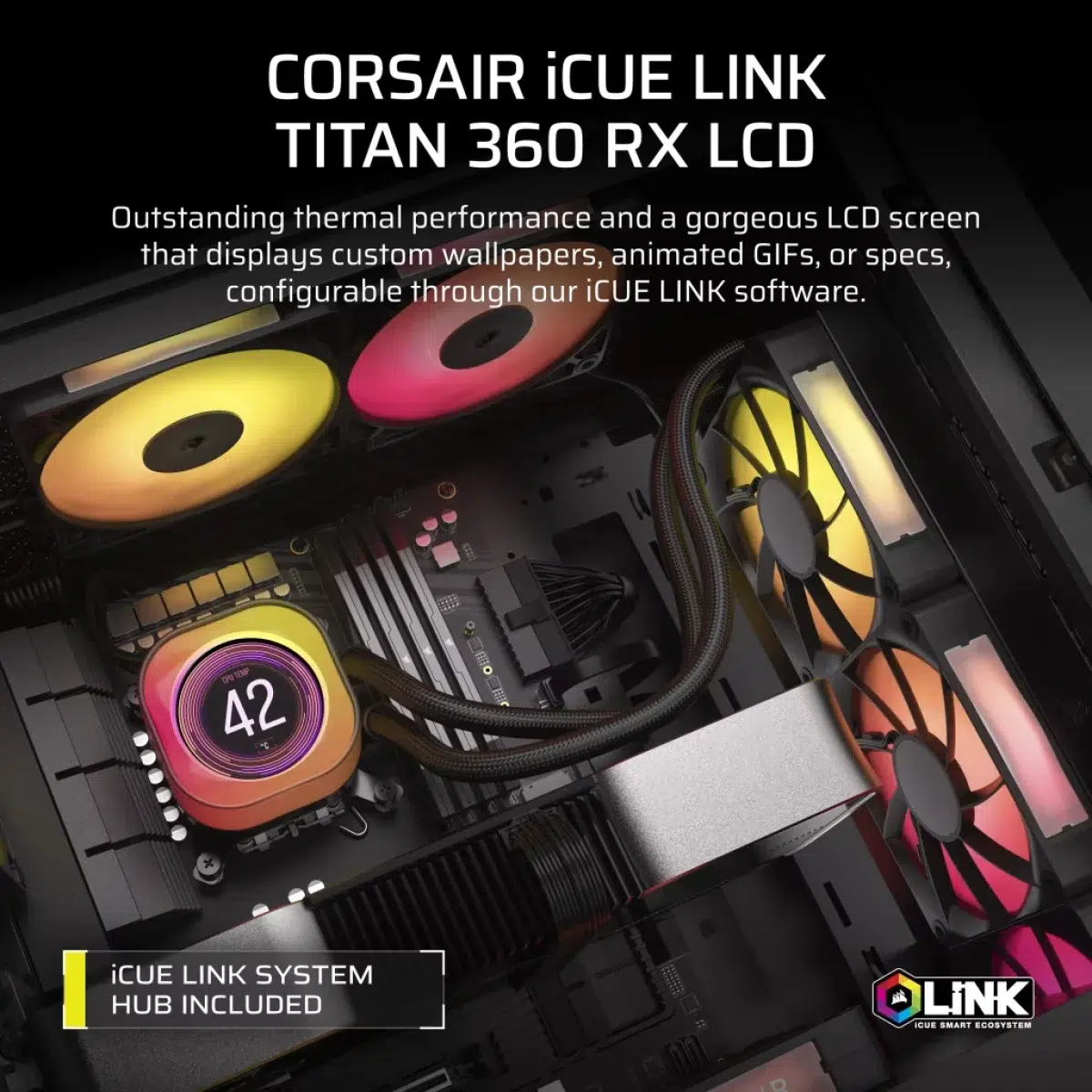
iCUE LINK connects compatible components through a shared connector system and brings their controls into iCUE software. That gives you one place to adjust supported cooling and lighting settings. Plan the iCUE LINK connections as part of the build so that the cooling system and any additional compatible components are connected to the appropriate hub.
Coordinate the display with RGB lighting
The LCD model has 44 individually addressable LEDs around the pump and cap, alongside eight LEDs on each RX120 RGB fan. Set the lighting and the display content around the look you want through supported iCUE controls. Black and White versions let the surrounding hardware match a dark or light build.
Mounting support and pre-applied thermal paste
The official compatibility list includes Intel LGA 1851 and LGA 1700, plus AMD AM5 and AM4. Mounting hardware is designed for these supported platforms, and CORSAIR XTM70 thermal paste is pre-applied to the CPU block. The 450 mm tubing helps with positioning the radiator and pump within a compatible case.
Match the Cooler to the Socket and Case
Check the supported processor socket, mounting kit and case clearance. For liquid cooling, compare radiator and fan positions with the case layout and other installed components. Compare related options such as Corsair iCUE H115i RGB ELITE Liquid CPU Cooler - Black or NZXT KRAKEN ELITE 360 V2 AIO Liquid Cooler, 2.72 Inch IPS LCD, keeping the exact model and configuration in the decision. For the wider setup, explore Corsair Crystal Series 680X RGB Full Tower Case - White and check the connection, size or mounting requirements before pairing accessories. Browse the Corsair range at AX for more choices.
CORSAIR iCUE LINK TITAN 360 RX LCD Setup Choices
Check the supported processor socket, mounting kit and case clearance. For liquid cooling, compare radiator and fan positions with the case layout and other installed components.
Frequently Asked Questions
Which CPU sockets are supported?
Intel: LGA 1851 and LGA 1700. AMD: AM5 and AM4.
What case space should I check?
Check your case for 360 mm radiator mounting and clearance. Tube length: 450 mm.
Which fans are supplied?
Three RX120 RGB 120 mm fans.
Which software controls the cooler?
CORSAIR iCUE LINK and iCUE software.
What can the cap display show?
System temperatures, images and animated GIFs.
Build Your Setup with AX Store
Explore computers, displays and accessories for your workspace at AX Store. For help choosing the right model or checking an accessory, contact AX Store.
THE DETAILS
Technical specifications
Cooling hardware
All-in-one liquid CPU cooler
360 mm
Aluminium
Copper
450 mm
FlowDrive cooling engine with three-phase motor
Pre-applied CORSAIR XTM70
Fans and lighting
Three RX120 RGB 120 mm fans
300–2100 RPM ±10%
Digital, through iCUE LINK
10.4–73.5 CFM
0.12–4.33 mm-H2O
10–36 dBA
Eight individually addressable RGB LEDs per fan
Detachable decorative side plates
44 individually addressable RGB LEDs
Compatibility and configuration
LGA 1851 and LGA 1700
AM5 and AM4
CORSAIR iCUE LINK and iCUE software
Black and White
Tool-free CapSwap modules; optional modules sold separately
System temperatures, images and animated GIFs
COMPLETE YOUR SETUP
Pairs well with