NZXT
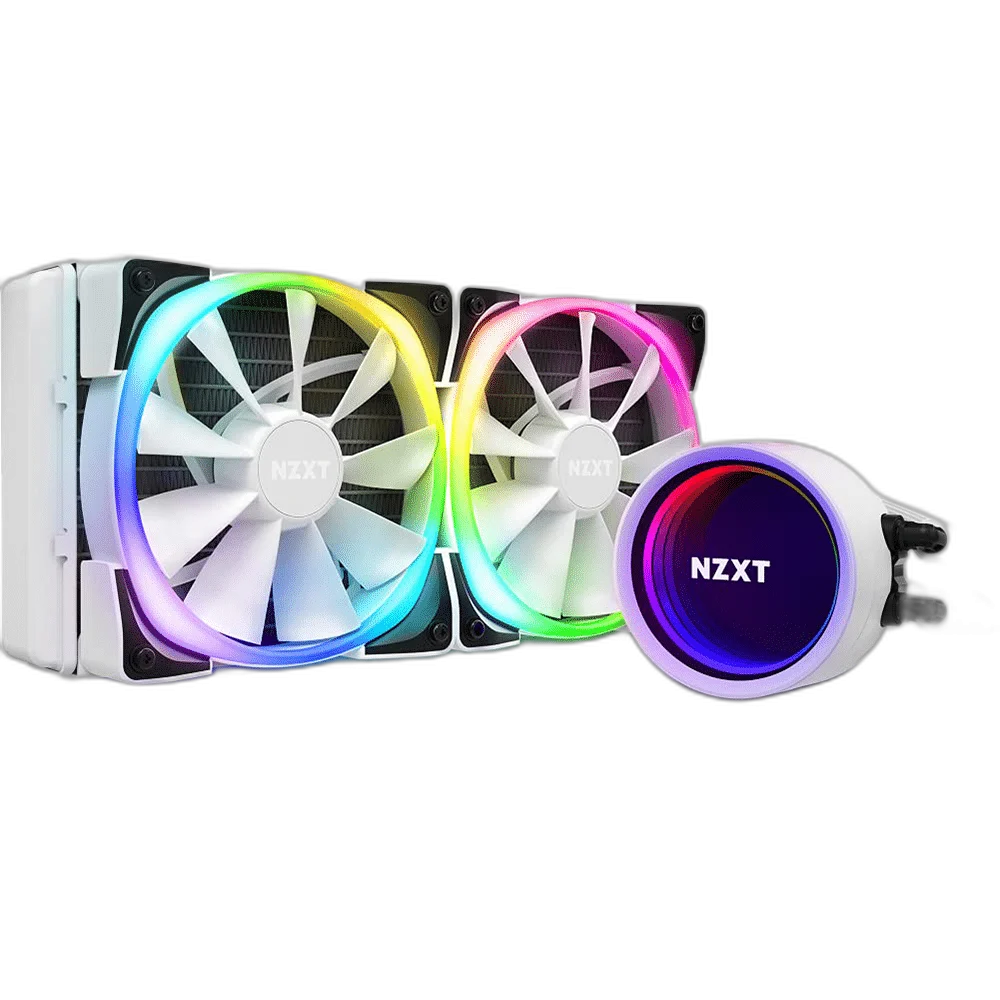
NZXT Kraken X53 RGB 240mm Liquid Cooler, White
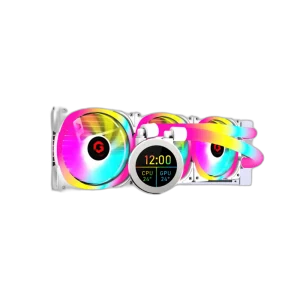
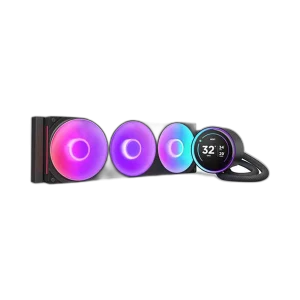
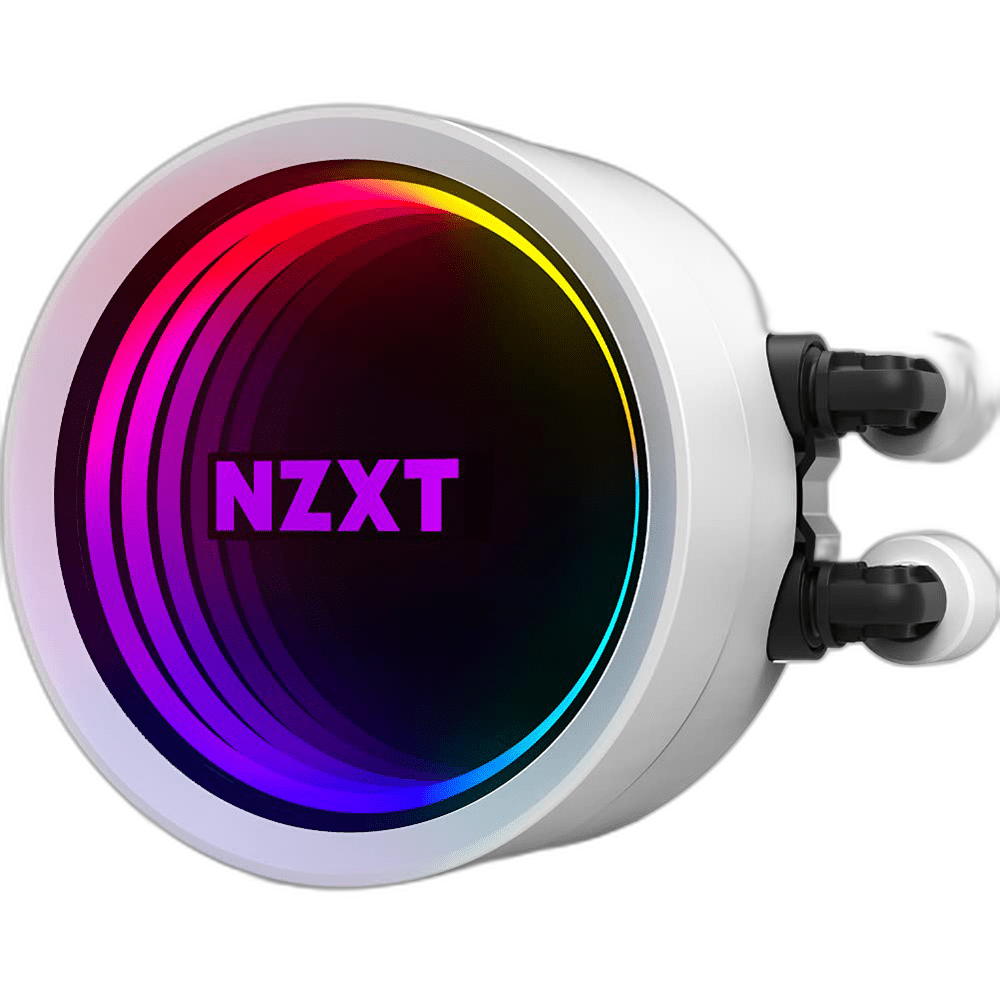
NZXT Kraken X53 RGB White combines a 240 mm aluminium radiator with 2 120 mm fans and a copper cold plate. Its RGB infinity-mirror pump cap adds a visible focal point, while NZXT CAM provides pump and lighting configuration for a compatible desktop build.
Regular price
65.000 KWD
or 4 payments of 16.250 KWD with
Pay with card & save


62.000 KWD
Save 3.000 KWD
Overview
NZXT KRAKEN X53 RGB WHITE
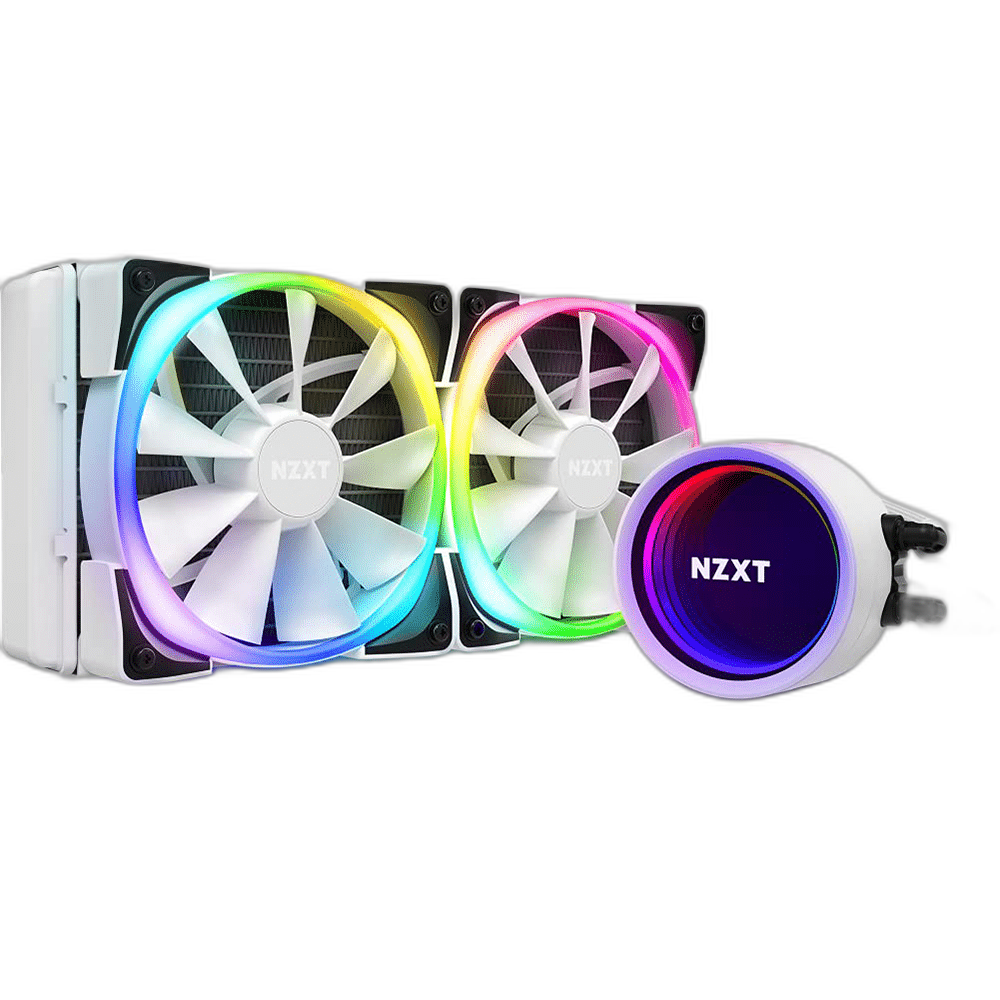
NZXT Kraken X53 RGB White
NZXT Kraken X53 RGB White combines a 240 mm aluminium radiator with 2 120 mm fans and a copper cold plate. Its RGB infinity-mirror pump cap adds a visible focal point, while NZXT CAM provides pump and lighting configuration for a compatible desktop build. Available from AX Store in Kuwait.
240 mm
Radiator class
2 × 120 mm
Included fans
RGB
Pump lighting
400 mm
Sleeved tubes
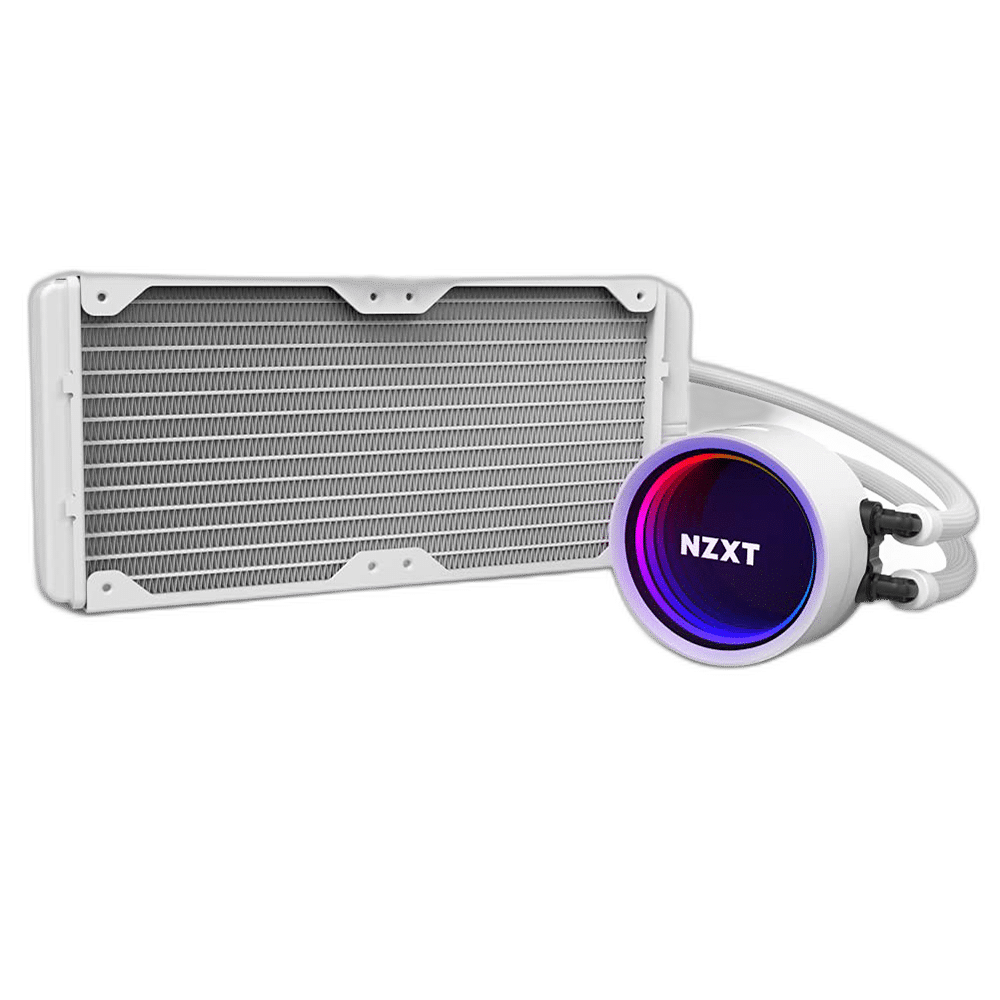
240 mm Radiator Cooling
The 240 mm radiator uses 2 120 mm fans to move air through its aluminium fin assembly. The radiator measures 123 × 275 × 30 mm. Check the full radiator and fan clearance against the intended case mounting position, including the space around memory, motherboard heatsinks and the graphics card.
An Adjustable Infinity-Mirror Cap
The RGB infinity-mirror design places lighting above the processor. A rotatable upper cap provides twelve locking positions for the NZXT logo, helping keep the logo aligned when tube routing changes. NZXT CAM configures the compatible lighting, so its appearance can be coordinated with the rest of the build.
Aer RGB 2 Fan Lighting
The included 2 Aer RGB 2 120 mm fans combine PWM speed control with separate NZXT RGB connections for their illuminated rings. Each fan carries eight LEDs. Route the lighting chain and fan power leads carefully so lighting control and cooling operation are connected to their respective interfaces.
Pump, Power and Software Connections
The Asetek Gen7 pump operates at 800–2,800 RPM, with the manufacturer specifying a ± 300 RPM tolerance. SATA supplies power, and the internal USB 2.0 cable enables NZXT CAM communication. X-series coolers do not provide built-in fan-speed control; connect fan PWM leads to suitable motherboard fan headers or a separate controller.
Sleeved Tubes and Copper Contact
A copper cold plate transfers processor heat into the liquid-cooling circuit. The 400 mm rubber tubes use a nylon sleeve, providing room to route the assembly between the CPU socket and radiator position. Arrange the tubes without sharp bends and maintain the required component clearance throughout the installed path.
Radiator dimensions
123 × 275 × 30 mm
Included fans
2 × 120 mm; Aer RGB 2
Fan speed control
Motherboard fan headers or separate controller; no built-in fan control
Check Socket and Case Fit
Supports compatible AMD AM4 and Intel LGA 115x/1200 systems. AM5, LGA 1700 and LGA 1851 require the appropriate additional mounting hardware; check the bracket set for the actual unit. Threadripper requires its separate compatible bracket. Confirm both the CPU mounting hardware and radiator clearance before installation. Follow the installation sequence for the actual cooler revision, and keep all pump, USB, fan and lighting cables clear of the fan blades.
Match the Cooler to the Socket and Case
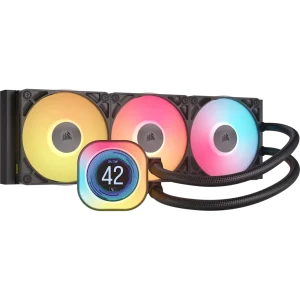
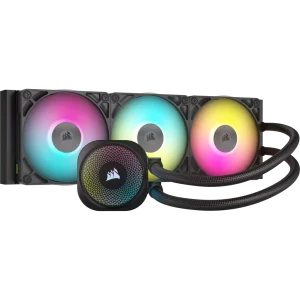
Check the supported processor socket, mounting kit and case clearance. For liquid cooling, compare radiator and fan positions with the case layout and other installed components. Compare related options such as ASUS ROG STRIX LC III 360 ARGB LCD Liquid Cooler or Corsair iCUE LINK TITAN 360 RX 3x120mm CPU Cooler, keeping the exact model and configuration in the decision. For the wider setup, explore LIAN LI O11 Dynamic XL Full Tower Case, USB 3.0 and check the connection, size or mounting requirements before pairing accessories. Browse the NZXT range at AX for more choices.
NZXT Kraken X53 RGB White Setup Choices
Check the supported processor socket, mounting kit and case clearance. For liquid cooling, compare radiator and fan positions with the case layout and other installed components.
Frequently Asked Questions
Which radiator size does it use?
240 mm, with 2 120 mm fans.
What is on the pump?
RGB infinity-mirror pump cap.
How are fan speeds controlled?
Connect the fan PWM leads to appropriate motherboard headers or a separate fan controller. Kraken X3 has no built-in fan-speed control.
Can it be fitted to AM5 or LGA 1700/1851?
The appropriate additional mounting kit is required. Confirm the mounting hardware supplied with the actual unit before installation.
What connections should I reserve?
A SATA power connection, an internal USB 2.0 header and the appropriate pump tach and fan connections. RGB fan versions also use the NZXT RGB lighting connection.
Build Your Setup with AX Store
Explore computers, displays and accessories for your workspace at AX Store. For help choosing the right model or checking an accessory, contact AX Store.
THE DETAILS
Technical specifications
Cooling Hardware
NZXT Kraken X53 RGB White
All-in-one liquid CPU cooler
240 mm
123 × 275 × 30 mm
Aluminium
Copper
2 × 120 mm; Aer RGB 2
400 mm; nylon-sleeved rubber
800–2,800 ± 300 RPM
SATA power; internal USB 2.0; pump tach
Motherboard fan headers or separate controller; no built-in fan control
RGB infinity mirror; twelve rotational locking positions
500–1500 ± 300 RPM
Compatibility and Installation
Supports compatible AMD AM4 and Intel LGA 115x/1200 systems. AM5, LGA 1700 and LGA 1851 require the appropriate additional mounting hardware; check the bracket set for the actual unit. Threadripper requires its separate compatible bracket.
NZXT CAM
Proprietary 4-pin NZXT RGB
Compatible 240 mm radiator mount and sufficient total clearance
COMPLETE YOUR SETUP
Pairs well with