ASUS
ASUS ROG Strix Morph 96 Wireless Gaming Keyboard - NX Snow V2
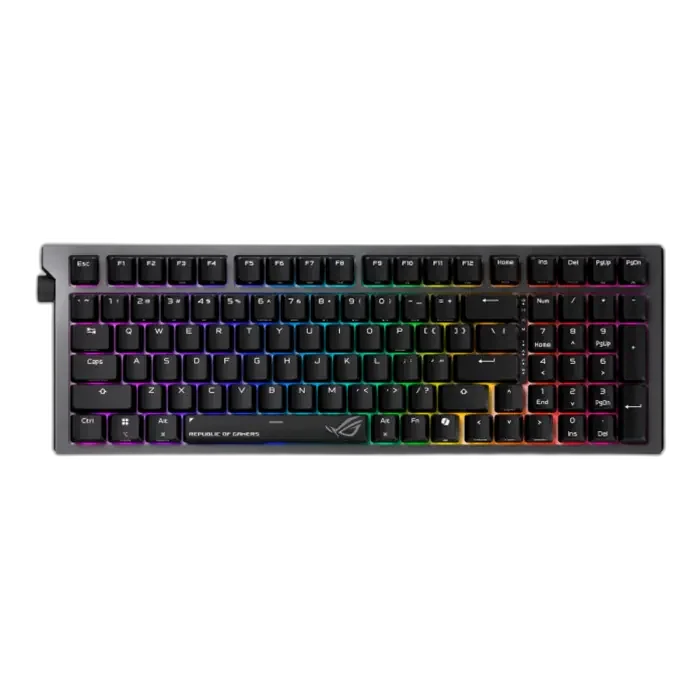
The ROG Strix Morph 96 Wireless combines a compact 96% layout with hot-swappable NX Snow V 2 mechanical switches and tri-mode connectivity. A modular internal design, gasket mount, side lighting and a multifunction knob make it a flexible keyboard for gaming and everyday work.
Overview
ASUS ROG STRIX MORPH 96 WIRELESS

ASUS ROG Strix Morph 96 Wireless
ASUS ROG Strix Morph 96 Wireless: The ROG Strix Morph 96 Wireless combines a compact 96% layout with hot-swappable NX Snow V 2 mechanical switches and tri-mode connectivity. A modular internal design, gasket mount, side lighting and a multifunction knob make it a flexible keyboard for gaming and everyday work. Available from AX Store in Kuwait.
96%
Keyboard Layout
NX Snow V2
Mechanical Switches
Three Modes
USB, 2.4 GHz and Bluetooth
1000 Hz
USB Report Rate
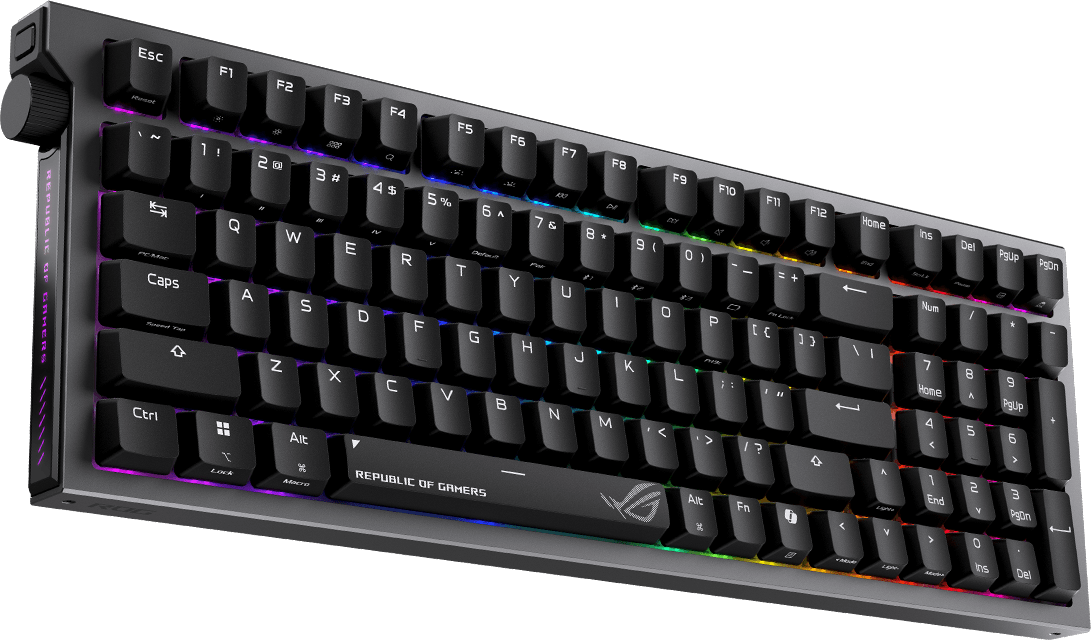
More keys in a compact arrangement
The 96% layout keeps the number pad and function row while reducing unused space between clusters. It suits a desk that needs both gaming controls and practical number entry.
A design built for customization
The modular construction allows access to internal components such as the positioning plate and dampening layers. Hot-swappable switch sockets let you fit compatible switches to refine the feel.
NX Snow V 2 mechanical switches
This listing uses the NX Snow V 2 option. The south-facing PCB is designed to improve compatibility with supported custom keycap profiles, while the included doubleshot ABS keycaps provide a durable starting point.
Three connection choices
Use 2.4 GHz SpeedNova wireless, pair up to three Bluetooth devices or connect through wired USB. Windows and macOS modes make it easier to move between supported systems.
A cushioned structure with more lighting
The gasket mount and dampening layers reduce vibration and switch noise. Side light bars and a translucent polycarbonate positioning plate extend the lighting beyond the individual keys.
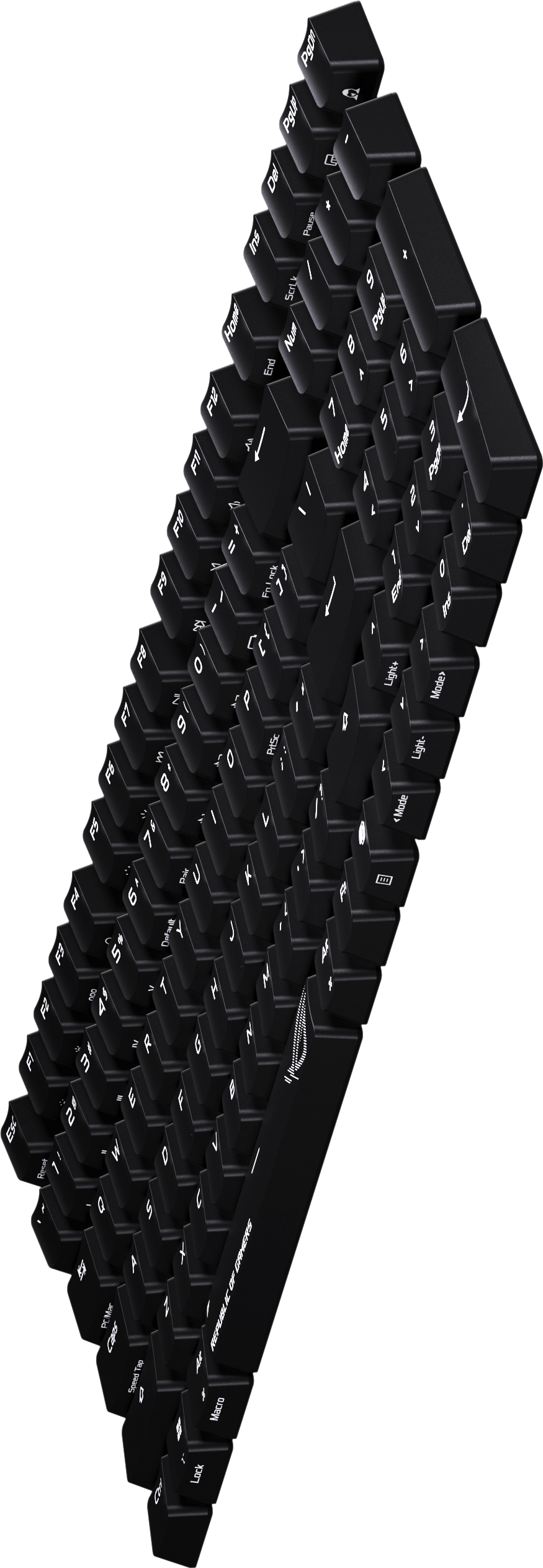
Control media and refine the setup
The knob handles supported volume, media and lighting adjustments. Three tilt positions and Gear Link configuration help you set up the keyboard around your desk and preferred shortcuts.
ASUS ROG Strix Morph 96 Wireless Setup Choices
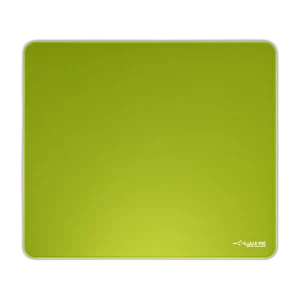
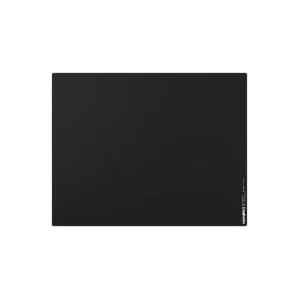
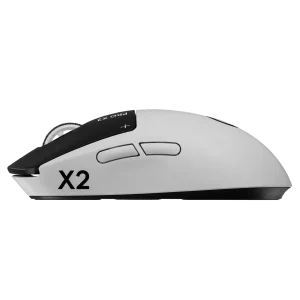
Choose the layout, switch type, key language and connection that suit your work and games. Measure the space left for mouse movement; a different keyboard format changes the desk arrangement as well as the keys available. Explore ARTISAN NINJA FX TYPE-99 SOFT XL Mousepad – Matcha, Pulsar Superglide V3 Glass Mousepad - Type S, Logitech G PRO X2 SUPERSTRIKE Wireless Gaming Mouse. Browse the ASUS range at AX.
Frequently Asked Questions
Which switches and mounting arrangement does it use?
ROG NX Snow V 2 mechanical. Hot-swappable sockets and gasket mount.
What connection modes are available?
Wired USB;Bluetooth 5.1;2.4 GHz RF. ROG SpeedNova. Bluetooth: Up to 3 paired devices.
Which software and operating systems are listed?
Gear Link. Windows 11;macOS 10.11 or later.
Which accessories come with it?
Keycap/switch puller;3 themed translucent keycaps;Ctrl keycap;USB extender;Torx wrench;USB cable.
Build Your Setup with AX Store
Explore computers, displays and accessories for your workspace at AX Store. For help choosing the right model or checking an accessory, contact AX Store.
THE DETAILS
Technical specifications
ASUS ROG Strix Morph 96 Wireless
ASUS ROG
ASUS ROG Strix Morph 96 Wireless
ROG NX Snow V 2 mechanical
96%
Wired USB;Bluetooth 5.1;2.4 GHz RF
ROG SpeedNova
Up to 3 paired devices
Hot-swappable
South-facing
Gasket mount
Doubleshot ABS
Translucent polycarbonate
Per-key RGB;side light bars;Aura Sync
N-key rollover
All keys
1000 Hz
3
Gear Link
Windows 11;macOS 10.11 or later
398 ×134 ×39 mm
1125 g without cable
Black
Keycap/switch puller;3 themed translucent keycaps;Ctrl keycap;USB extender;Torx wrench;USB cable
COMPLETE YOUR SETUP
Pairs well with