
ASUS
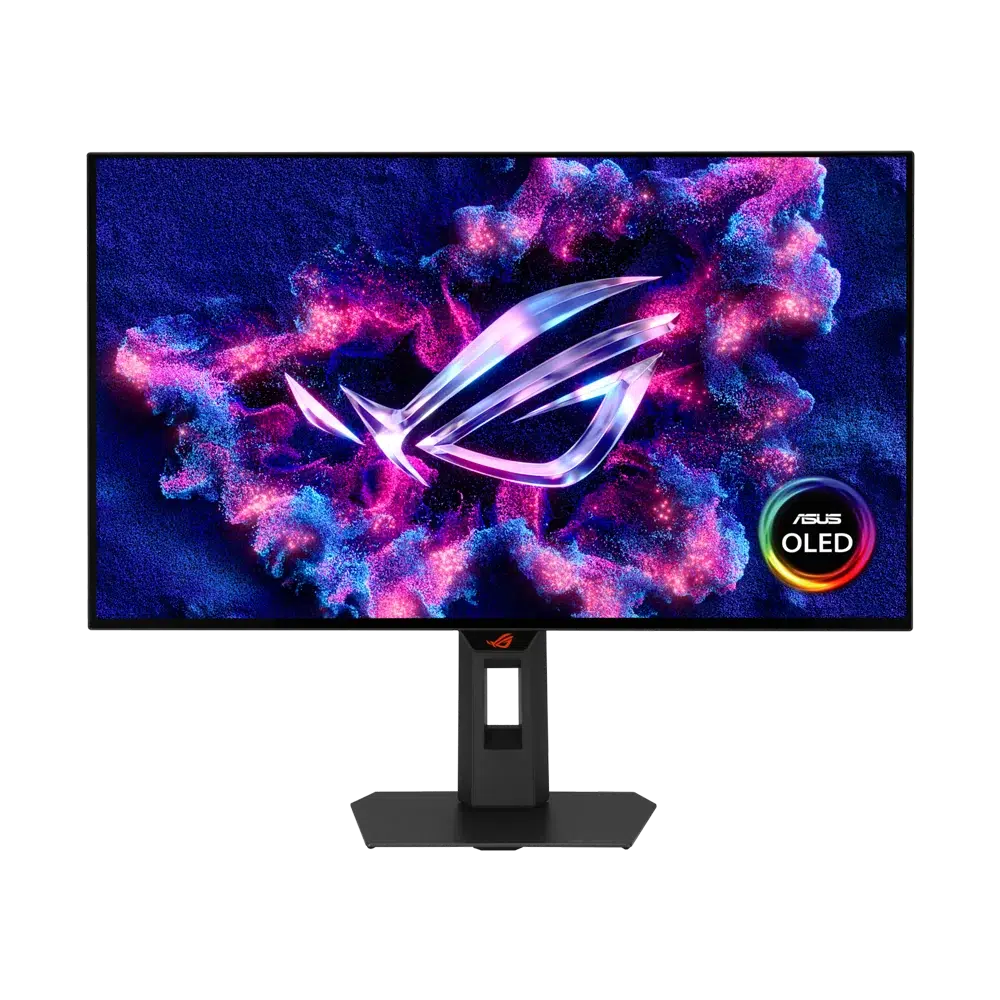
ASUS ROG Strix OLED XG27AQWMG 27" QHD 280Hz Gaming Monitor
Upgrade to the ASUS ROG Strix OLED XG27AQWMG: a 27-inch-class QHD Tandem WOLED gaming monitor with TrueBlack Glossy finish, 280Hz refresh rate, 0.03ms response and OLED Care Pro with Neo Proximity Sensor.
Regular price
186.000 KWD
or 4 payments of 46.500 KWD with
Overview
ASUS ROG STRIX OLED XG27AQWMG 27" QHD 280HZ GAMING MONITOR
ASUS XG27AQWMG
ASUS XG27AQWMG: Bring your favourite games onto a QHD Tandem WOLED display that balances fast motion with rich contrast. The 27-inch class format keeps the action close without taking over your desk. Explore this model at AX Store in Kuwait.
27-inch Class
Display Size
2560 × 1440
Native Resolution
Up to 280Hz
Maximum Supported Refresh
WOLED
Panel Technology
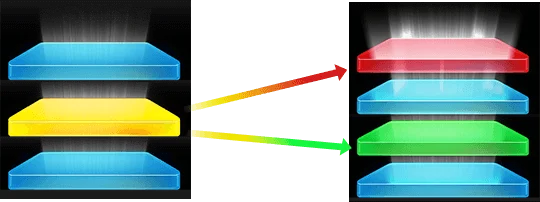
Give every scene more depth.
The four-layer Tandem WOLED panel combines a TrueBlack Glossy finish with wide colour coverage. VESA DisplayHDR True Black 500 brings extra definition to bright highlights and dark scenes.
Keep pace with your PC.
A 280Hz refresh rate and rapid OLED response suit high-frame-rate gaming. DisplayPort 1.4 DSC and two HDMI 2.1 inputs make room for your gaming sources.
Protection built into the routine.
ASUS OLED Care Pro, a custom heatsink and the Neo Proximity Sensor help manage panel care. The sensor switches to a black image when you step away.
Choose the Mode for the Actual Source
The Tandem WOLED panel uses the TrueBlack Glossy finish, while OLED Care Pro and the Neo Proximity Sensor support the stated panel-care routine. Keep the supported care settings available and allow their normal operation as part of daily use.
Connect Each Port for Its Intended Role
The connection details are DisplayPort: 1 × DisplayPort 1.4 DSC; HDMI: 2 (FRL) × HDMI 2.1. Match the video output, cable and selected monitor input before choosing the target resolution and refresh rate. A USB data or charging connection should be used only for its stated role.
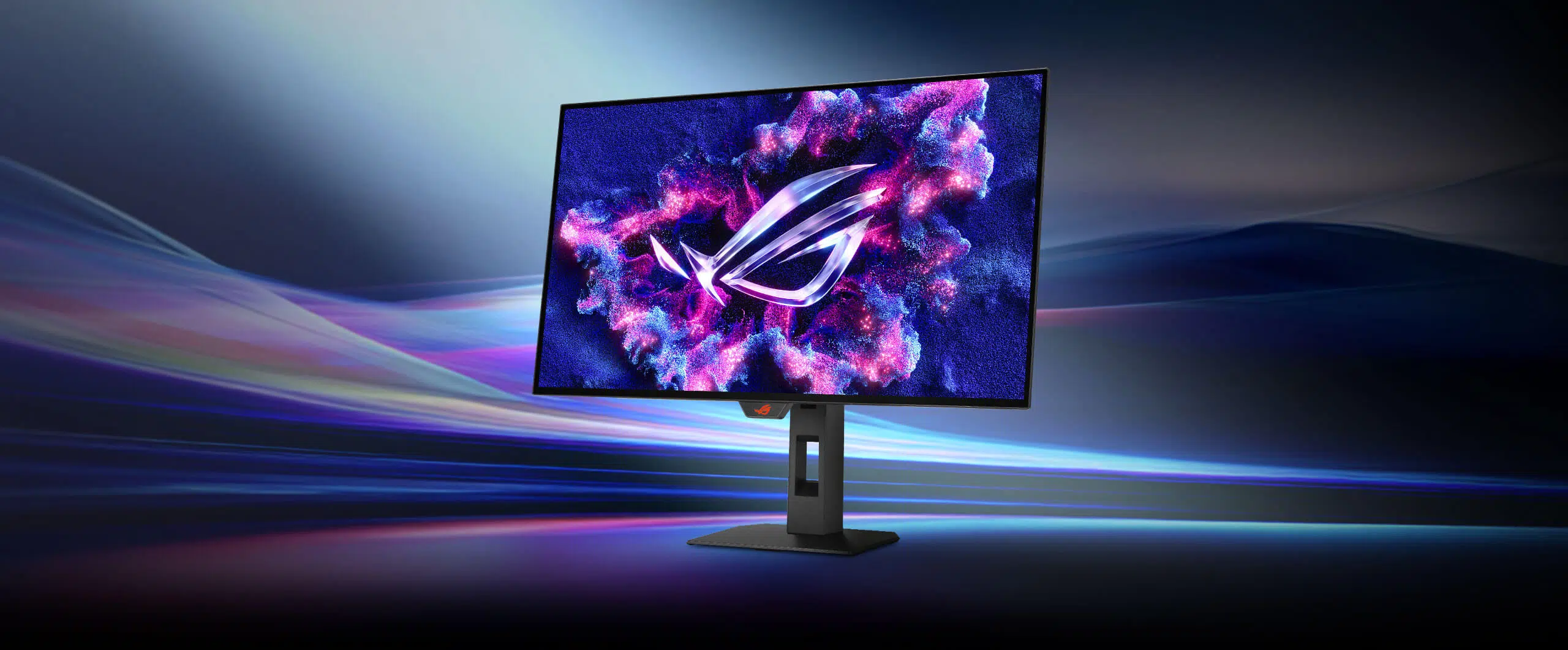
Plan the Viewing Position and Mount
Use the supplied stand’s supported adjustments for the desk and seating position. A separate monitor arm must match the actual VESA pattern, screen size and load, with enough room for the screen and its connected cables.
Plan the Display and the Rest of Your Desk
Compare resolution, refresh rate, screen size and the input you will actually use. Match the computer or console output to the chosen display mode, and leave room for the monitor stand and mouse movement. Compare related options such as ASUS ROG Strix XG27UCG-W 27 inch Dual Mode 4K 160Hz Gaming Monitor or ASUS ROG Swift OLED PG27AQWP-W 27 inch 540Hz Gaming Monitor, keeping the exact model and configuration in the decision. For the wider setup, explore ASUS ROG Harpe II Ace Red Wireless Gaming Mouse, 42000 DPI and check the connection, size or mounting requirements before pairing accessories. Browse the ASUS range at AX for more choices.
ASUS XG27AQWMG Setup Choices
Compare resolution, refresh rate, screen size and the input you will actually use. Match the computer or console output to the chosen display mode, and leave room for the monitor stand and mouse movement. Explore Wooting 60HE v2 60% Gaming Keyboard, Aluminium, Pulsar Pro Series Susanto-X Wireless Gaming Mouse Size 2, 50g, ARTISAN NINJA FX ZERO Gaming Mousepad – SOFT/XSOFT, XL/XXL.
Frequently Asked Questions
Is this a 4K monitor?
No. Its native resolution is 2560 × 1440 QHD.
What do I need for 280Hz?
A compatible graphics card, connection and display configuration. Actual game frame rates depend on your PC and settings.
What native resolution is specified?
2560 × 1440.
What should I check for the highest refresh rate?
The Tandem WOLED panel uses the TrueBlack Glossy finish, while OLED Care Pro and the Neo Proximity Sensor support the stated panel-care routine. Keep the supported care settings available and allow their normal operation as part of daily use.
Which connection details should I check?
DisplayPort: 1 × DisplayPort 1.4 DSC; HDMI: 2 (FRL) × HDMI 2.1.
What mounting pattern should an arm match?
100x100mm. Match the arm’s supported screen size and load to the actual monitor, including the required clearance and any mounting hardware.
Build Your Setup with AX Store
Explore computers, displays and accessories for your workspace at AX Store. For help choosing the right model or checking an accessory, contact AX Store.
THE DETAILS
Technical specifications
Display
ASUS ROG
XG27AQWMG
26.5 inches
Tandem WOLED; TrueBlack Glossy
2560 × 1440
16:9
Up to 280Hz
0.03ms(GTG)
99.5% DCI-P3
10-bit
VESA DisplayHDR True Black 500
1500 cd/m²
WOLED
Glossy (TrueBlack Glossy)
99.5%
Gaming & Protection
AMD FreeSync Premium Pro / NVIDIA G-SYNC Compatible
ASUS OLED Care Pro; Neo Proximity Sensor
ASUS DisplayWidget Center
Custom heatsink
Connections & Mounting
1 × DisplayPort 1.4 DSC
2 (FRL) × HDMI 2.1
2 × USB 3.2 Gen 1 Type-A
Headphone jack
100x100mm
Height / tilt / swivel / pivot
6.7kg with stand; 4.8kg without stand
605 × 500 × 188mm
605 × 368 × 63mm
0~110mm
Product identification
ASUS
90LM0BZ0-B01171
4711636168991
COMPLETE YOUR SETUP
Pairs well with






