ASUS
ASUS ROG Strix XG279Q 27 inch 2K IPS 170Hz Gaming Monitor
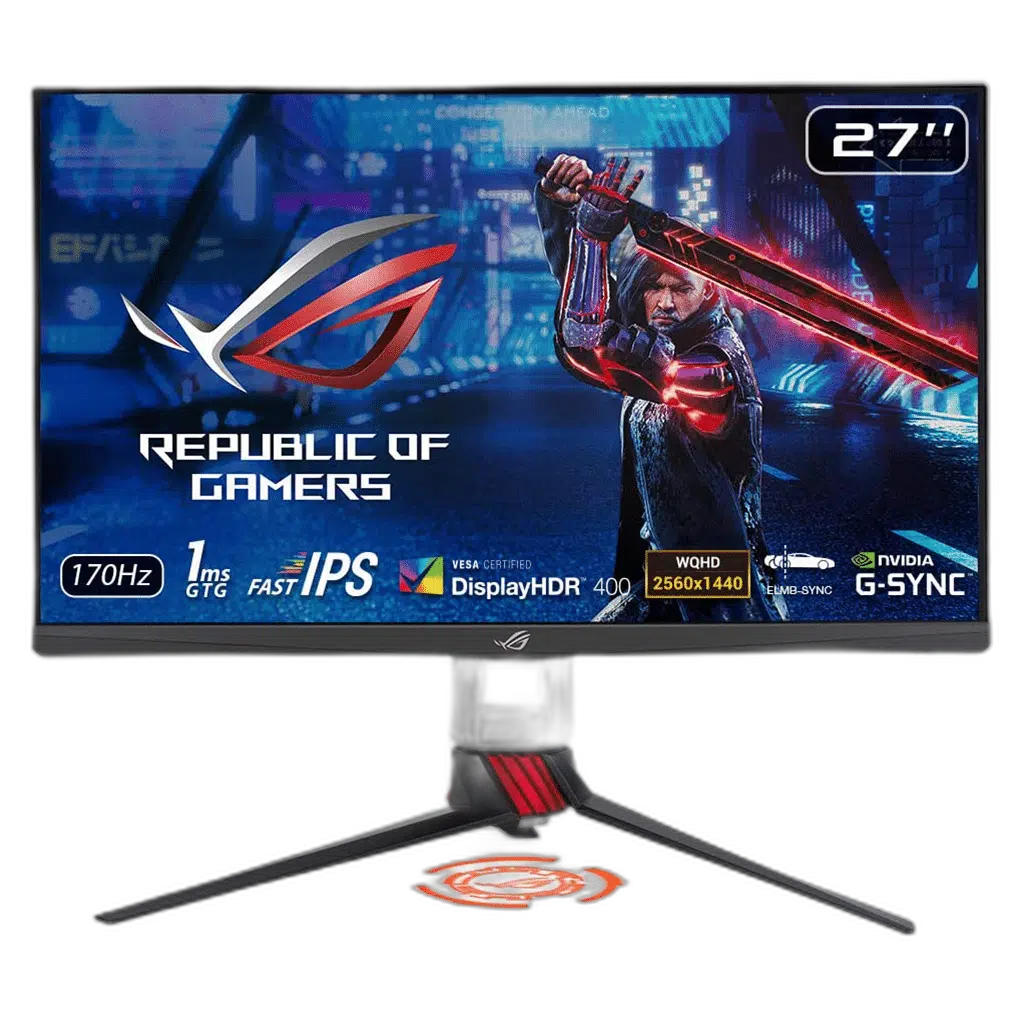
The ASUS ROG Strix XG279Q combines a 27-inch QHD Fast IPS panel with an overclockable 170Hz refresh rate and 1ms grey-to-grey response. Wide colour coverage, ELMB Sync and G-SYNC Compatible support make it a versatile display for competitive and visually rich games.
Regular price
257.500 KWD
or 4 payments of 64.375 KWD with
Pay with card & save


245.000 KWD
Save 12.500 KWD
Overview
ASUS ROG STRIX XG279Q 27 INCH 2K IPS 170HZ GAMING MONITOR
QHD detail with Fast IPS speed
The ASUS ROG Strix XG279Q combines a 27-inch QHD Fast IPS panel with an overclockable 170Hz refresh rate and 1ms grey-to-grey response. Wide colour coverage, ELMB Sync and G-SYNC Compatible support make it a versatile display for competitive and visually rich games.
27 inch
Viewable Display Diagonal
2560 × 1440
Native Resolution
Up to 170Hz overclocked via DisplayPort; up to 144Hz via HDMI
Listed Refresh and Input Conditions
Fast IPS
Panel Technology
Sharper detail, smoother movement
The 2560 × 1440 panel adds detail over Full HD, while DisplayPort enables the maximum 170Hz overclocked refresh rate. ELMB Sync supports blur reduction alongside variable refresh to keep movement easier to follow.
Colour that brings scenes to life
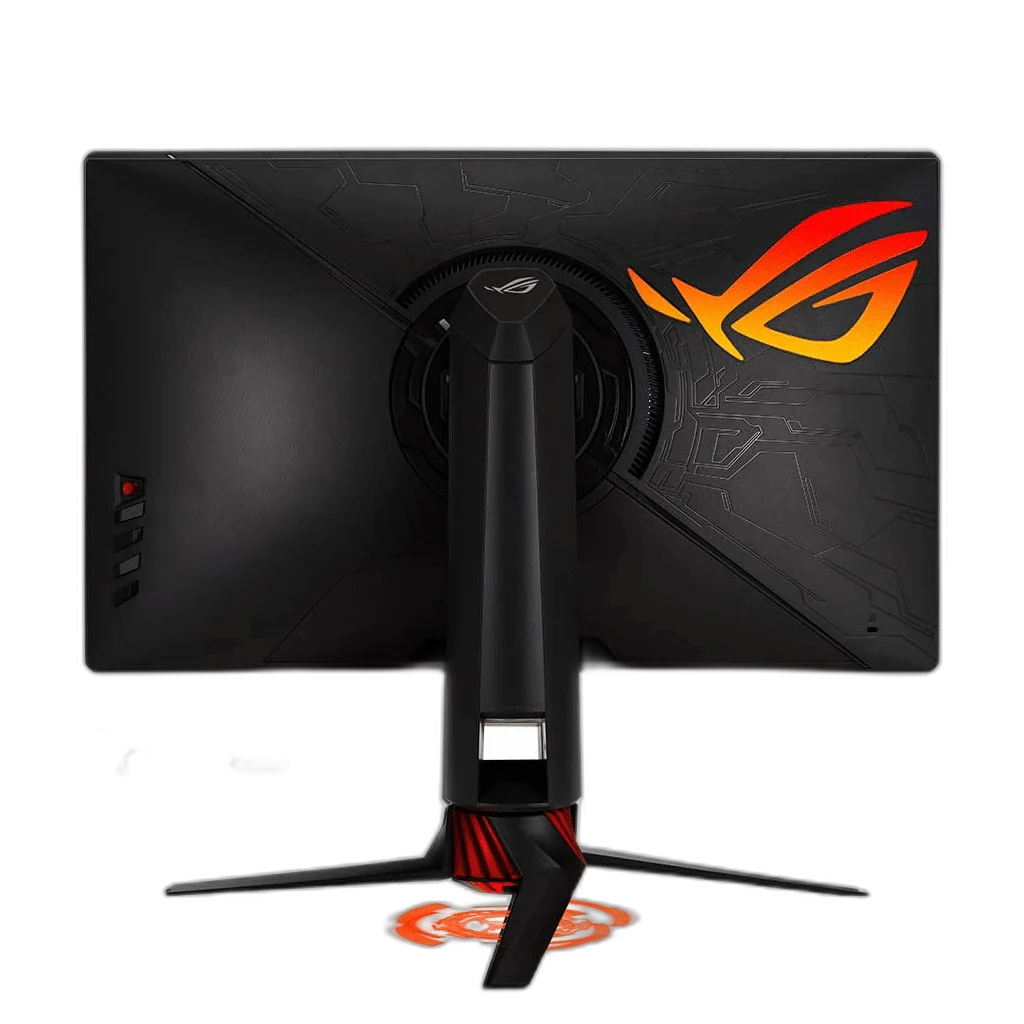
With 95% DCI-P3 coverage and DisplayHDR 400 certification, the XG279Q supports colourful HDR content. Its height-adjustable stand includes swivel and portrait rotation, and Aura Sync lighting can coordinate with compatible equipment.
Match the Refresh Mode to Your Setup
Refresh rate: Up to 170Hz overclocked via DisplayPort; up to 144Hz via HDMI. The available refresh mode depends on the resolution, input, source device and supported settings. Check those conditions together before choosing a cable or expecting the highest listed refresh mode from your system.
Connect the Devices You Use
Video inputs: 1 × DisplayPort 1.2; 2 × HDMI 2.0. USB hub: 2 × USB 3.2 Gen 1 Type-A. Match the display input to your source device and check any stated USB-C video, data or power-delivery role. Different USB-C ports and cables do not necessarily support the same display functions.
Arrange the Display on Your Desk
Stand adjustment: 120mm height; tilt −5° to +20°; swivel ±40°; pivot 0° to 90° clockwise. VESA mount: 100 × 100mm. Use the listed stand adjustments to position the display for your desk and chair. If you choose an arm or wall mount, check the stated VESA pattern and the mounting hardware requirements.
Use Supported Variable-Refresh Settings
The listed adaptive-refresh support is Adaptive-Sync; NVIDIA G-SYNC Compatible. Check your graphics source, input and driver settings for the supported feature you want to use, keeping variable refresh separate from the monitor’s maximum fixed refresh specification.
Complete Your Workspace
Explore gaming PCs, gaming monitors for your setup. Choose listening equipment for a compatible output on your computer or console. Compare the exact size, curvature, input and supported refresh mode before choosing an alternative display; the highest mode may require a particular connection or an overclock setting. Recommended keyboards, mice and controllers are separate setup choices.
Frequently Asked Questions
What size, panel and resolution does this display use?
27 inches. Fast IPS panel technology. Native resolution: 2560 × 1440 (QHD); 16:9.
What refresh modes and input limits apply?
Refresh rate: Up to 170Hz overclocked via DisplayPort; up to 144Hz via HDMI. Available modes also depend on your source, input, cable and supported settings.
Which video and USB connections are listed?
Video inputs: 1 × DisplayPort 1.2; 2 × HDMI 2.0. USB hub: 2 × USB 3.2 Gen 1 Type-A.
What stand adjustment and mounting options are specified?
Stand adjustment: 120mm height; tilt −5° to +20°; swivel ±40°; pivot 0° to 90° clockwise. VESA mount: 100 × 100mm.
How is response time specified?
1ms grey-to-grey.
What HDR support is listed?
HDR10; VESA DisplayHDR 400.
Build Your Setup with AX Store Kuwait
Explore computers, displays and accessories for your workspace at AX Store Kuwait. For help choosing the right model or checking an accessory, contact AX Store.
THE DETAILS
Technical specifications
Display specifications
ASUS
ROG Strix XG279Q
27 inches
Fast IPS; flat; anti-glare
2560 × 1440 (QHD); 16:9
Up to 170Hz overclocked via DisplayPort; up to 144Hz via HDMI
1ms grey-to-grey
95% DCI-P3; 130% sRGB
Delta E ≤ 2
400 cd/m²
1000:1
16.7 million
HDR10; VESA DisplayHDR 400
Adaptive-Sync; NVIDIA G-SYNC Compatible
ASUS ELMB Sync
1 × DisplayPort 1.2; 2 × HDMI 2.0
2 × USB 3.2 Gen 1 Type-A
Headphone output; 2 × 2W speakers
120mm height; tilt −5° to +20°; swivel ±40°; pivot 0° to 90° clockwise
100 × 100mm
7kg with stand
COMPLETE YOUR SETUP
Pairs well with