ASUS
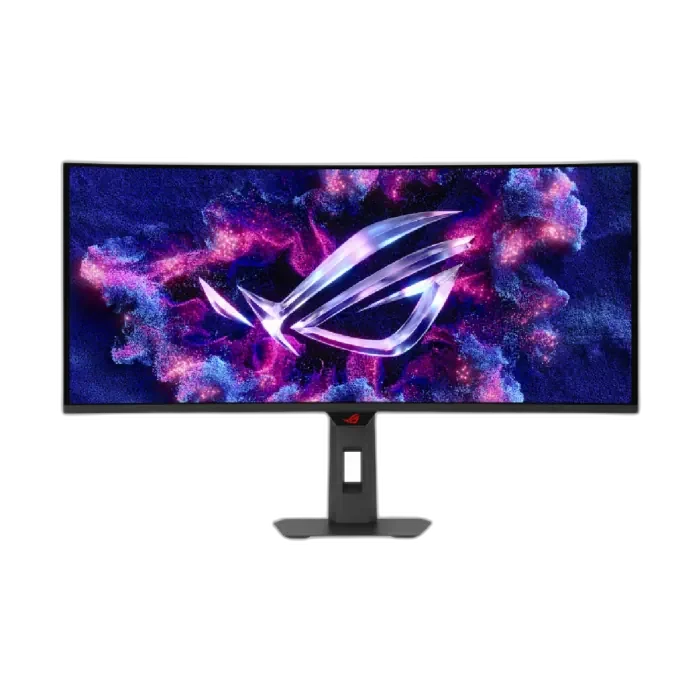
ASUS ROG Strix XG34WCDMTG 34 inch OLED 240Hz Curved Gaming Monitor
Stretch games and desktop work across a 34-inch ultrawide QD-OLED display with a 1800R curve.
Regular price
339.000 KWD
or 4 payments of 84.750 KWD with
Overview
ASUS ROG STRIX XG34WCDMTG 34 INCH OLED 240HZ CURVED GAMING MONITOR
A wider view with OLED depth.
Stretch games and desktop work across a 34-inch ultrawide QD-OLED display with a 1800R curve.
34-inch Class
Display Size
3440 × 1440
Native Resolution
Up to 240Hz
Maximum Supported Refresh
QD-OLED
Panel Technology
Wide and fluid
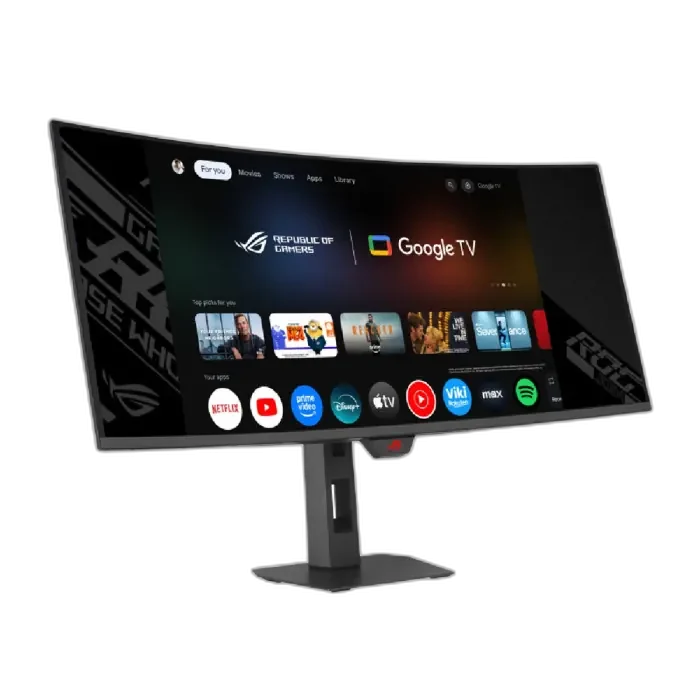
The 3440 × 1440 panel combines a 21:9 view with up to 240Hz refresh and 0.03ms gray-to-gray response. Choose the target resolution and refresh setting on a compatible computer and monitor input before beginning the session.
Connect a laptop, too
USB-C DP Alt Mode with up to 90W power delivery supports a compatible laptop setup. DisplayPort and two HDMI 2.1 ports give other devices a place.
Choose the Mode for the Actual Source
The smart platform is Android 14 with Google TV, with Wi-Fi 6 and built-in streaming application support. App availability, accounts and subscriptions depend on the service and region. Compatible laptops can also use the USB-C DP Alt Mode connection and up-to-90 W charging.
Connect Each Port for Its Intended Role
The connection details are DisplayPort 1.4: x 1; HDMI(v2.1): x 2 (FRL); USB-C: x 1 (DP Alt Mode). Match the video output, cable and selected monitor input before choosing the target resolution and refresh rate. A USB data or charging connection should be used only for its stated role.
Plan the Viewing Position and Mount
Use the supplied stand’s supported adjustments for the desk and seating position. A separate monitor arm must match the actual VESA pattern, screen size and load, with enough room for the screen and its connected cables.
Balance Game Settings with the Display Mode
The monitor’s maximum refresh rate describes a supported display mode, while the computer must produce the game frames. Choose the appropriate resolution, graphics settings and supported adaptive-sync configuration for the source, rather than assuming one maximum applies to every game or console.
Complete Your Workspace
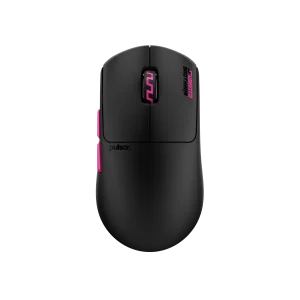
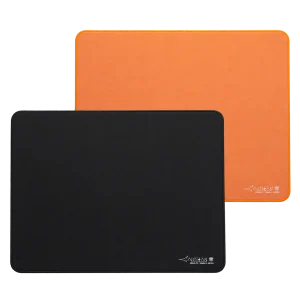
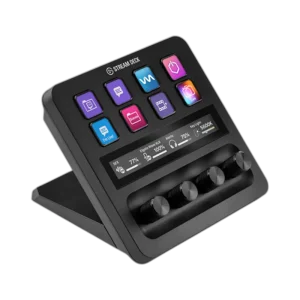
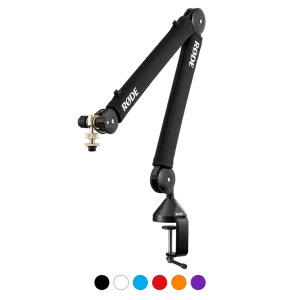
Explore Monitors at AX Store and choose the configuration or accessories that fit your setup. Suggested products are sold separately. Wooting keyboards, Pulsar mice, ARTISAN pads and Elgato controls complement a compatible computer desk. The separate RØDE USB microphone and PSA1+ arm are an optional computer voice setup, using the microphone’s appropriate supplied mount. Connect these devices to their supported host; the microphone arm is for the microphone. Select a monitor arm separately for the actual screen size, VESA pattern and load. Compare each display alternative’s native resolution, refresh mode, input limits, curvature, physical size and charging power before choosing. Smart applications, cameras and services are model-specific.
Frequently Asked Questions
What native resolution is specified?
3440 × 1440.
What should I check for the highest refresh rate?
The smart platform is Android 14 with Google TV, with Wi-Fi 6 and built-in streaming application support. App availability, accounts and subscriptions depend on the service and region. Compatible laptops can also use the USB-C DP Alt Mode connection and up-to-90 W charging.
Which connection details should I check?
DisplayPort 1.4: x 1; HDMI(v2.1): x 2 (FRL); USB-C: x 1 (DP Alt Mode).
What mounting pattern should an arm match?
100x100mm. Match the arm’s supported screen size and load to the actual monitor, including the required clearance and any mounting hardware.
Build Your Setup with AX Store Kuwait
Explore computers, displays and accessories for your workspace at AX Store Kuwait. For help choosing the right model or checking an accessory, contact AX Store.
THE DETAILS
Technical specifications
ASUS ROG
ROG Strix XG34WCDMTG
Smart Curved Gaming Monitor
34 inches
Ultrawide Curved
QD-OLED
Up to 240Hz
0.03ms(GTG)
AMD FreeSync, NVIDIA G-SYNC Compatible
Android 14 with Google TV
WiFi 6
HDMI, DisplayPort, USB Ports
Deep Blacks, High Contrast, Vibrant Colors
Built-In Streaming and Google TV Applications
Gaming, Streaming, Entertainment, Multitasking
3440 × 1440
21:9
Anti-Reflection
1800R
99%
0~110mm
100x100mm
Connections
90W
x 1
x 2 (FRL)
x 1 (DP Alt Mode)
COMPLETE YOUR SETUP
Pairs well with