ASUS
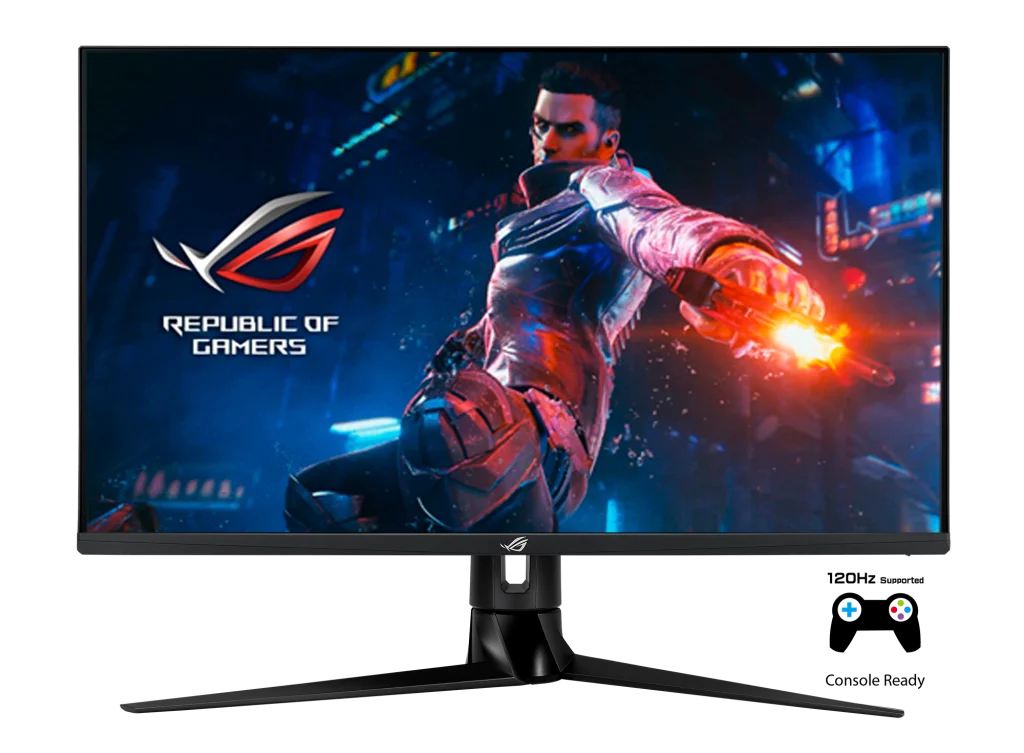
ASUS ROG Swift PG32UQ 32 Inch 4K UHD 144Hz IPS Monitor
The ASUS ROG Swift PG32UQ combines a 32-inch 4K IPS panel with a 144Hz refresh rate. Quantum-dot colour, DisplayHDR 600 and HDMI 2.1 give you detailed visuals and versatile connectivity for a gaming PC and compatible consoles.
Regular price
331.000 KWD
or 4 payments of 82.750 KWD with
Pay with card & save


315.000 KWD
Save 16.000 KWD
Overview
ASUS ROG SWIFT PG32UQ 32 INCH 4K UHD 144HZ IPS MONITOR
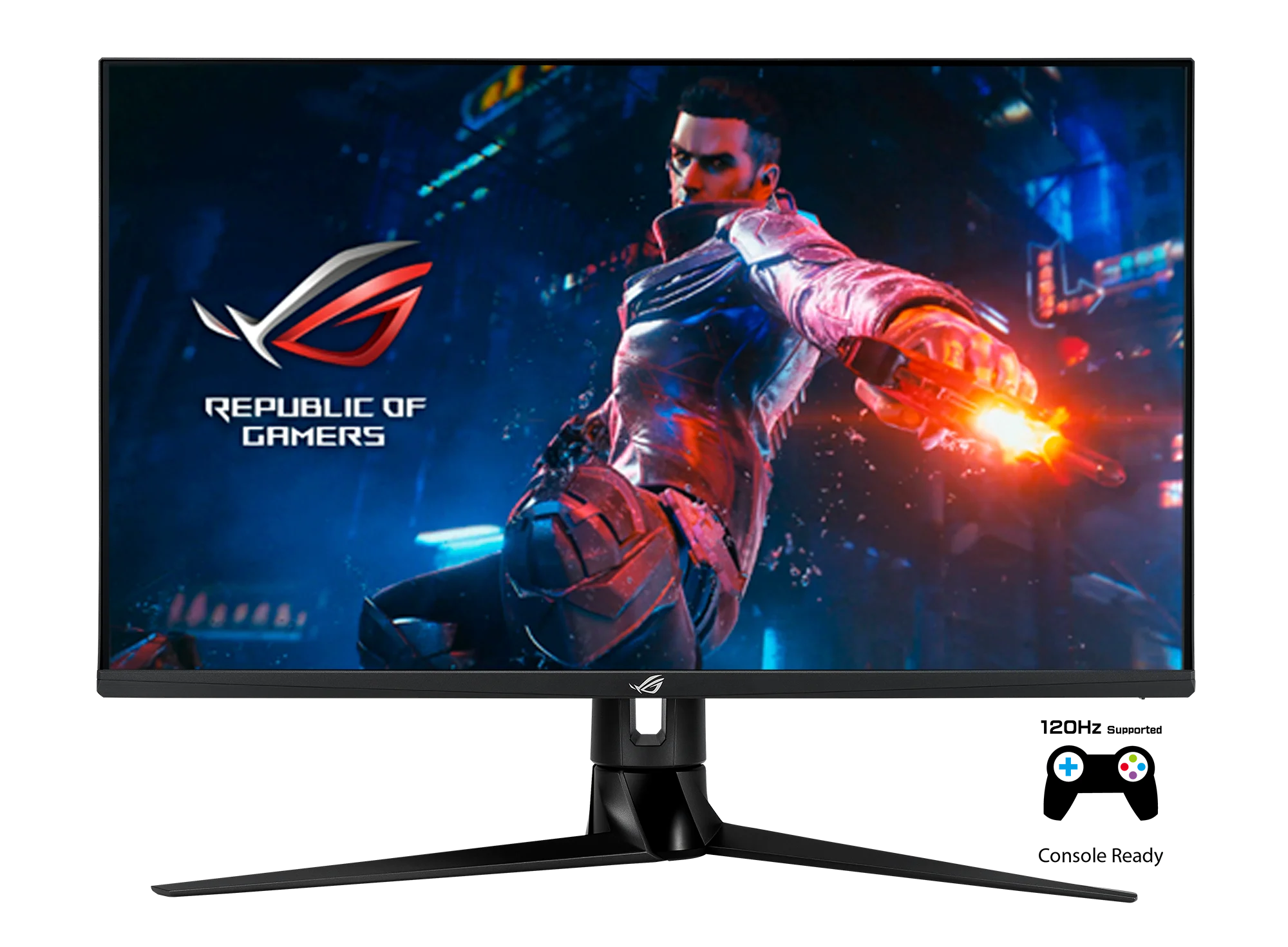
ASUS ROG Swift PG32UQ
The ASUS ROG Swift PG32UQ combines a 32-inch 4K IPS panel with a 144Hz refresh rate. Quantum-dot colour, DisplayHDR 600 and HDMI 2.1 give you detailed visuals and versatile connectivity for a gaming PC and compatible consoles. Explore this model at AX Store in Kuwait.
32 inch
Viewable Display Diagonal
3840 × 2160
Native Resolution
144Hz
Listed Refresh and Input Conditions
IPS
Panel Technology
Wide colour and sharp 4K detail
The 3840 × 2160 panel covers 98% DCI-P3 and supports 10-bit colour with Delta E below 2 accuracy. ELMB Sync, FreeSync Premium Pro and G-SYNC Compatible support help deliver smooth gaming, with a specified 1ms MPRT response.
Connect your systems and arrange your desk
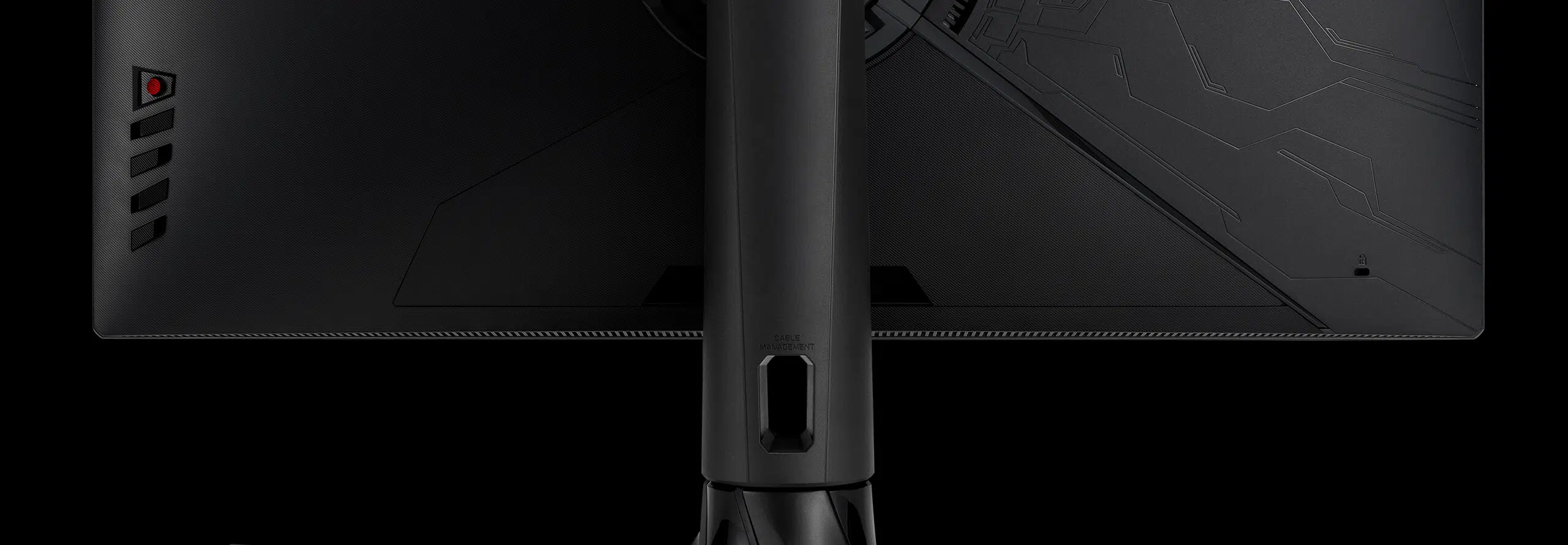
Dual HDMI 2.1 inputs support compatible PS5 and Xbox Series X games at native 4K 120Hz without chroma subsampling. DisplayPort 1.4 with DSC connects a gaming PC. Height, swivel and tilt adjustment, a USB hub and two 5W speakers round out the setup.
Match the Refresh Mode to Your Setup
Refresh rate: 144Hz. The available refresh mode depends on the resolution, input, source device and supported settings. Check those conditions together before choosing a cable or expecting the highest listed refresh mode from your system.
Use Supported Variable-Refresh Settings
The listed adaptive-refresh support is AMD FreeSync Premium Pro; NVIDIA G-SYNC Compatible. Check your graphics source, input and driver settings for the supported feature you want to use, keeping variable refresh separate from the monitor’s maximum fixed refresh specification.
Read Response Time with Its Measurement
The stated response-time reference is 1ms MPRT. Keep the measurement and any minimum or mode qualification attached to that figure when comparing monitors; response time and refresh rate describe different parts of how a display behaves.
Check the Audio Arrangement
The listed audio arrangement is Earphone jack; 2 × 5W speakers. Plan speakers or headphones around those connections and the audio path of your source device, keeping the monitor’s built-in playback capabilities separate from any external sound equipment you add.
Plan the Display and the Rest of Your Desk
Compare resolution, refresh rate, screen size and the input you will actually use. Match the computer or console output to the chosen display mode, and leave room for the monitor stand and mouse movement. Compare related options such as ASUS ROG Strix XG27UCG-W 27 inch Dual Mode 4K 160Hz Gaming Monitor or ASUS ROG Swift OLED PG27AQWP-W 27 inch 540Hz Gaming Monitor, keeping the exact model and configuration in the decision. For the wider setup, explore ASUS ROG Harpe II Ace Red Wireless Gaming Mouse, 42000 DPI and check the connection, size or mounting requirements before pairing accessories. Browse the ASUS range at AX for more choices.
ASUS ROG Swift PG32UQ Setup Choices
Compare resolution, refresh rate, screen size and the input you will actually use. Match the computer or console output to the chosen display mode, and leave room for the monitor stand and mouse movement. Explore Wooting 60HE v2 60% Gaming Keyboard, Aluminium, Pulsar Pro Series Susanto-X Wireless Gaming Mouse Size 2, 50g, Sennheiser IE 100 PRO Clear Dynamic In-Ear Monitoring Headphones.
Frequently Asked Questions
What size, panel and resolution does this display use?
32-inch IPS. IPS panel technology. Native resolution: 3840 × 2160 (4K UHD).
What refresh modes and input limits apply?
Refresh rate: 144Hz. Available modes also depend on your source, input, cable and supported settings.
Which video and USB connections are listed?
Video inputs: 1 × DisplayPort 1.4 DSC; 2 × HDMI 2.1 FRL. USB hub: 2 × USB 3.2 Gen 1 Type-A.
What stand adjustment and mounting options are specified?
Stand adjustment: Tilt −5° to +20°; swivel ±25°; height 100mm. VESA mount: 100 × 100mm.
How is response time specified?
1ms MPRT.
What HDR support is listed?
HDR10; VESA DisplayHDR 600.
Build Your Setup with AX Store
Explore computers, displays and accessories for your workspace at AX Store. For help choosing the right model or checking an accessory, contact AX Store.
THE DETAILS
Technical specifications
Display specifications
32-inch IPS
3840 × 2160 (4K UHD)
144Hz
1ms MPRT
16:9
98% DCI-P3; 160% sRGB
10-bit; 1073.7 million colours
Delta E < 2
450 cd/m² typical; 600 cd/m² peak HDR
1000:1
178° horizontal / 178° vertical
Anti-glare
HDR10; VESA DisplayHDR 600
AMD FreeSync Premium Pro; NVIDIA G-SYNC Compatible
ELMB Sync; Variable Overdrive
1 × DisplayPort 1.4 DSC; 2 × HDMI 2.1 FRL
Native 4K 120Hz without 4:4:4 chroma subsampling on compatible PS5 and Xbox Series X games
2 × USB 3.2 Gen 1 Type-A
Earphone jack; 2 × 5W speakers
Tilt −5° to +20°; swivel ±25°; height 100mm
100 × 100mm
9.7kg
COMPLETE YOUR SETUP
Pairs well with