ASUS
ASUS ROG Thor 1600W Titanium Power Supply Unit
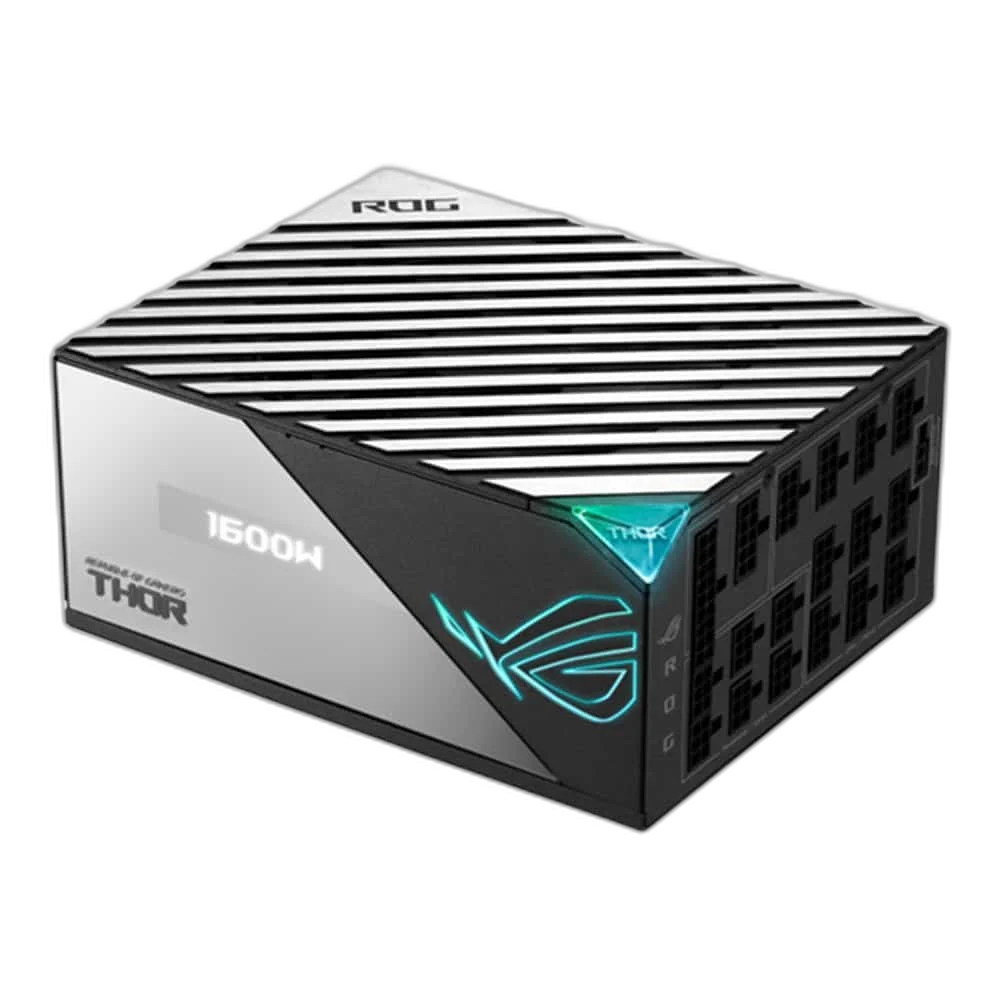
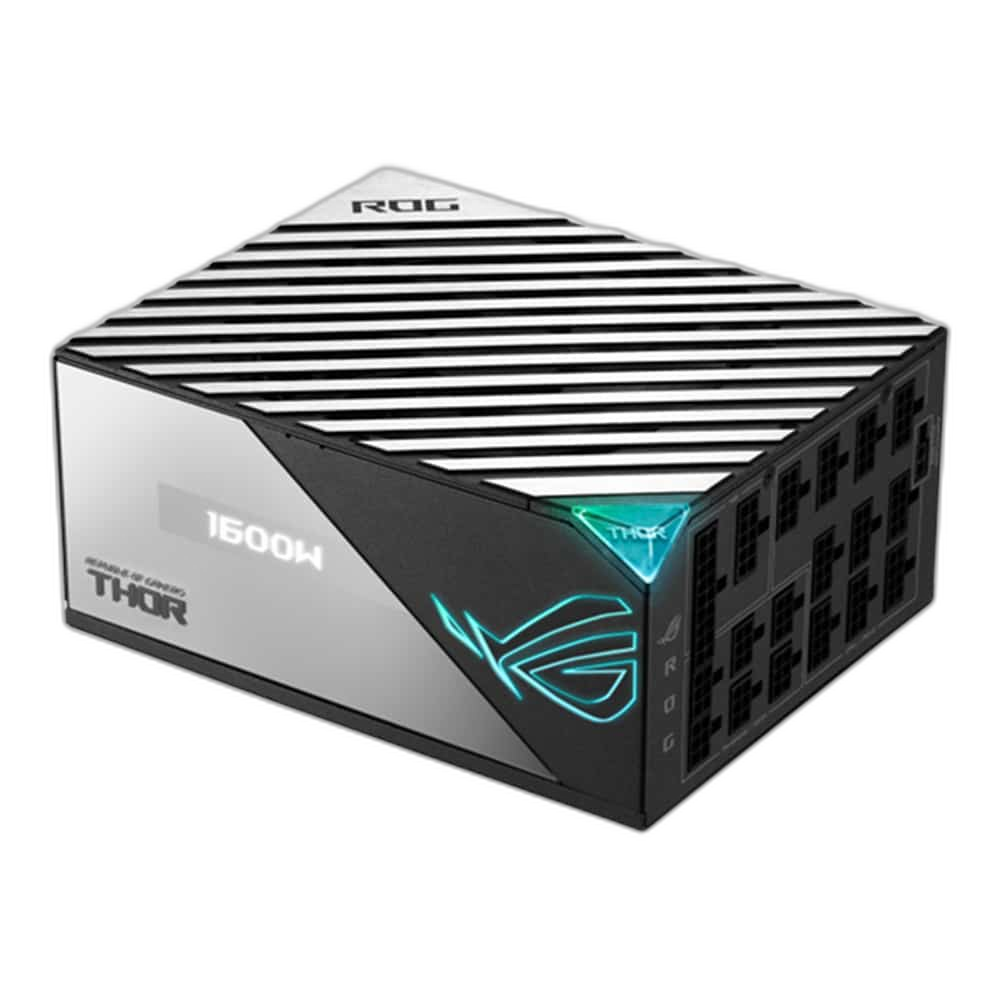
ASUS ROG THOR 1600W Titanium combines 1600 W at 115–240 V AC; 1300 W at 100–115 V AC with 80 PLUS Titanium certification and fully modular cables. Its ATX format and model-specific connections provide a power-supply option for a compatible desktop build, with A 135 mm PWM-controlled Axial-tech fan supports 0dB fan-stop operation under suitable lower-load conditions.
Regular price
199.000 KWD
or 4 payments of 49.750 KWD with
Overview
ASUS ROG THOR 1600W TITANIUM
1600 W ATX Power with 80 PLUS Titanium Efficiency
ASUS ROG THOR 1600W Titanium combines 1600 W at 115–240 V AC; 1300 W at 100–115 V AC with 80 PLUS Titanium certification and fully modular cables. Its ATX format and model-specific connections provide a power-supply option for a compatible desktop build, with A 135 mm PWM-controlled Axial-tech fan supports 0dB fan-stop operation under suitable lower-load conditions.
1600 W
Rated output
80 PLUS Titanium
Efficiency
ATX
PSU format
Fully modular
Cable layout
Power for the Complete Configuration
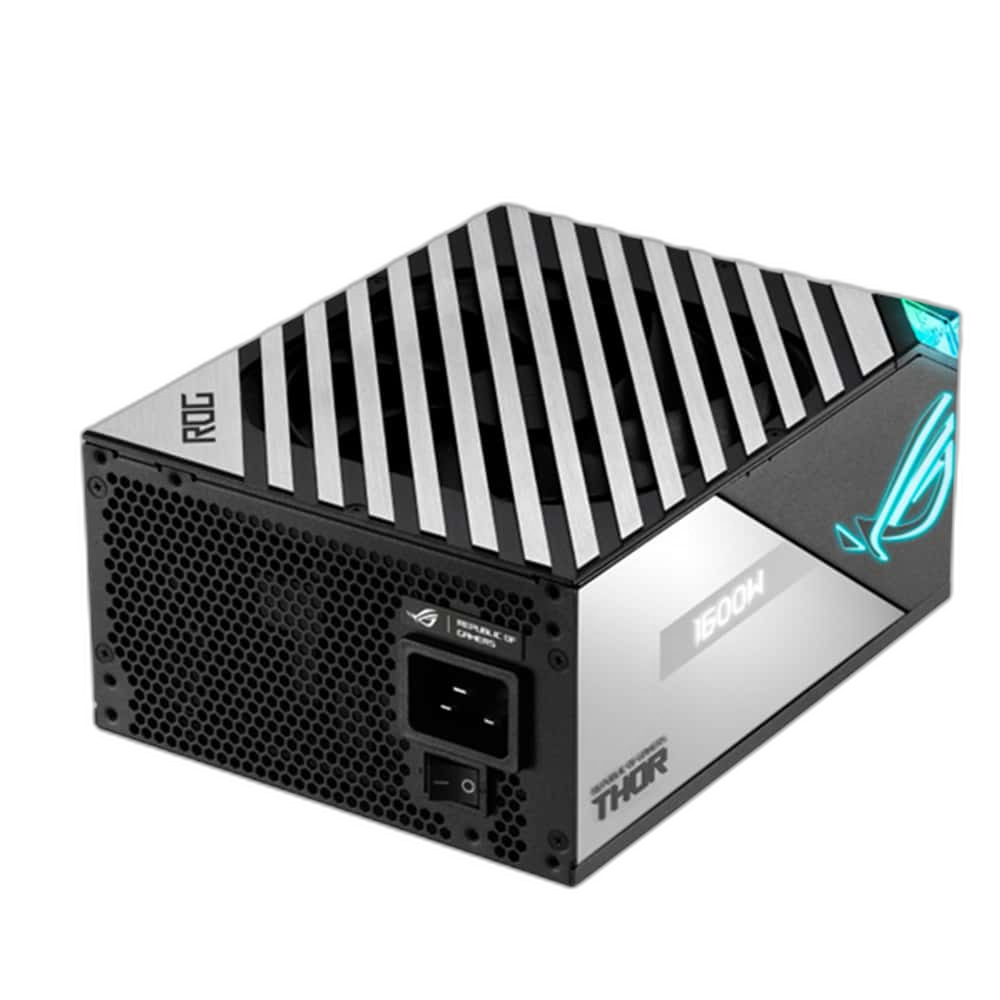
The unit is rated for 1600 W at 115–240 V AC; 1300 W at 100–115 V AC. Choose the supply around the complete system’s power requirements, including the processor, graphics card, drives and expansion hardware. The output rating describes its supply capacity; the actual power drawn by the computer depends on the installed components and the workload. Check both the power requirement and the required connectors when planning an upgrade.
80 PLUS Titanium Efficiency
80 PLUS Titanium certification describes the power supply’s conversion efficiency under the certification test conditions. It complements the model’s output rating when selecting a supply for the intended system. Efficiency varies with input conditions and load, so the certification should be read alongside the electrical ratings and the complete configuration rather than as a fixed efficiency at every operating point.
Connections Chosen for This Model
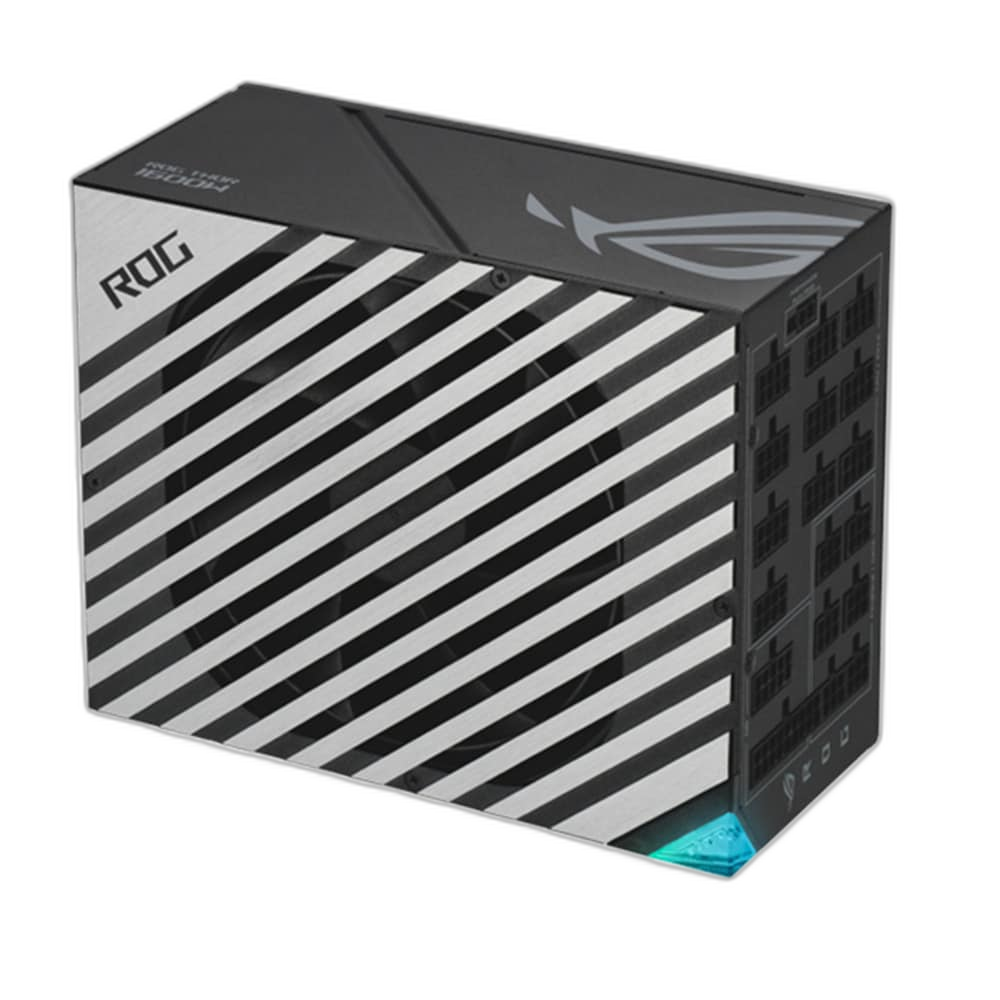
The fully modular cable layout lets you connect the leads required by the installed hardware and keep unused leads outside the case. The main connection set provides one 24/20-pin motherboard connector, two 4+4-pin CPU connectors, ten PCIe 6+2-pin connectors, twelve SATA power connectors and six peripheral connectors. Match the GPU’s power socket with the supplied cable set for the unit. Use the appropriate motherboard, CPU and graphics connections for each component. Keep the PSU’s own modular cable set with the unit, and use replacement leads only when the manufacturer confirms compatibility with this exact PSU and cable interface.
Cooling That Follows the Load
A 135 mm PWM-controlled Axial-tech fan supports 0dB fan-stop operation under suitable lower-load conditions. Leave the case’s PSU intake and exhaust routes clear and position the supply according to the case guidance. Fan speed and operating noise depend on the system load, temperature and airflow around the enclosure. A low-load fan-stop mode, where provided, works as part of that control behaviour rather than guaranteeing silent operation in every workload.
Check the Case and Cable Clearance
Its ATX enclosure measures 190 × 150 × 86 mm. Match the PSU bay, mounting points and cable-routing space with the case before installation. Account for the connected plugs and their routing space as well as the metal enclosure itself. Arrange the cables so that the case panel can close without placing strain on the connections, and retain access to the power switch and AC inlet in the finished system.
Model
ASUS ROG THOR 1600W Titanium
Rated output
1600 W at 115–240 V AC; 1300 W at 100–115 V AC
Efficiency certification
80 PLUS Titanium
The Details of This Power Supply
The OLED side panel displays real-time power draw, while Aura Sync lighting supports coordination with compatible lighting equipment. The design and connection layout should be considered together when choosing the unit for a new build or a replacement. Compare the listed electrical ratings, physical format and cables with the planned hardware, then follow the supplied installation guidance when assembling the completed system.
Complete Your Workspace
Explore Power Supplies to compare suitable options and complete your setup.
Frequently Asked Questions
What is the rated output?
1600 W at 115–240 V AC; 1300 W at 100–115 V AC.
Which efficiency certification does it have?
80 PLUS Titanium.
How do I check case compatibility?
Its ATX enclosure measures 190 × 150 × 86 mm. Match the PSU bay, mounting points and cable-routing space with the case before installation.
What power connections are available?
The main connection set provides one 24/20-pin motherboard connector, two 4+4-pin CPU connectors, ten PCIe 6+2-pin connectors, twelve SATA power connectors and six peripheral connectors. Match the GPU’s power socket with the supplied cable set for the unit.
Can modular cables be shared between different PSUs?
Only use a replacement cable when its manufacturer confirms compatibility with this exact PSU and cable interface. Keep the unit’s supplied modular cable set with the PSU.
Build Your Setup with AX Store Kuwait
Explore computers, displays and accessories for your workspace at AX Store Kuwait. For help choosing the right model or checking an accessory, contact AX Store.
THE DETAILS
Technical specifications
Power Supply Specifications
ASUS ROG THOR 1600W Titanium
1600 W at 115–240 V AC; 1300 W at 100–115 V AC
80 PLUS Titanium
ATX
Fully modular
190 × 150 × 86 mm
The main connection set provides one 24/20-pin motherboard connector, two 4+4-pin CPU connectors, ten PCIe 6+2-pin connectors, twelve SATA power connectors and six peripheral connectors. Match the GPU’s power socket with the supplied cable set for the unit.
A 135 mm PWM-controlled Axial-tech fan supports 0dB fan-stop operation under suitable lower-load conditions.
The OLED side panel displays real-time power draw, while Aura Sync lighting supports coordination with compatible lighting equipment.
100–240 V AC
Yes
133.3 A; 1600 W
OVP, UVP, OCP, OPP, OTP and SCP
OLED power-draw display
Aura Sync
A++
COMPLETE YOUR SETUP
Pairs well with