ASUS
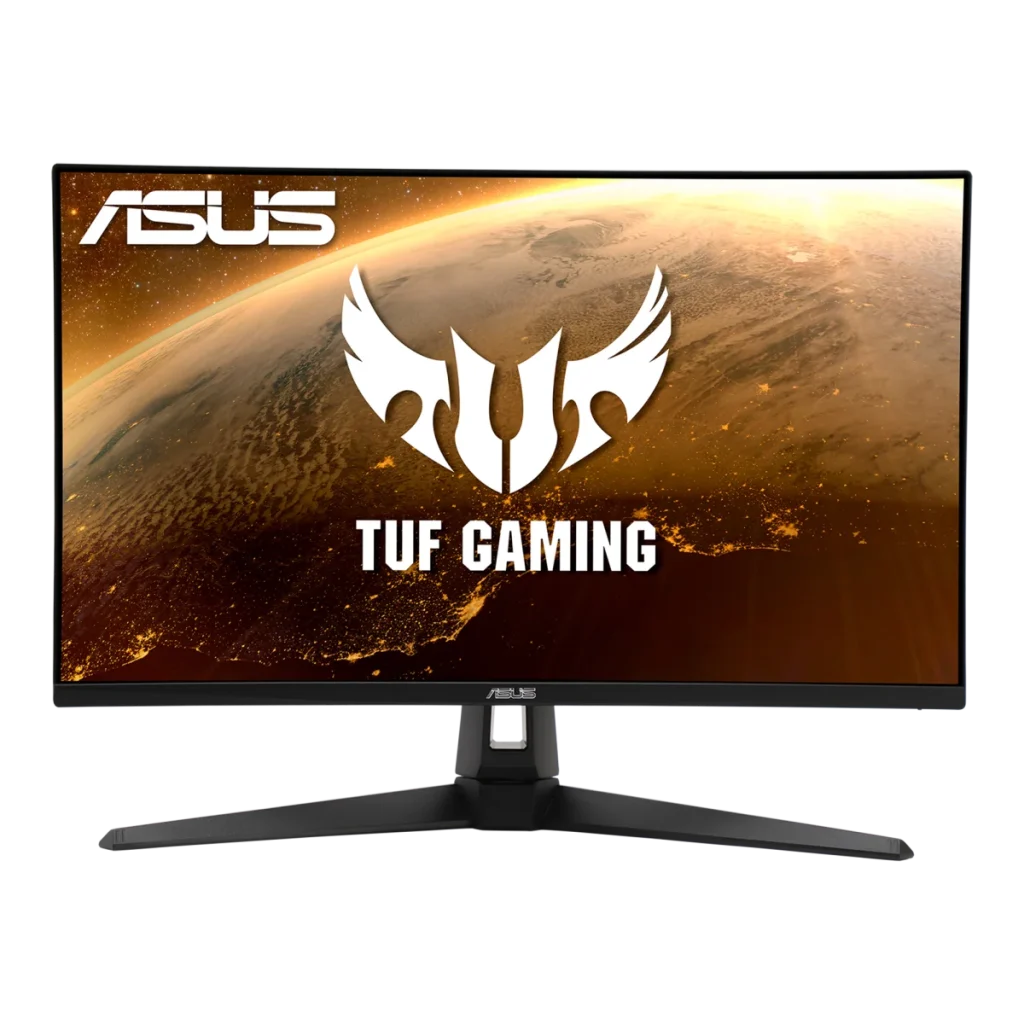
ASUS TUF Gaming VG279Q1A 27 inch FHD 165Hz Monitor
The ASUS TUF Gaming VG279Q1A is a 27-inch Full HD IPS gaming monitor with up to 165Hz refresh through DisplayPort, a 1ms MPRT rating and FreeSync Premium. ELMB, Shadow Boost, dual HDMI inputs, built-in speakers and VESA mounting support a straightforward gaming setup.
Regular price
79.000 KWD
or 4 payments of 19.750 KWD with
Pay with card & save


75.000 KWD
Save 4.000 KWD
Overview
ASUS TUF GAMING VG279Q1A 27 INCH FHD 165HZ MONITOR
ASUS TUF VG279Q1A
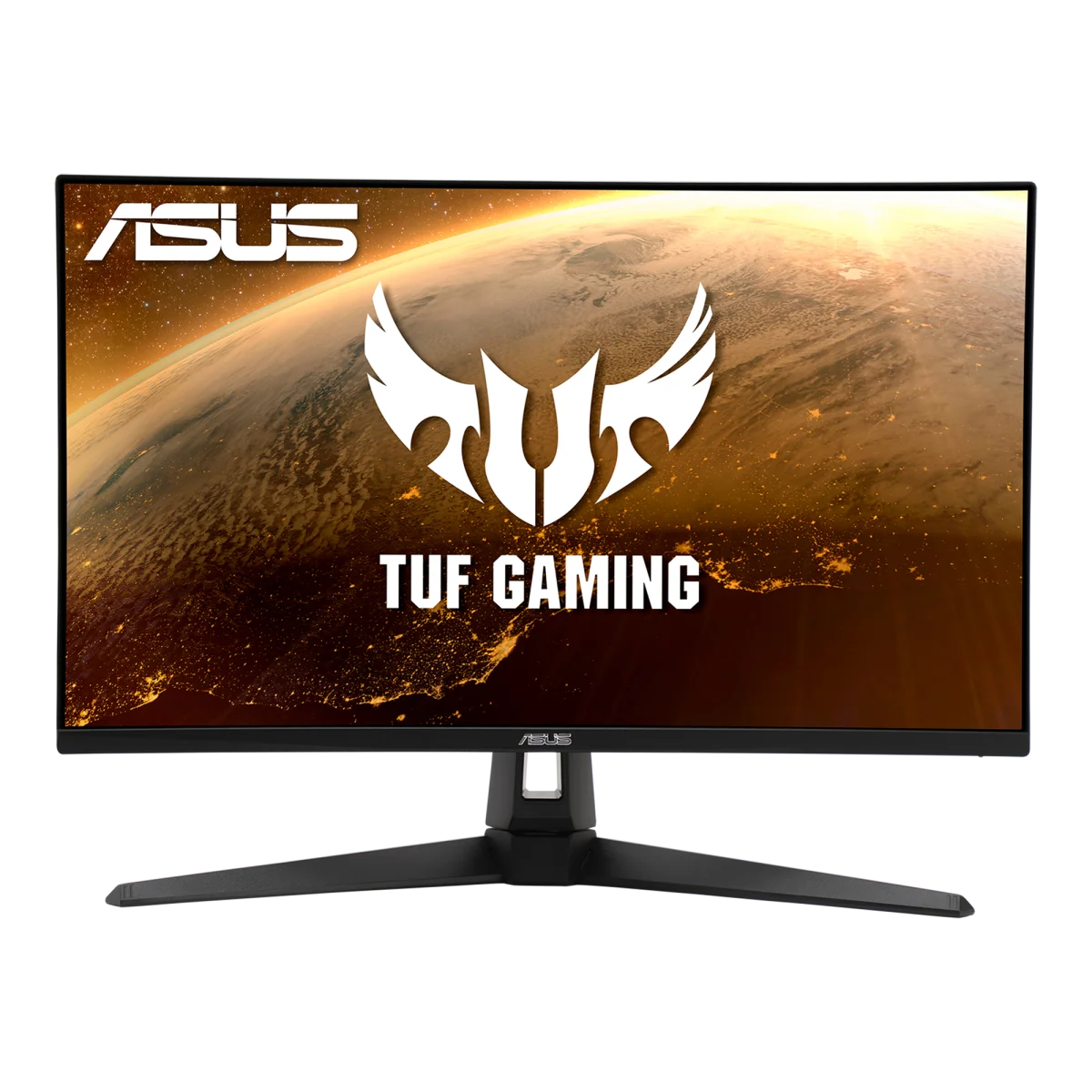
ASUS TUF VG279Q1A: The ASUS TUF Gaming VG279Q1A combines a 27-inch Full HD IPS panel with a maximum 165Hz refresh rate, a 1ms MPRT response rating and AMD FreeSync Premium support. It provides a straightforward PC gaming setup with ASUS motion and picture controls, built-in speakers and useful wired connections. Explore this model at AX Store in Kuwait.
27 inch
Viewable Display Diagonal
1920 × 1080
Native Resolution
165 Hz
Listed Refresh and Input Conditions
IPS
Panel Technology
27-inch IPS clarity
The 1920 × 1080 resolution offers a familiar 16:9 gaming and desktop layout on a 27-inch panel. IPS technology gives wide 178-degree viewing angles, while the anti-glare surface helps manage reflections around the desk. ASUS specifies 16.7 million display colours, 250 cd/m² typical brightness and a 1000:1 typical contrast ratio for the display.
165Hz through DisplayPort
A maximum 165Hz refresh rate supports high-frame-rate gaming when connected to suitable graphics hardware. The official signal table lists DisplayPort operation from 48 to 165Hz and HDMI from 48 to 144Hz. Choosing the right input and display settings matters when you want to use the monitor's full refresh-rate range, with achievable frame rates depending on your PC and game.
FreeSync Premium and ELMB controls
AMD FreeSync Premium and Adaptive-Sync support help compatible graphics output coordinate with the screen. ASUS Extreme Low Motion Blur provides another motion-control option in supported modes. The advertised 1ms response is an MPRT rating, a motion-blur measurement that should be distinguished from grey-to-grey response time when comparing different gaming displays.
ASUS tools for different games
GamePlus adds on-screen gaming tools, while GameVisual provides picture presets for different kinds of content. Shadow Boost adjusts visibility in dark areas, and Trace Free offers response tuning. GameFast Input technology is also included. These settings let you adjust the monitor around your preferred games without changing the native Full HD resolution.
Connections and everyday sound
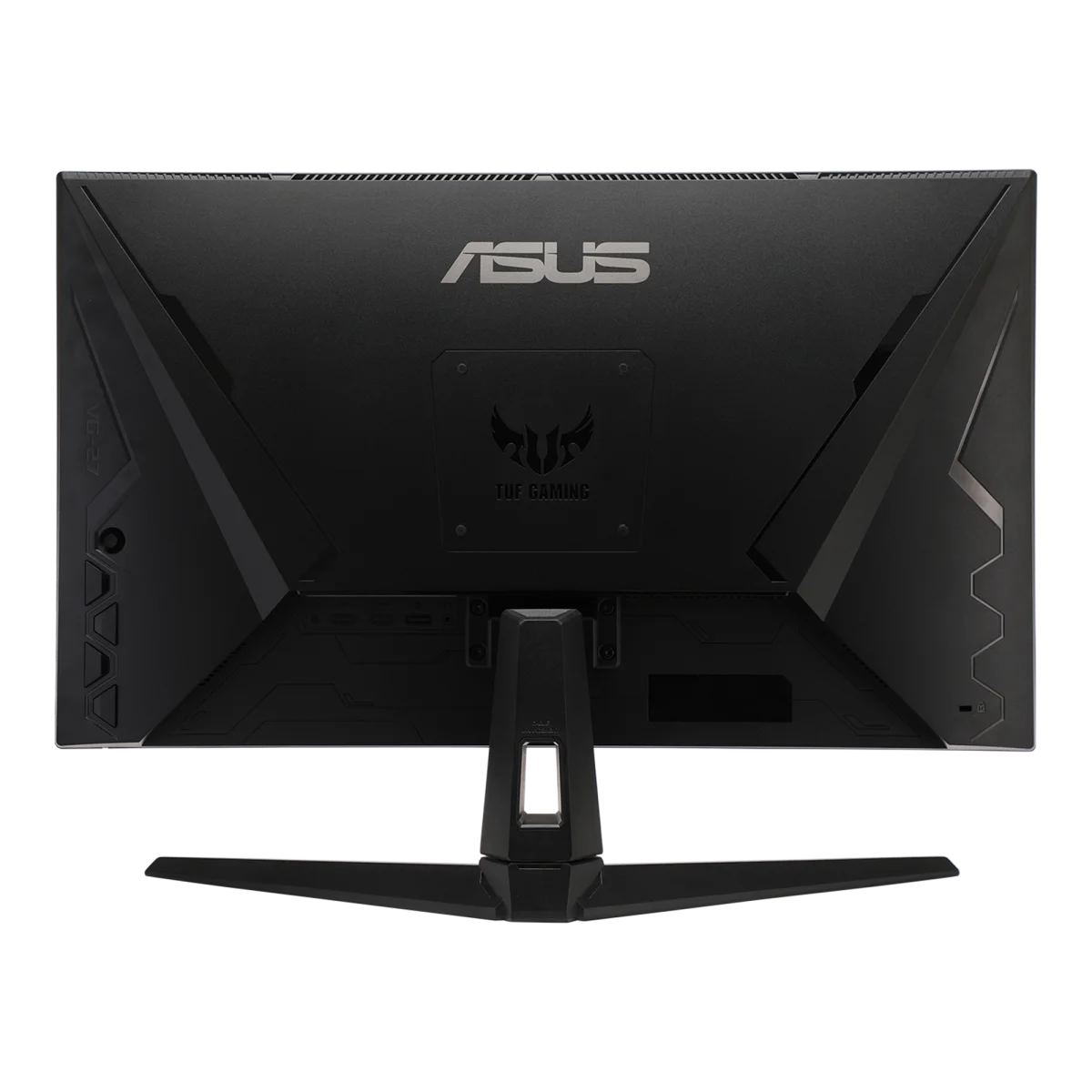
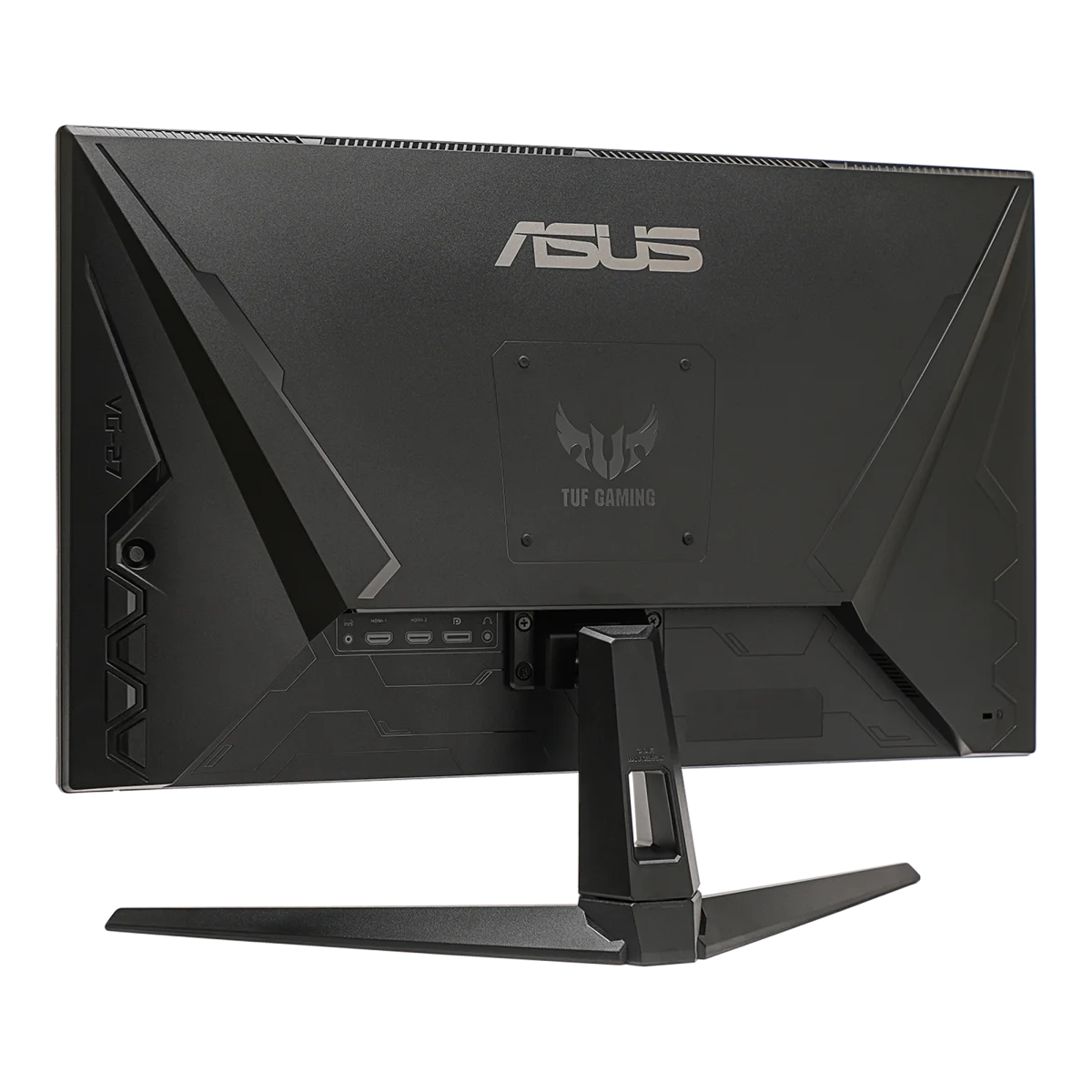
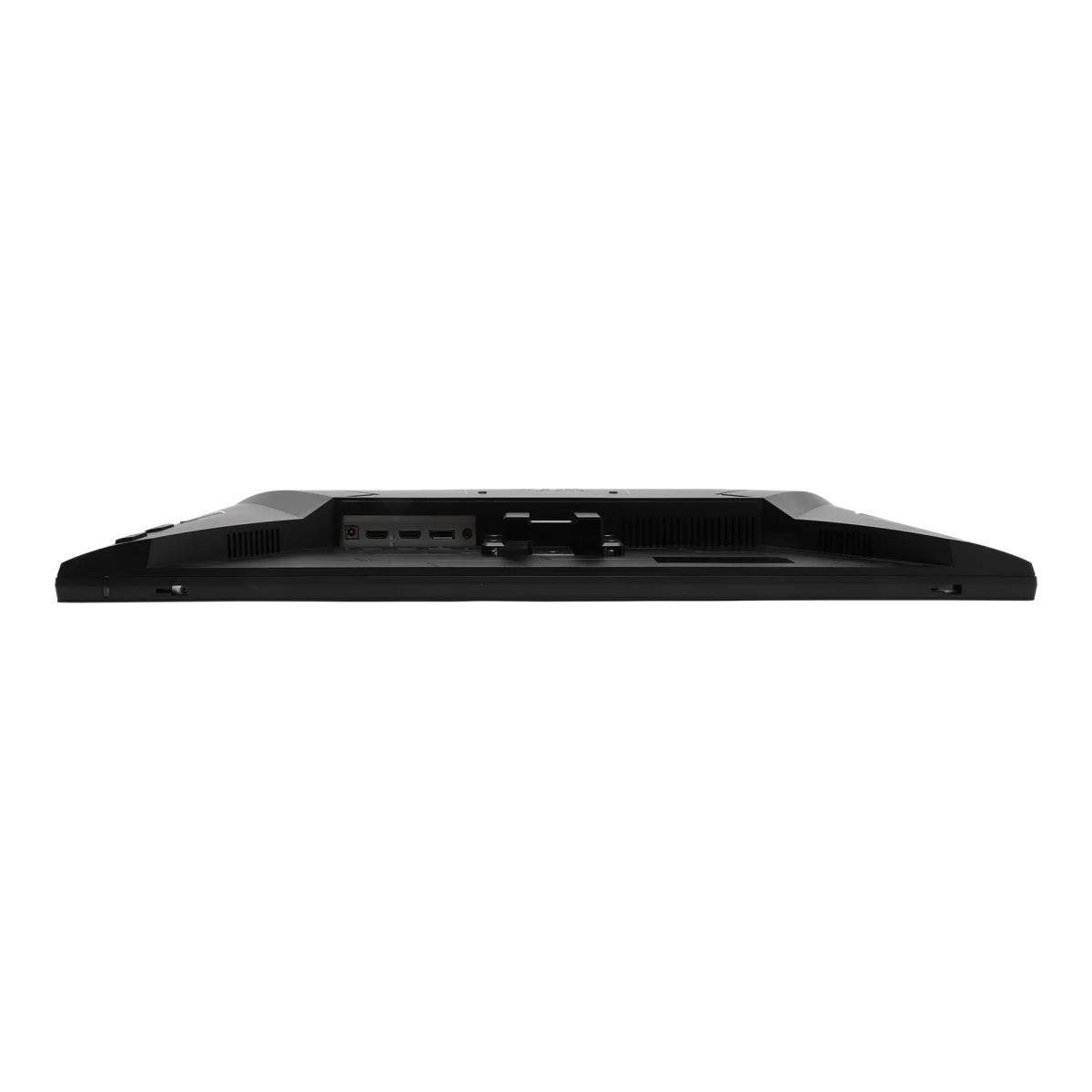
One DisplayPort 1.2 input and two HDMI 1.4 inputs let multiple wired sources stay attached. A headphone output provides a private-listening option, and two built-in 2W speakers cover everyday audio. ASUS lists a DisplayPort cable and power adapter among the supplied accessories, with package contents varying by region, so plan any additional cables around your devices.
A practical stand and mounting option
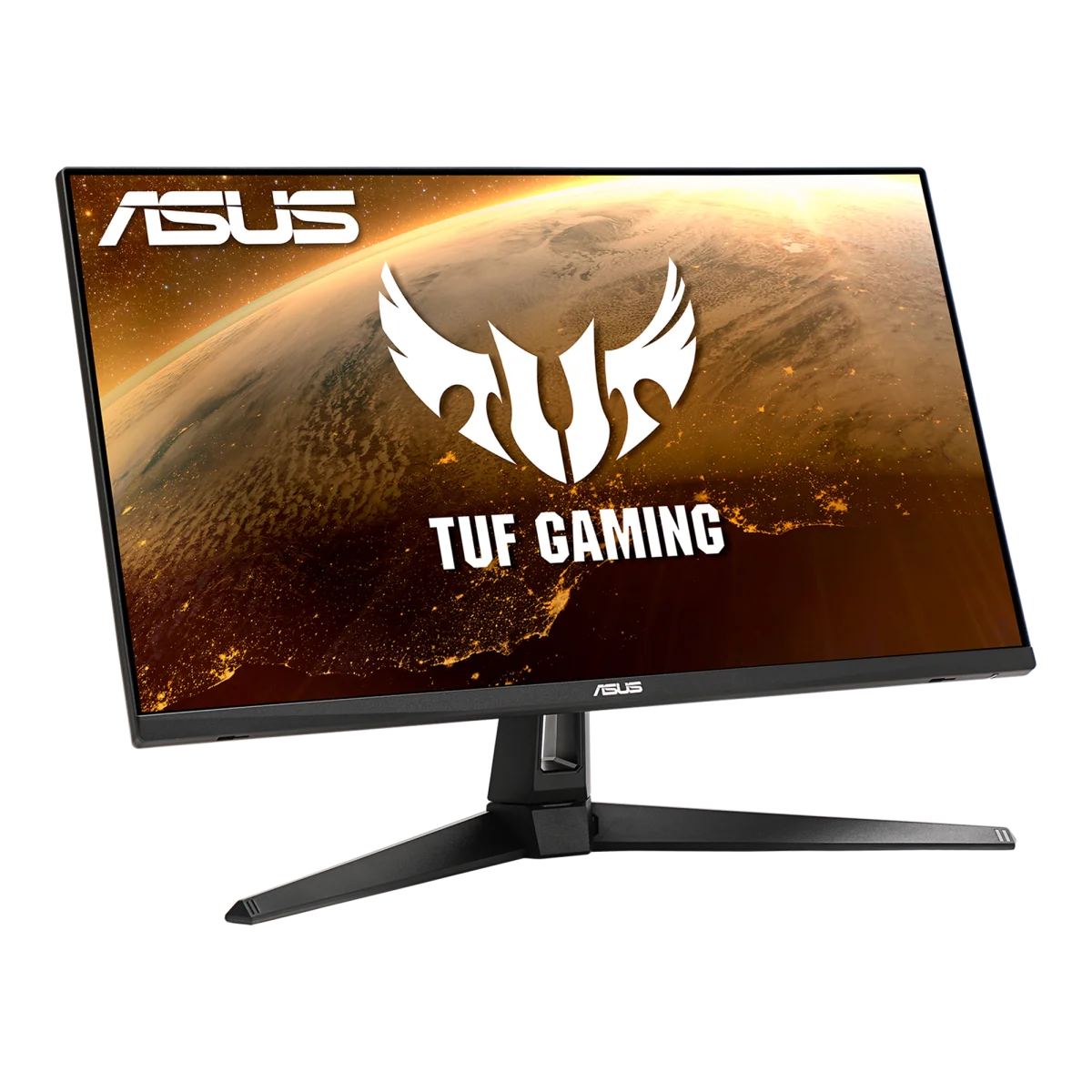
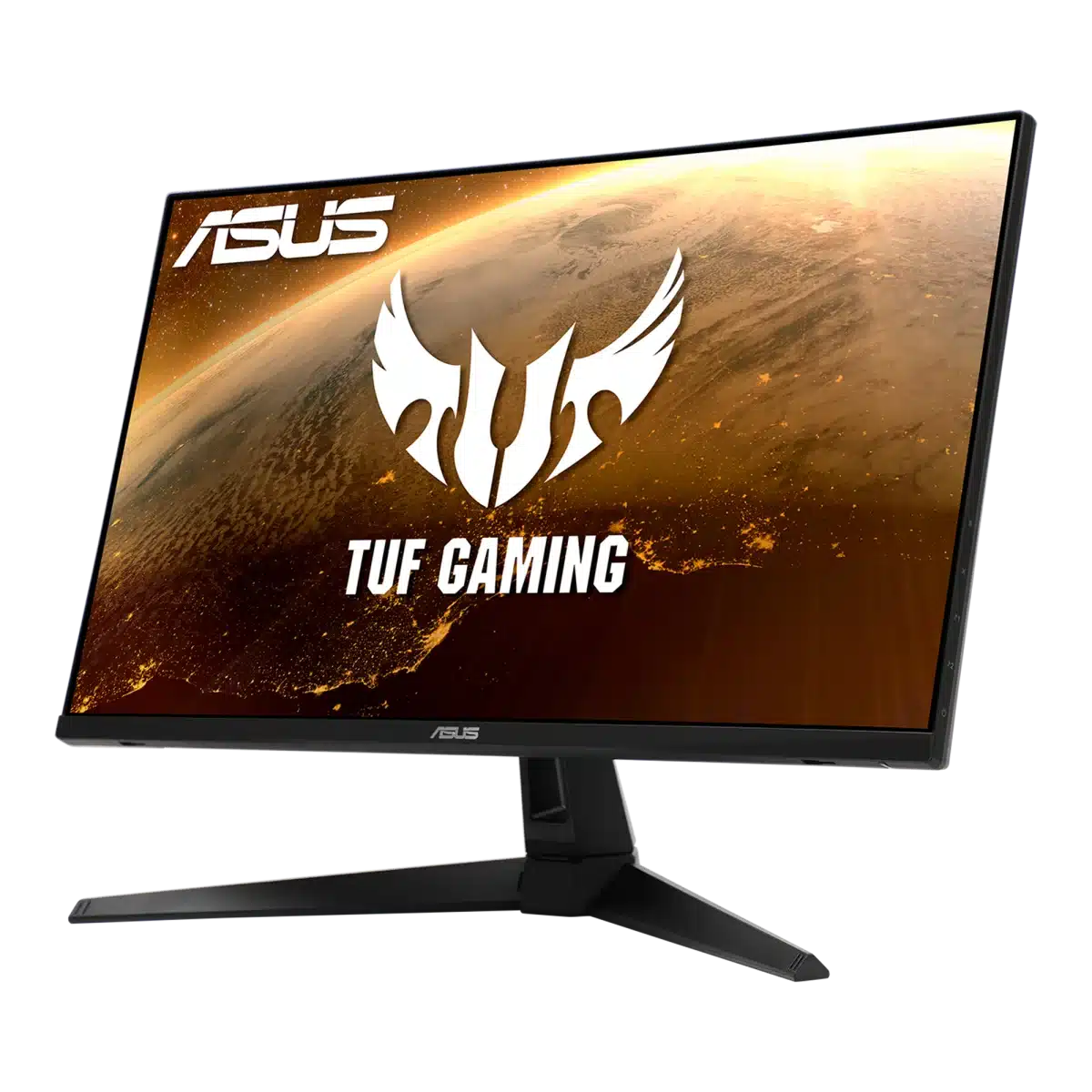
The stand offers −5° to +20° tilt and ±16-degree swivel, while a 100 × 100mm VESA pattern supports a compatible arm. The supplied stand does not provide height adjustment, making an arm useful if you need more positioning flexibility. Flicker-free and Low Blue Light features add viewing controls. With its stand, the monitor measures approximately 614.1 × 454.3 × 213.8mm and weighs 4.4kg.
Plan the Display and the Rest of Your Desk
Compare resolution, refresh rate, screen size and the input you will actually use. Match the computer or console output to the chosen display mode, and leave room for the monitor stand and mouse movement. Compare related options such as ASUS ProArt PA279CV 27 inch 4K UHD IPS Monitor or ASUS ROG Strix OLED XG27AQDNG 27" QHD QD-OLED Gaming Monitor - 360Hz / 0.03ms, keeping the exact model and configuration in the decision. For the wider setup, explore ASUS P707 ROG Spatha X Wireless Gaming Mouse, 19,000 DPI and check the connection, size or mounting requirements before pairing accessories. Browse the ASUS range at AX for more choices.
ASUS TUF VG279Q1A Setup Choices
Compare resolution, refresh rate, screen size and the input you will actually use. Match the computer or console output to the chosen display mode, and leave room for the monitor stand and mouse movement. Explore Wooting 60HE v2 60% Gaming Keyboard, Aluminium, Pulsar Pro Series Susanto-X Wireless Gaming Mouse Size 2, 50g, Sennheiser IE 100 PRO Clear Dynamic In-Ear Monitoring Headphones.
Frequently Asked Questions
What size, panel and resolution does this display use?
27 inches. IPS panel technology. Native resolution: 1920 × 1080.
What refresh modes and input limits apply?
Maximum refresh rate: 165 Hz. Available modes also depend on your source, input, cable and supported settings.
Which video and USB connections are listed?
DisplayPort: 1 × DisplayPort 1.2. HDMI: 2 × HDMI 1.4. DisplayPort vertical frequency: 48–165 Hz. HDMI vertical frequency: 48–144 Hz.
What stand adjustment and mounting options are specified?
Tilt: −5° to +20°. Swivel: −16° to +16°. Height adjustment: No. VESA mounting: 100 × 100 mm.
How is response time specified?
1 ms MPRT.
Build Your Setup with AX Store
Explore computers, displays and accessories for your workspace at AX Store. For help choosing the right model or checking an accessory, contact AX Store.
THE DETAILS
Technical specifications
Display
ASUS
TUF Gaming VG279Q1A
27 inches
16:9
597.888 × 336.312 mm
Anti-glare
LED
IPS
178° horizontal / 178° vertical
0.311 mm
1920 × 1080
250 cd/m²
1000:1
16.7 million
1 ms MPRT
165 Hz
Features
Adaptive-Sync; AMD FreeSync Premium
Extreme Low Motion Blur (ELMB)
Trace Free
GameVisual; GamePlus; GameFast Input; Shadow Boost
4 modes
Supported
Flicker-free; Low Blue Light
Connections and audio
1 × DisplayPort 1.2
2 × HDMI 1.4
Yes
2 × 2 W
48–165 Hz
48–144 Hz
Stand and dimensions
−5° to +20°
−16° to +16°
No
100 × 100 mm
Yes
614.1 × 454.3 × 213.8 mm
614.1 × 364 × 57 mm
680 × 525 × 171 mm
4.4 kg
3.4 kg
7.4 kg
Power and package
100–240 V, 50/60 Hz
Warranty card; quick-start guide; power adapter; DisplayPort cable
AMD FreeSync Premium; TÜV Low Blue Light; TÜV Flicker-free
COMPLETE YOUR SETUP
Pairs well with